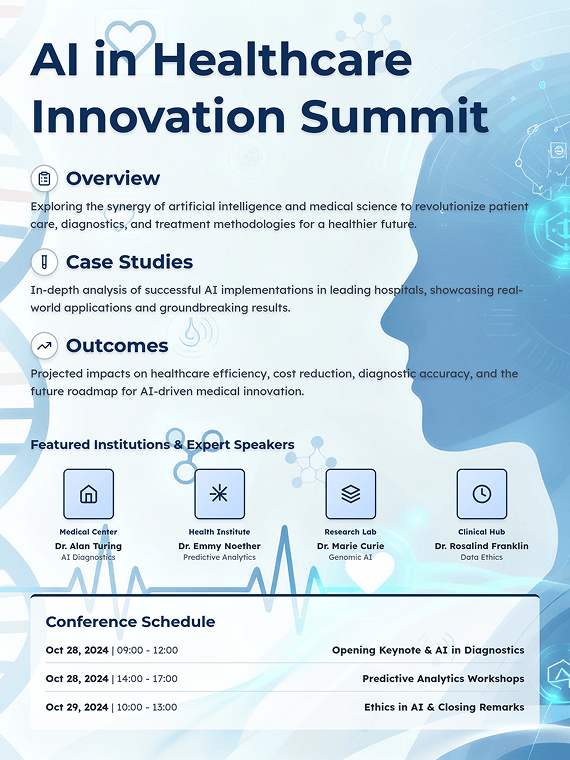
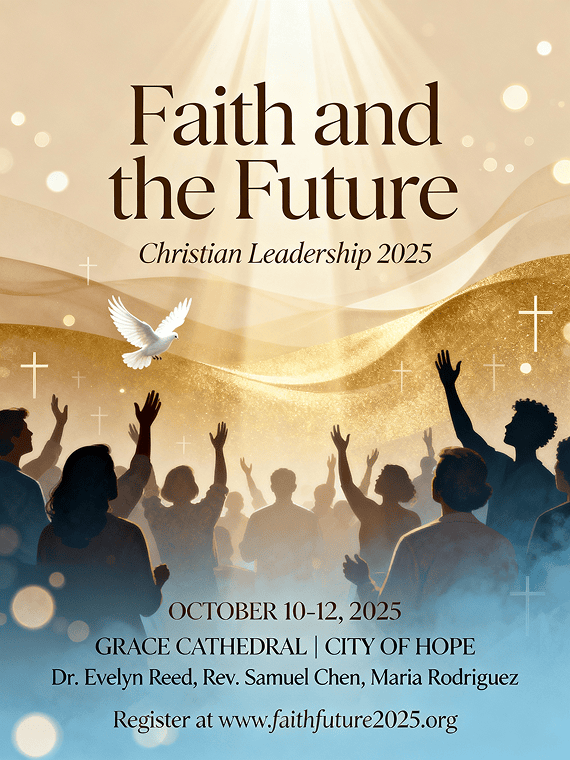
Free OnlineAI Conference Poster Generator
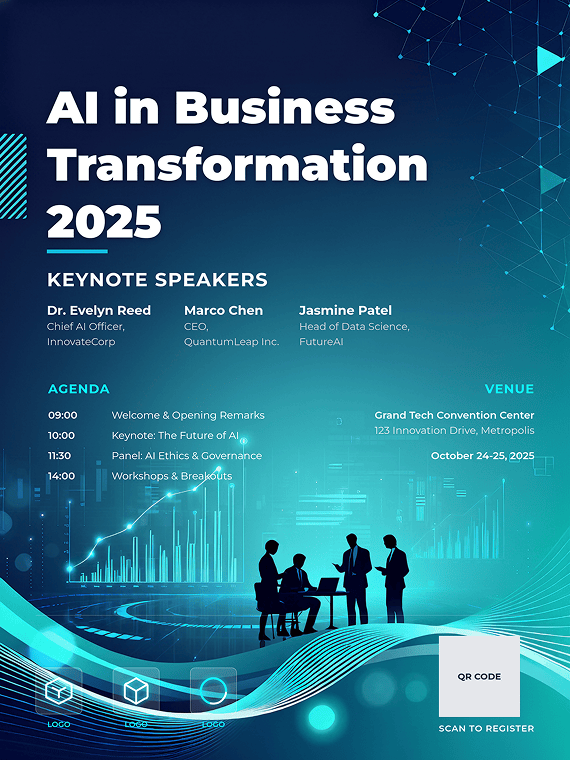
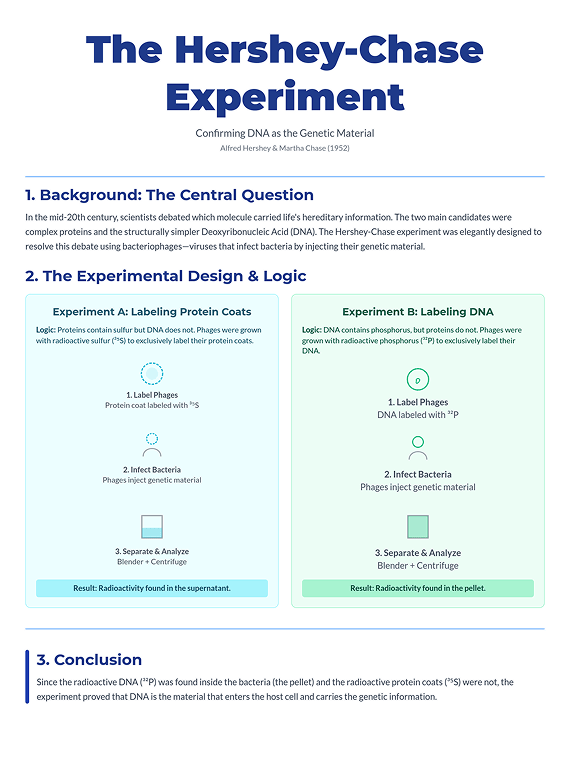
Making a poster for a conference? With Mew Design's AI Conference Poster Generator, you can create a professional conference poster in seconds. Whether it's for a scientific, business, or community event, just paste your text or event website URL, upload your logos or charts, and get a ready-to-print design instantly. No fake text, no layout trouble.

How To Create a Conference Poster With AI

Our AI conference poster maker simplifies your workflow, transforming your abstract or agenda into a print-ready poster file quickly—no design experience required.

1

Sign Up and Get Started for Free

Create your free Mew Design account and receive 50 AI credits to start designing for free.

2

Write Your Conference Poster Prompt

Paste your abstract, agenda, event details or URL. Or, just describe the poster you need. Then, click the "Generate" button.

3

Generate Your Conference Poster

Our AI design agent analyzes your content and instantly generates a professional, structured poster draft.

4

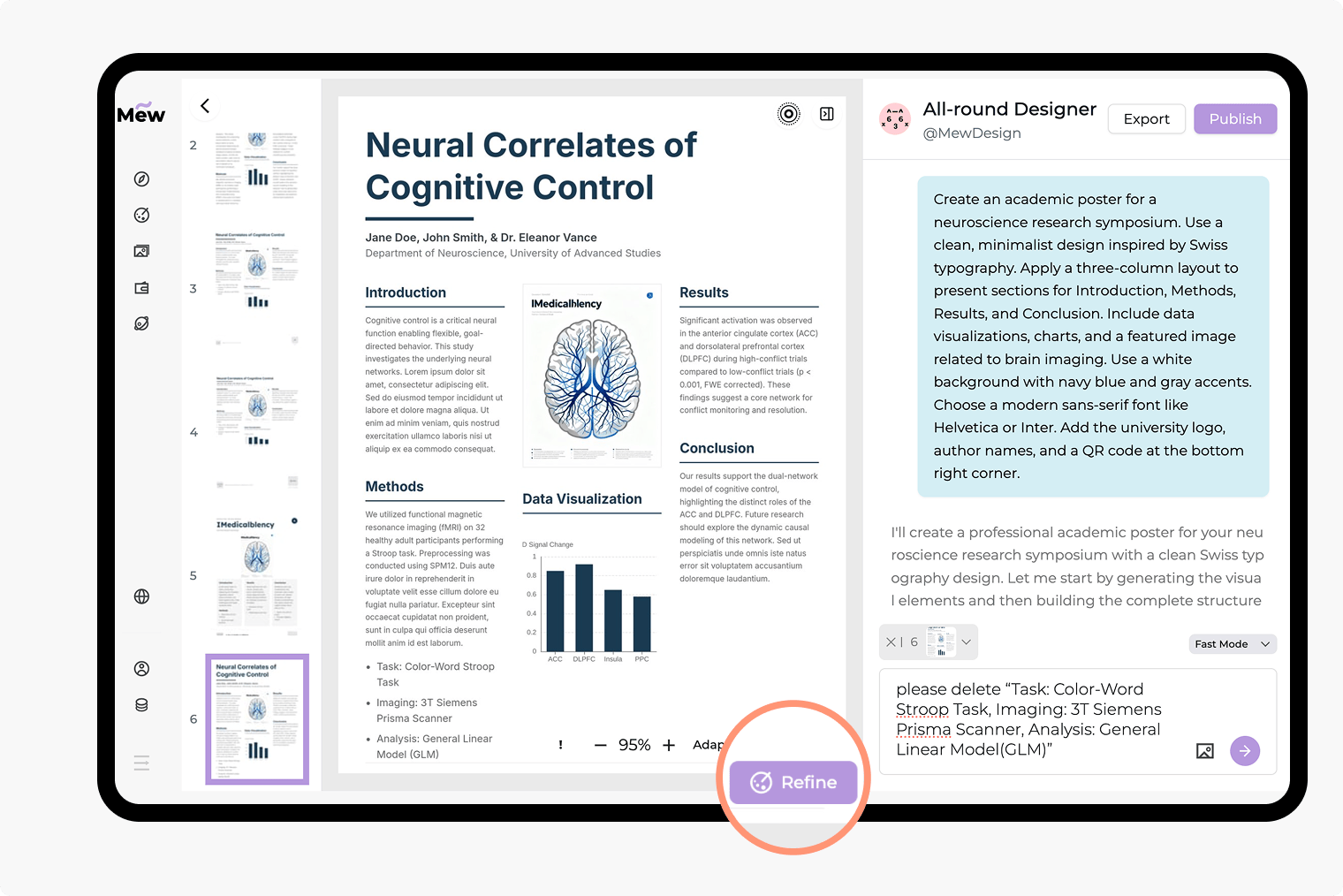
Refine and Edit with Simple Commands

Not quite right? Click "Refine" and chat with the AI to adjust layouts, fonts, or logos.

5

Export Your Design

Export your AI-generated poster as a high-resolution PNG for your conference printer.

How to make demo

Why Mew Design Is the Best AI Conference Poster Generator

Go from a Simple Idea to a Finished Poster

Stop staring at a blank page. Just describe your conference theme, paste your scientific abstract or event website URL, or list your business agenda, and our AI will generate a complete, structured design.

Get Flawless Text and Professional Layouts

Conference posters require 100% accuracy. Mew Design's AI design agent is built to handle complex text—from scientific terms to event schedules—with zero errors or distortions.

Effortless Revisions with Text Prompts

Need to change the time, add a speaker, or swap a logo? Just type it. "Change the date to October 10th" or "Add [company_logo.png] to the header."

Understands Your Meeting's Structure

Our AI doesn't just see text; it understands hierarchy. It correctly formats headlines, speaker lists, agendas, and data, ensuring your poster is logical and easy to read.

Integrate Your Brand and Data Seamlessly

Maintain a professional look. Easily upload your company logo, university crest, event branding, or data charts, and our AI will integrate them perfectly.

Get Proven Conference Poster Examples

Browse our community gallery for successful conference poster samples. Find a good conference poster from a similar field—from biology to business—and get inspired.

How To Write an Effective AI Prompt for a Conference Poster

Create a poster for a business conference. Title: 'Innovate 20xx'. Subtitle: 'The Future of AI in Business'. Date: November 20-21. Venue: Metro Convention Center. List of speakers: 'Ana Sharma, CEO', 'Mark Chen, CTO'. Use our uploaded [Innovate_logo.png] at the top. The style should be modern, professional, and corporate, using our brand's blue and gray colors.
👍
Our AI is built for any conference. Paste your academic abstract or your business event agenda to get an instant, professional layout. Need a specific look? Give detailed commands for fonts, colors, and logos to create a conference poster that perfectly matches your vision. Here are four key elements for a successful prompt:
  • Content: Clearly list all essential text you want (e.g., "Headline: Global Tech Summit," "Agenda: [list]," "Speakers: [list]," "Date & Venue").
  • Style & Mood (Optional): Describe the desired aesthetic (e.g., professional business, modern academic, engaging community, elegant and formal).
  • Imagery (Optional): Mention a desired visual, such as a background image, a speaker headshot, or a specific graphic element.
  • Brand Assets (Optional): If you've uploaded files, reference them by name (e.g., "Please use my [company_logo.png]" or "Feature [chart.png]").

Conference Poster Samples You Can Modify

Scientific/Biology Conference: A scientific poster for a biology conference. Title: 'Genetic Markers in...'. Authors: '...'. Sections: 'Abstract', 'Methods', 'Results', 'Conclusion'. Use a 3-column layout. Insert [figure1.png] in the Results section.

Medical/Psychology Conference: A medical conference poster. Title: 'Advances in...' Authors: '...'. Sections: 'Background', 'Case Study', 'Discussion'. Style must be clean, professional, and easy to read, with a blue and white color palette.

Business/Press Conference: A poster for a business press conference. Headline: 'Announcing Our New Platform'. Date: '...'. Use our [company_logo.png] prominently. The design should be bold, modern, and aligned with our corporate brand.

International Conference (Humanities): An academic conference poster for an international history summit. Title: '...'. Authors: '...'. Sections: 'Introduction', 'Key Theories', 'Analysis', 'Further Research'. Style should be organized and formal, with serif fonts for headings.

Church/Women's Conference: A poster for a women's church conference. Title: 'Faith & Fellowship'. Date: '...'. Time: '...'. Venue: 'Community Church Hall'. The style should be warm, inviting, and elegant, with a floral background image.

Youth Conference: A youth conference poster. Title: 'Ignite 2025'. Subtitle: 'Leading the Next Generation'. Date: '...'. Needs to be energetic, modern, and vibrant. Use bright colors and dynamic, abstract shapes.


Frequently Asked Questions

What is an AI conference poster generator?
It is an AI tool specifically trained to create professional posters for a wide range of events, including academic, business, and community conferences. It understands how to structure information, handle large amounts of text accurately, and integrate logos and data.
Is the Mew Design AI conference poster maker free?
Yes, you can start for free. New users receive 50 free AI credits upon signing up, which is enough to create multiple poster drafts. You can earn more credits by referring friends or choosing one of our affordable plans.
Can I upload my charts, logos, and speaker headshots?
Absolutely. This is essential for a professional poster. You can upload your university crest, company logo, event branding, data charts, and speaker photos, and instruct the AI on where to place them.
How is Mew Design different from a standard AI image generator?
The difference is fundamental. Standard AI image generators are built to create artistic images and often fail when given text, producing distorted, misspelled, or nonsensical words known as "text illusions." Conference posters are text-heavy, requiring perfect accuracy for your agenda, findings, or event details. Our AI poster maker is built for this purpose. 1.Guaranteed Text Accuracy: It is designed to handle large blocks of complex text and guarantees it is perfectly readable and accurate, with no text illusions. 2.Structured Layouts: It understands content hierarchy. It formats your information into professional multi-column layouts for you. 3.Data Integration: It knows how to logically integrate your charts, graphs, and tables, which standard image generators cannot do.
What kinds of conference posters can I create with Mew Design AI?
You can create a wide variety, including: . Scientific posters for conferences (biology, chemistry, etc.) . Academic conference posters (medical, psychology, humanities) . Business conference agendas and press conference announcements .Posters for church, youth, or women's conferences
Can I get fabric posters for conferences?
Our tool generates a high-resolution, print-ready PNG. You can take this digital file to any professional print shop to have it printed on your material of choice, including standard paper, gloss, or fabric posters.

Ready to Generate Designs With AI?

Get Started - 50 Free Credits
No credit card required
© 2025 Mew Design. All rights reserved.️
Mew Design - Your AI design partner, now with full control. | Product Hunt