Free OnlineAI Comic Book Filter
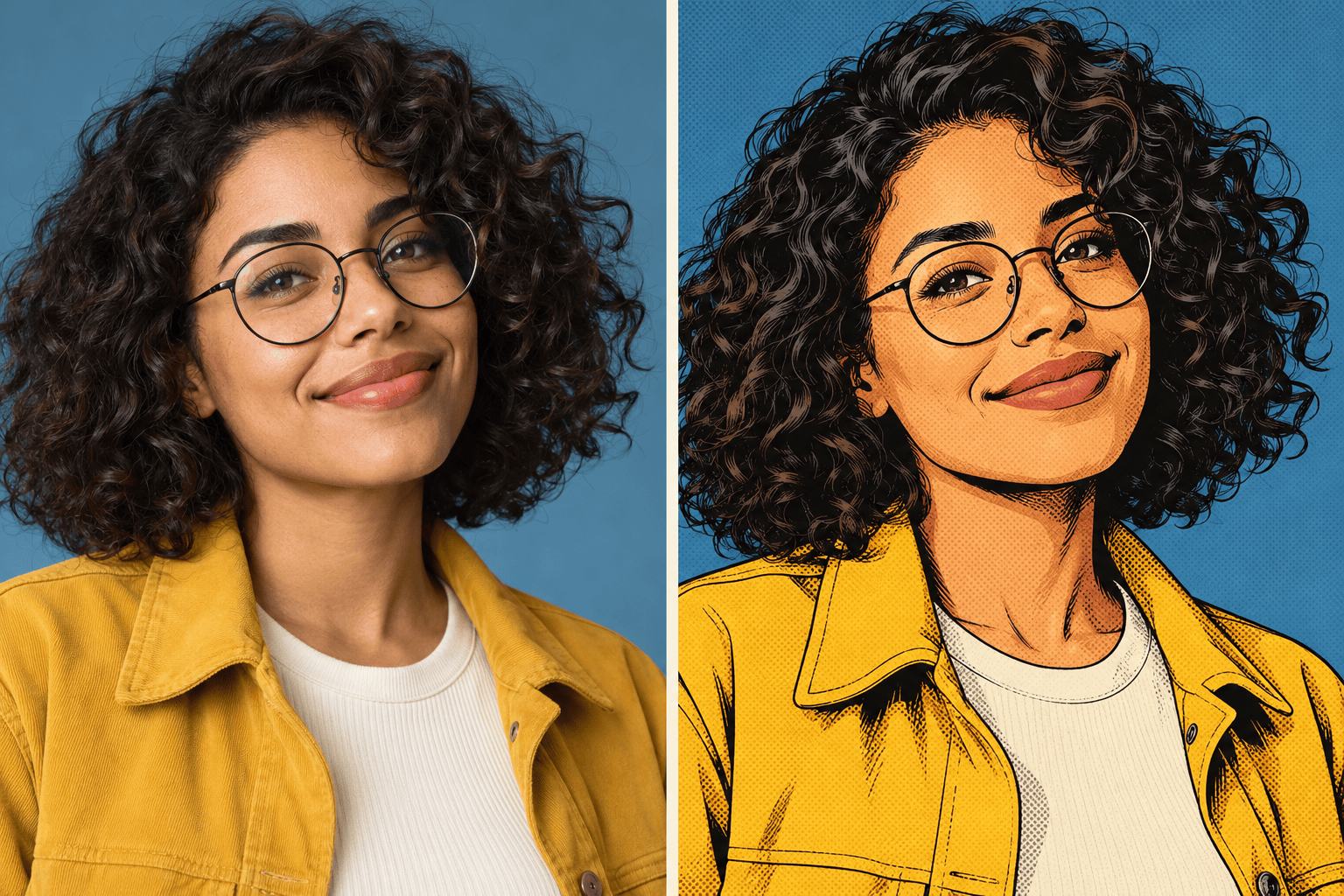
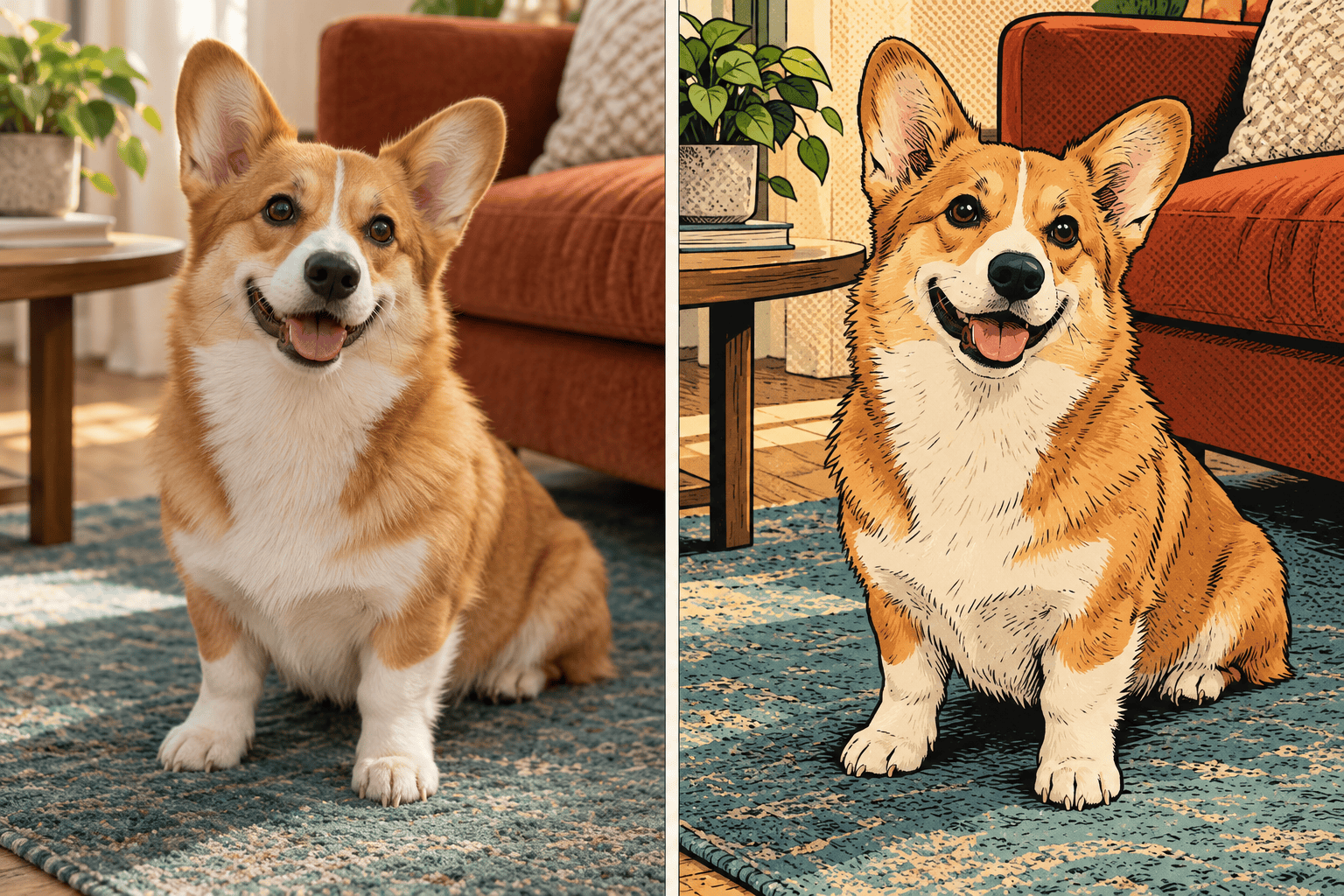
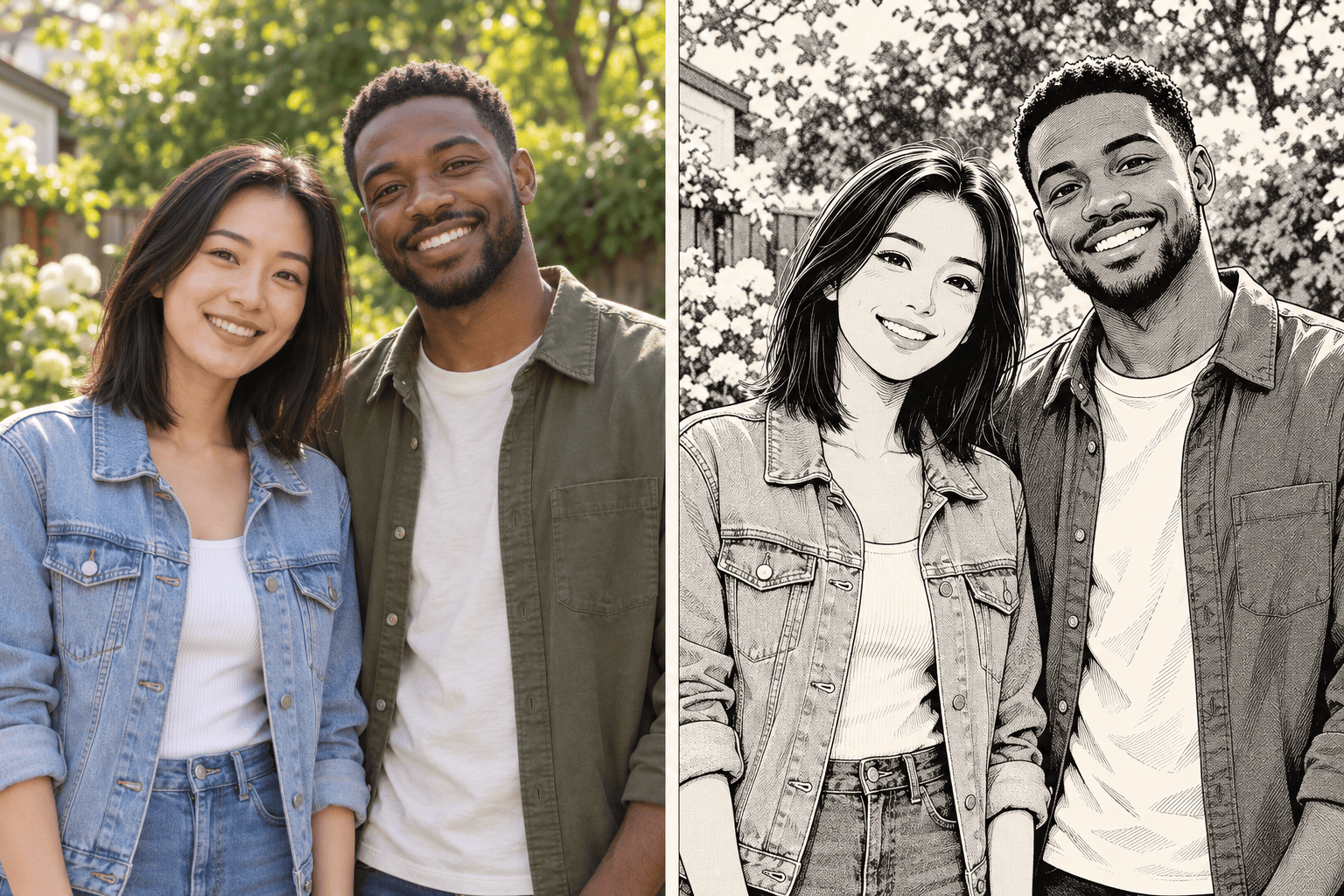
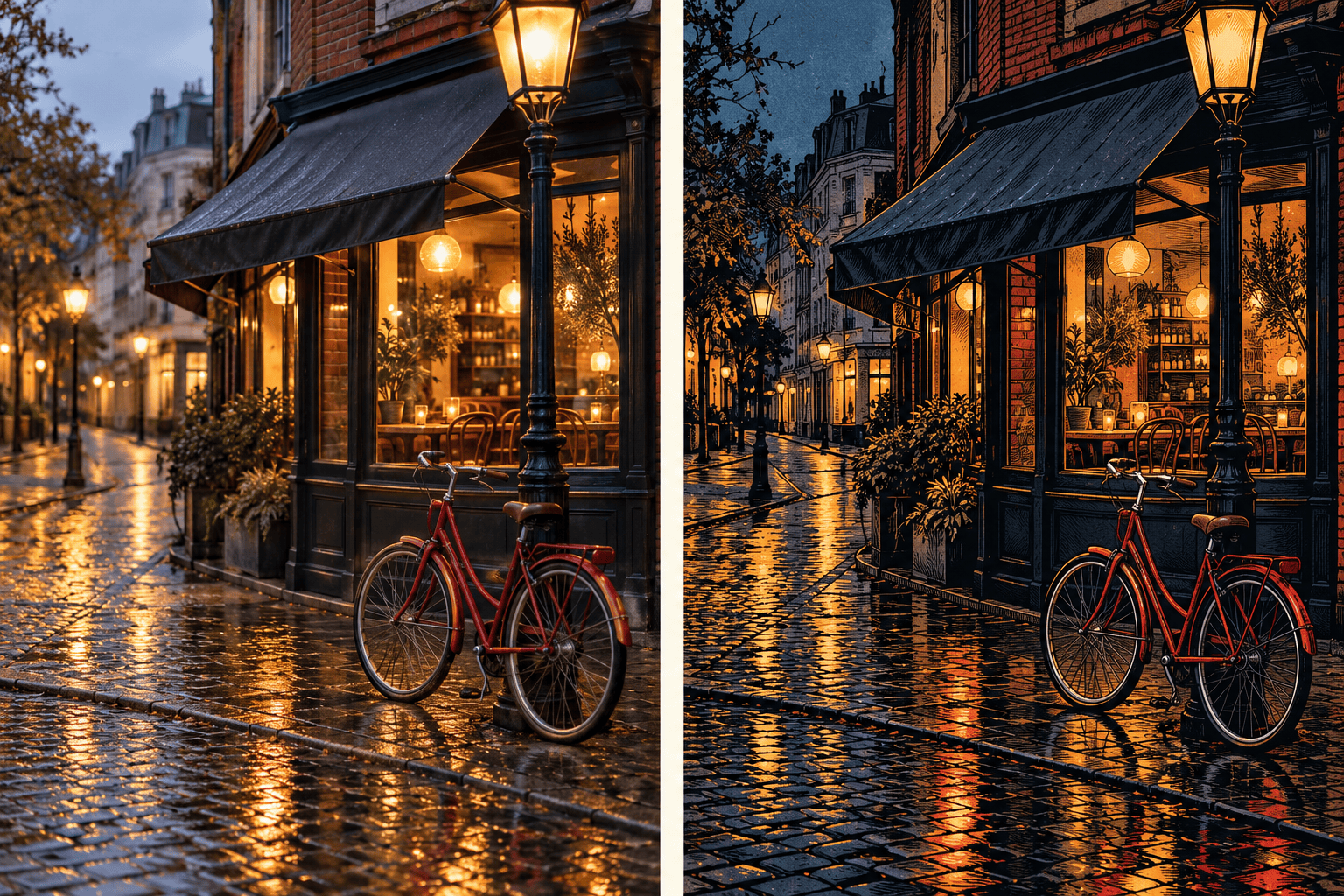
How to Create Comic Art from a Photo with AI
Upload Your Photo and Pick a Look
Generate the Comic Treatment
Check the Likeness and Refine
Download Your Favorite Version

A Comic Look You Can Make Your Own
Start with Your Own Subject
Our comic book photo filter works from uploaded images. Make your portrait, pet, or travel photo the starting point, and specify the details that matter.
Choose Ink, Dots, and Color
Ask for vintage halftone texture, crisp manga lines, or deep noir shadows. Describe a subtle comic effect or a bolder redraw without learning editing software.
Guide the Style with a Reference
Upload a visual reference to show the line weight or palette you want. Explain which image supplies the subject and which supplies the style.
Fix Details Through Chat
Use Chat Edit to adjust the comic effect while asking to retain the pose and composition. Review faces and fine details after each change.
Keep a Series Visually Related
For recurring comic portraits, save your preferred palette, inking, and crop as a reusable Mew Skill. Reuse the approach with new photos and review each result for consistency.
Take Your Comic Art Further
Turn a favorite result into a layout with our AI poster generator, or make a cutout with the AI sticker generator.
Help Your Comic Portrait Still Look Like You
- Start Sharp: Use a well-lit photo with visible eyes and clear edges. Avoid tiny faces, motion blur, and strong beauty filters.
- Name What Must Stay: Mention glasses, freckles, fur markings, clothing, or the original background. AI restyling can change details, so compare the result with the source.
- Choose One Main Style: Retro comics use bold color and dots; manga often uses black-and-white screentones; noir favors strong shadows. Pick one direction first.
- Keep the Subject Readable: If ink or texture hides the face, ask for lighter shading and a simpler background. Check the image at avatar size when making a profile picture.
Quick Fixes for Photo-to-Comic Results
Restore My Likeness: Compare this comic portrait with my uploaded source. Bring the face shape, eyes, glasses, and hairstyle closer to the photo. Keep the current comic palette and pose.
Soften Heavy Halftones: Reduce the dots across the face and remove them from the eyes and mouth. Keep a light retro comic book effect in the background and clothing.
Bring Back Pet Markings: Match the ears, muzzle, and fur patches to my pet photo. Keep the comic outlines and original pose. Do not add clothing or accessories.
Separate Faces in a Group: Keep every person from my uploaded group photo in the same position. Make each face distinct, restore missing glasses, and simplify the background without adding people.
Clean Up a Manga Conversion: Turn the gray, muddy areas into clear black-and-white shapes with light screentones. Preserve facial features and clothing. Keep this a single image without panels or text.
Make a Clear Comic Avatar: Reframe this comic portrait as a square head-and-shoulders image. Leave space around the hair, simplify the background, and keep the eyes clear at small sizes.





