Free OnlineAI Coloring Page Generator
How to Make a Coloring Page with AI
Describe a Scene or Upload a Photo
Set the Age and Difficulty
Generate and Clean Up the Line Art
Check the Page and Export

More Control Than a One-Click Coloring Page Filter
Create From Text or a Photo
Describe an original scene from scratch or turn a permitted image into a coloring page. Written instructions explain what to preserve, simplify, remove, or redraw.
Generate Clean, Colorable Outlines
Ask this online coloring page maker for black contours, a white background, closed shapes, and open areas that work with crayons, pencils, or markers.
Match Detail to the Colorist
The AI coloring sheet generator can use bold, simple shapes for young children or controlled fine detail for teens, adults, mindfulness exercises, and art practice.
Design for A4 or US Letter
State the paper size, portrait or landscape orientation, border, and safe margins in your prompt so the composition is easier to print at home or school.
Build a Consistent Coloring Book Series
Generate related page variations, then turn a successful visual direction and difficulty rule into a reusable Mew Skill for later pages with less repeated setup.
Fix Specific Problems in Chat
Use Chat Edit to request thicker lines, fewer tiny spaces, a clearer face, a simpler background, corrected text, or another print layout without rewriting the full brief.
How to Prompt AI for Clean Coloring Pages
- Define the subject: State who or what appears, what they are doing, the setting, and the few objects that matter. A focused scene is easier to color than a crowded one.
- Match the difficulty: Give an age range or choose simple, medium, or detailed. Mention thick outlines and large spaces for younger children or finer patterns for adults.
- Plan for print: Request portrait or landscape orientation, A4 or US Letter proportions, a white background, safe margins, closed shapes, and no shading or watermark.
- Guide photo conversion: When turning a photo into a coloring page, use an image you may upload and list the face, pose, markings, silhouette, or object details that should remain recognizable.
AI Coloring Page Prompts for Photos, Kids, and Adults
Photo to Coloring Page: Turn @[uploaded family pet photo] into clean black-and-white line art. Preserve the pet's face, markings, collar, and pose; simplify the room into three large background shapes; bold closed outlines, large white coloring areas, US Letter portrait page, no shading, text, or watermark.
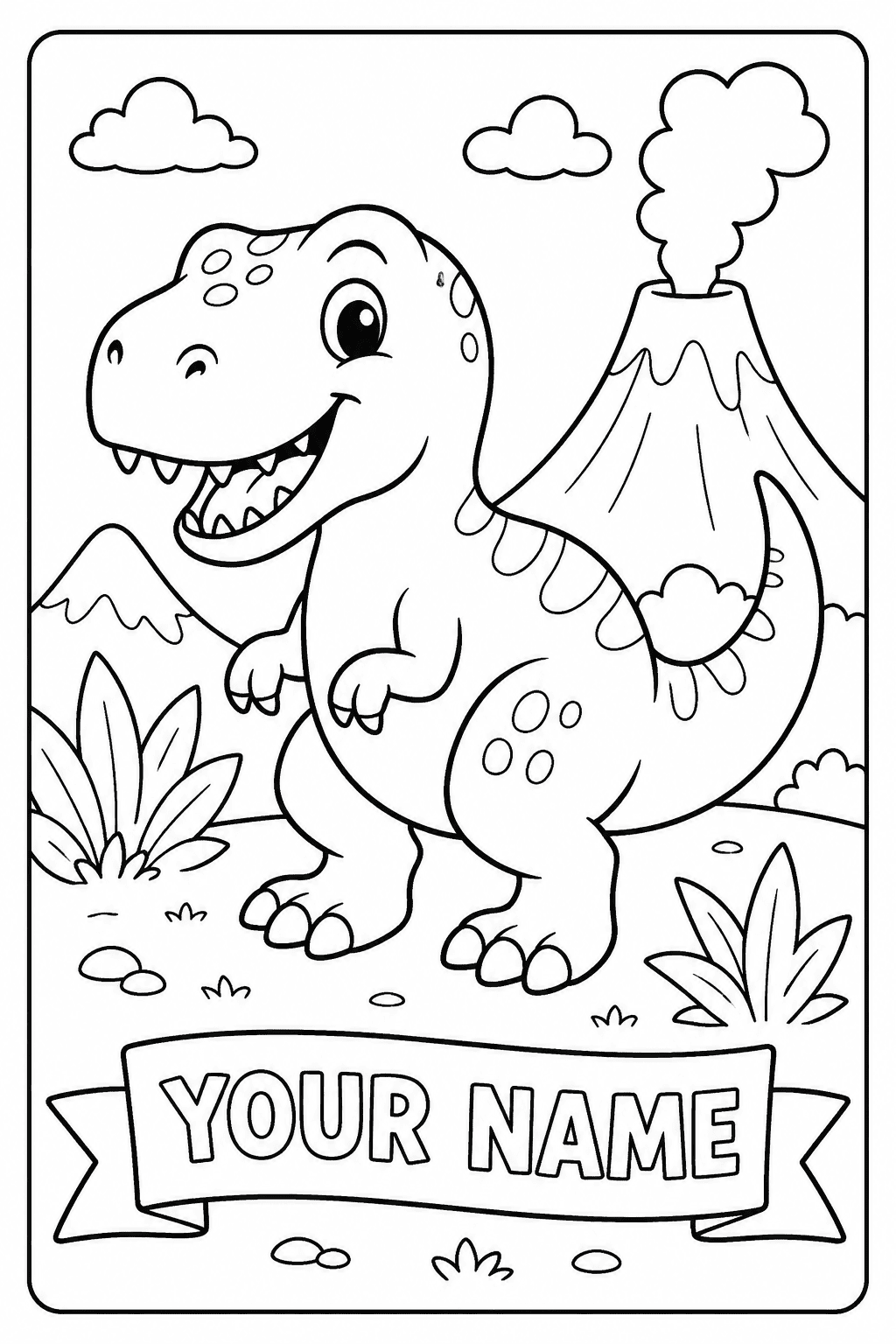
Easy Dinosaur Page for Kids: Create a friendly baby triceratops watering prehistoric flowers beside a small volcano. For ages 4-6, very thick smooth outlines, large closed shapes, few background objects, cheerful expression, portrait coloring-book page, white background, no gray fills or tiny details.
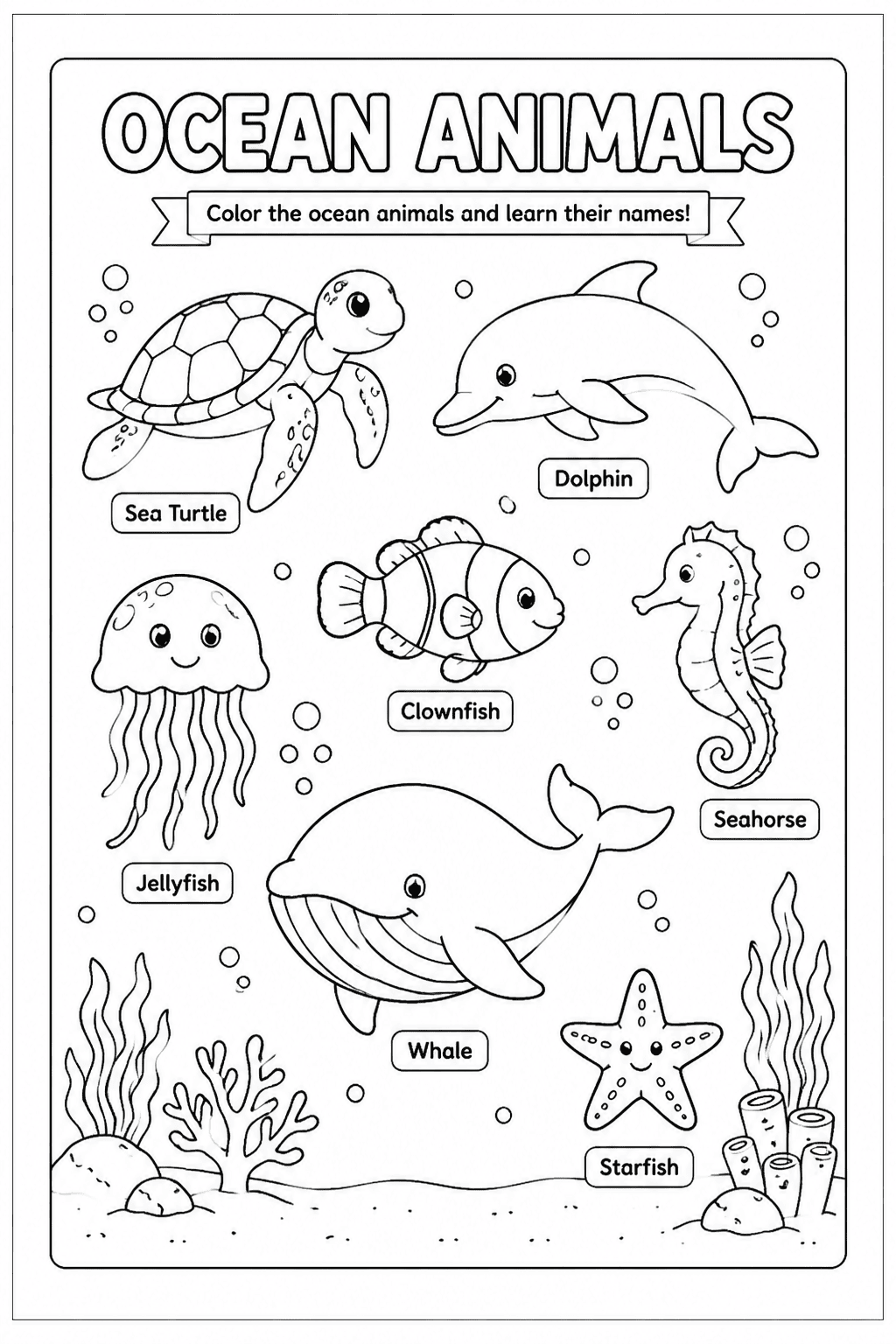
Classroom Science Worksheet: Make an ocean animals coloring sheet for ages 7-9 with a dolphin, sea turtle, clownfish, seahorse, and whale. Place each animal in its own open area with one correctly spelled label, clean medium-weight outlines, wide margins, and an uncluttered US Letter layout.
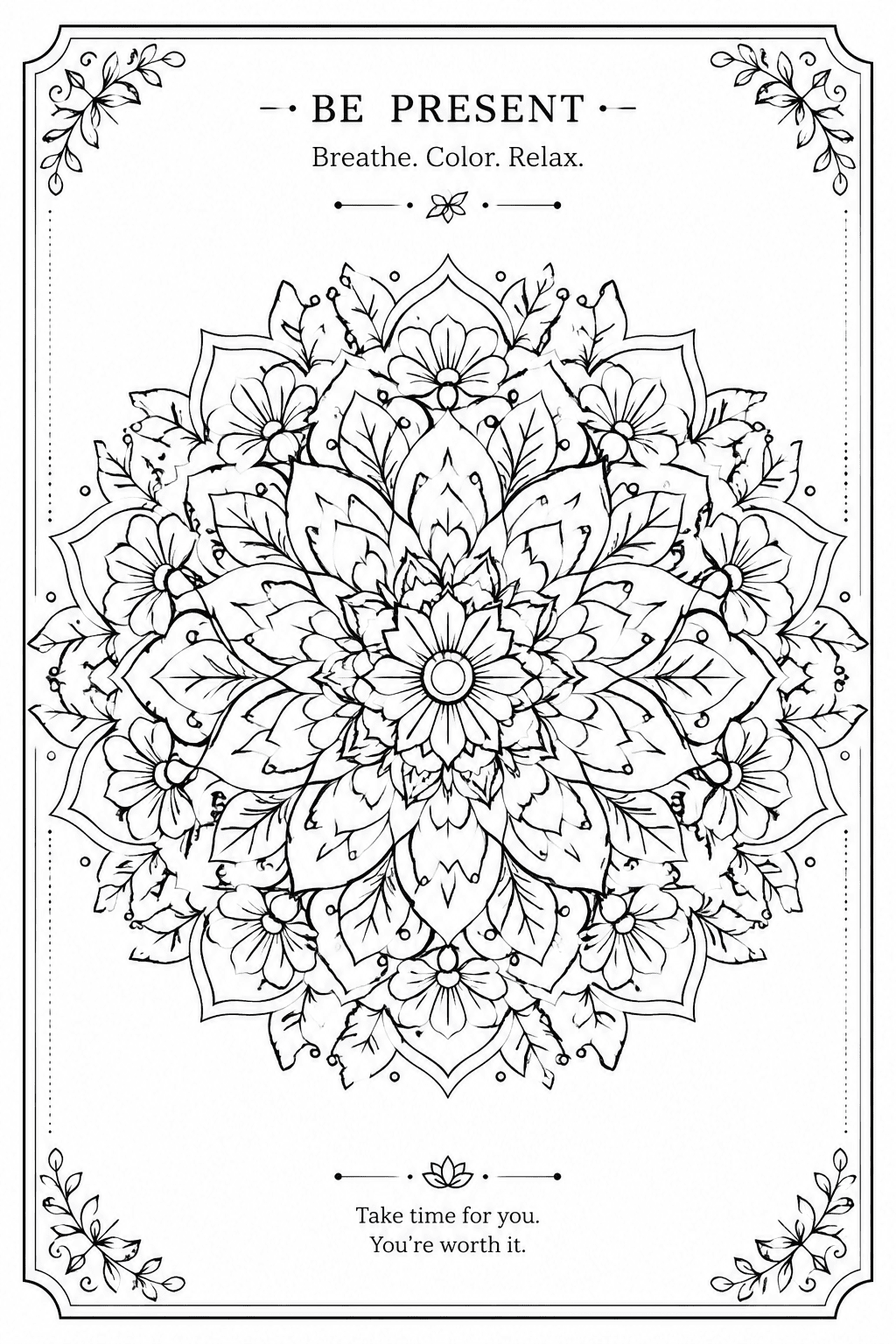
Adult Botanical Mandala: Create a centered botanical mandala using lotus petals, fern leaves, and small wildflowers. Intricate but clearly separated line work, balanced radial symmetry, varied outline weight, no solid black regions, A4 portrait page, elegant border, no quote or watermark.
Personalized Birthday Coloring Page: Design a printable page for a child named MIA with the exact outlined text 'HAPPY BIRTHDAY MIA,' a smiling unicorn, balloons, stars, and a large cake. Thick colorable letters, bold simple shapes, generous spacing, ages 5-7, no shading.
Consistent Coloring Book Set: Generate six coordinated space-adventure coloring pages for ages 6-8. Keep the same friendly astronaut cat, bold outline weight, medium difficulty, portrait layout, white background, and simple star-field style while changing the action on every page. No text, gray fills, logo, or watermark.





