Free to Try OnlineAI Color Replacer
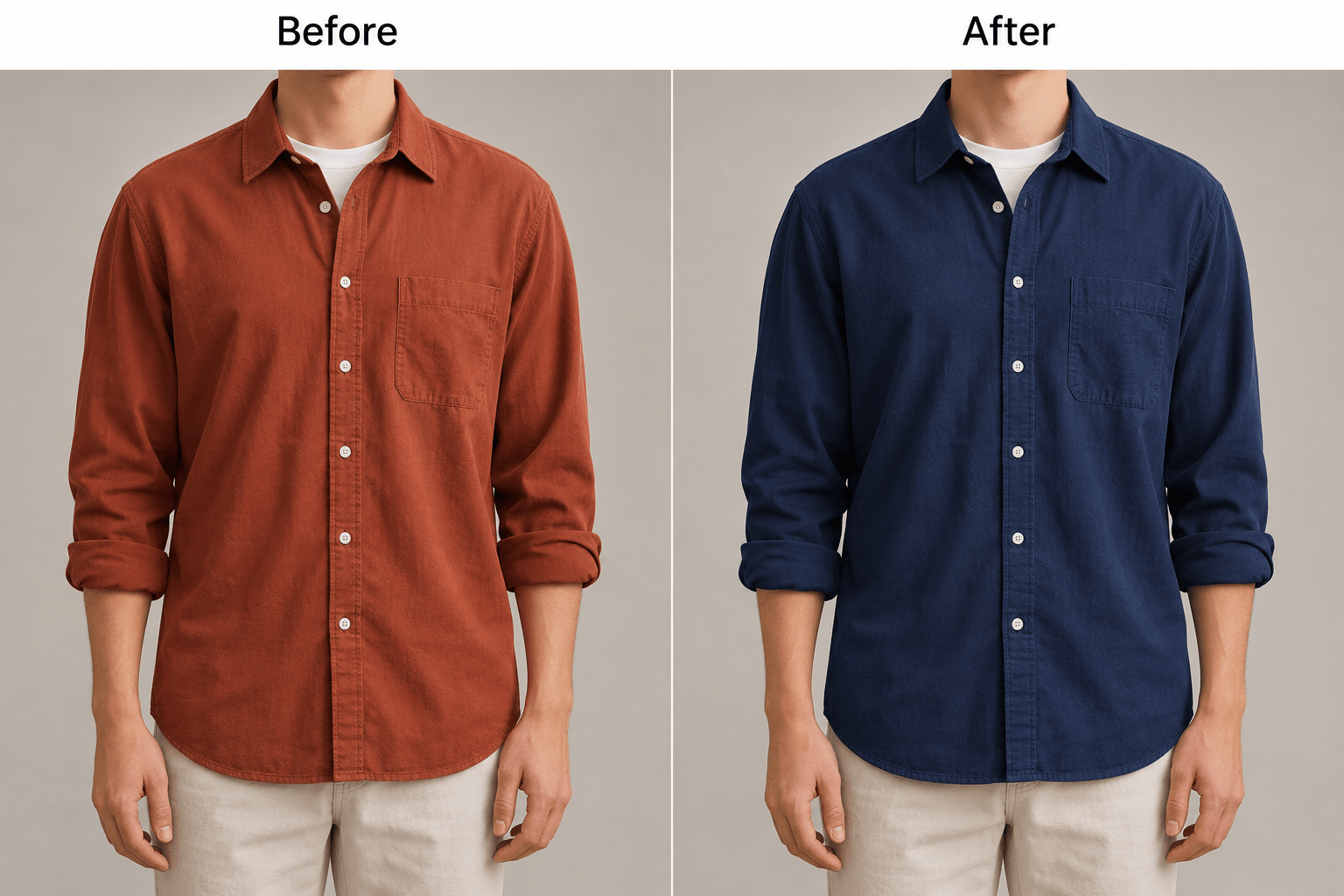
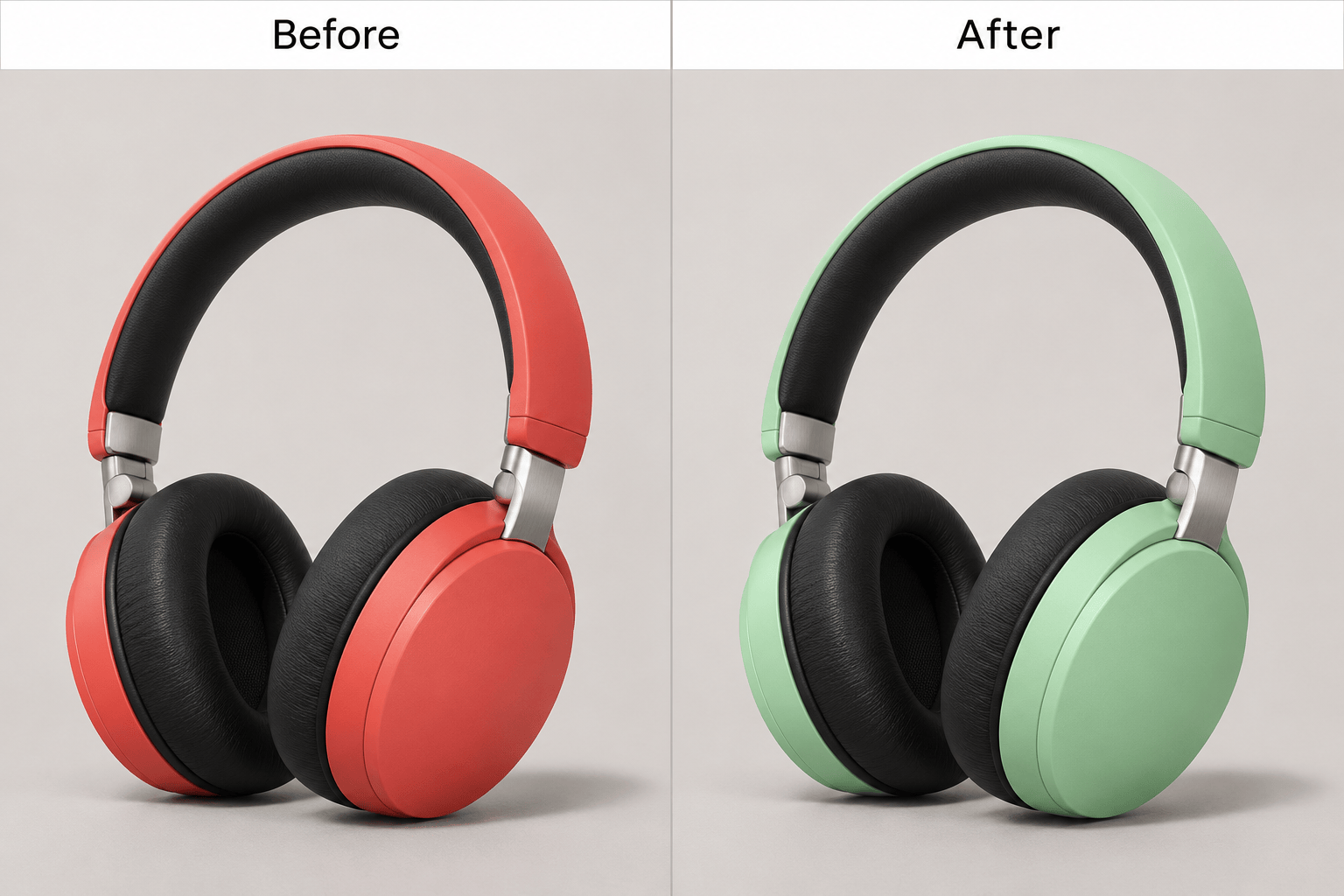
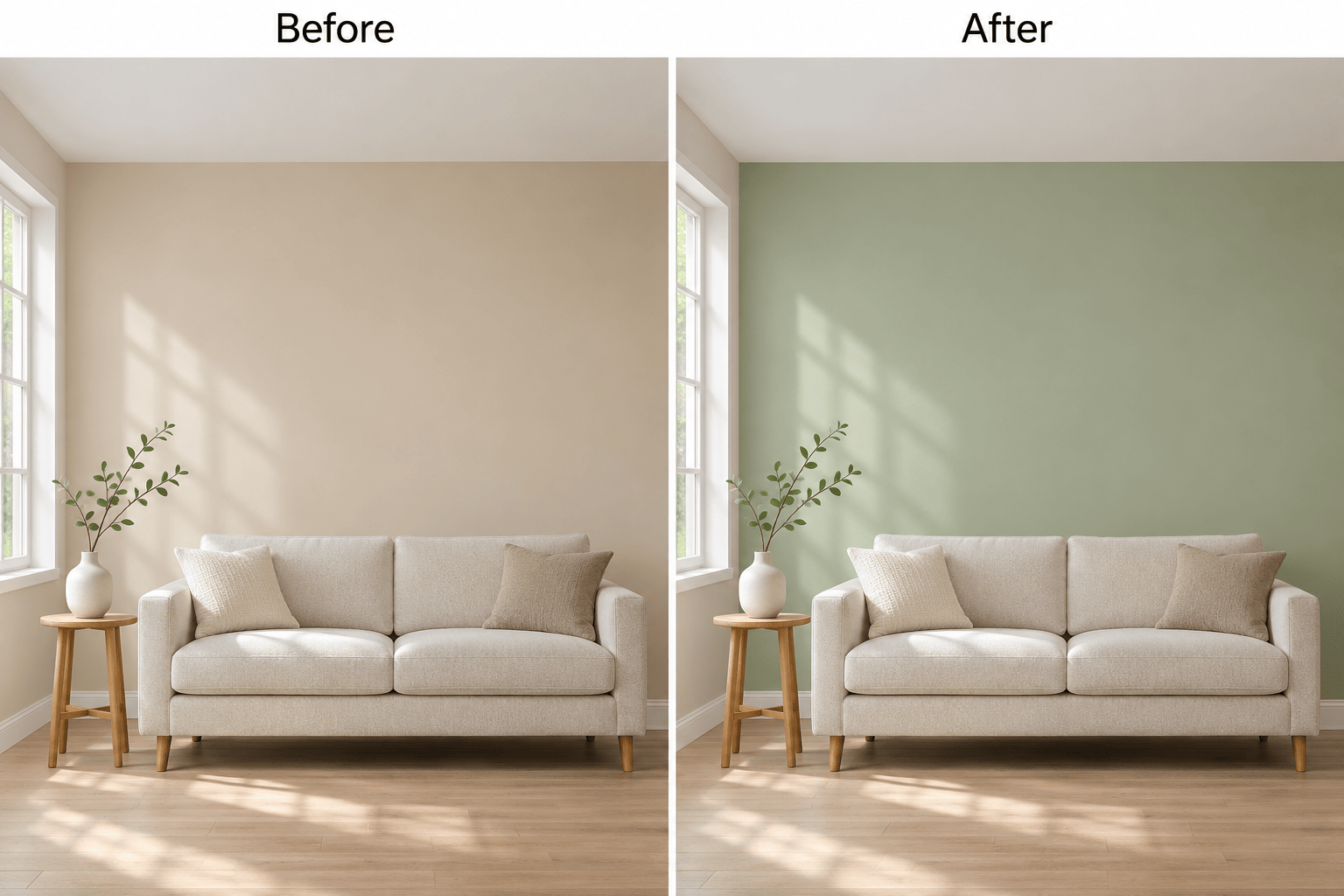
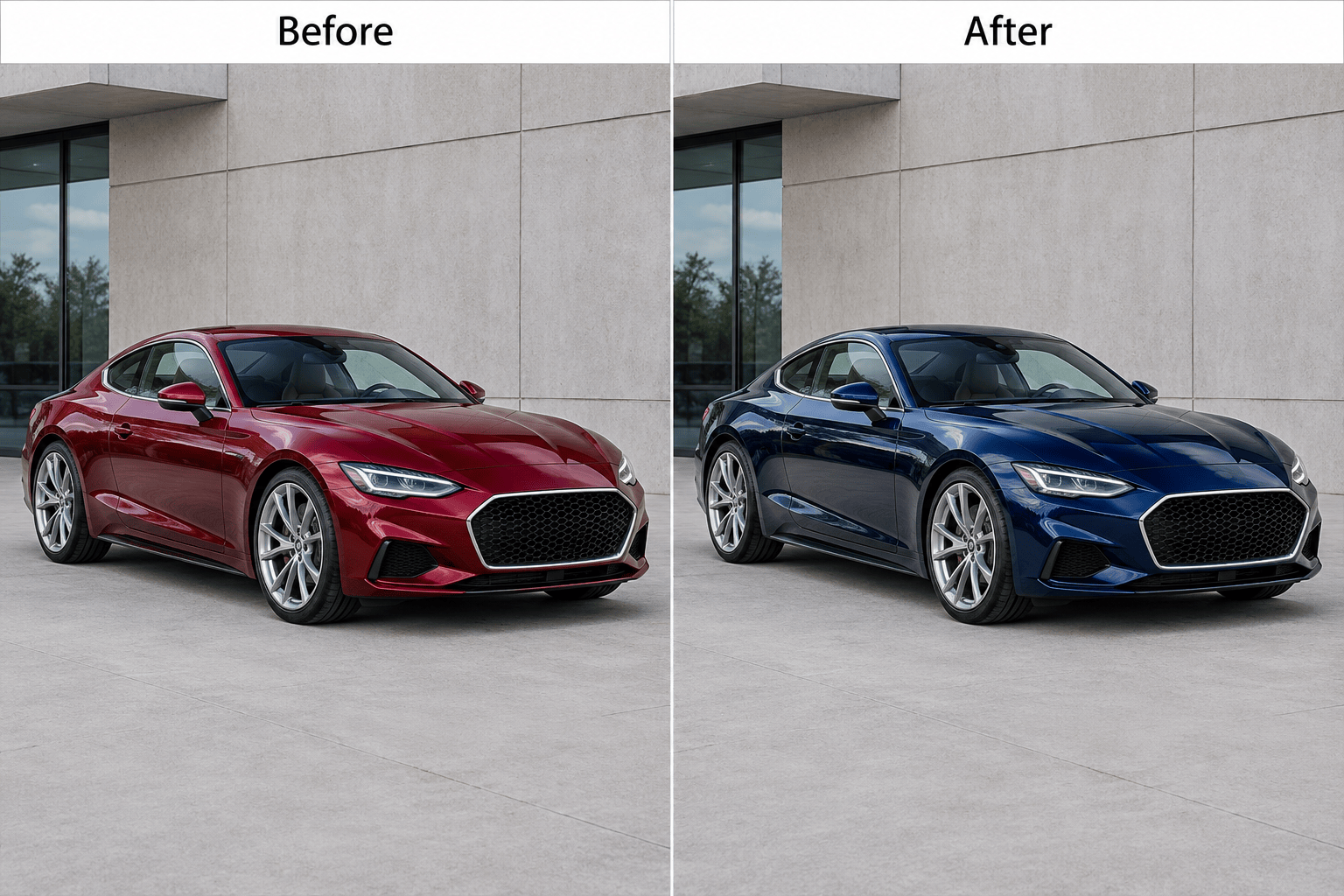
How to Replace Colors in an Image with AI
Upload Your Original Image
Describe What Should Stay
Refine the Shade and Edges
Check and Download

Change Object Colors in Photos with AI
Change One Object’s Color
Describe the object you want to recolor, such as a shirt or chair. This AI image color changer lets you request a targeted color change and specify nearby areas to preserve.
Recolor Fabric, Leather, and Glossy Surfaces
Ask to preserve cotton weave, leather grain, or glossy reflections while recoloring. Review these details afterward: AI edits can alter more than color.
Fine-Tune the Replacement Color
Make the blue darker, the green less saturated, or the wall warmer. Chat Edit lets you refine the recolored image with a focused follow-up.
Preview Product and Wall Colors
Recolor product photos or compare decor ideas using the same original as a reference. Check each version for unwanted changes before choosing one.
Choose a Model for Image Recoloring
Mew Auto selects a suitable image model for your request. On eligible paid plans, you can select a model yourself. Mew Design adds new leading image models as they launch.
Try Color Replacement with Free Credits
Change image colors online for free using signup credits. Exports are watermark-free; the free plan includes standard resolution. See plans and credit details.
How to Recolor an Image and Preserve Details
- Name the AreaIdentify the object by position if several objects share the same color.
- Describe the FinishSay whether the surface should remain matte, glossy, metallic, or textured.
- Check the BoundariesZoom in on seams, hair, handles, and reflections to spot missed color or spill.
- Compare with the SourceCheck faces, labels, patterns, and proportions. Request one correction at a time.
Fix Common Image Recoloring Problems
Using my original photo, recolor only the chair on the left. Restore the background and the other chair to their original colors.
Change only the red stripes on my uploaded shirt to blue. Keep the white stripes, buttons, stitching, and fabric folds unchanged.
Change this black bag to cream. Keep the seams and grain visible, with natural shading instead of a flat pale fill.
Change this white shirt to charcoal gray. Keep its folds and highlights visible; do not darken the skin or background.
Refine the recolored car using my original photo. Restore the window reflections, chrome trim, and glossy highlights without changing the new paint color.
Use my uploaded color swatch as the target for the product body. Bring the shade closer to the swatch while preserving natural highlights and shadows.





