Free OnlineAI Clipart Generator
How to Create Clipart with AI
Define the Clipart Job
Set the Visual Rules
Generate and Inspect
Refine and Export

Clipart Creation Built Around Reuse
From Plain Words to Clear Graphics
Describe a specific object, character, or themed set in everyday language. Mew Design turns the idea into an isolated visual without making you draw from scratch.
Transparent Backgrounds on Request
Need an AI clipart generator with transparent background output? Ask Chat Edit to remove the background, then inspect the cutout edges before downloading a PNG.
Consistent Sets, Not Random Singles
Create several related elements with shared line weight, palette, proportions, and viewpoint. This makes classroom packs, planner graphics, and brand assets feel like one family.
Readable at Practical Sizes
Guide the online AI clipart maker toward a simple silhouette, limited detail, and clean spacing so the graphic stays recognizable beside text or inside a small layout.
Reference-Guided Style Control
Upload an authorized image or visual reference to guide subject details and art direction. Then request focused changes to color, outline, expression, or composition through chat.
Free to Test and Easy to Export
Start with free AI credits after signup, explore multiple directions, and download finished PNG or JPG files without a watermark when your clipart is ready.
How to Prompt AI for Reusable Clipart
- Keep the subject clear: Ask for one isolated object or list every element in a small coordinated set. Avoid mixing an entire scene into a reusable asset.
- Define the style system: Specify flat or textured color, outline weight, palette, viewpoint, proportions, and detail level so separate elements match.
- Control the background: Request a transparent background and separated objects. Exclude shadows, frames, mockups, checkerboard patterns, text, logos, and watermarks when you need clean cutouts.
- Name the destination: Tell the AI if the clipart is for a worksheet, slide, printable, invitation, website, planner, or product graphic so it can choose suitable clarity and spacing.
Clipart Prompts for Real Projects
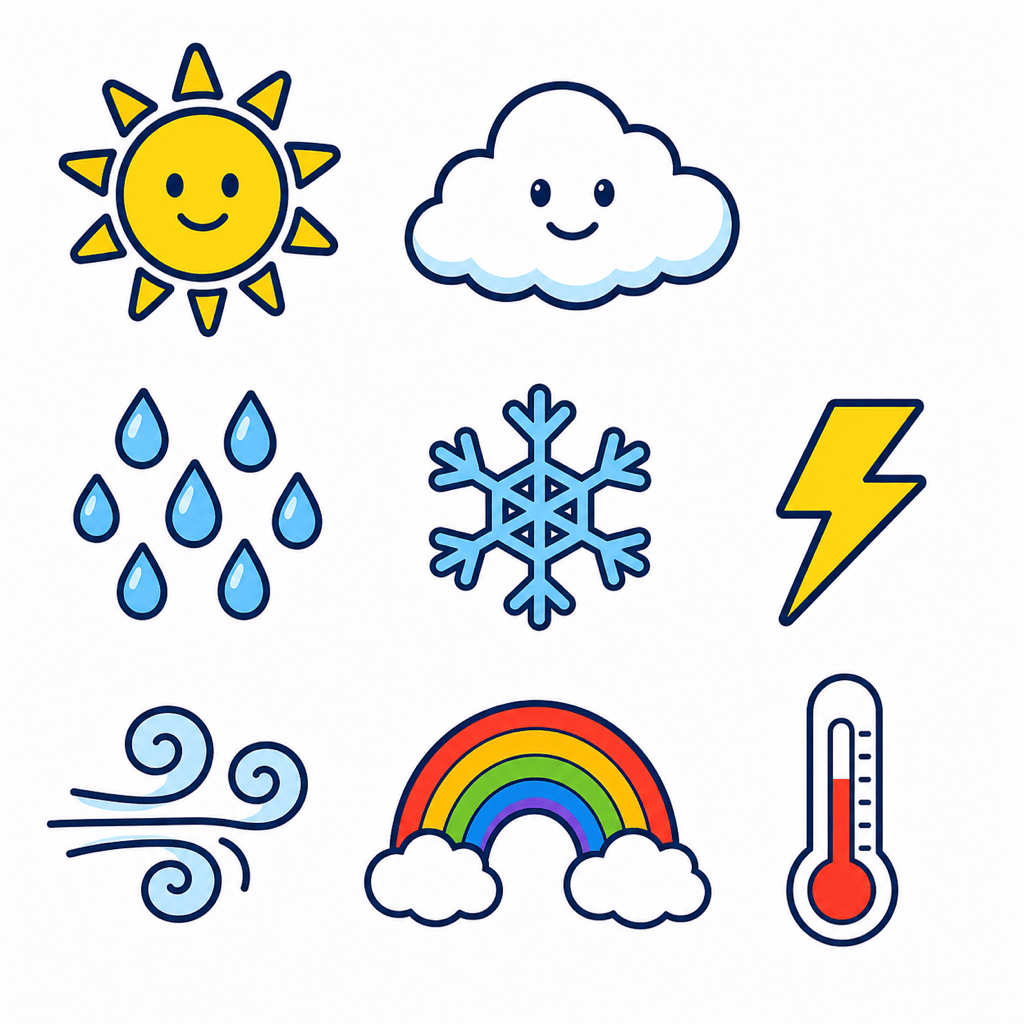
Classroom science set: Create eight flat educational clipart icons for a weather worksheet: sun, cloud, rain, snow, lightning, wind, rainbow, and thermometer. Bold dark outlines, bright primary colors, consistent scale, child-friendly shapes, no labels, transparent background, each object separated.
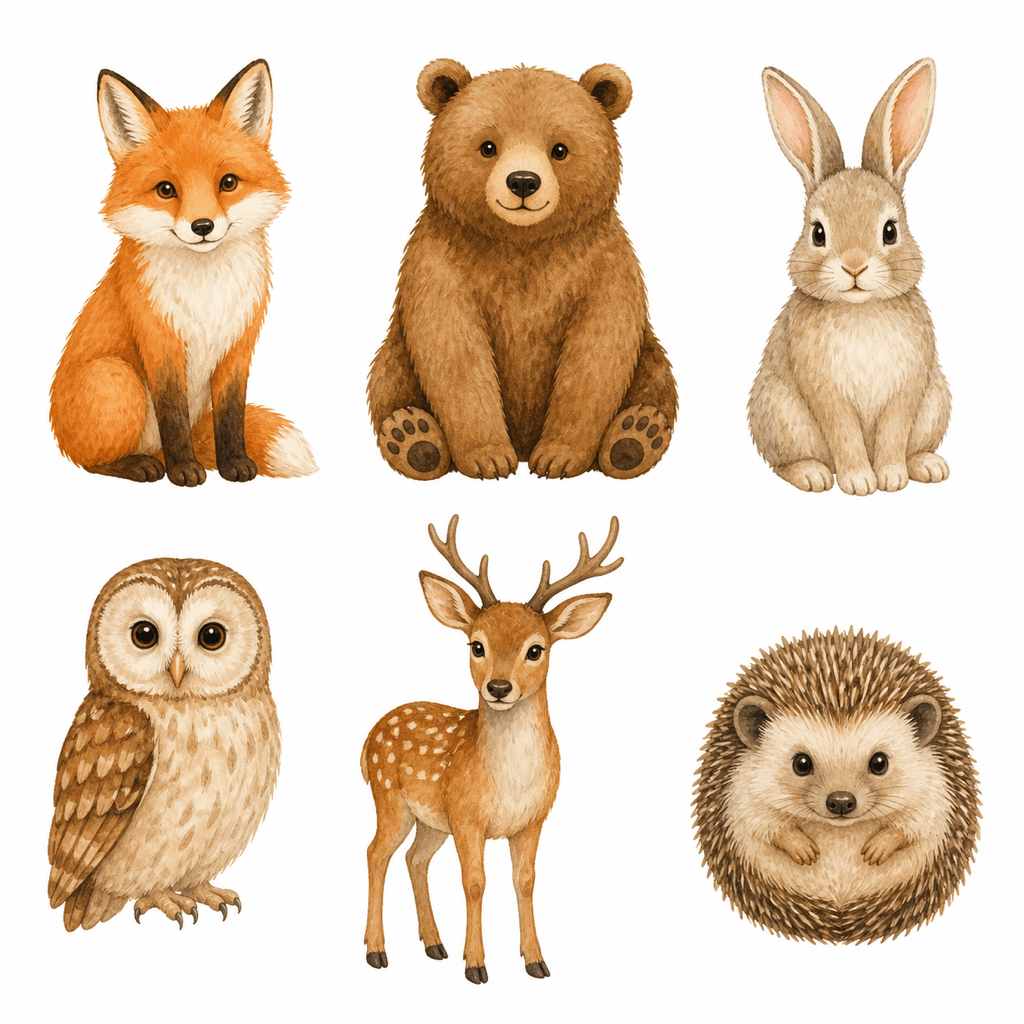
Watercolor woodland set: Paint six gentle woodland animals as matching clipart for nursery invitations and classroom printables. Warm neutral palette, soft watercolor texture, front-facing poses, consistent proportions, clean edges, no scenery or text, transparent background.
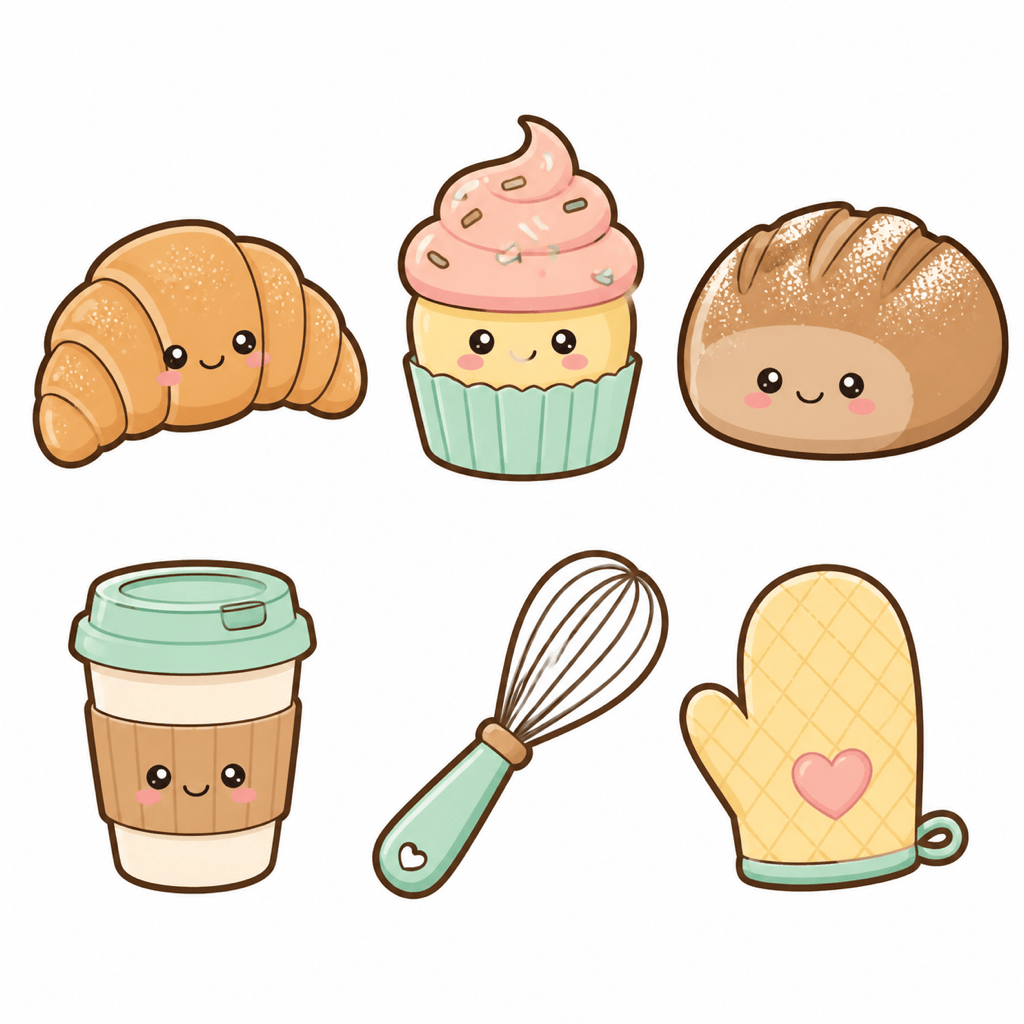
Kawaii bakery set: Generate cute clipart of a croissant, cupcake, sourdough loaf, coffee cup, whisk, and oven mitt for a digital planner. Rounded shapes, tiny friendly faces, pastel peach and mint palette, thick clean outlines, separated objects, transparent background.
Small-business graphic set: Create six flat clipart elements for an eco-friendly shop: reusable bag, leaf, refill bottle, cardboard box, bicycle delivery, and recycling symbol. Modern vector-inspired style, two green tones plus charcoal, consistent stroke, no text, transparent background.
Printable holiday craft set: Make a coordinated Christmas clipart pack with a mitten, stocking, candy cane, bell, snow globe, and wrapped gift. Hand-cut paper style, red, forest green, cream, and gold palette, simple shapes, no shadows, transparent background, generous spacing.
Photo-to-clipart pet mascot: Use my uploaded dog photo as an authorized reference. Turn the dog into one friendly flat-color clipart mascot with a blue bandana, recognizable markings, bold smooth outline, centered square composition, no words, no scenery, transparent background.





