Free OnlineAI Christmas Family Photo Generator
How to Create a Christmas Family Photo with AI
Add Your Family Photos
Describe the Christmas Scene
Check and Refine Every Person
Download and Share

Make a Family Christmas Portrait That Feels Personal
Start with Real Family Photos
Upload a snapshot or separate portraits as visual inputs. Our AI family Christmas photo maker uses your images as references while you describe the festive change you want; review likeness before sharing.
Bring Distant Relatives Together
Request one group composition from individual photos when a shared holiday shoot is impossible. Tell the AI who to include and where they should stand or sit, then check the headcount and each face.
Choose a Christmas Look
Try warm tree lights, coordinated knits, a snowy garden, or a restrained studio backdrop. Ask for another variation if the first atmosphere feels too busy or artificial.
Fix Details in Conversation
Use Chat Edit to adjust a background, clothing color, crop, or distracting decoration. A specific correction helps protect the expressions and composition that already work.
Plan for Cards and Keepsakes
This online AI Christmas family portrait generator can leave room around the group for a card crop. Export a PNG or JPG, then inspect faces and edges before printing or sharing.
Try a Fictional Scene, Too
No source image? Describe the ages, group size, setting, and photo style to generate an imaginary Christmas family portrait from text. This route will not depict your real relatives.
What to Prepare for a Better Family Photo
- Choose clear references: Use well-lit photos where each face is unobstructed. Individual portraits can help when the family is in different places.
- Name the people: State the exact number of adults, children, and pets. Mention who should sit together or appear in the center.
- Set the destination: Ask for a landscape card crop, a framed portrait, or a social image so the group has suitable space around it.
- Check the final image: Zoom in on identity, hands, hair, clothing edges, and repeated faces. Ask for a targeted edit when one detail is wrong.
Christmas Family Photo Ideas to Try
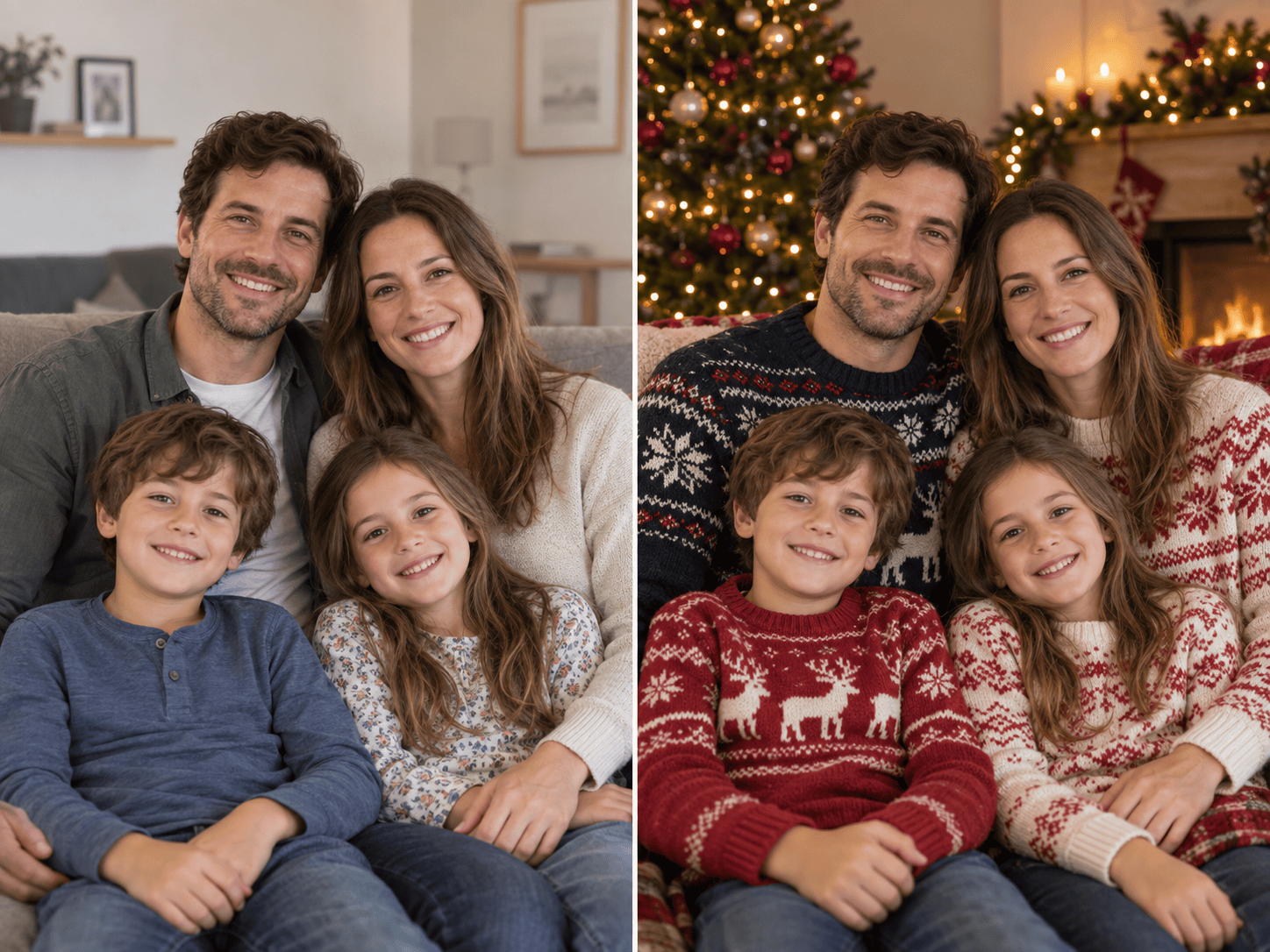
Use my uploaded family snapshot to make a realistic Christmas portrait by a softly lit tree. Keep the same people and natural expressions; add coordinated winter sweaters and leave space for a card crop.
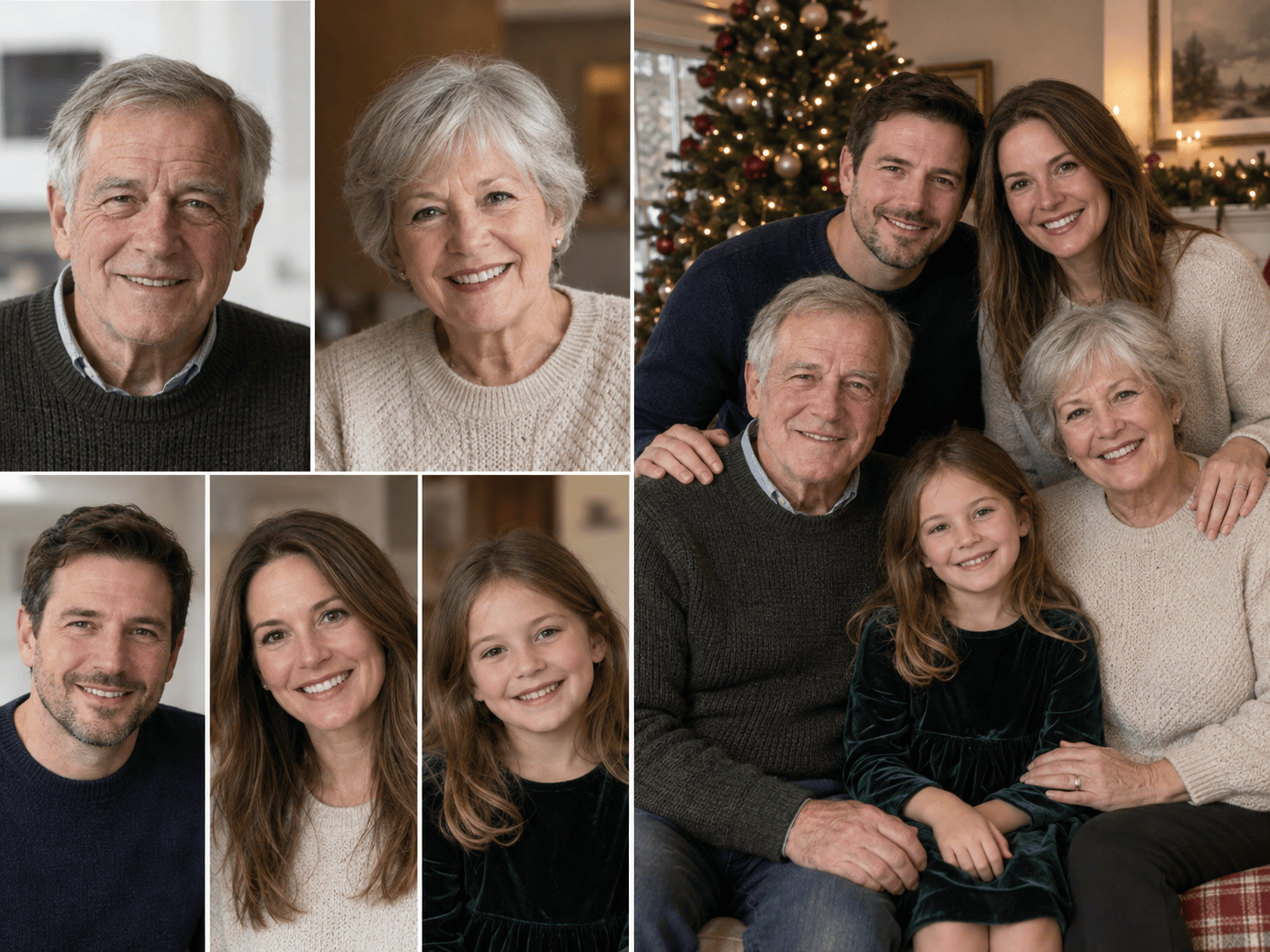
Combine my uploaded individual family portraits into one natural Christmas group photo. Include each person once, keep recognizable facial features, match the lighting and scale, and place everyone close together by a fireplace.
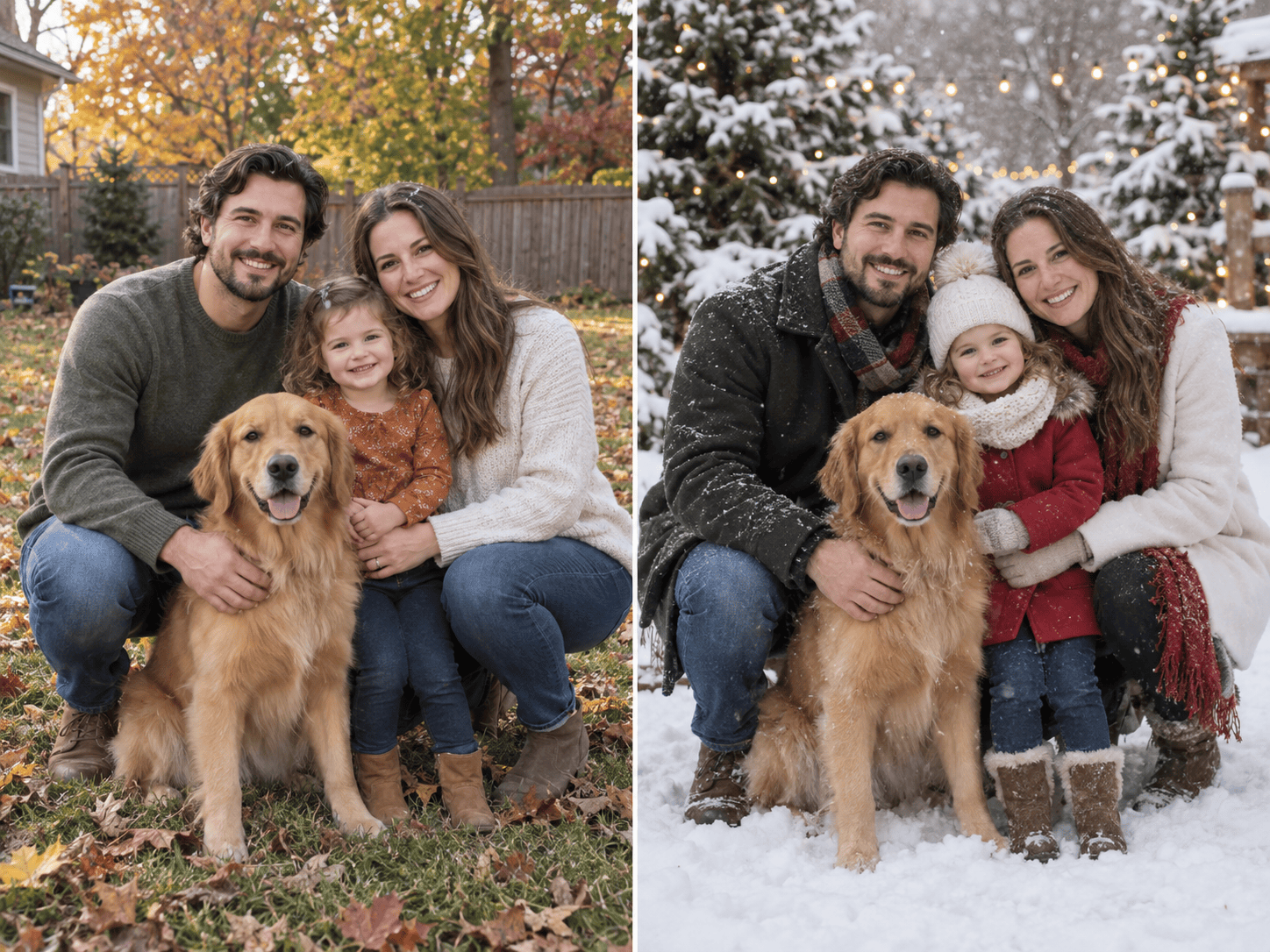
Turn our uploaded family-and-dog photo into a snowy outdoor Christmas portrait. Keep the dog and every family member, use warm coats and scarves, and make the snow subtle enough that faces remain clear.
Create an elegant multigenerational Christmas family portrait from my uploaded reference photos. Seat the grandparents in front, place parents and children naturally around them, and use restrained holiday decorations.
Use our uploaded photo to create a playful matching-pajamas Christmas morning image. Keep the same number of people and their expressions, show a modest tree and wrapped gifts, and avoid an overly polished studio look.
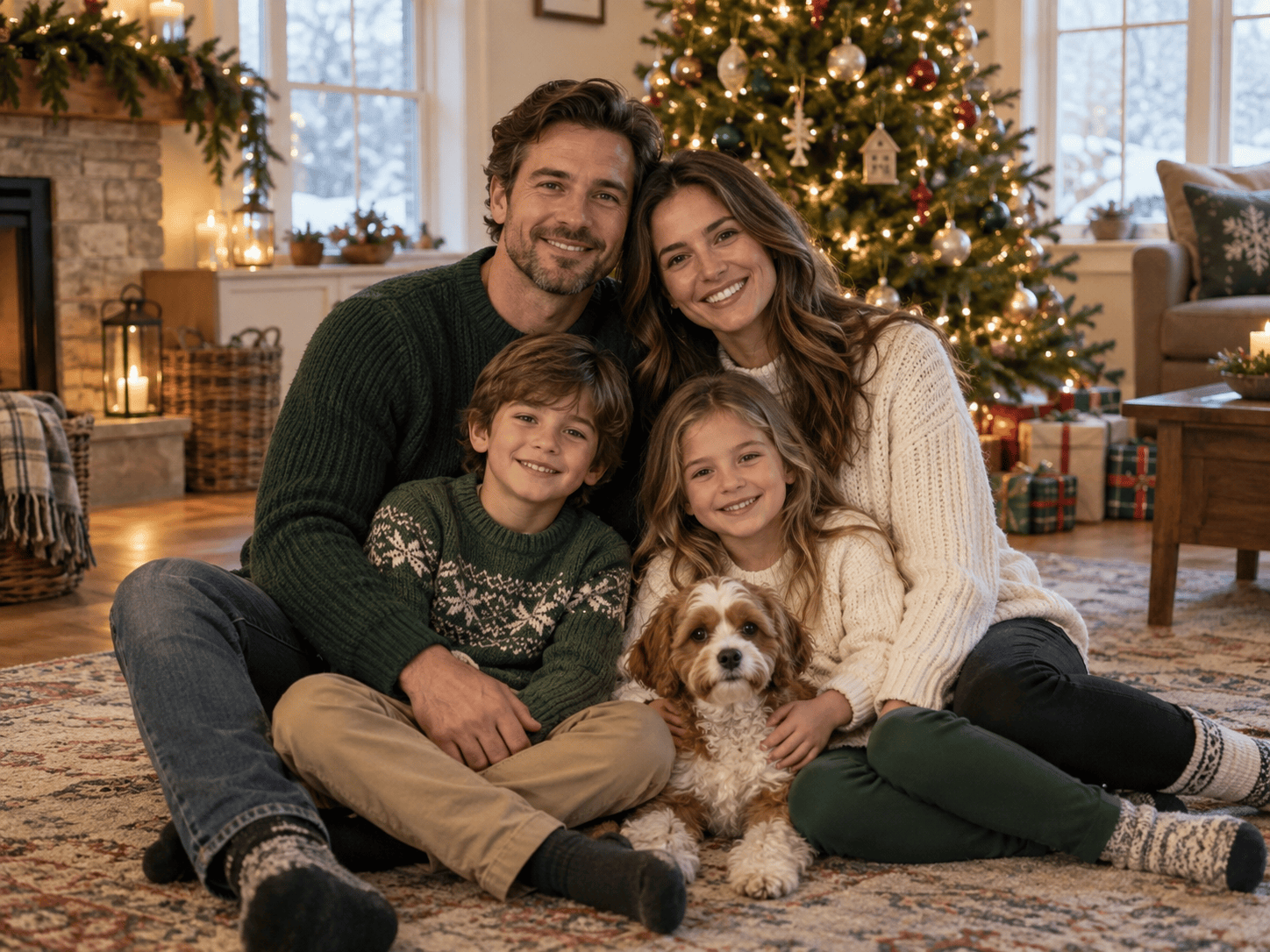
Generate a fictional family Christmas photo from text only: two adults, two children, and a small dog in a cozy living room, candid smiles, warm tree lights, realistic photography, and no writing or extra people.





