Free OnlineAI Christmas Baby Photo Generator
How to Make a Christmas Baby Portrait with AI
Upload a Clear Baby Photo
Describe the Christmas Scene
Check and Refine the Portrait
Save and Share Your Favorite

A Christmas Portrait Built Around Your Baby
Start from a Real Photo
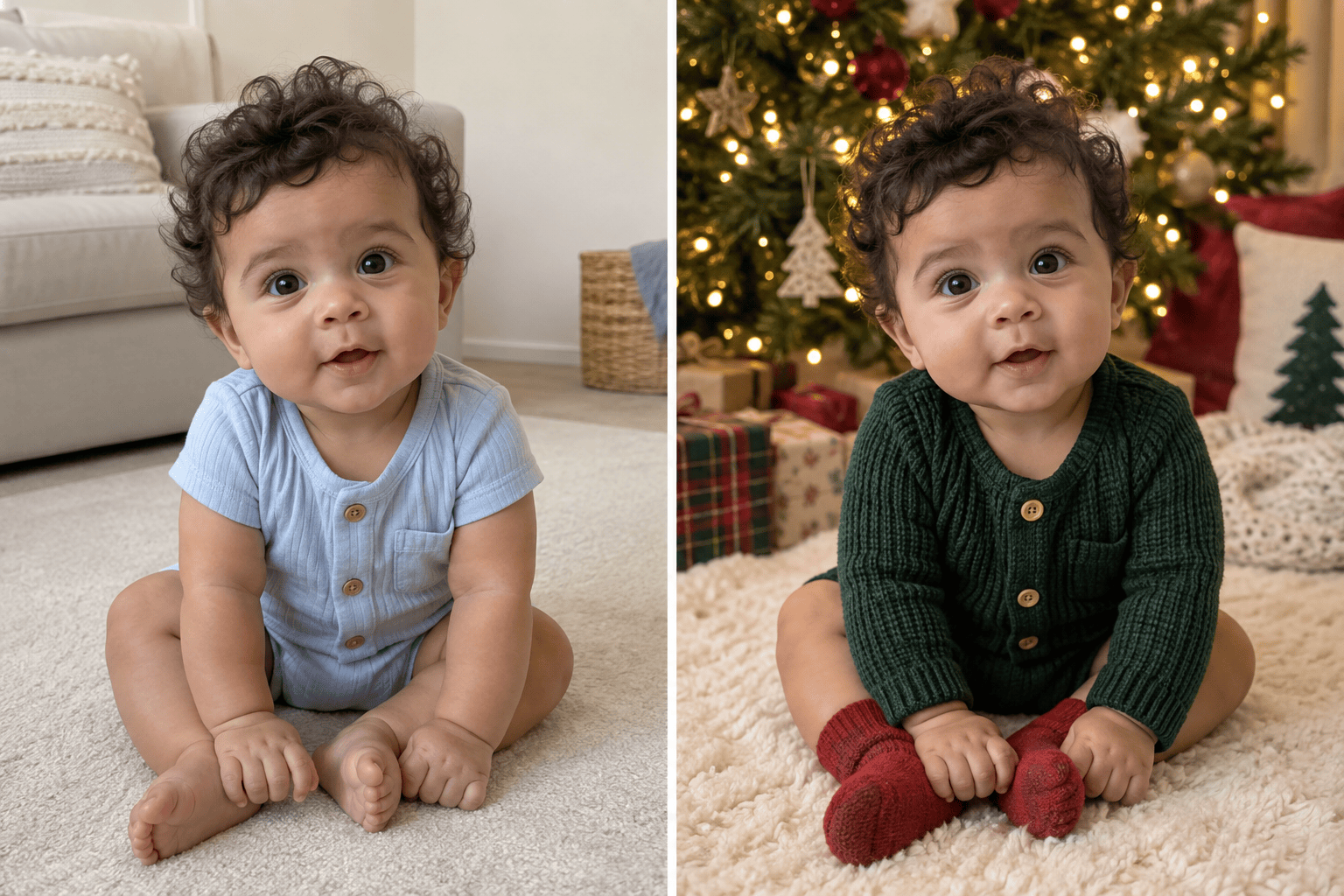
Upload your own baby photo and ask the AI Christmas baby photo maker to change the setting or outfit while keeping the face and expression recognizable. Review the result before sharing.
Explore More Than One Holiday Look
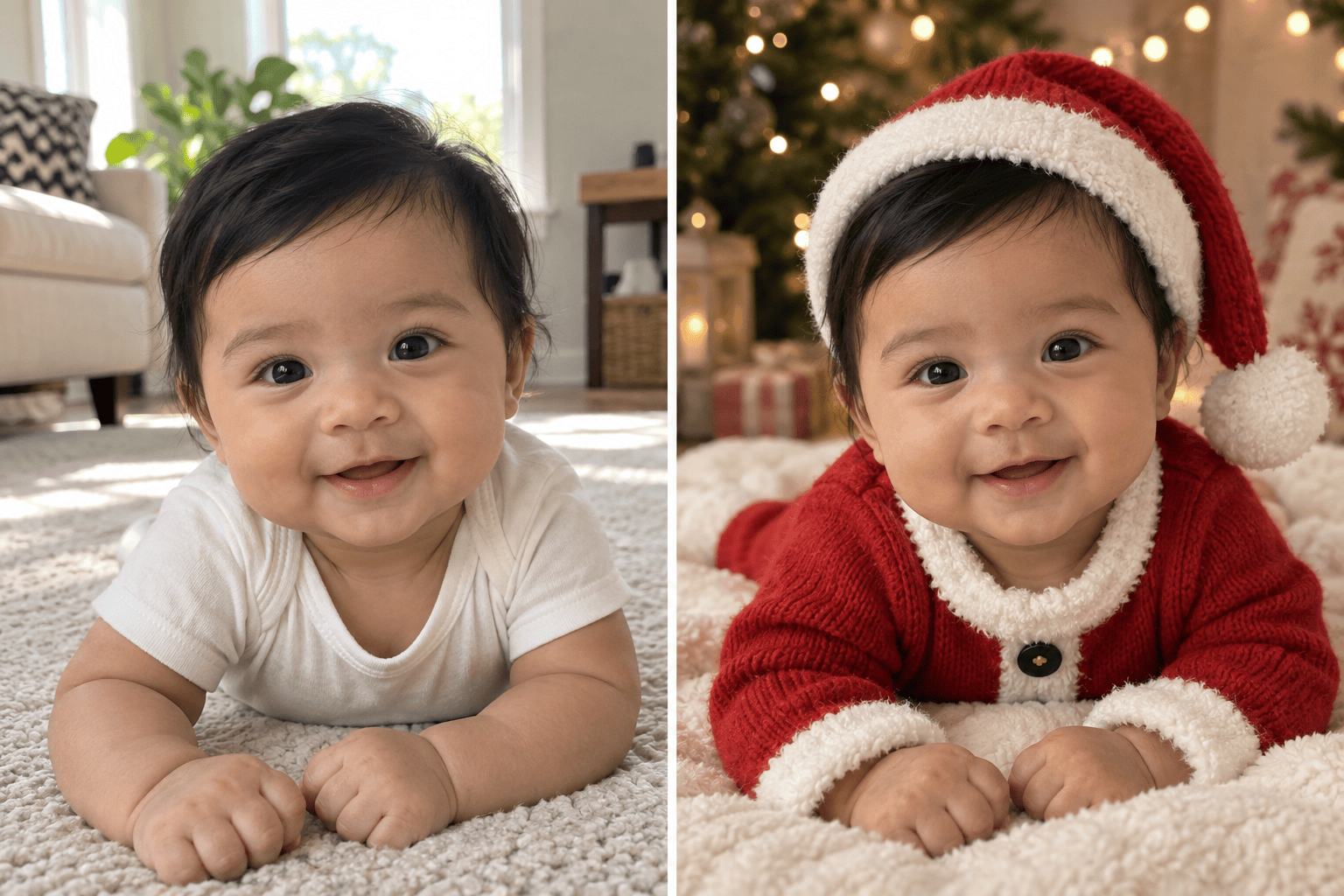
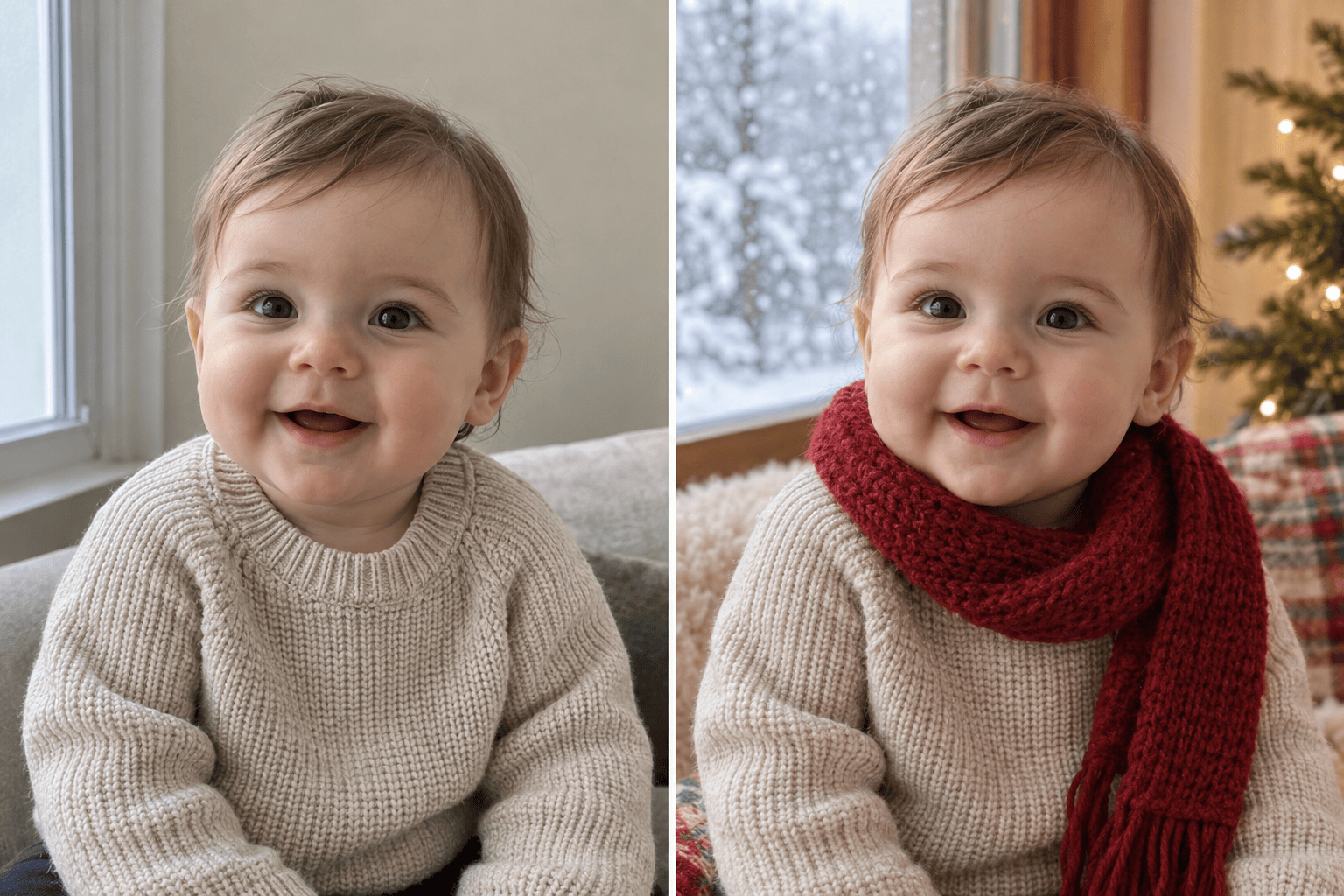
Try a candle-free fireside scene, soft tree lights, a knitted Santa outfit, or a winter window. Make several AI Christmas baby photos from one visual direction and pick the one that feels right.
Fix Details Through Chat
If a portrait changes the eyes, adds a strange hand, or crowds the baby's face with decorations, use Chat Edit to name the issue and request a specific correction.
Make a First-Christmas Keepsake
Create a portrait with space for a card message or a clean crop for an album. For a full greeting-card layout with editable wording, use our Christmas card generator.
Work Online with Free Trial Credits
Try this online Christmas baby portrait maker with free AI credits after signup. Exported designs are watermark-free; credit use depends on the generation you choose.
Create from a Description Too
No photo to edit? Describe a fictional Christmas baby scene from scratch. Use a source photo when likeness to your own child matters.
How to Get a Natural Christmas Baby Photo
- Name what must stay: Specify facial features, skin tone, age, and expression. Ask for a new background or outfit without asking the model to invent a different child.
- Keep the scene gentle: Choose soft blankets and age-appropriate clothing. Avoid suspended poses, open flames, loose cords, or props that would look unsafe near a baby.
- Plan the final crop: Ask for breathing room around the head if the portrait will be used on a card. Add exact names or greetings in the card design and proofread them before printing.
- Inspect before sharing: Zoom in on the face, hands, fabric edges, ornaments, and background. If something feels off, ask for one clear revision in Chat Edit.
Christmas Baby Photo Ideas and Fixes
Use my uploaded baby photo to create a natural baby's first Christmas portrait beside a softly lit tree. Keep the baby's facial features and expression recognizable, add a cream knit outfit, and leave space for a card crop.
Turn my uploaded baby photo into a cozy Santa baby portrait. Use a comfortable red knit outfit and a small soft hat, warm diffused light, and a simple studio background. Keep the baby's face and age consistent.
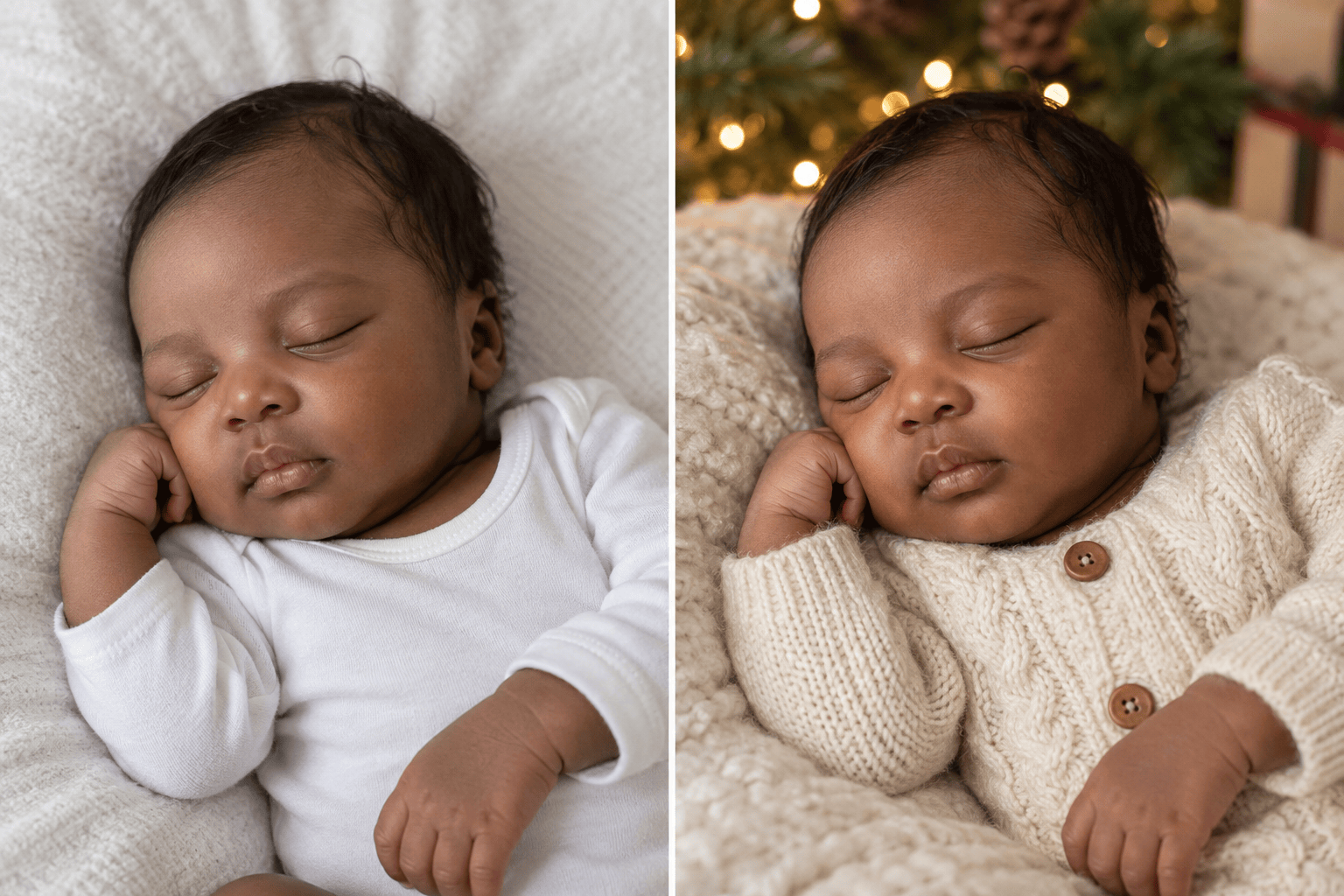
Create an AI newborn Christmas photo from my uploaded image: baby resting on a soft blanket with evergreen accents in the background, gentle window light, and no unsafe pose or loose decorations near the baby. Preserve the original facial details.
Make a winter-window Christmas baby portrait from my uploaded photo. Add a soft snowfall view outside and warm indoor light. Keep the baby's face unchanged and use a clean vertical composition for family sharing.
Revise the current Christmas baby portrait because the face no longer resembles my uploaded photo. Match the original eye shape, cheeks, skin tone, and expression more closely; keep the holiday background and outfit.
Simplify the current Christmas baby photo: remove extra ornaments and odd-looking hands, keep the baby comfortably supported, soften the lights, and leave clear space around the face for a holiday card.





