Free OnlineAI Cheat Sheet Generator
How to Create a Cheat Sheet with AI
Add Your Source Material
Generate a Structured Sheet
Tighten the Details
Export for Study or Work

Why Mew Design Works for AI Cheat Sheet Creation
Condense Notes Into a Page
Instead of manually rebuilding your notes, describe the material and let Mew Design turn dense content into a skimmable visual reference.
Layouts Made for Review
The online AI cheat sheet maker can balance tables, diagrams, formulas, checklists, and color-coded callouts so the result is easy to scan.
Use Uploaded Material
Bring class notes, screenshots, reference pages, or brand assets into the prompt so the AI-generated cheat sheet follows your real source material.
Readable Text and Structure
Cheat sheets are text-heavy. Mew Design focuses on clean hierarchy and readable sections instead of turning every note into a messy image.
Revise With Chat Edit
Ask for a simpler formula area, a denser revision card, a classroom-friendly version, or a team training version without starting over.
Free Credits to Start
Try the free AI cheat sheet creator after signup, test multiple layouts, and export polished study or work references without watermarks.
How to Prompt AI for a Useful Cheat Sheet
- Name the source: Tell the AI whether it should summarize notes, a lesson plan, a PDF, a workflow, or a list of terms.
- Set the density: Ask for beginner-friendly spacing, exam-cram density, classroom handout style, or a printable one-page reference.
- Request visual aids: Mention tables, timelines, icons, diagrams, process arrows, formula boxes, or color-coded reminders.
- Refine after generation: Ask Chat Edit to reduce text, enlarge key formulas, replace sections, or create a version for a different audience.
Cheat Sheet Prompts for Study and Work
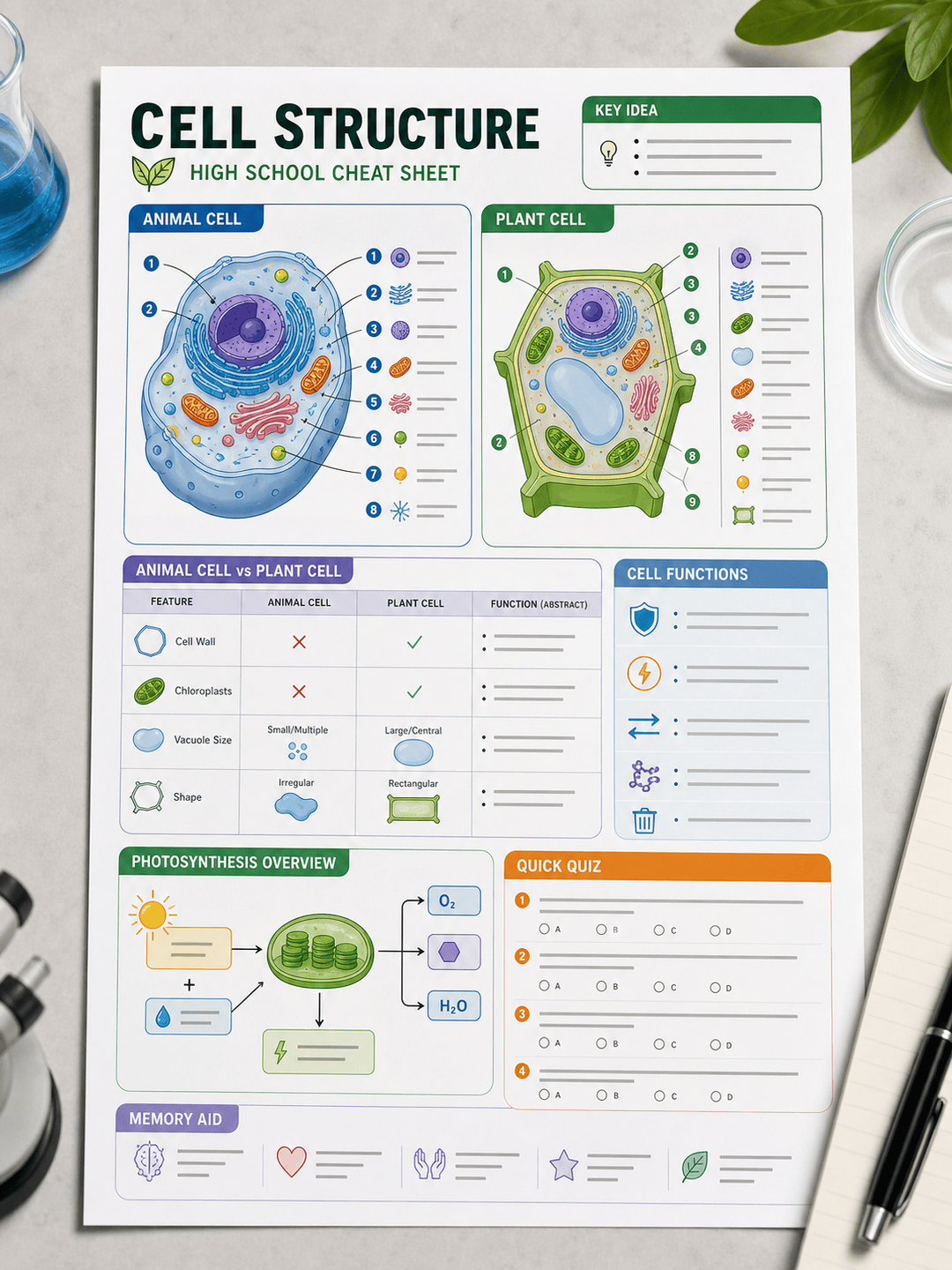
Create a printable biology cell structure cheat sheet for high school students. Include organelles, function summaries, a simple diagram area, and a short review quiz.
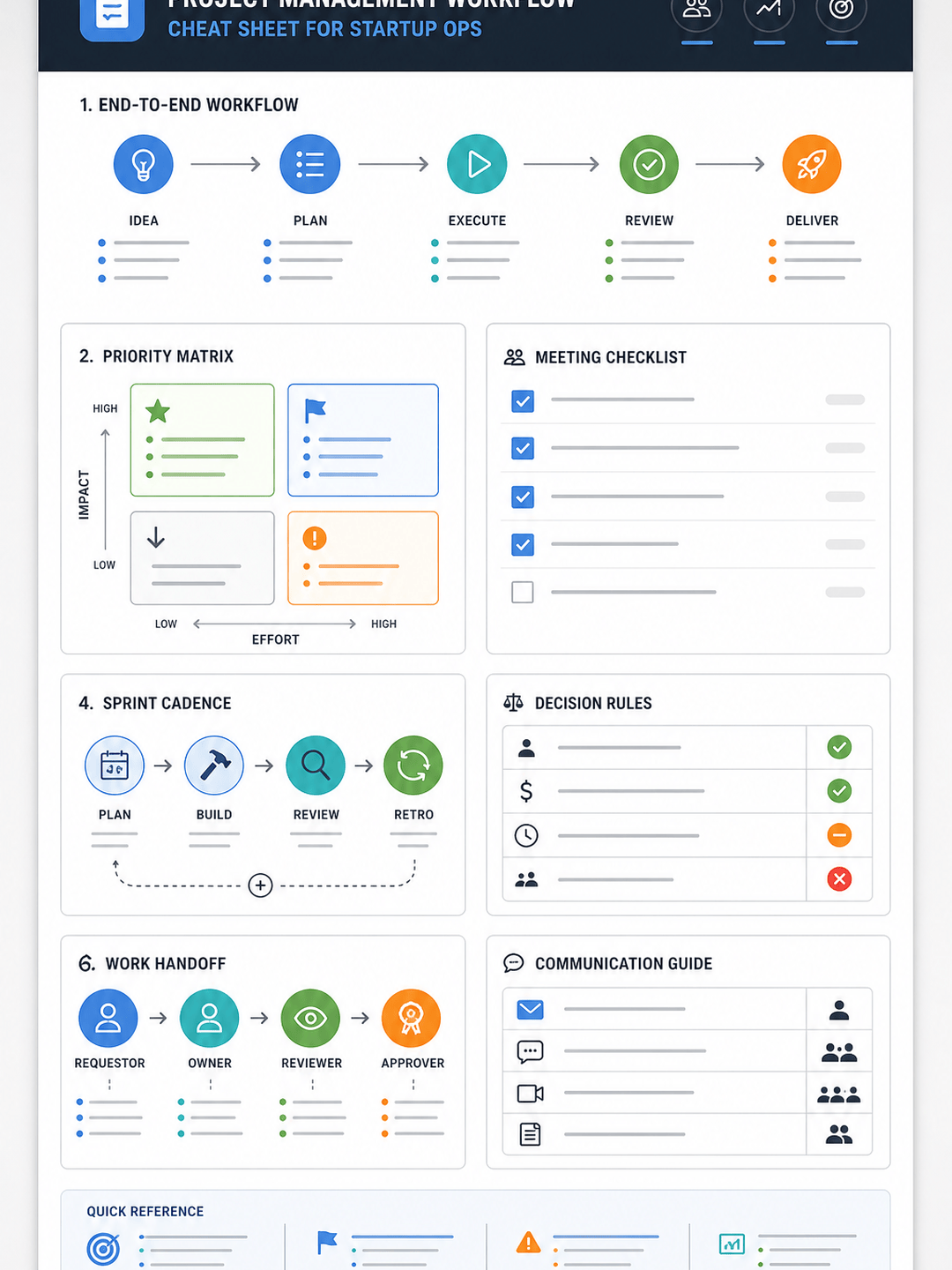
Turn these meeting notes into a project management cheat sheet with decision rules, sprint cadence, ownership handoffs, and a priority matrix.
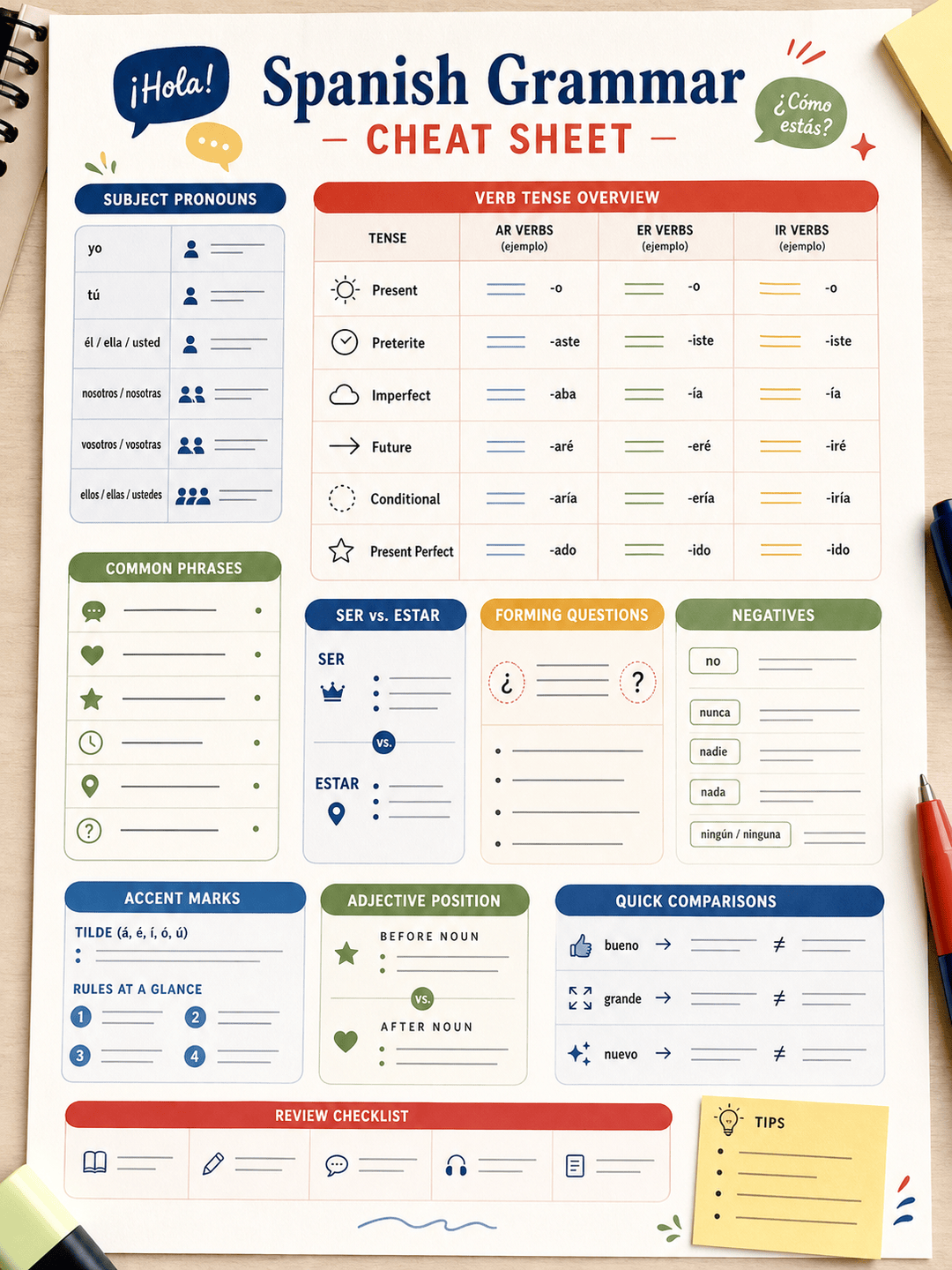
Design a Spanish grammar cheat sheet for beginners. Include present tense endings, pronouns, accent reminders, common phrases, and a small mistakes box.
Create a finance formulas cheat sheet for a college exam. Include time value of money, ratios, key definitions, and a clean table layout.
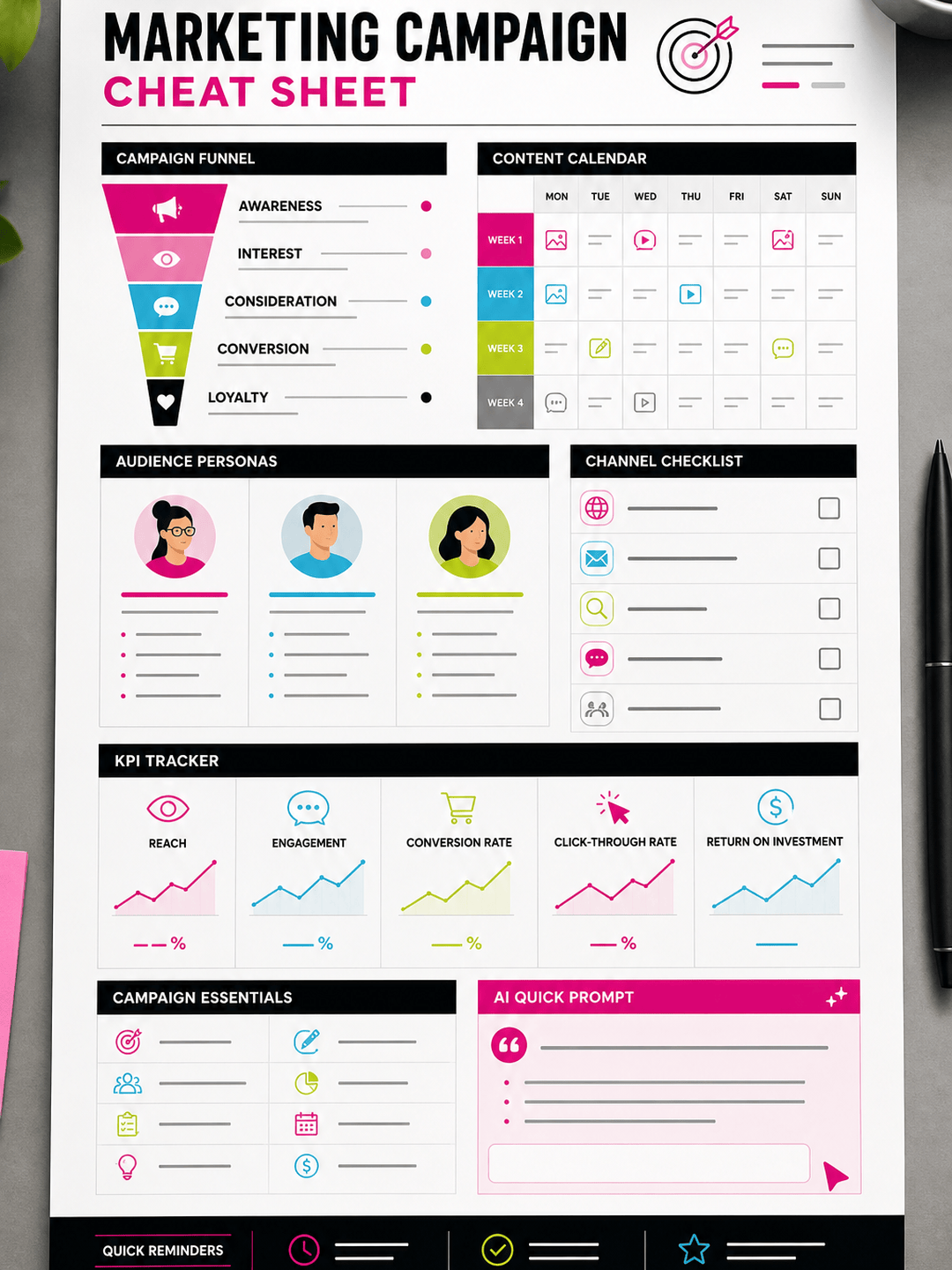
Make a marketing campaign cheat sheet for a small business launch with funnel stages, content ideas, audience notes, and KPI reminders.
Create a coding interview cheat sheet for Python data structures with complexity tables, common patterns, and small code-like blocks without long explanations.





