Free OnlineAI Character Swap
How to Replace a Character in an Image with AI
Upload the Scene and Character Reference
Identify the Target and Preserve the Scene
Generate the Character Replacement
Review, Refine, and Export

Why Use Mew Design for Full-Character Replacement
Guide the Swap with Two Images
Use one image for the composition and another for the new identity. Reference-image guidance gives the AI more useful detail than a face-only swap or a vague text description.
Change the Character, Not the Whole Photo
Tell this online AI character swap tool which subject to replace and which scene elements to retain. That control is useful for creator mockups, comic panels, campaign concepts, and personal edits.
Match Pose, Perspective, and Light
Mew Design reads the target composition and adapts the replacement to its scale, viewing angle, color, and lighting. Clear, compatible references help the result look more coherent.
Correct One Detail Through Chat
A first result may need a cleaner hand, edge, expression, or shadow. Use Chat Edit to request one targeted fix instead of rebuilding the entire character-swapped image.
Explore Several Character Directions
Create variations from one scene to compare different people, illustrated characters, or campaign casting ideas. Review each AI model swap separately before selecting a final image.
Reuse a Proven Character Workflow
For recurring stories or content series, turn a successful visual direction and review method into a Mew Skill. It reduces repeated briefing and helps carry a recognizable character approach across later images.
How to Prepare Images for a Better Character Swap
- Show the Character Clearly: Choose a sharp, well-lit reference with visible facial features. For full-body scenes, include the body and limbs rather than a tightly cropped headshot.
- Match the Viewing Angle: A reference facing a similar direction to the target can reduce awkward pose, hair, and proportion changes.
- Name What Must Stay: Specify the background, pose, framing, outfit or product, other people, and lighting that the edit should preserve.
- Review High-Risk Details: Zoom in on the face, fingers, hairline, edges, occluded areas, scale, and shadows before you publish or use the result commercially.
Character Swap Requests for Real Creative Work
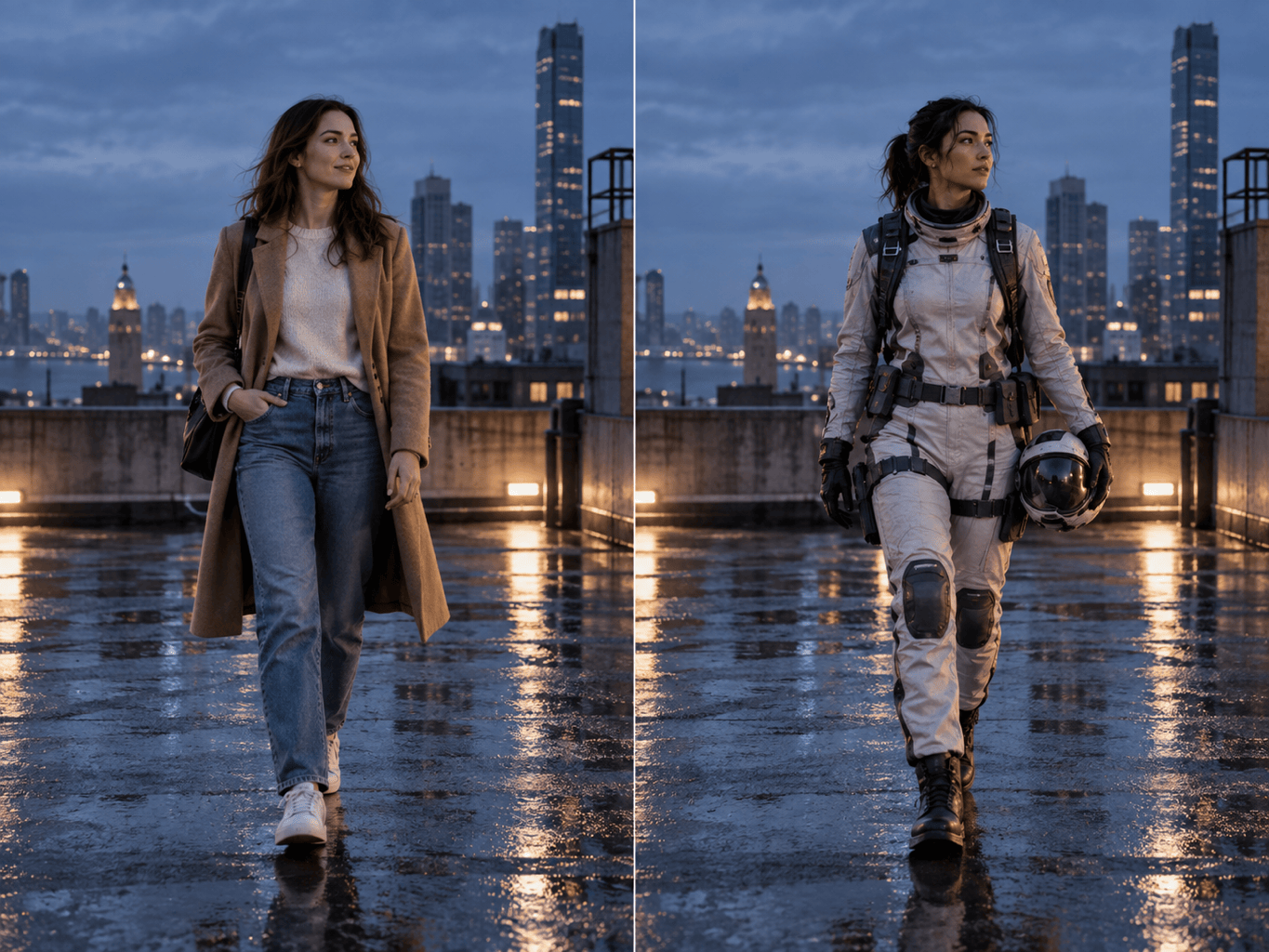
Replace the main person in @scene with the person from @reference. Keep the same seated pose, camera crop, café background, table objects, and window lighting. Match skin tones, shadows, and perspective naturally.
In @group-photo, replace only the second person from the right with @reference. Keep every other person, expression, outfit color, background detail, and the original indoor lighting unchanged where possible.
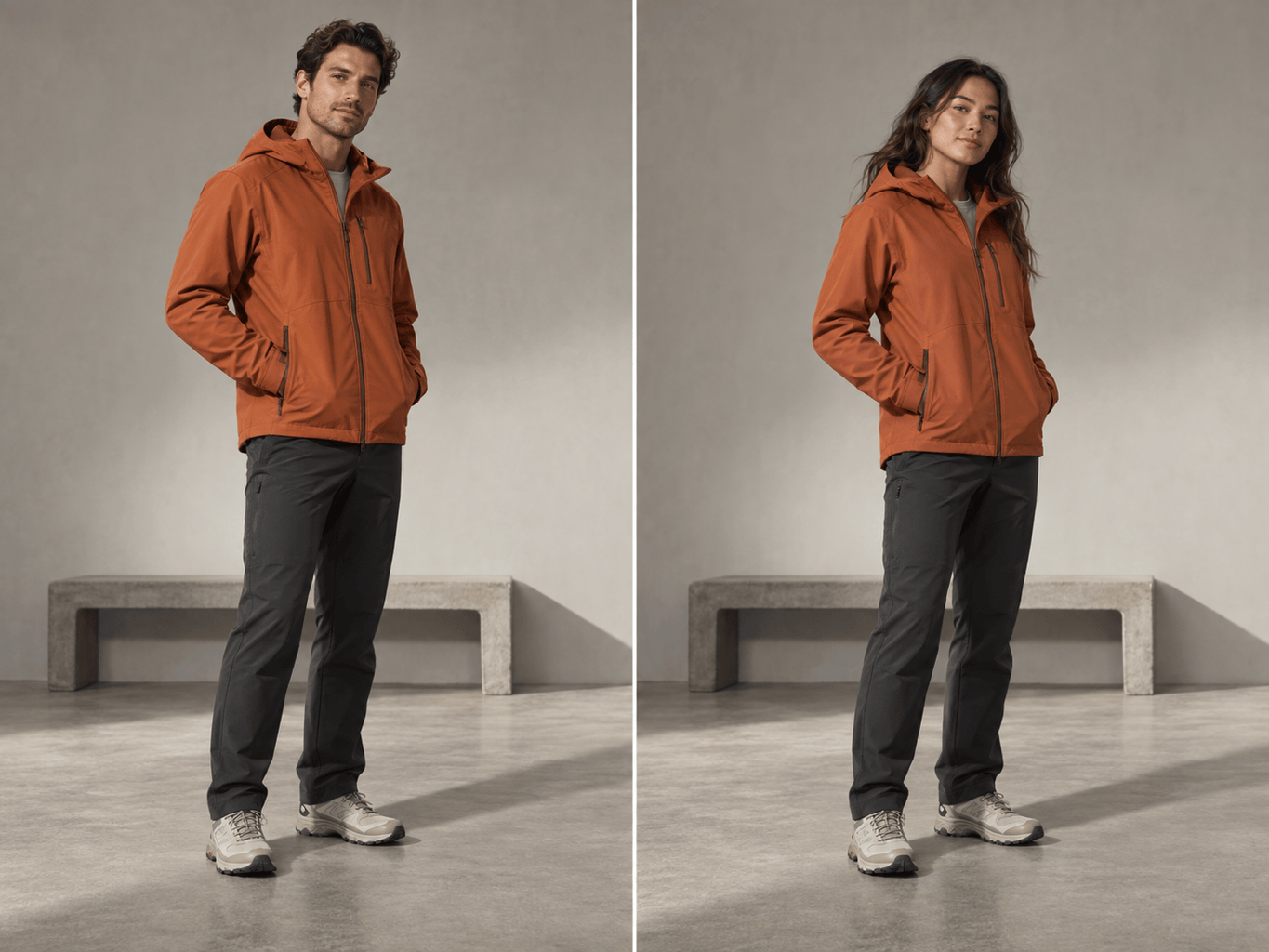
Create an AI model swap for @product-photo using @model-reference. Replace the full model while preserving the garment design, print, fabric texture, pose, product visibility, studio background, and softbox lighting.
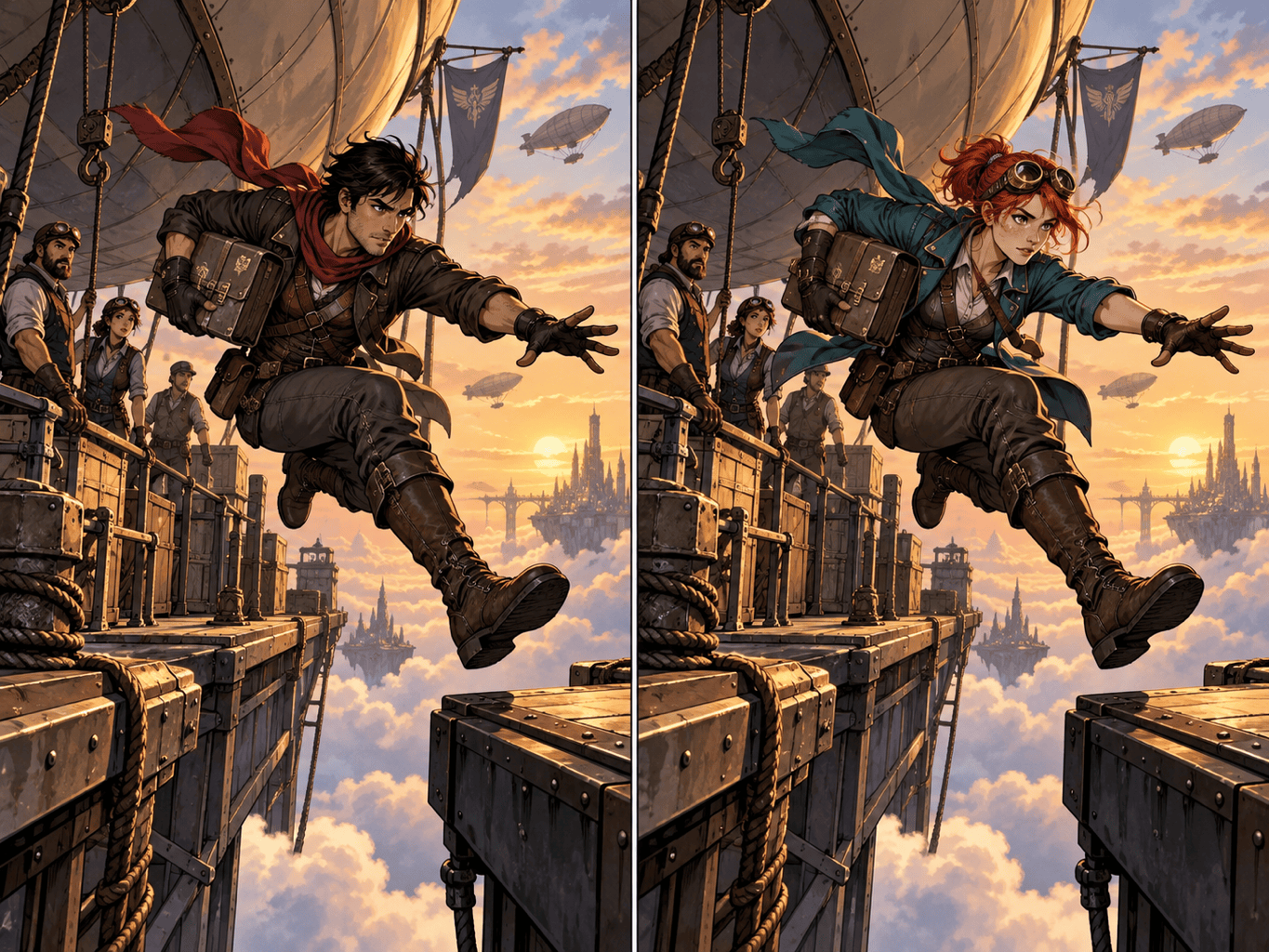
Replace the hero in @comic-panel with @character-reference. Preserve the panel composition, speech bubbles, action pose, ink line weight, cel shading, and the supporting characters while matching the new character to the illustration style.
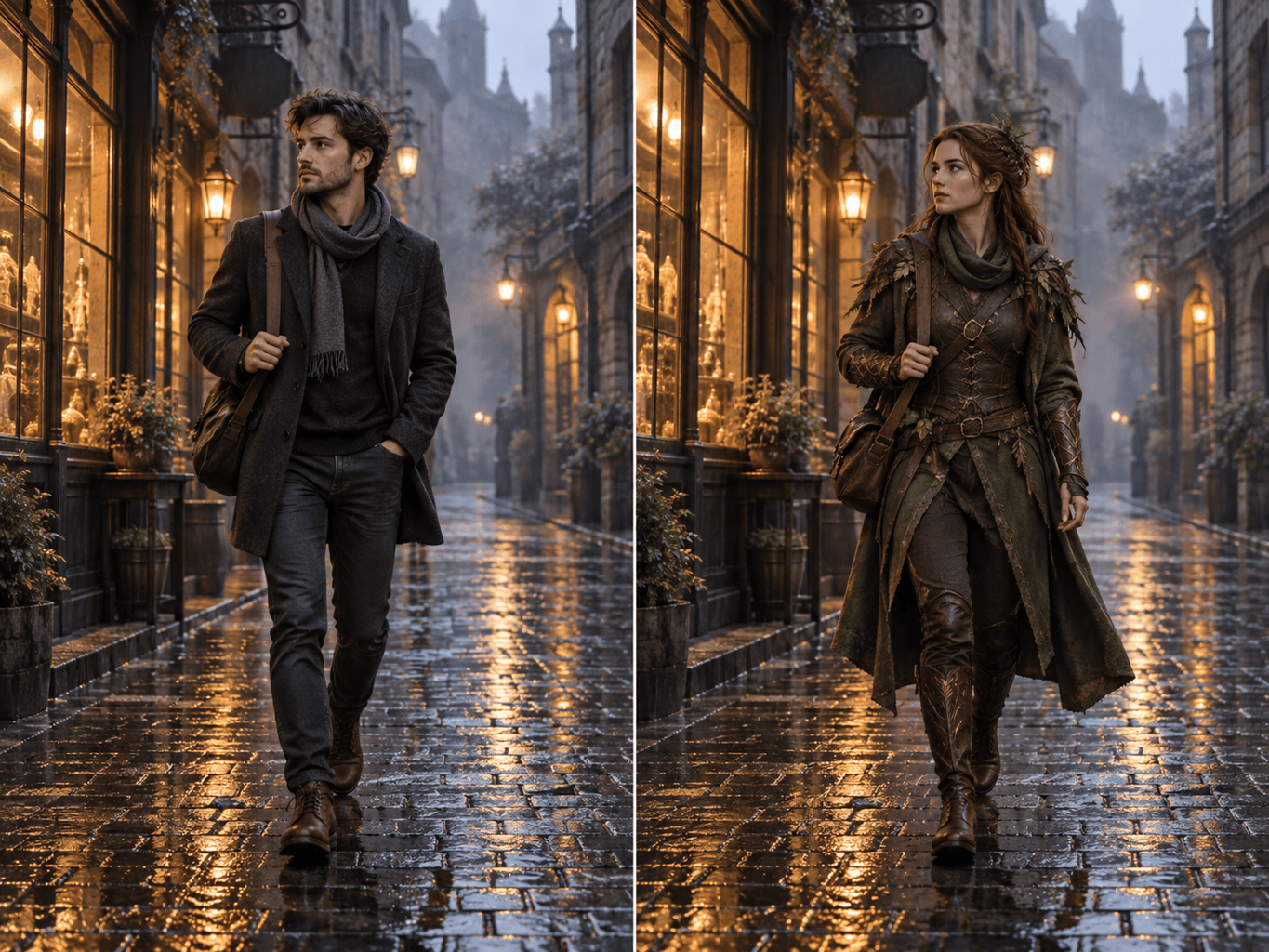
Transform the person in @street-photo into the fantasy ranger from @reference. Replace the full body, clothing, hair, and accessories, but keep the original walking pose, rainy city background, reflections, and cinematic night lighting.
Use @character-reference to replace the main subject across these social images. Keep the character's recognizable face, hair, signature jacket, and color palette while adapting pose and lighting to each existing scene.





