Free OnlineAI Cartoon Face Swap
How to Swap Your Face Into a Cartoon with AI
Upload Your Two Images
Describe the Swap
Refine the Likeness
Download the Cartoon

Make the New Face Belong in the Artwork
Use Both Image References
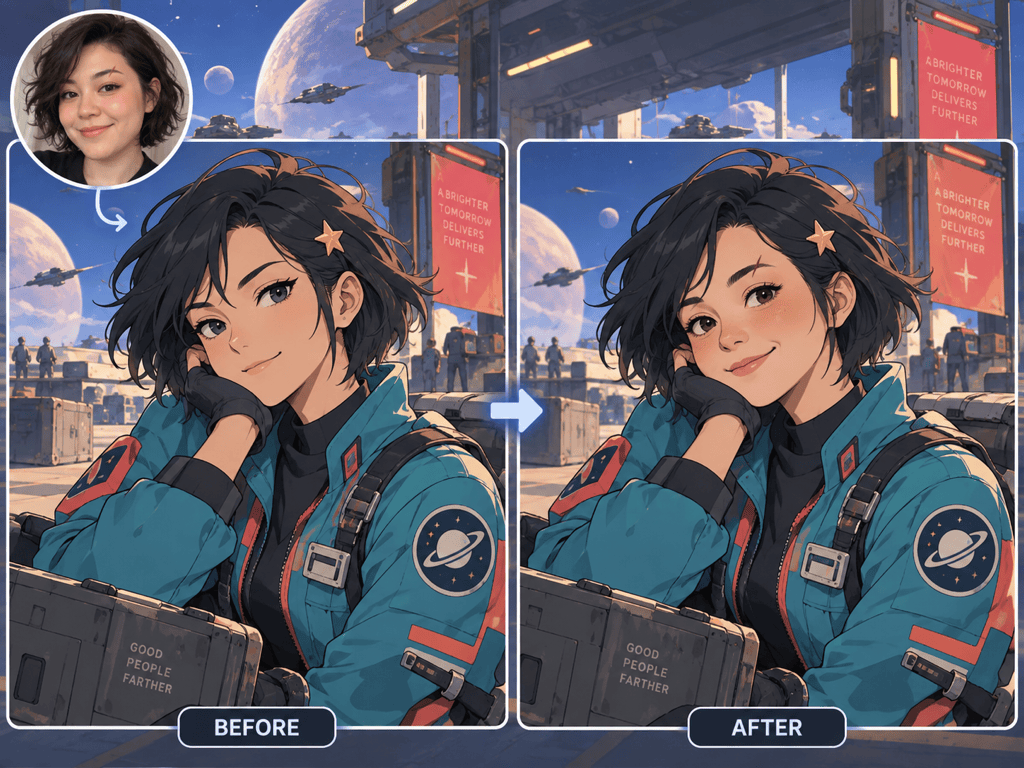
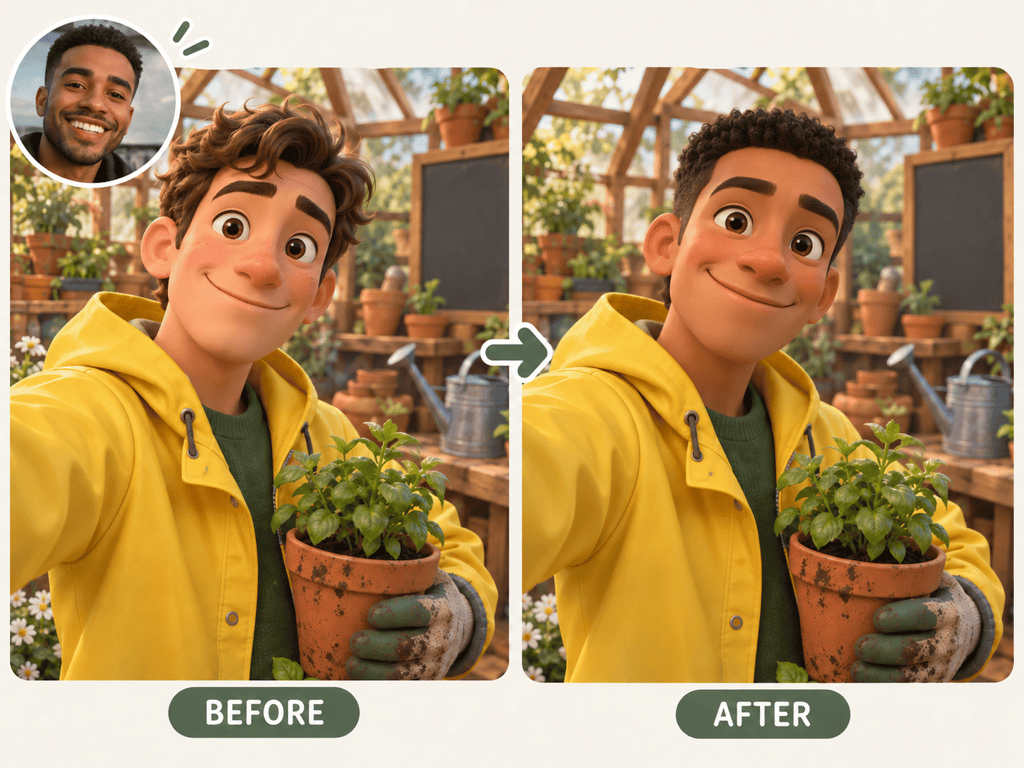
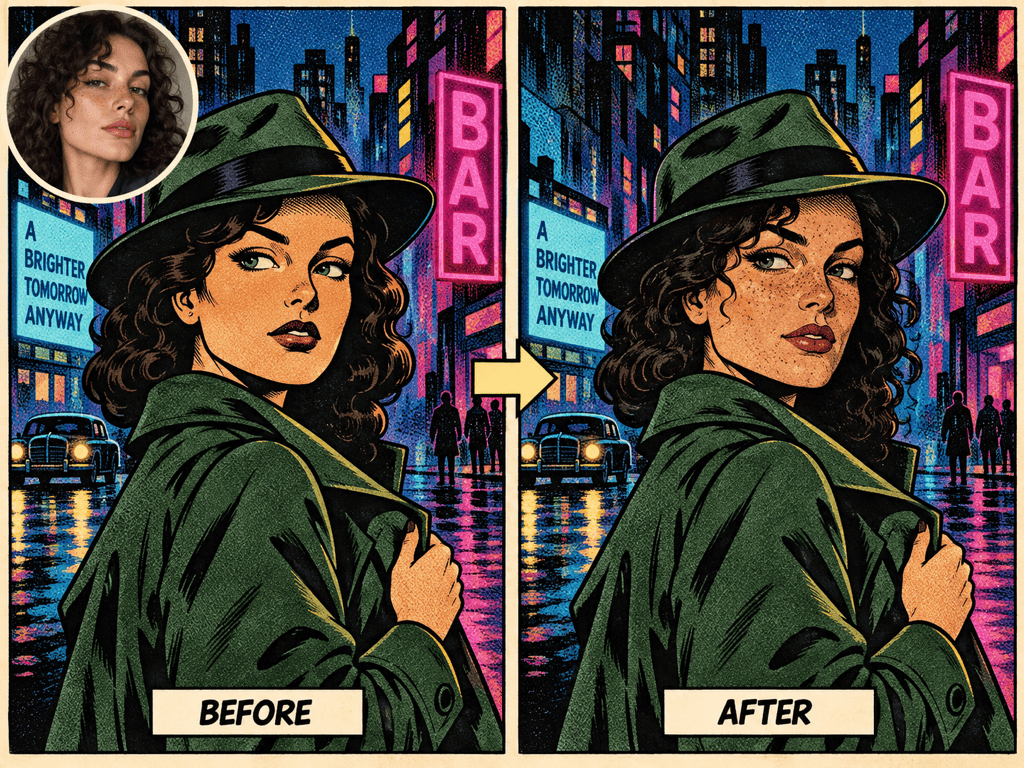
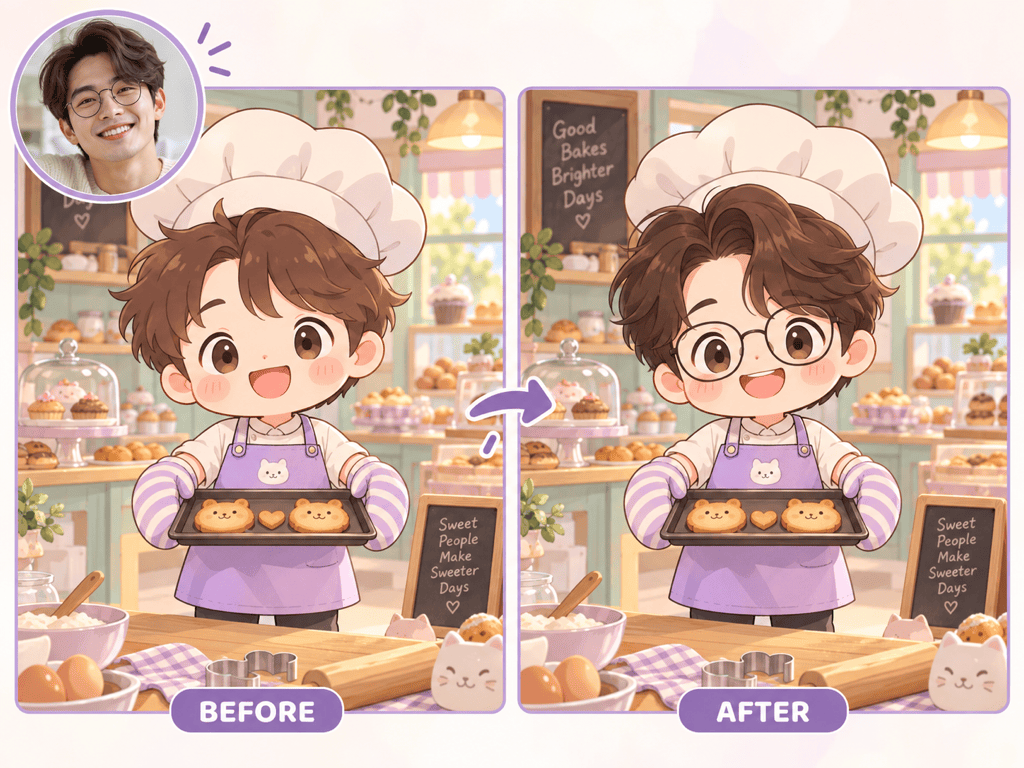
Upload your portrait and a cartoon target so the AI can draw from your facial features while following the target image’s composition and style.
Keep the Character Scene
Ask the online cartoon face swap maker to preserve the pose, costume, palette, and background, rather than redesigning the whole picture.
Choose the Art Direction
Try anime linework, soft 3D rendering, comic halftones, or a chibi look. Each style calls for a different balance of likeness and simplification.
Fix One Detail in Chat
With Chat Edit, request a more recognizable smile or matching eye shape without rewriting the entire image brief.
Explore Shareable Versions
Create a square cartoon avatar face swap, then request another crop or expression for a social post or personal sticker.
Try It With Free Credits
New users can test an AI cartoon face swap with free credits after signing up. Exported images are watermark-free; credit use depends on the generation.
Prepare Two Images for a Cleaner Cartoon Face Swap
- Choose a clear selfie: Use even light and an unobstructed face. Avoid tiny faces, heavy filters, and hair covering both eyes.
- Pick a usable target: Choose an original or licensed cartoon image with enough facial detail to redraw. Highly abstract faces and extreme side profiles can be harder to blend.
- Assign each image a role: Say which image provides the facial features and which keeps the pose, costume, colors, and scene.
- Review before sharing: Check likeness, linework, edges, and your rights to both images. Get consent before using another person’s face.
Fix Common Cartoon Face-Swap Problems
Using my uploaded selfie and anime target, redraw only the face so its eyes, brow, and smile resemble the selfie. Match the anime linework; keep the hair, pose, outfit, and background.
The face in my uploaded 3D cartoon swap looks pasted on. Re-render it with the same soft lighting, skin shading, and camera angle as the target character. Preserve the costume and scene.
My comic face swap lost the original ink style. Keep my key facial features, but redraw the face with the target panel’s bold contours, limited colors, and halftone shadows.
In my chibi cartoon image, the face became too realistic. Simplify it to the character’s proportions while keeping my distinctive smile and hairstyle cues.
The reference selfie shows a different expression from the cartoon target. Use my facial features, but match the target character’s expression and head angle; leave the rest of the art unchanged.
Make a square avatar version of my finished cartoon face swap. Keep the edited face and illustration style, center the character, and leave comfortable space around the head.





