Free OnlineAI Cartoon Character Generator
How to Create a Cartoon Character with AI
Describe Your Character
Generate the First Look
Refine the Details
Save and Use Your Character

Build a Character Around Your Idea
Describe a Personality, Get a Look
Our cartoon character creator works from plain-language traits, so a shy inventor or bold forest guide can have a visual identity beyond a generic face.
Explore 2D and 3D-Style Art
Use the online AI cartoon character maker to compare line art, flat color, comic shading, and dimensional illustration before choosing a direction.
Revise Without Redrawing
Ask Chat Edit for a different expression, outfit, or pose while describing the features you want to keep. Review each result for continuity.
Start from a Reference When Useful
Upload a sketch, portrait, or visual reference to guide a new cartoon character. A source image can help with likeness or style, though results still need review.
Make Versions for Real Uses
Try an avatar crop, full-body concept, or mascot variation. Ask for background removal when you need an asset for another layout.
Try It with Free Credits
Sign up to test character ideas with free AI credits. Exported designs are watermark-free; available credits and options depend on your account.
What to Include in a Cartoon Character Brief
- Define the silhouette: Name the species or person, body shape, hair or fur, and one memorable accessory.
- Show personality: Describe the expression and posture instead of relying only on words like cute or cool.
- Choose the frame: Ask for a square headshot for an avatar or a full-body standing view for a character concept.
- Keep continuity: For more poses, repeat the same core traits and use the approved image as a reference; check each variation for drift.
Cartoon Character Ideas to Try
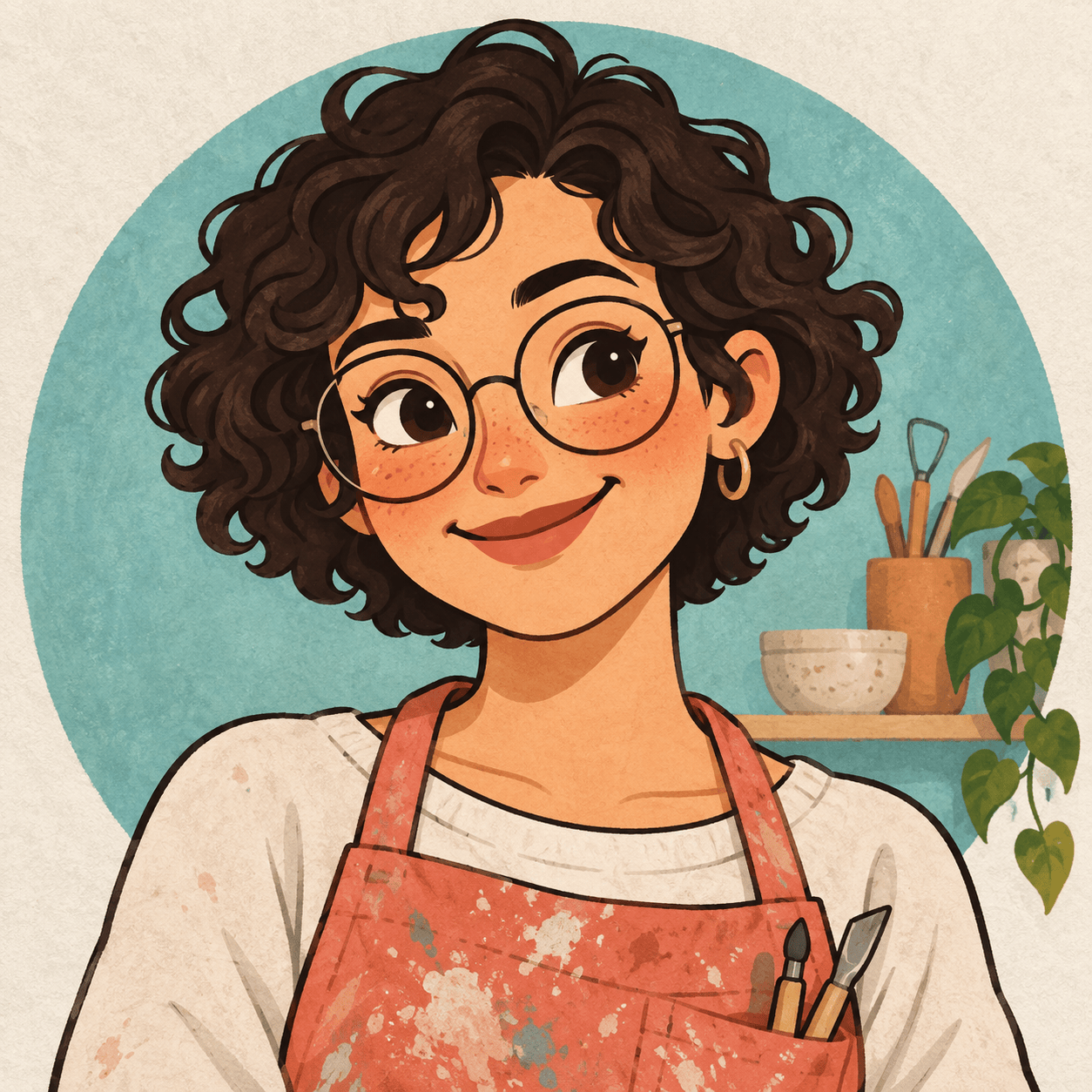
Create an original square cartoon avatar of a friendly ceramic artist with short curls, paint-speckled apron, and a warm smile. Use bold clean outlines and a simple background that reads well at profile size.
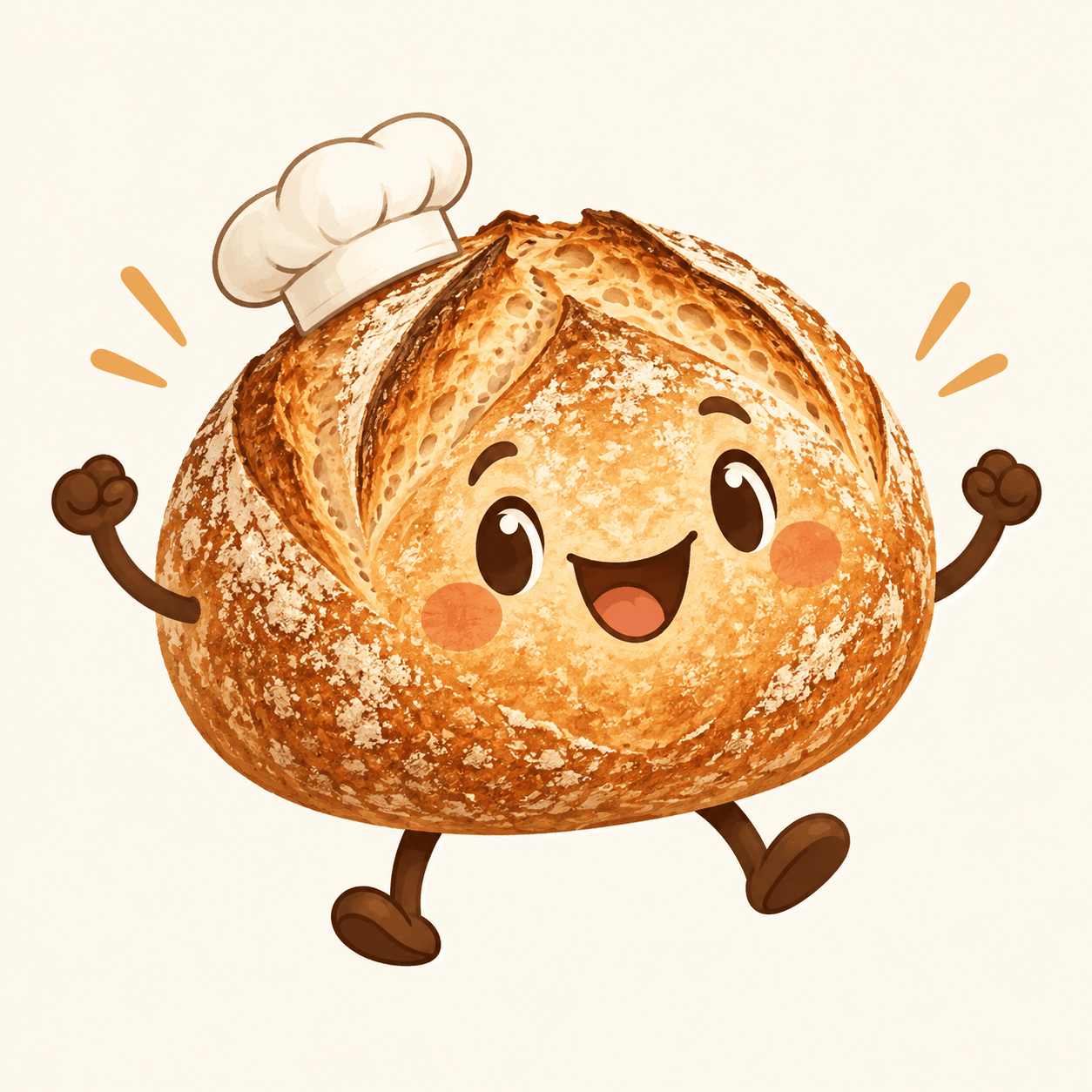
Design a cheerful cartoon mascot for a neighborhood bakery: a smiling sourdough loaf with a tiny baker hat, expressive arms, warm wheat colors, and a clear silhouette suitable for stickers.
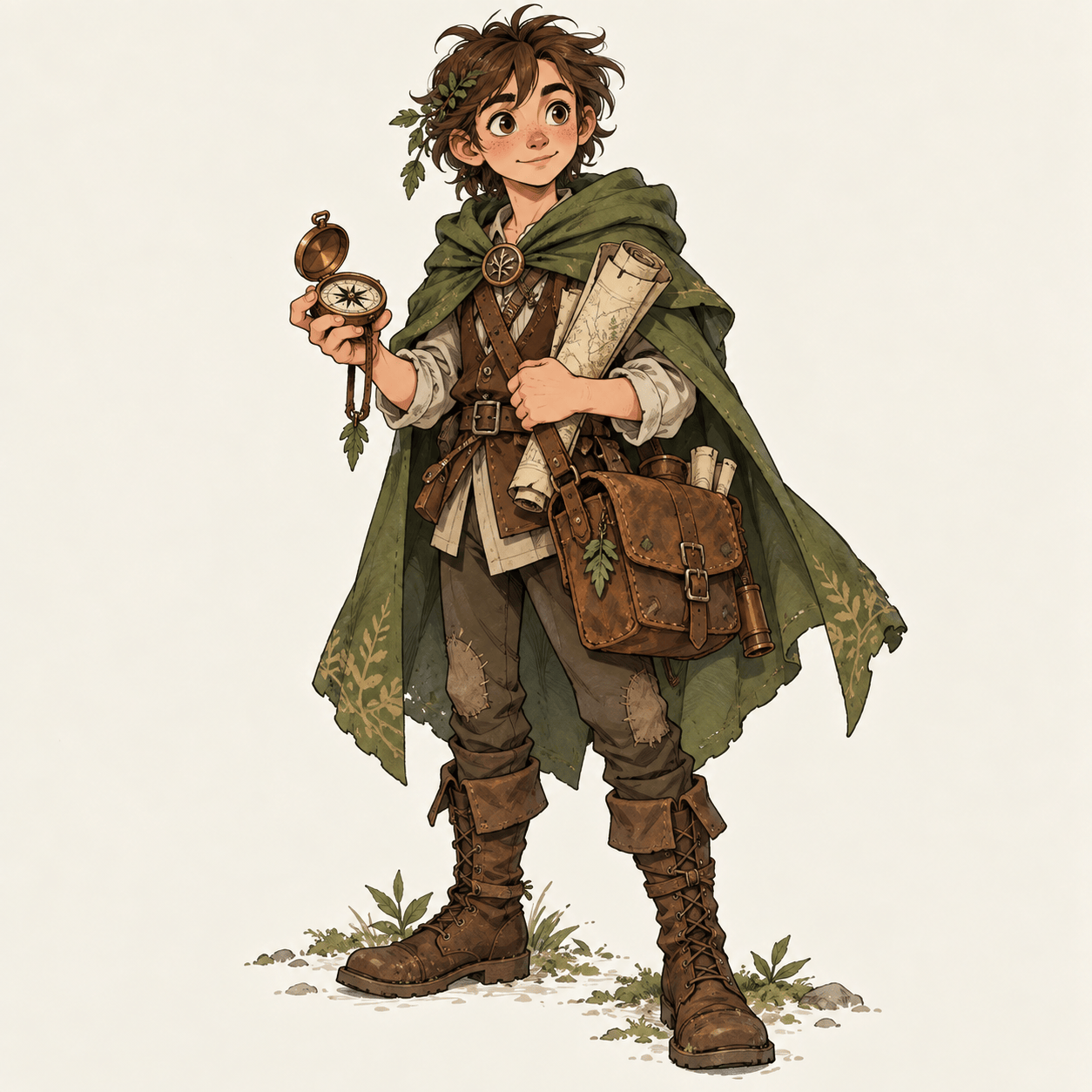
Create a full-body 2D cartoon fantasy character: a young forest cartographer with a moss-green cloak, brass compass, sturdy boots, and an alert expression. Show the entire figure on a plain background.
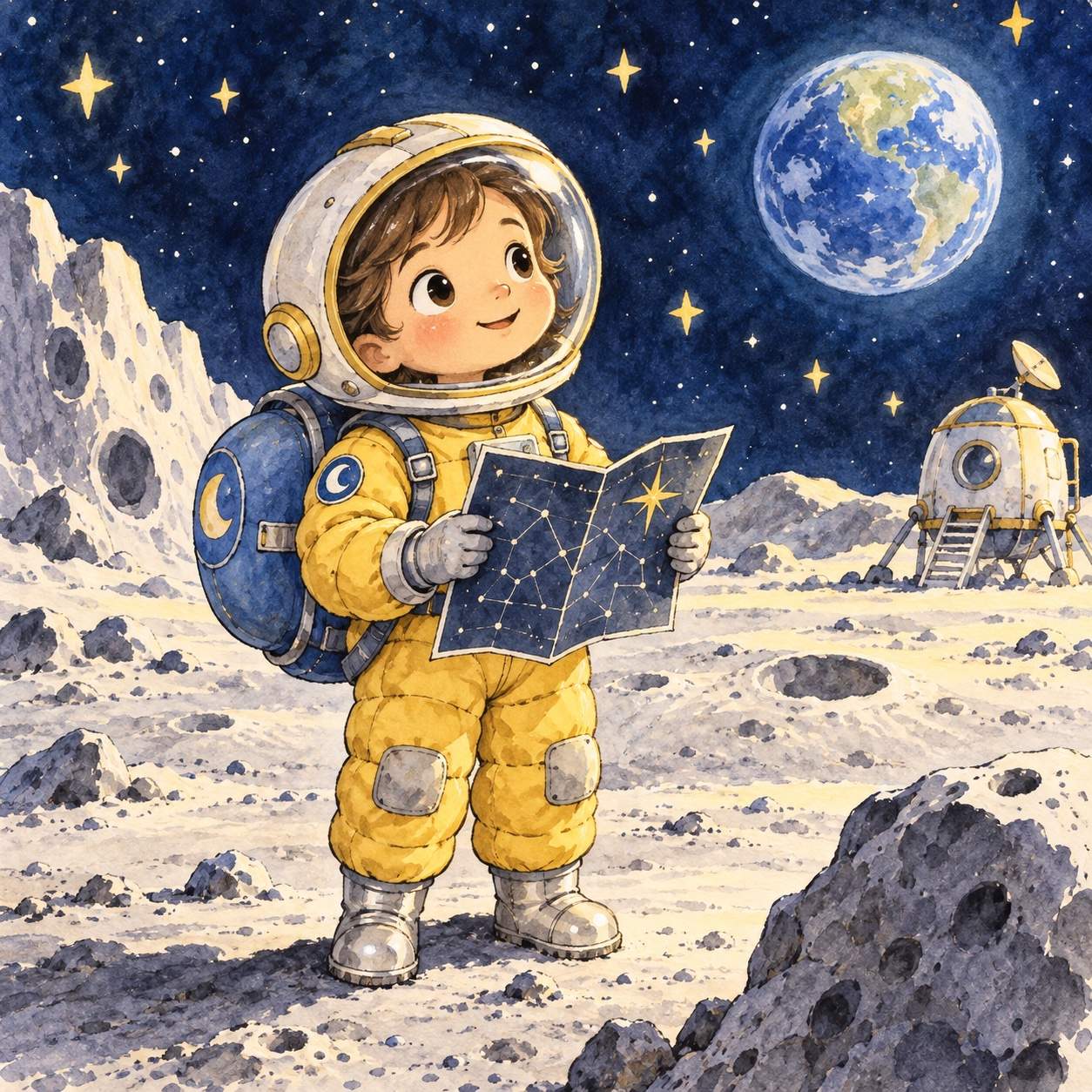
Illustrate an original storybook protagonist: a small moon explorer with a round backpack, curious eyes, soft watercolor textures, and a gentle bedtime-story mood. Make the face easy to recognize.
Generate a 3D-style cartoon character concept of a playful robot gardener with leaf-shaped antennae, rounded metal panels, and bright green accents. Show a three-quarter standing view without text.
Design an original chibi-style cartoon bicycle courier with an oversized helmet, round backpack, energetic pose, clean cel shading, and a simple white background.





