Free OnlineAI Photo to Cartoon
How to Turn a Photo Into a Cartoon With AI
Upload a Clear Photo
Describe the Cartoon Look
Generate and Compare
Refine and Download

Why Use Mew Design for Photo-to-Cartoon Editing
Turn the Photo You Have Into Art
Upload your real image instead of rebuilding the scene from scratch. This image-to-image workflow gives the AI photo to cartoon conversion a clear subject, pose, framing, and visual starting point.
Say What Must Stay Recognizable
Tell Mew Design to preserve facial structure, hairstyle, expression, clothing, pet markings, or the original composition. The instruction helps the cartoon result stay connected to your source photo.
Create a Style Beyond Fixed Filters
Describe line weight, color mood, texture, and depth, or upload a visual reference. The online AI cartoonizer can follow a custom direction instead of limiting you to one preset look.
Fix One Detail Without Starting Over
Use Chat Edit when the first version needs work. Ask for a closer expression, cleaner hands, a less busy background, or bolder comic shading while keeping the parts you already like.
Compare Multiple Cartoon Variations
Generate several directions from one source photo, then compare 2D, 3D, comic, and storybook treatments. Variations help you find the right cartoon avatar, social post, or printable keepsake.
Try It Free and Export Without a Watermark
New users receive free AI credits after signup. Test the free photo to cartoon maker, refine your favorite result, and download a watermark-free PNG or JPG when it is ready.
How to Get a Recognizable Cartoon From Your Photo
- Start With a Strong Source: Use a sharp, well-lit photo where faces, pet markings, hands, and important objects are not heavily cropped or hidden.
- Name the Invariants: State which facial features, pose, clothing, group arrangement, colors, and background elements must remain recognizable.
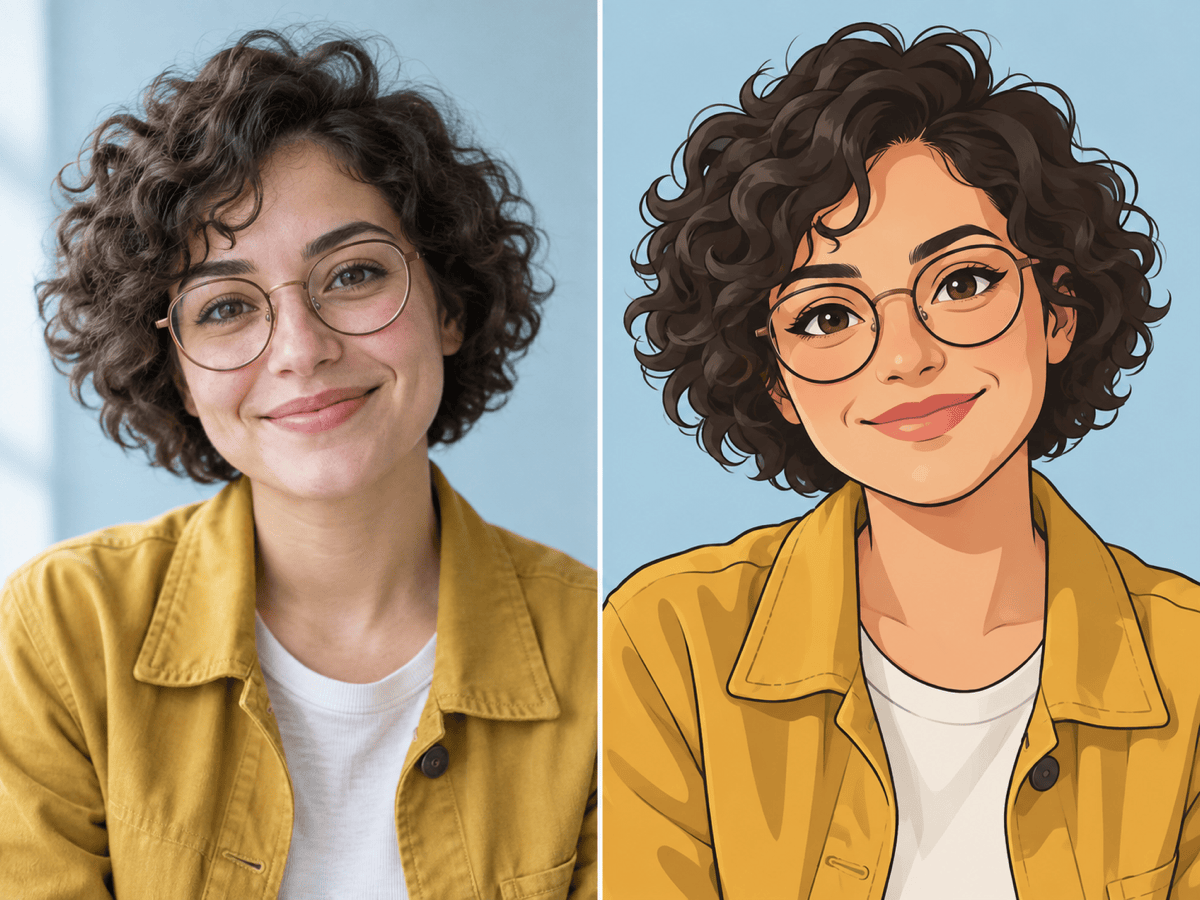
- Describe the Cartoon Language: Specify 2D or 3D, outline weight, shading, texture, color mood, and how much exaggeration you want.
- Match the Destination: Ask for a square avatar, vertical portrait, wide banner, printable keepsake, or transparent-background character only when that format serves your final use.
Photo-to-Cartoon Styles to Try
Turn @[selfie] into a clean 2D cartoon avatar with crisp outlines, flat color blocks, and a simple circular background. Keep my face shape, hairstyle, glasses, and expression recognizable. Use a square crop for a profile picture.
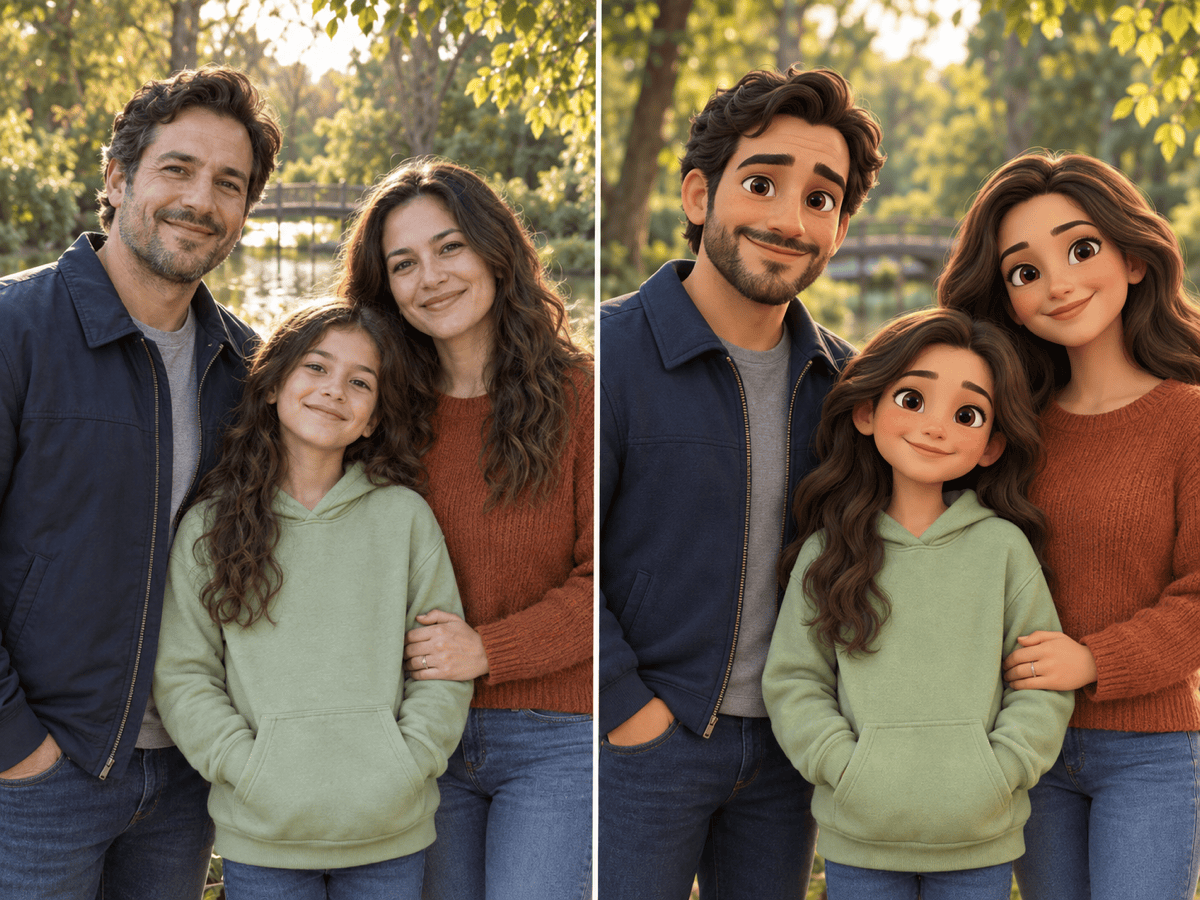
Convert @[portrait] into a polished 3D animated cartoon portrait with soft studio lighting, expressive eyes, and detailed fabric. Keep the same identity, age, skin tone, hairstyle, pose, and clothing colors. Do not add accessories.
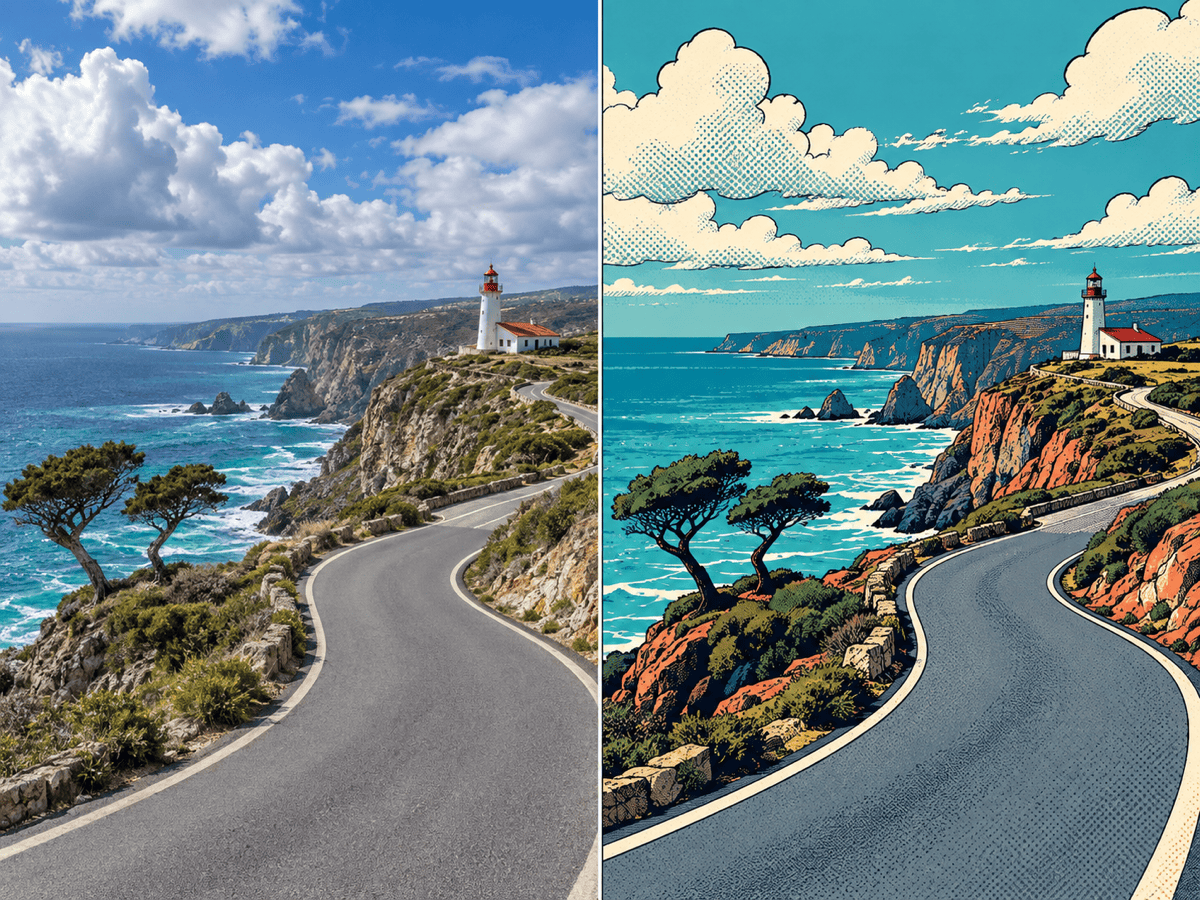
Transform @[photo] into bold comic-book art with confident ink lines, halftone shadows, and a limited red, navy, and cream palette. Preserve the subject's pose and the main background shapes. Keep all visible hands anatomically natural.
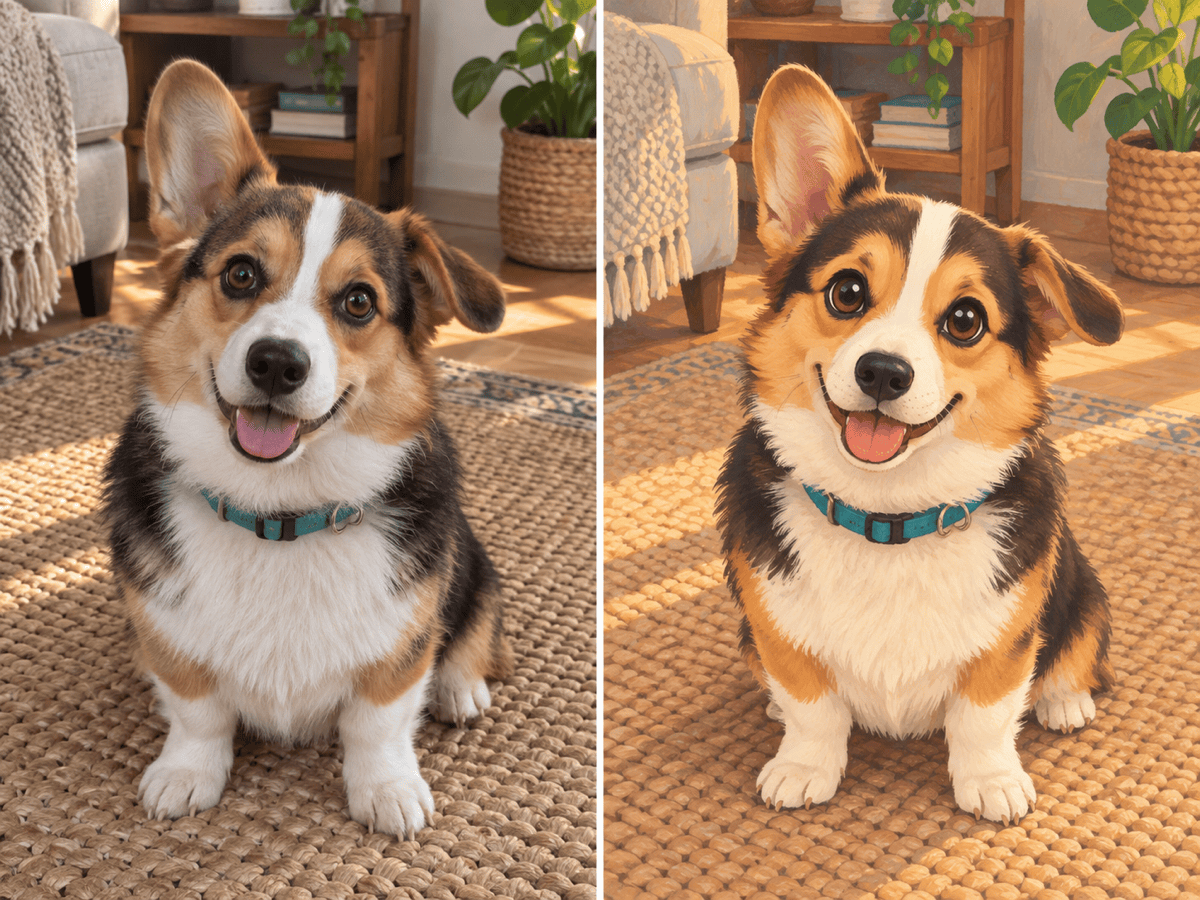
Turn @[pet photo] into a warm storybook cartoon with textured brushwork and gentle colors. Preserve the pet's breed, face shape, ear position, eye color, and distinctive fur markings. Keep the original sitting pose.
Convert @[family photo] into a cohesive 3D cartoon group portrait. Keep every person recognizable, preserve the left-to-right order, clothing colors, height differences, and expressions, and simplify only the background clutter.
Turn @[travel photo] into a vibrant illustrated landscape with clean shapes, bold outlines, and layered atmospheric depth. Preserve the mountain silhouette, road direction, building positions, and overall composition while removing small distractions.





