Free OnlineAI Camouflage Generator
How to Create a Camouflage Pattern with AI
Define the Environment and Scale
Generate an Original Camo Direction
Refine Colors, Contrast, and Repeat
Tile-Test and Export

Why Mew Design Works for Custom Camo Patterns
Design by Describing the Terrain
Start with a natural-language brief instead of fixed presets. Our AI camouflage generator can interpret habitat, use, palette, contrast, pattern scale, and surface direction in one conversation.
Explore Organic and Digital Geometry
Create flowing woodland blotches, angular urban fragments, pixel clusters, flecked textures, or an original fashion treatment without copying a recognizable service or brand pattern.
Guide the Look with References
Upload a terrain photo, fabric swatch, mood board, or existing color palette as a visual reference. Ask Mew Design to borrow broad color and texture cues while producing a new composition.
Adjust Pattern Structure in Chat
Use Chat Edit to change spot density, macro-to-micro balance, color proportions, edge continuity, or overall contrast. The custom camo pattern maker stays conversational as the design evolves.
Build Coordinated Colorways
Generate related versions for apparel collections, game biomes, packaging, or product surfaces. Keep the visual logic consistent while shifting from woodland to desert, arctic, urban, or fashion palettes.
Try, Refine, and Export Online
Sign up for free AI credits, compare directions, and export selected camouflage textures as watermark-free PNG or JPG files. Always tile-test and verify production specifications before manufacturing.
How to Prompt AI for Better Camouflage Patterns
- Name the Environment: Specify woodland, scrub, desert rock, snow, concrete, coastal water, or a purely fashion-led palette. Include a reference image when real surroundings should guide the colors.
- Set Geometry and Scale: Choose organic blotches, pixels, angular shards, brush marks, or flecks. Ask for both macro and micro elements when the pattern must remain structured at more than one distance.
- Assign Color Roles: List three to five colors and explain which should dominate, recede, form shadows, or create contrast. A grayscale check can reveal whether all colors share the same value.
- Request and Verify the Repeat: Ask for a flat, seamless square tile with opposite edges matching and no central focal point. Repeat the result in a grid and inspect every join before print or 3D use.
Camouflage Pattern Prompts for Real Projects
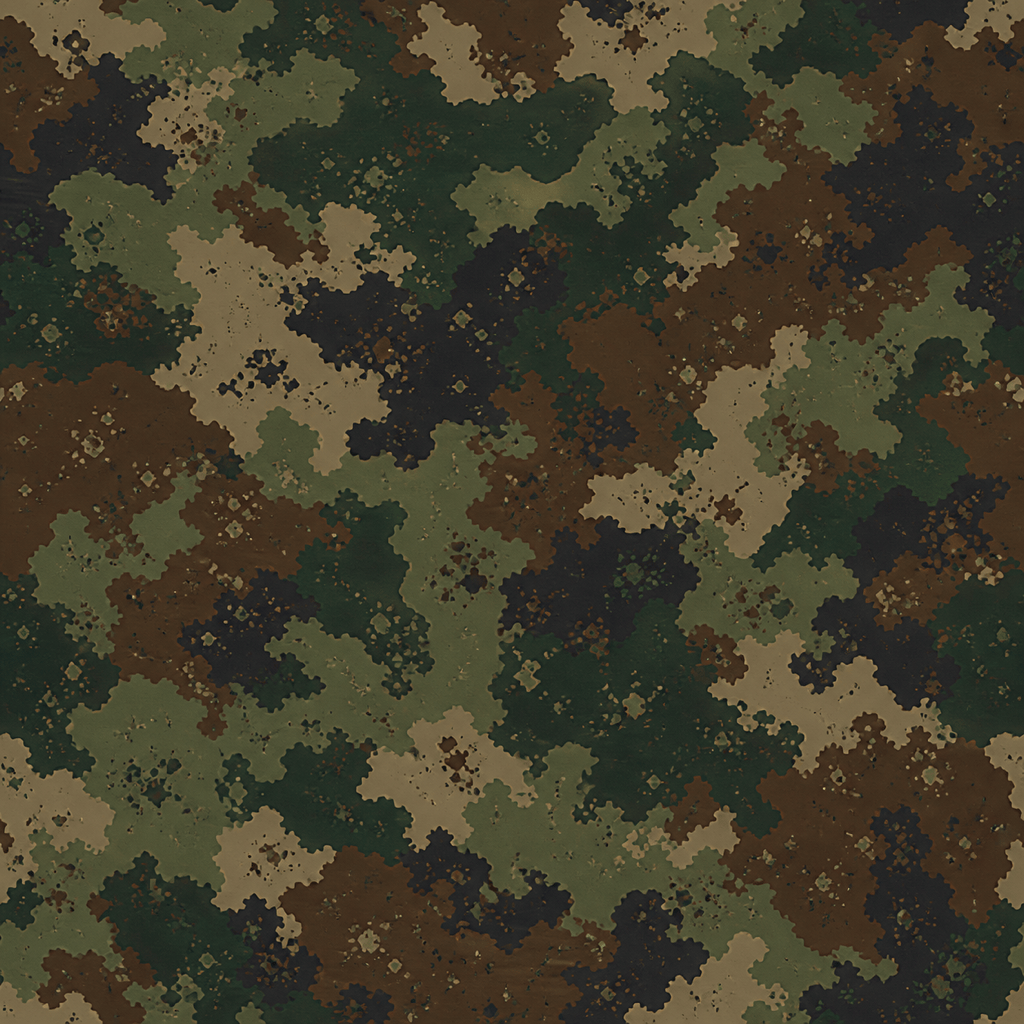
Woodland Fabric: Create an original seamless camouflage pattern for outdoor jacket fabric. Use pine green, moss, bark brown, muted khaki, and charcoal. Mix large organic disruptive shapes with small leaf-like flecks. Balanced coverage, flat square repeat tile, no text, logos, garments, or copied military pattern.
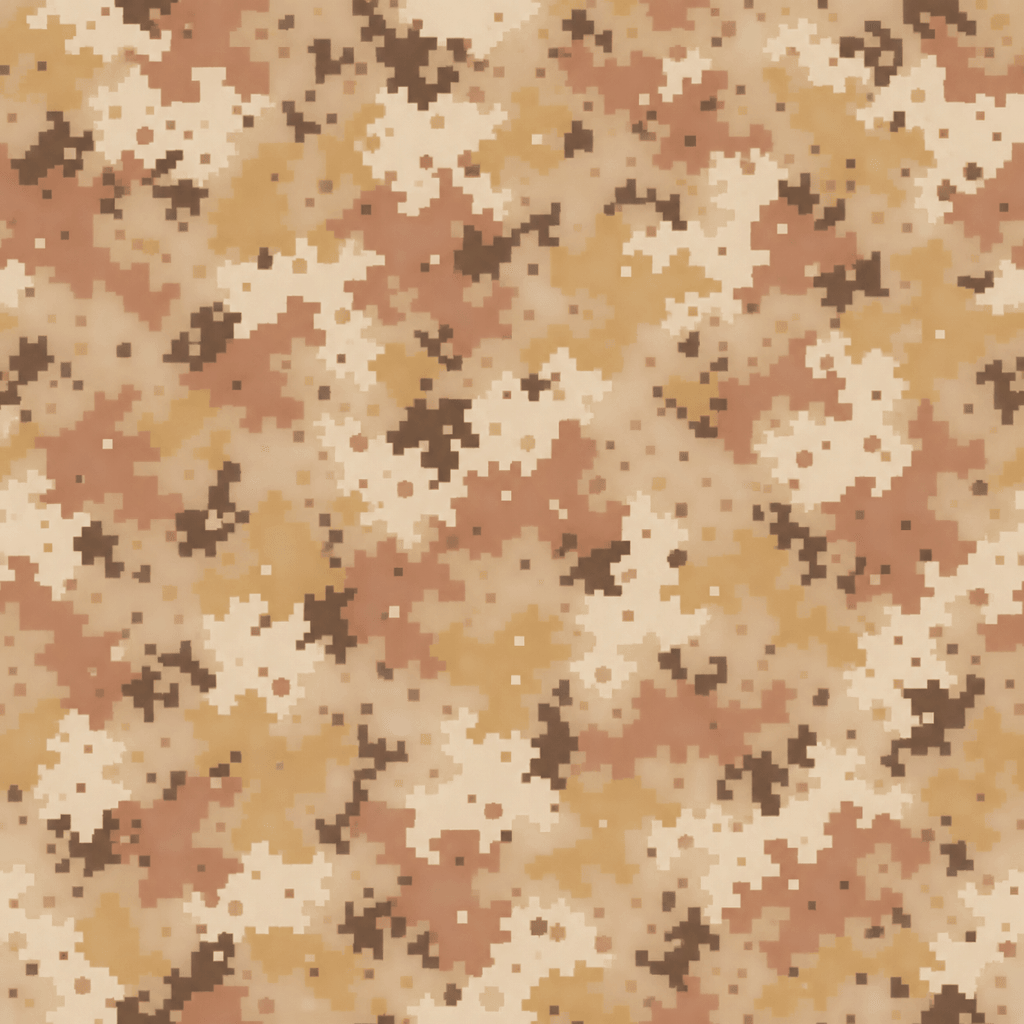
Desert Game Texture: Generate a seamless digital camouflage texture for a fictional desert game environment. Use sand, pale stone, ochre, clay, and sparse dark brown. Combine broad pixel clusters with fine square noise, low-gloss flat texture, no objects, insignia, text, or visible seams.
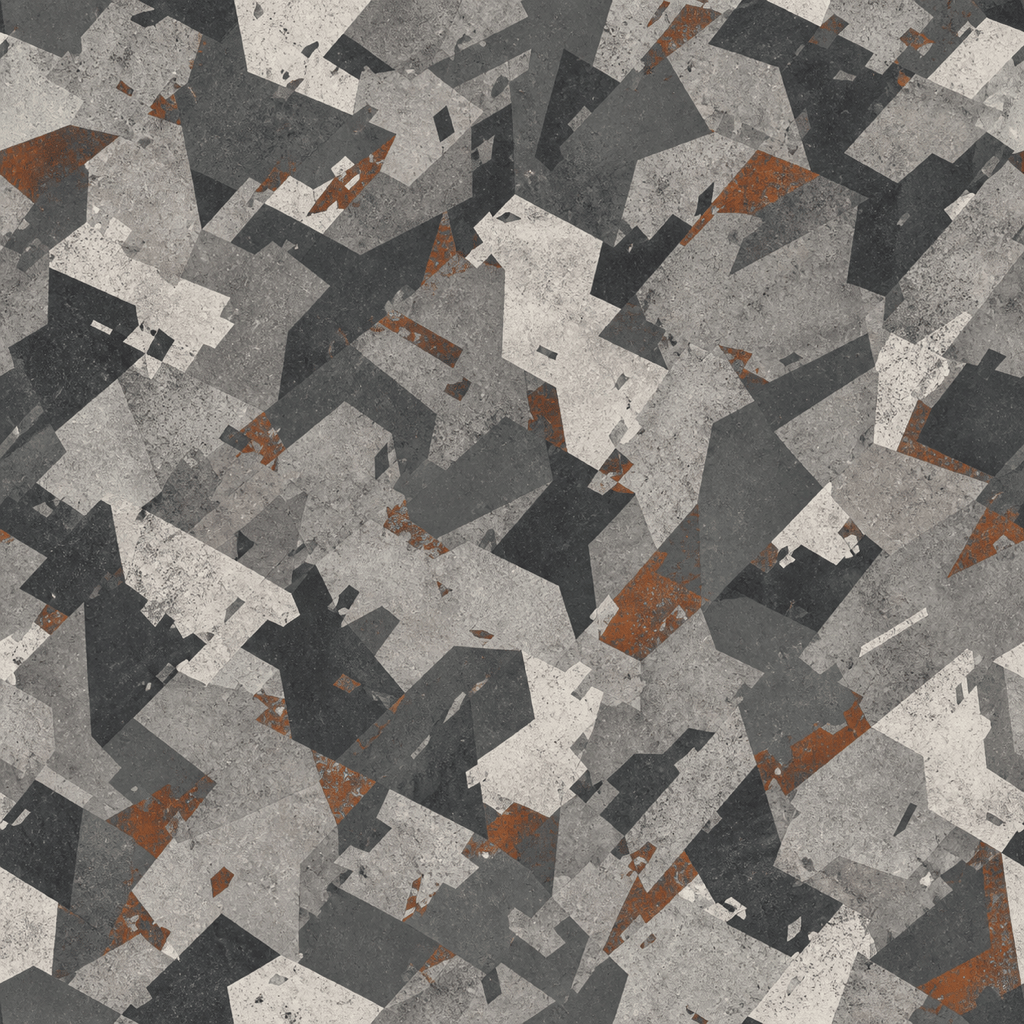
Urban Gray Surface: Design an original urban camo pattern for a concrete-themed product surface. Use cement gray, slate, graphite, off-white, and a small amount of rust. Angular broken shapes, medium contrast, multi-scale structure, seamless square tile, no recognizable uniform pattern.
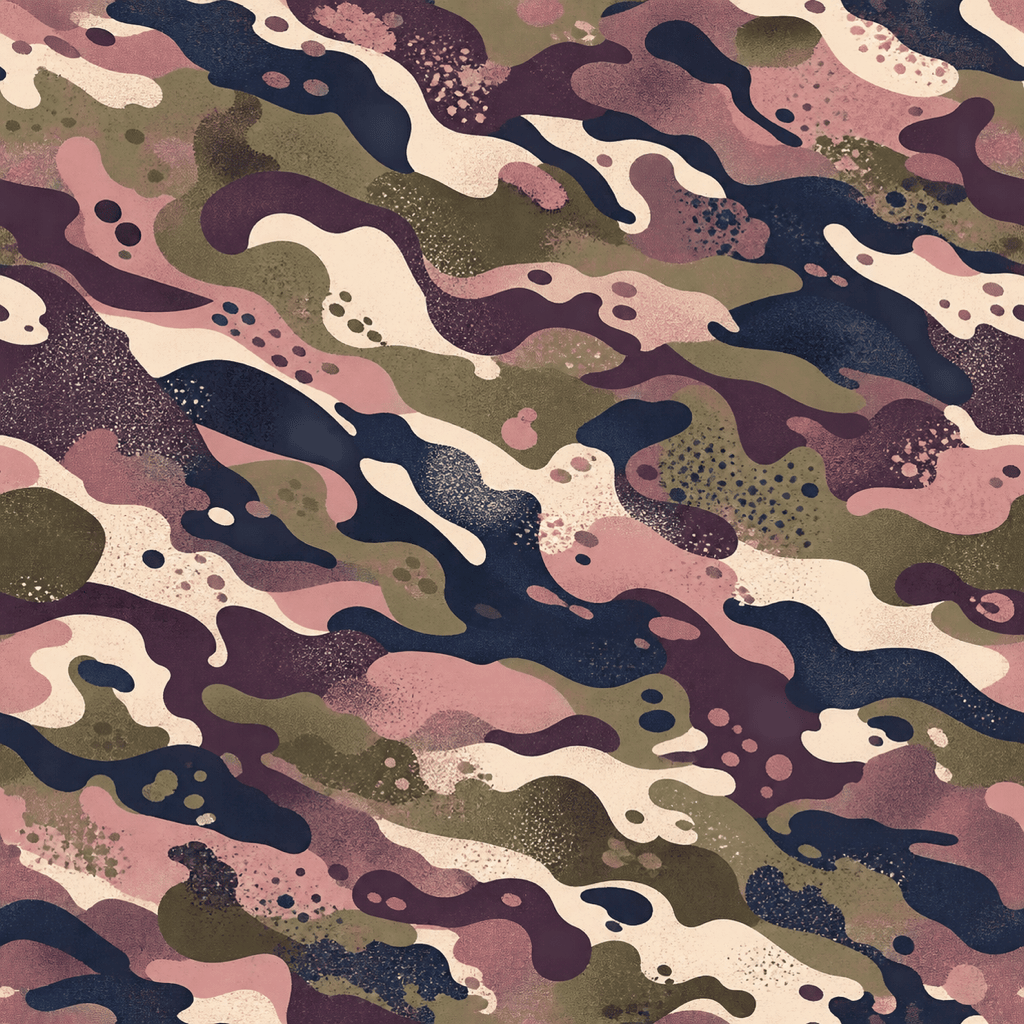
Fashion Camo Colorway: Create a fashion camouflage pattern for streetwear fabric using dusty rose, muted olive, warm cream, plum, and midnight. Flowing irregular shapes with soft grain and bold macro rhythm. Make it original, seamless, flat, and suitable for a repeating textile print.
Arctic Pattern: Make a clean arctic camouflage tile for a fictional exploration-game asset. Use snow white, cool gray, pale blue, and sparse charcoal. Broken angular islands with subtle micro texture, restrained contrast, seamless repeat, no people, gear, words, or emblems.
Coastal Abstract Camo: Generate an original water-inspired camouflage texture in deep navy, sea green, mist gray, foam white, and muted teal. Use elongated wave breaks and scattered flecks at two scales. Seamless square tile for digital backgrounds and accessories.
Hunting Concept: Create a woodland camouflage concept inspired by dappled shade, dry leaves, bark, and fern shadows. Use large soft-edged forms beneath crisp twig-like fragments. Match an autumn forest palette, avoid photoreal branches, and do not imitate any named hunting brand. Tile seamlessly.
Product Wrap: Design a high-contrast original camouflage pattern for a fictional outdoor equipment wrap. Use olive, tan, black, and a muted orange accent. Bold asymmetric patches cross every edge, with smaller texture inside. Flat seamless tile, no product mockup, labels, insignia, or text.





