Free OnlineAI Cake Generator
How to Create a Cake Design with AI
Describe the Cake You Have in Mind
Generate Your First Cake Image
Adjust the Piping, Colors, or Name
Download and Discuss the Design

Custom Cake Designs for Birthdays, Weddings, and Bakeries
Personalize a Birthday Cake with a Name
Ask for a short name, age, or birthday message on a plaque or the cake itself. The AI cake maker lets you explore lettering placement; check spelling before sharing.
Match a Wedding Color Palette
Create AI wedding cake designs around your flowers and reception colors. Compare ivory buttercream, smooth fondant, or a smaller floral arrangement before briefing your baker.
Build on a Cake Reference Photo
Upload a cake photo or sketch and describe what you like. Request different colors or decorations while asking to retain the overall shape; review the result for unwanted changes.
Compare Buttercream, Fondant, and Drip Cakes
Use the AI cake design generator to compare textured buttercream, smooth fondant, chocolate drips, and vintage piping. Request separate versions with the same shape and colors so the finish is the main difference. This makes it easier to choose a decorating direction for your cake.
Choose a Model for Your Cake Brief
Access the latest leading image models, with new releases added promptly. Choose a model yourself, or let Mew Auto select one suited to details such as icing texture and lettering.
Share a Clear Visual Reference
Download watermark-free PNG or JPG images to discuss with a client or baker. AI-generated cake designs help explain a concept; they do not specify ingredients, servings, or construction.
How to Describe a Cake for Better Results
- Separate Tiers from Layers: Tiers are stacked cakes; layers are sponge and filling inside a cake. Ask for a cut slice only if you want the interior to show.
- Name the Finish: Choose buttercream for soft spatula marks or piped flowers, smooth fondant for a clean sculpted surface, or a chocolate drip for visible texture along the sides. For a vintage cake, ask for shell borders and piped swags. Keep the palette small and choose one main decoration.
- Keep Cake Writing Short: Put the exact words in quotes and say where they belong. A small plaque can give the lettering more room; review every name and number.
- Make the Reference Useful: Request an unobstructed view and simple background. For a real order, have your baker review the decorations and structure before committing to the design.
Birthday, Wedding, and Celebration Cake Ideas
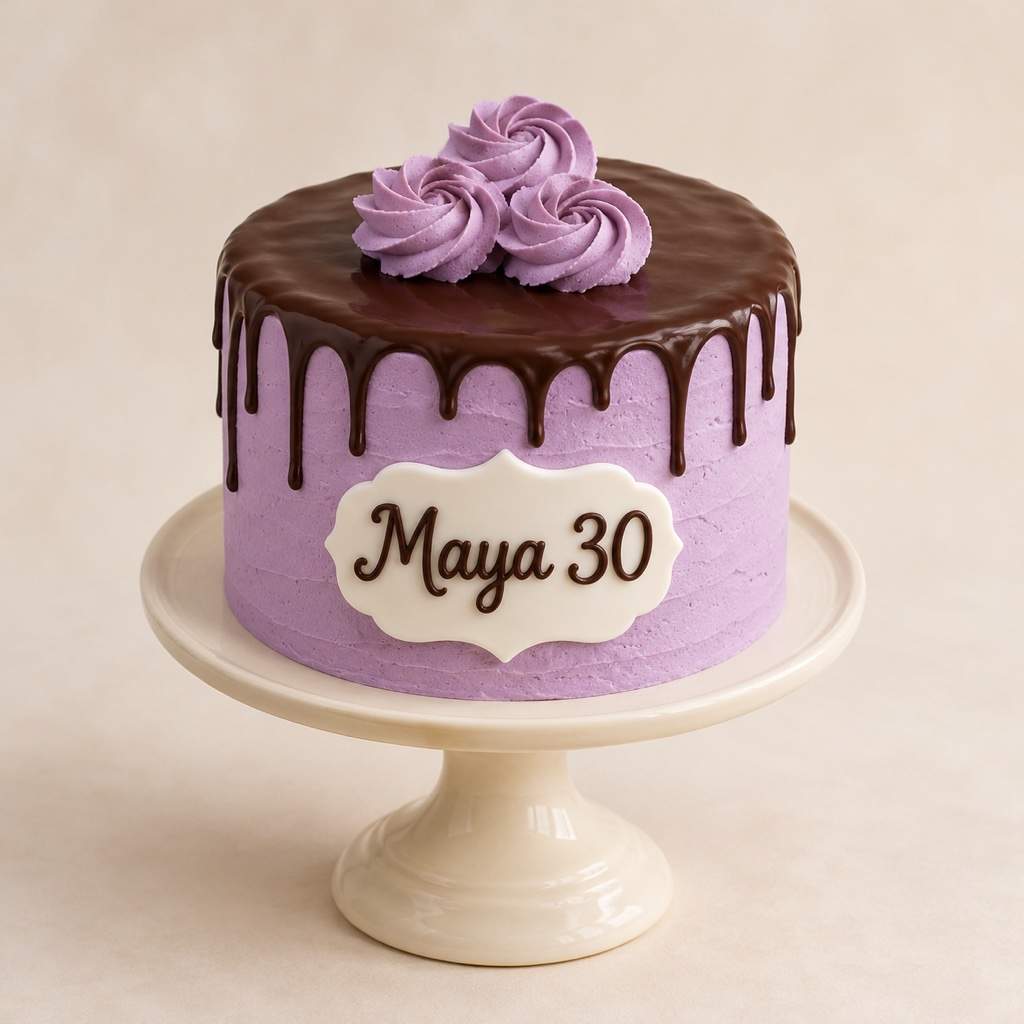
Create a birthday cake image with the name “Maya 30” on a white plaque. Use lavender buttercream, a chocolate drip, and three small rosettes on a single round tier. Show the full cake on a plain stand.
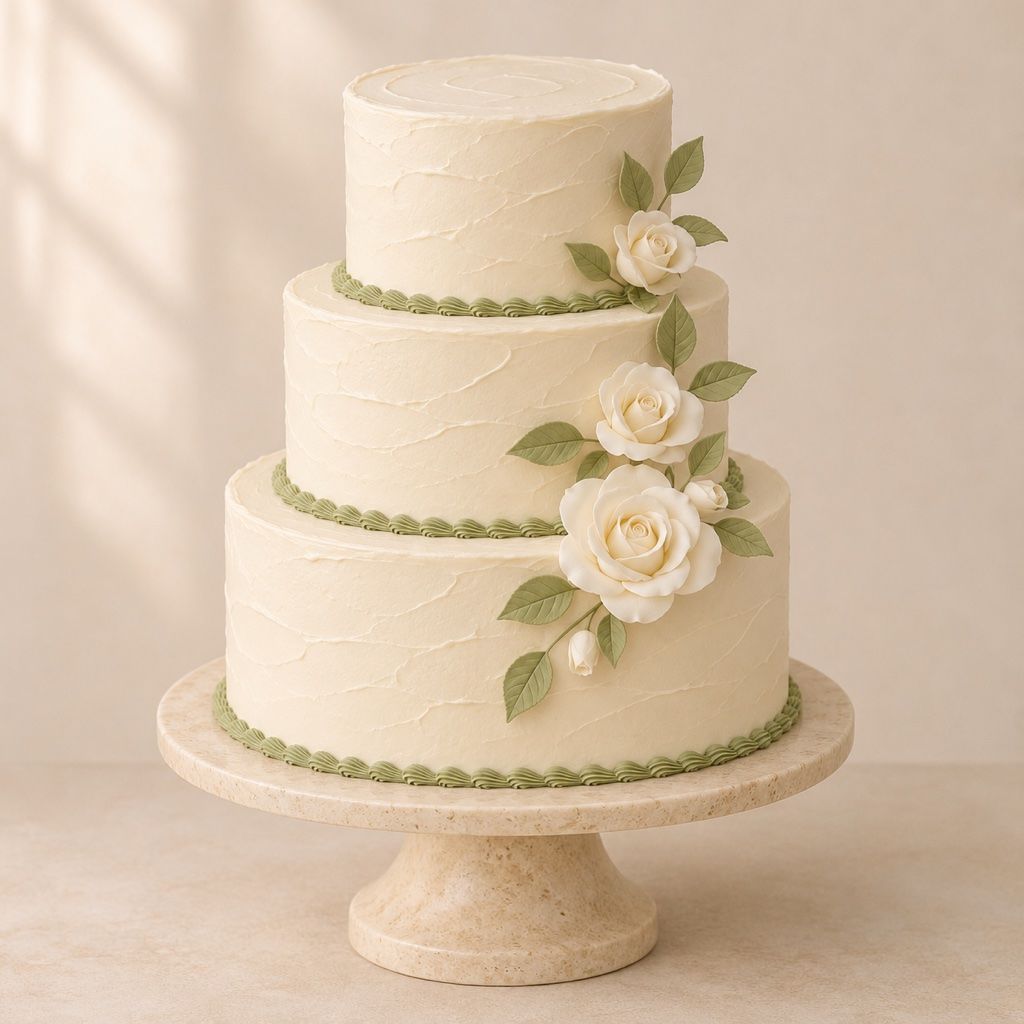
Design a three-tier wedding cake with ivory buttercream, sage green borders, and a small cascade of white sugar roses. Use a plain warm background and a clear front view so the tier proportions are easy to discuss.
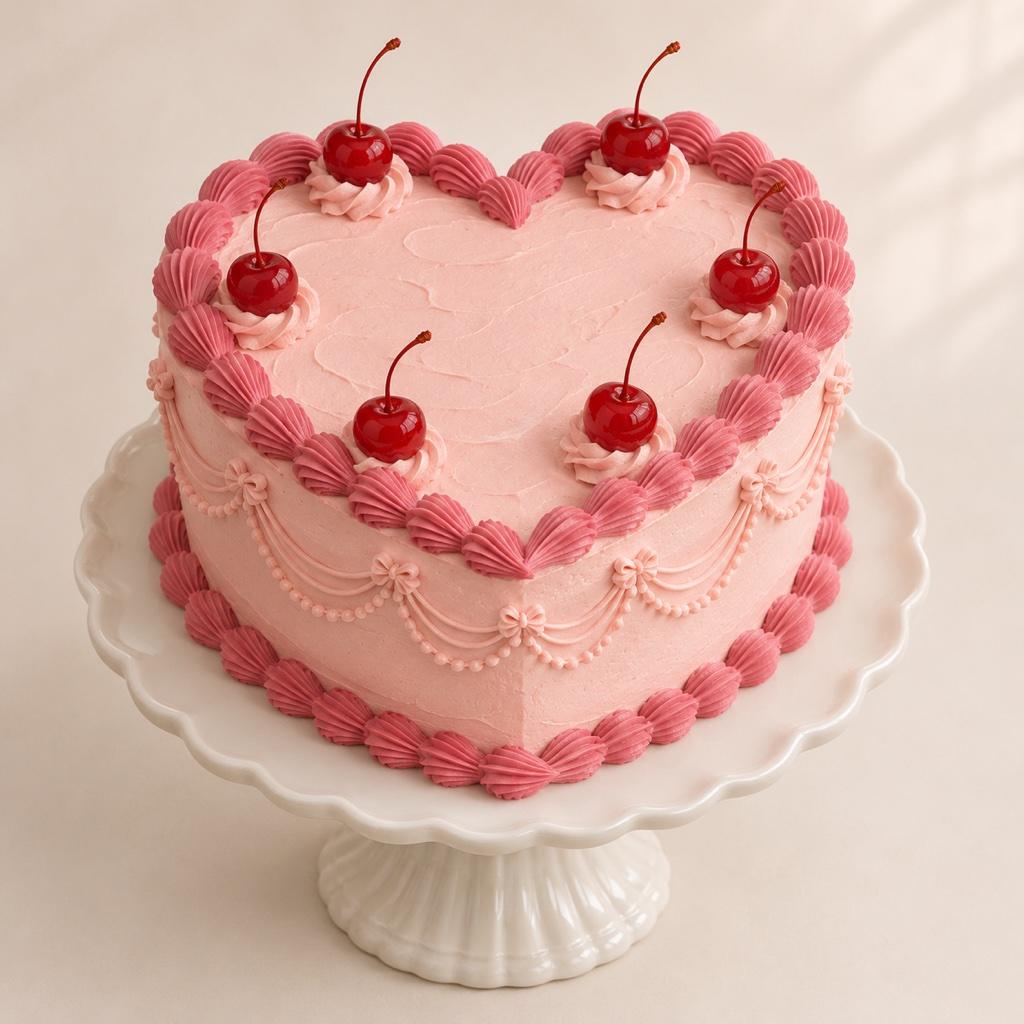
Generate a vintage heart-shaped cake with pale pink buttercream, deep pink shell borders, delicate piped swags, and cherries. Show the heart shape from a slightly elevated angle. Add no lettering.
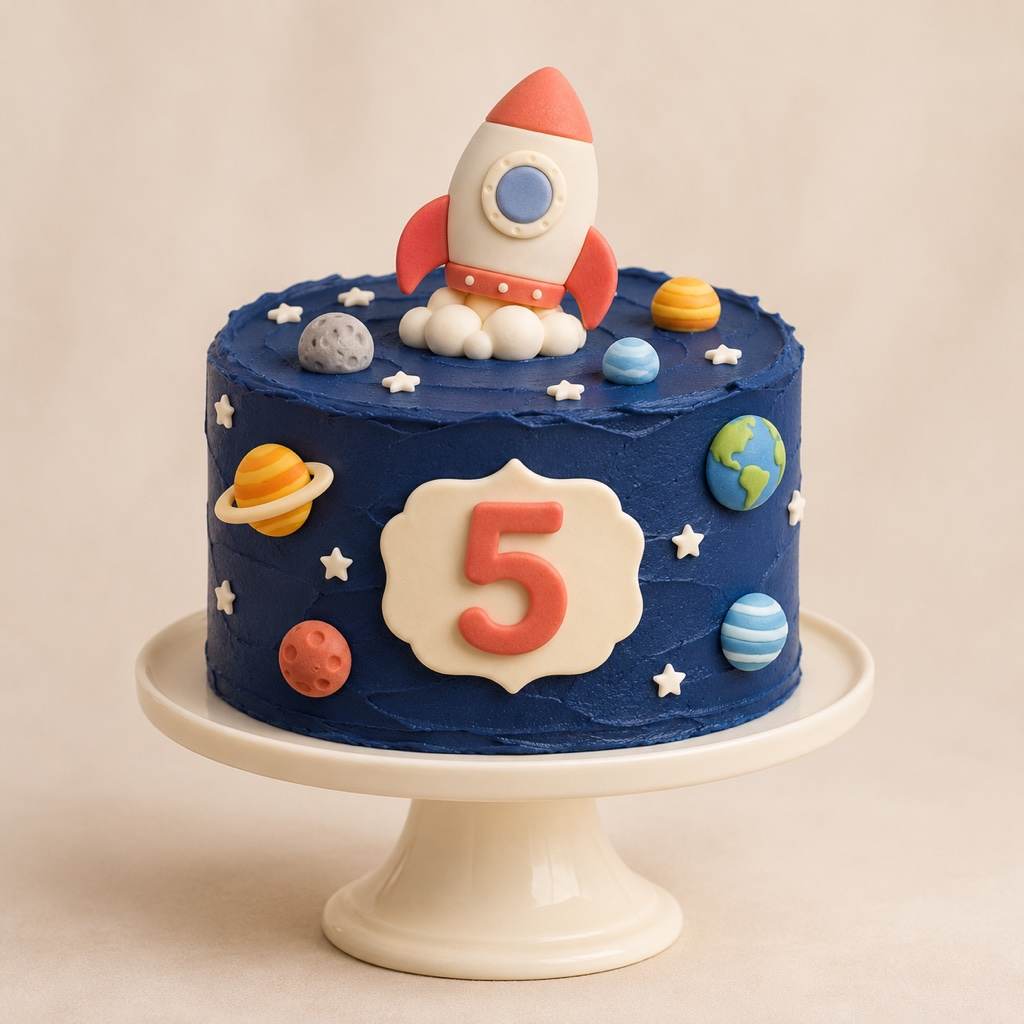
Create a space-themed fifth birthday cake with one navy tier, small fondant planets, white stars, a short rocket topper, and a number 5 plaque. Keep the decorations attached to the cake and the background simple.
Create a minimalist bento cake image: a small round cake in an open lunchbox, ivory frosting, tiny blue flowers, and “For You” piped on top. Use a view from above so the message is visible.
Generate a simple celebration cake concept with one round tier, cream buttercream, a piped border, and a small cluster of strawberries. Avoid elaborate toppers and sculpted decorations. Show a clear reference for a baker to assess.
Create a baby shower cake concept with two round tiers, pale yellow buttercream, small white sugar daisies, and a crescent moon topper. Use a cream background and show the complete cake from the front. Keep the colors soft and add no lettering.
Design a round anniversary cake with ivory buttercream, a small cluster of red sugar roses, and “10 Years” on a front plaque. Show the whole cake on a plain stand. Keep the message readable and leave the top mostly undecorated.
Generate a Christmas cake design with one round tier, white buttercream, small green piped trees, and red sugar berries. Use a simple warm background and show the full cake. Keep the decoration compact, with no lettering or oversized toppers.





