Free OnlineAI Brooch Generator
How to Create a Brooch Design with AI
Define the Brooch and Its Purpose
Add a Sketch or Reference
Generate and Compare Concepts
Refine and Export for Review

A Brooch Design Generator for Wearable Jewelry Concepts
Start with a Readable Silhouette
Describe the outline, scale, negative space, pin placement, and clasp cues so the result reads as a wearable brooch instead of a generic decorative object.
Turn Sketches into Clear Visual Directions
Upload a rough drawing or permitted reference and ask Mew Design to develop an original concept with cleaner form, material cues, and presentation lighting. This supports an AI brooch from sketch workflow without requiring a finished technical drawing.
Explore Metal, Stones, and Surface Finish
Compare yellow gold, silver, platinum, oxidized metal, enamel, pearls, cabochons, faceted stones, polished surfaces, and brushed textures. That makes this a focused starting point for AI jewelry brooch design; for a wider collection, you can also explore the AI Jewelry Generator.
Develop Distinct Design Families
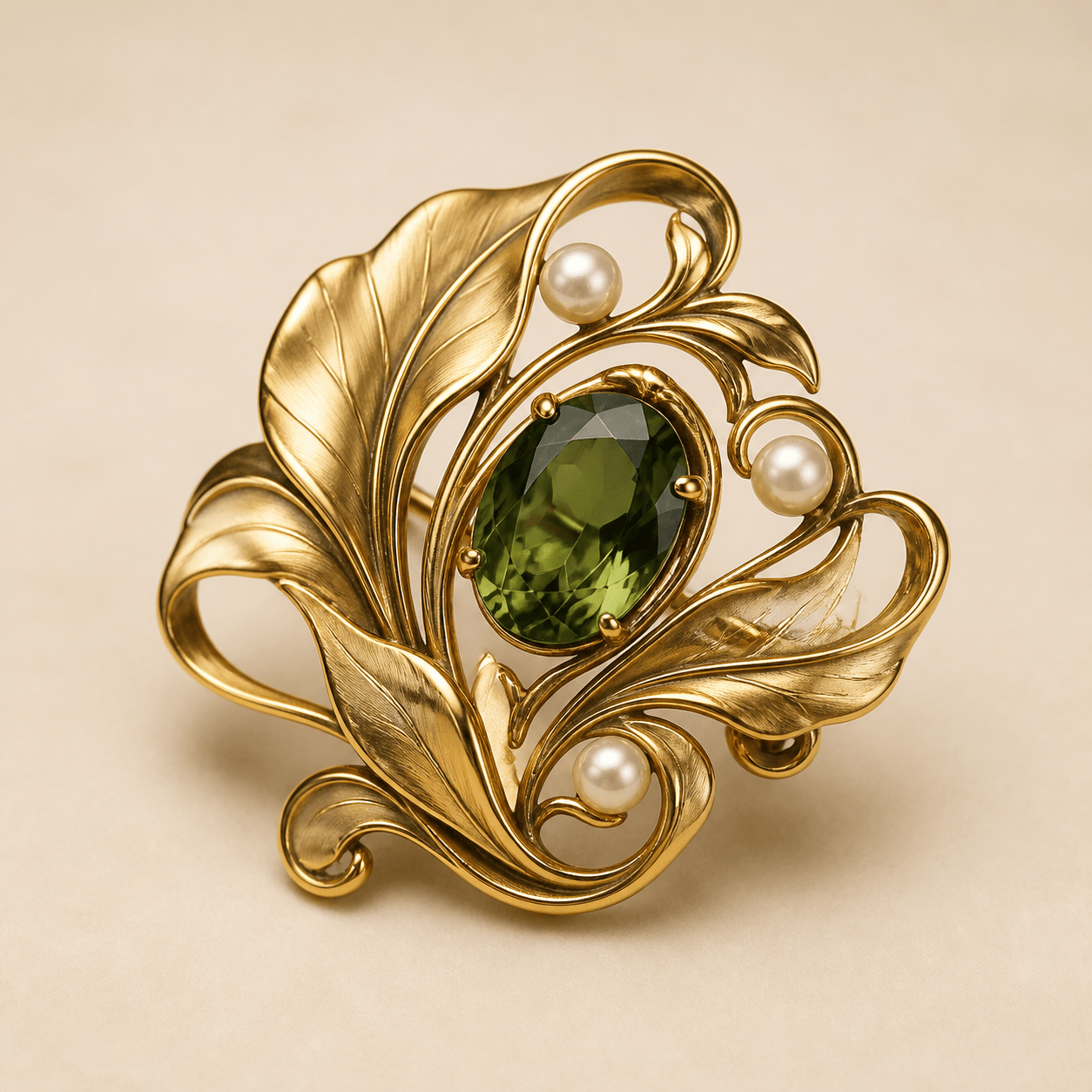
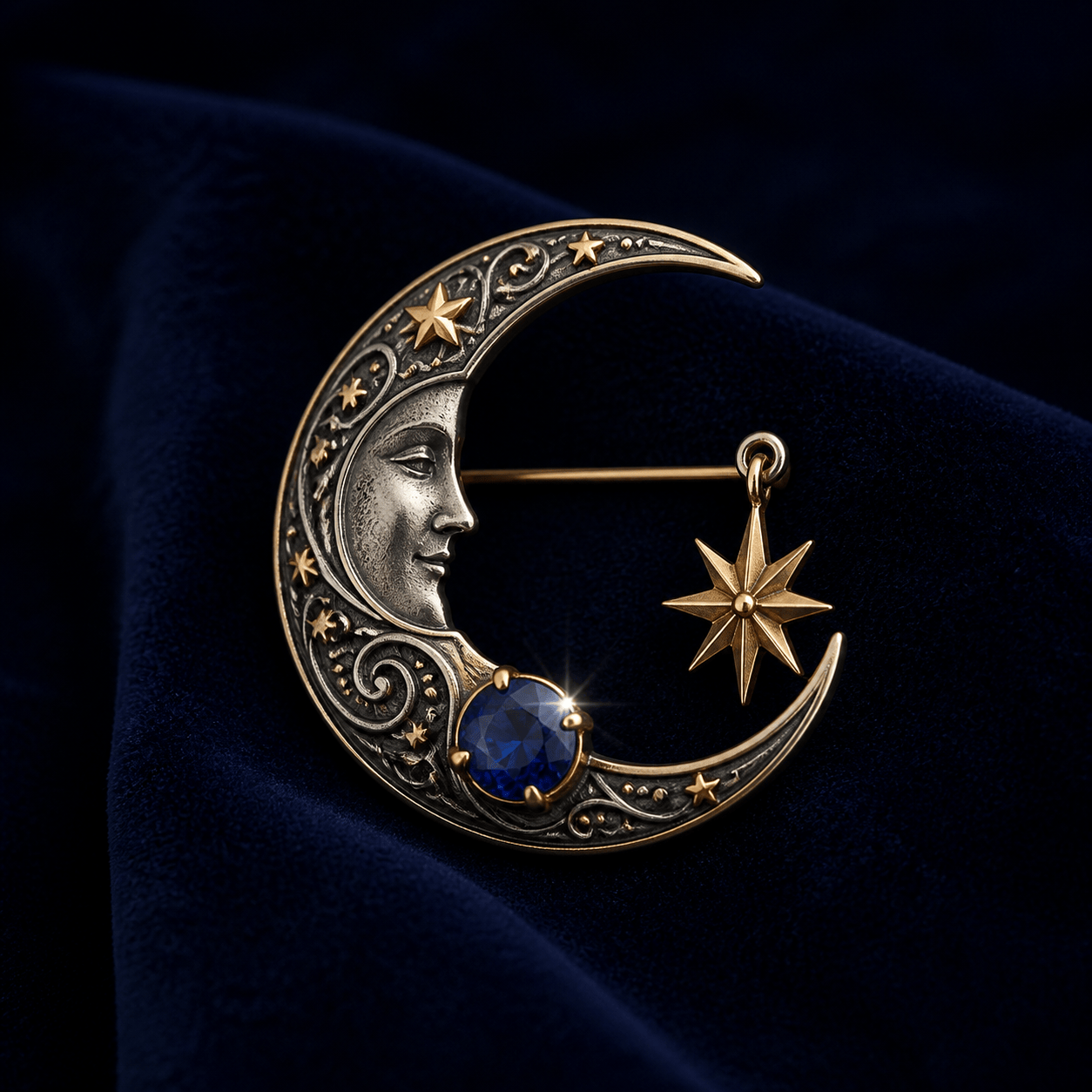
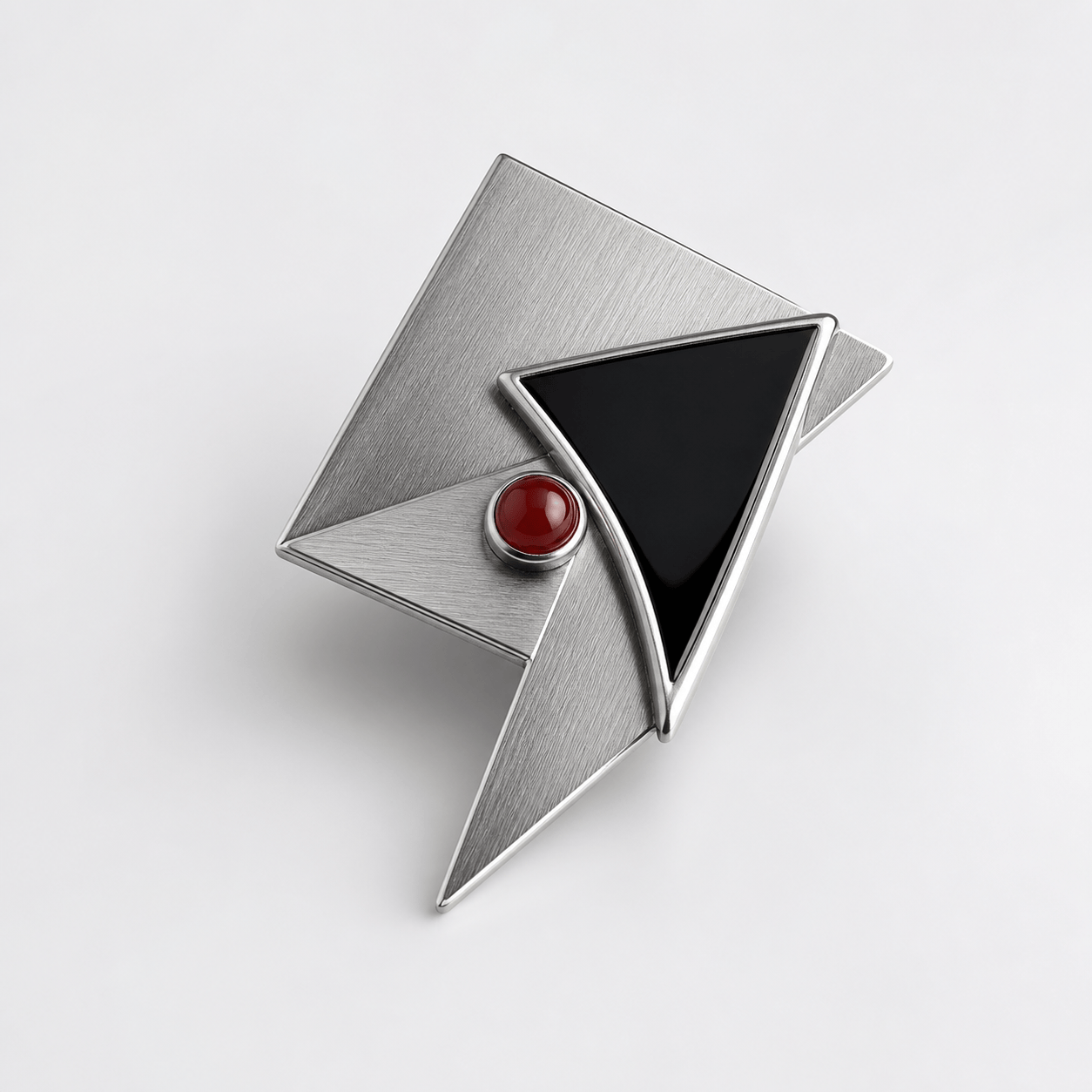
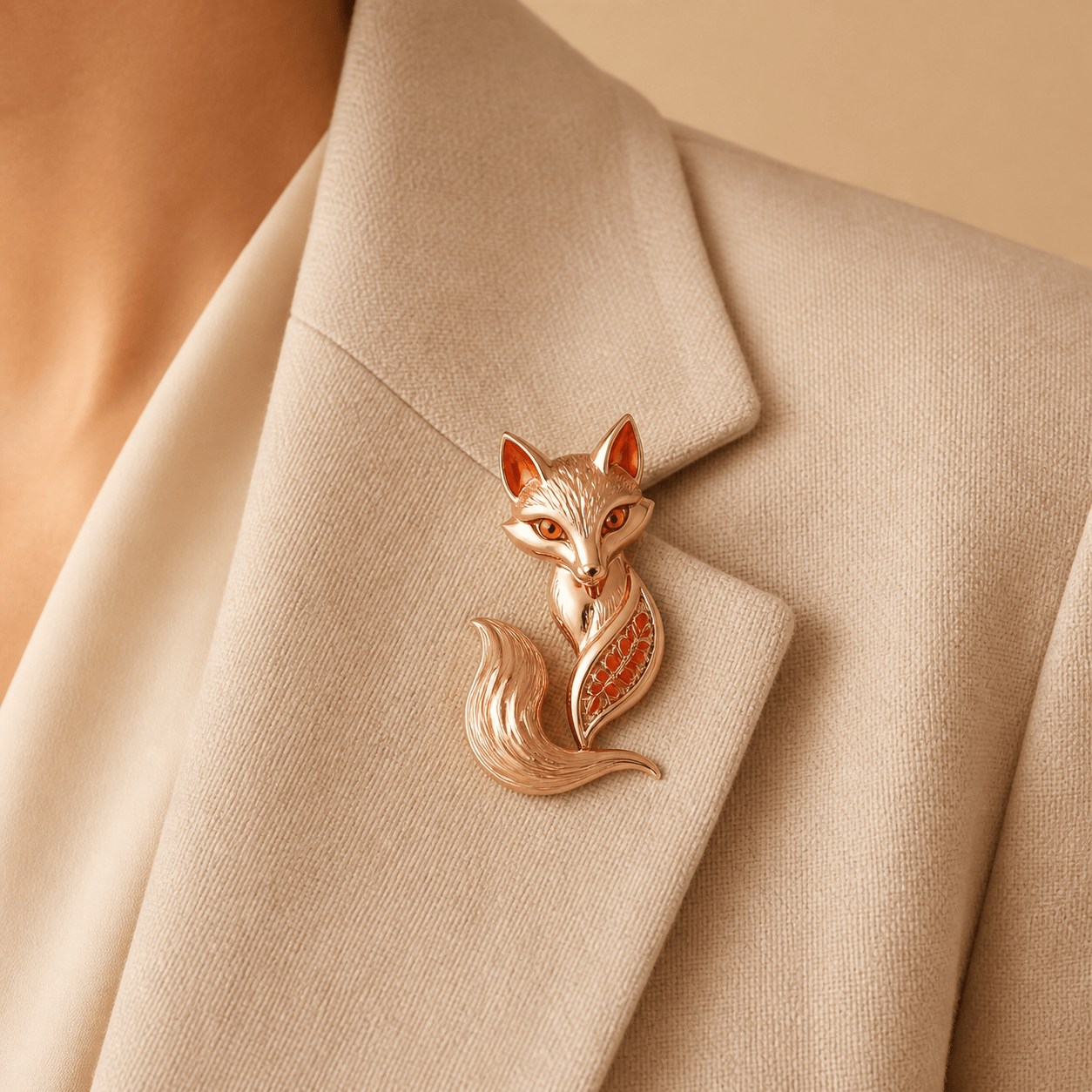
Generate botanical Art Nouveau, vintage celestial, geometric modern, sculptural, whimsical, or symbolic brooch design ideas while keeping each direction specific to the wearer and occasion.
Show the Piece in the Right Context
Request a clean product view, macro detail, velvet display, paper sketch comparison, or lapel presentation. This online AI brooch maker helps you prepare a visual concept for a shop page, portfolio, or client review without claiming exact virtual fit.
Edit One Detail at a Time
Use Chat Edit to make focused changes such as reducing stone size, thickening a rim, simplifying a motif, changing the background, or creating a coordinated set without rewriting the whole design brief.
What Makes a Good AI Brooch Design Prompt
- Name the Form and Wearer: Say whether you need a floral lapel brooch, heirloom gift, fashion-brand accessory, memorial piece, or collectible. Mention approximate scale and where it will be worn when that affects the silhouette.
- Specify Materials and Construction Cues: List the metal, finish, gemstones, cuts, enamel, texture, rim, hinge, pin stem, or clasp cues you want to explore. Use relative proportions instead of pretending the image is a measured technical plan.
- Control the View and Background: Ask for a front, three-quarter, side, back, macro, flat-lay, or lapel view. Choose a neutral product background, velvet display, or fashion context that helps a client understand the piece.
- State What Must Stay Original: If you use an AI brooch from sketch workflow, say which general shape or palette to preserve and request an original interpretation. Avoid copying protected logos, signature motifs, or another maker's exact design.
AI Brooch Design Prompts You Can Customize
Art Nouveau Heirloom: Create an original botanical brooch with flowing 1900s-inspired curves, brushed yellow gold, one pear-shaped emerald, freshwater pearls, and a balanced leaf silhouette. Show one centered brooch in a refined three-quarter product view on warm cream, with soft reflections and no text or brand motifs. Concept image only, not CAD.
Vintage Celestial Jewelry: Design a dramatic crescent-moon brooch in oxidized silver and warm gold, with a blue sapphire, small star-shaped accents, and a dark velvet presentation. Keep the metal structure believable, the stones readable, and the brooch large enough to understand at a glance. Create front and macro detail directions without tiny lettering.
Modern Fashion Accessory: Create a sculptural geometric brooch for a minimalist fashion brand. Use interlocking brushed silver planes, a single black enamel inlay, one small red cabochon, strong negative space, and a clean white e-commerce product background. Make the silhouette distinctive but easy to wear on a tailored lapel; no logo or invented text.
Custom Gift from a Sketch: Use @[brooch_sketch] as a permitted reference and develop an original keepsake brooch for a 25th wedding anniversary. Preserve the broad circular silhouette and soft blue palette, but improve the balance, metal depth, and stone placement. Show a polished silver concept on a linen display with a clear front view and no readable engraving.
Whimsical Animal Brooch: Design a charming fox brooch as a wearable jewelry concept, with a simplified sculptural tail, rose-gold body, amber eyes, and small coral enamel accents. Keep the expression elegant rather than cartoonish, use a neutral editorial background, and show a three-quarter macro view with a discreet pin-back cue.
Matching Collection: Create three related brooch design concepts for a small accessories launch: a leaf, a shell, and a sun motif. Use one shared brushed-gold finish, ivory enamel, and pale green stones, with consistent scale and presentation. Show the three pieces as separate product views on one quiet studio board, leaving clear space for product names.





