Free OnlineAI Bracelet Generator
How to Design a Bracelet with AI
Choose the Construction and Purpose
Specify Materials and Repeating Details
Generate and Compare Bracelet Concepts
Refine, Export, and Validate

A Bracelet Concept Studio Built Around Wrist-Scale Details
Explore Distinct Bracelet Constructions
Move beyond a generic jewelry image. Our AI bracelet design workflow can visualize rigid cuffs and bangles, flexible tennis and chain bracelets, charm arrangements, bead patterns, and leather wraps as different design families.
Start from a Sketch or Authorized Reference
Upload a permitted drawing, existing bracelet photo, gemstone image, or mood reference. Tell Mew Design which silhouette, proportion, or material cue to preserve and what should become an original interpretation.
Direct Links, Stones, Charms, and Clasps
This online AI bracelet maker responds to specific construction cues such as link repetition, stone continuity, bead sequence, charm spacing, hinge position, closure style, band width, and surface finish.
Compare Product and On-Wrist Views
Generate clean catalog views, macro details, editorial flat lays, or on-wrist presentation concepts. Multiple angles help you judge silhouette, visual weight, scale, and drape before a client review.
Correct One Detail with Chat Edit
Ask for a narrower cuff, fewer charms, a warmer gold tone, a different clasp, smaller stones, or a cleaner background without rebuilding the entire custom bracelet design prompt.
Test Directions Before CAD or Production
Use free AI credits after signup to compare bracelet mockups for moodboards, client presentations, portfolios, or marketing drafts. Visual concepts help align on a direction while technical validation remains with a jeweler or CAD specialist.
How to Prompt AI for a Wearable Bracelet Concept
- Set the Fit and Scale: Mention an approximate wrist circumference, adult or child scale, band width, thickness, inner opening, and whether the piece should sit close, hang loosely, or drape naturally.
- Name Materials and Finishes: Specify gold, silver, platinum, leather, cord, glass, wood, or other materials, plus polished, brushed, hammered, matte, oxidized, or high-gloss finishes.
- Explain the Repeating Logic: Describe link shape, stone count or rhythm, gemstone cut, setting direction, bead sequence, charm spacing, engraving placement, and the clasp, hinge, knot, or opening.
- Request Useful Views and Exclusions: Ask for top, side, three-quarter, macro, clean product, or on-wrist views. Exclude duplicate charms, broken links, warped clasps, distorted hands, logos, and watermarks.
Bracelet Design Prompts for Different Constructions
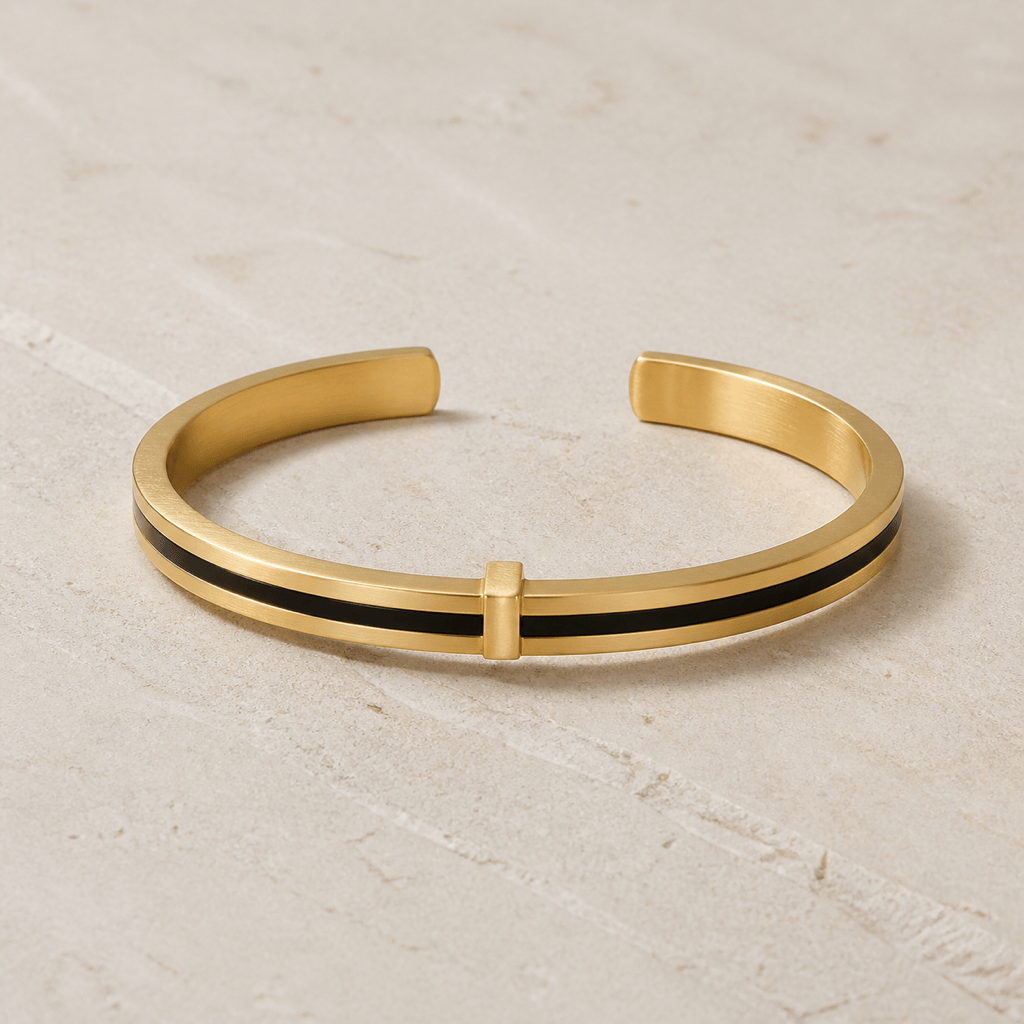
Minimalist Cuff: Create an original gender-neutral open cuff in brushed sterling silver with a slim black onyx inlay, soft geometric relief, rounded edges, and balanced negative space. Three-quarter product view on pale concrete, one bracelet only, no text or branding.
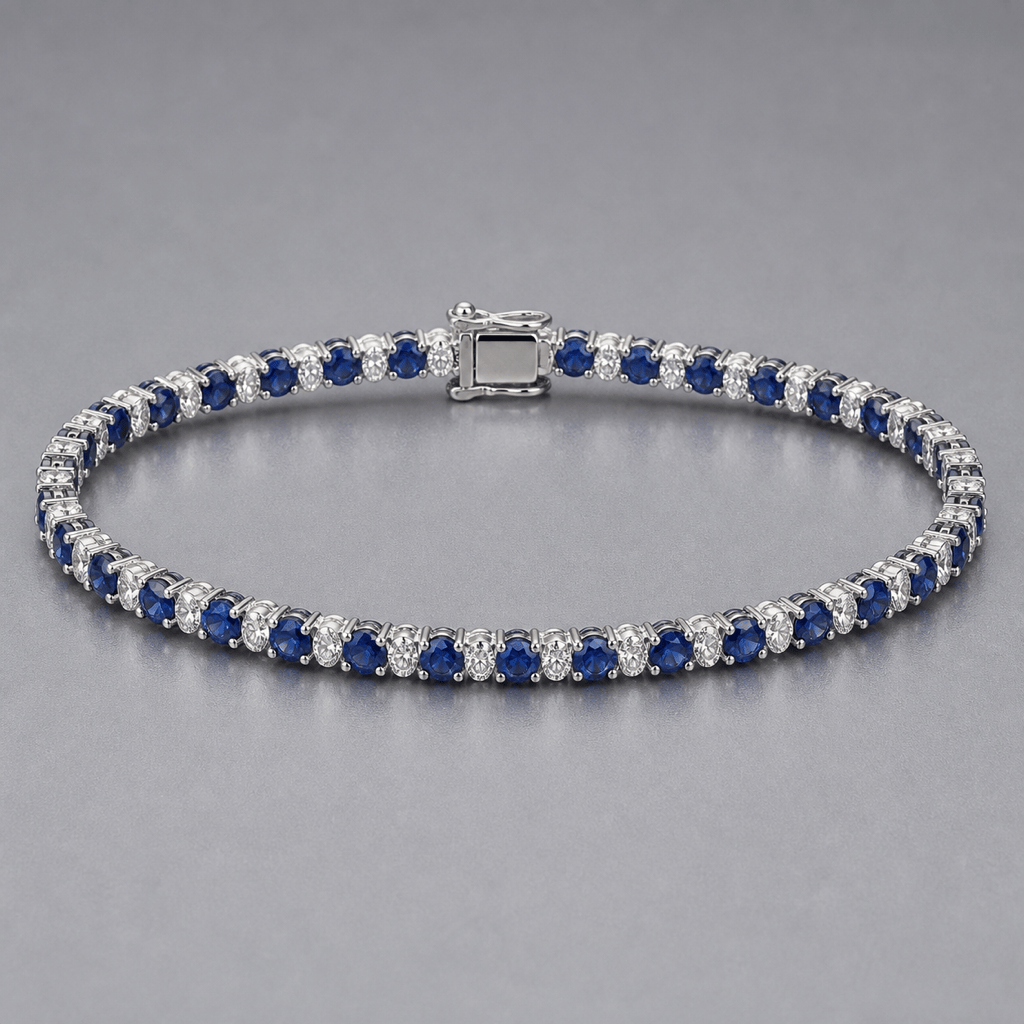
Tennis Bracelet: Design a flexible platinum tennis bracelet with evenly repeated round sapphires alternating with small diamonds in secure-looking four-prong settings. Show the complete oval form and clasp on a neutral gray studio surface with crisp facets and controlled reflections.
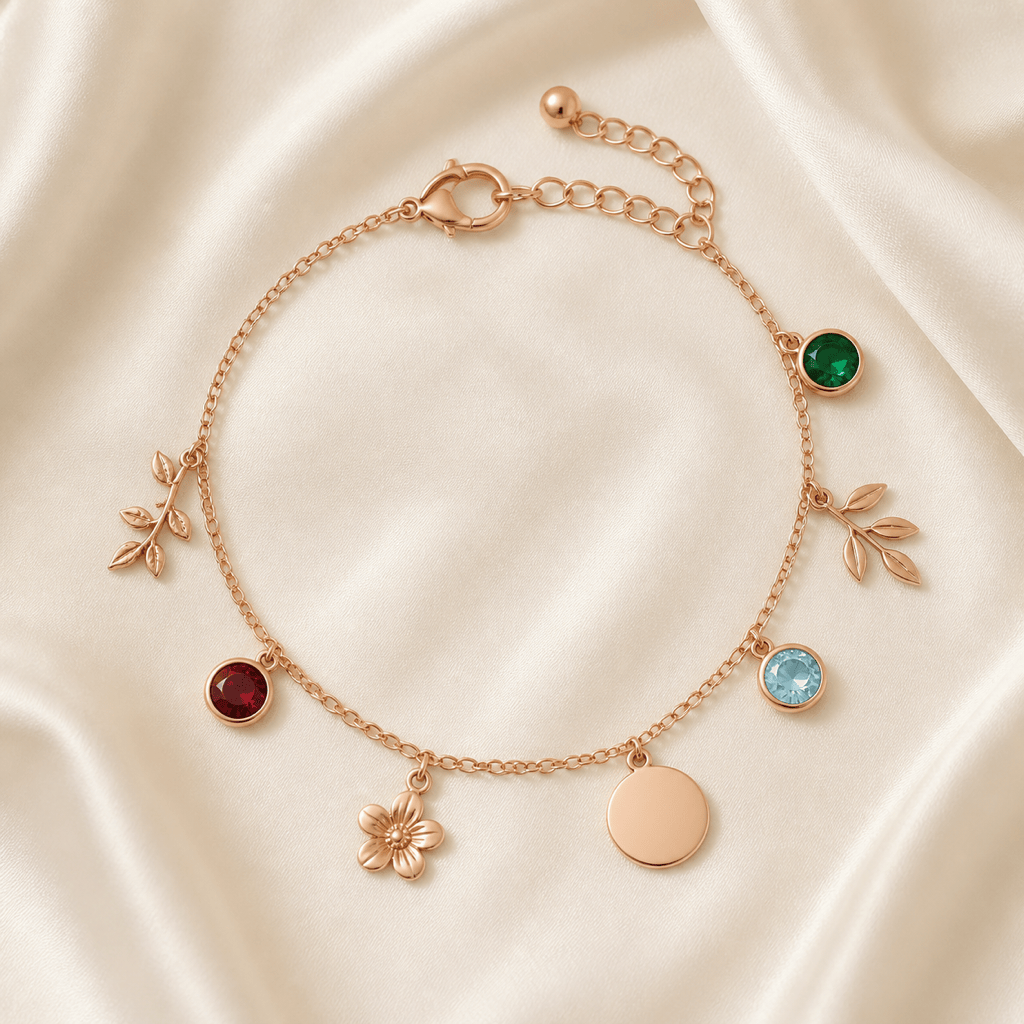
Personalized Charm Gift: Create a rose-gold chain bracelet with four evenly spaced botanical charms and three birthstone accents in garnet, emerald, and aquamarine. Add a small blank engraving disc as a visual placeholder. Elegant gift presentation on ivory silk, no lettering or logo.
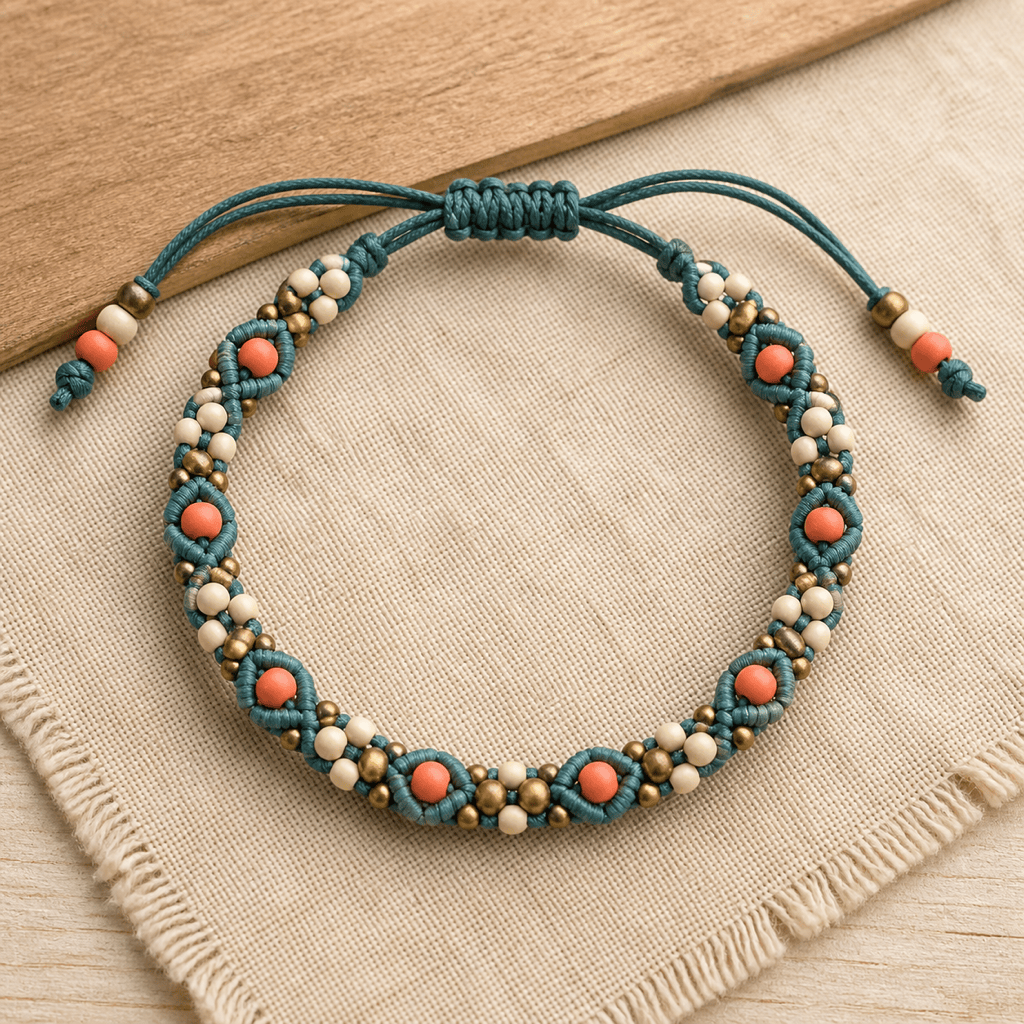
Beaded Friendship Bracelet: Generate a handwoven macramé bracelet using matte teal, coral, cream, and brass-toned beads in a repeating geometric sequence. Show the knot and adjustable cord closure clearly in a warm top-down artisan flat lay.
Men's Leather Bracelet: Design a double-wrap dark brown leather bracelet with a brushed steel plate, subtle edge stitching, and a compact magnetic clasp. Rugged premium product photo on charcoal slate with realistic leather grain, no engraving text.
On-Wrist Bracelet Mockup: Show an original slim yellow-gold bangle with a small sculptural wave motif on an adult wrist in soft window light. Keep the bracelet scale believable, skin texture natural, hand anatomy correct, and the background minimal; no extra jewelry, text, or logos.





