Free OnlineAI Black Friday Product Photo Generator
How to Create Black Friday Product Photos with AI
Upload Your Product Photo
Set the Scene and Placement
Refine the Product and Background
Check Each Crop and Download

Keep Your Product at the Center of the Campaign
Start with Your Actual Inventory
Upload packshots and brand references to guide AI Black Friday product photography. Build a seasonal setting around a familiar product instead of inventing an item to sell.
Explore More Than Black Backgrounds
Our AI product image generator can explore charcoal studios, bold red stages, or warm gift scenes. Choose a direction that suits your brand and keeps the product visible.
Make Space for the Offer
Ask for a clear area beside the product for your headline and discount. Add only the offer you supply, or keep the image free of promotional text.
Correct Lighting Through Chat
Use Chat Edit to request softer shadows, clearer edges, or less glare on glossy packaging. Refine the scene while checking the result against your original.
Create Versions for Each Placement
Request square product images, portrait social creatives, or wide store banners. Adapt the composition to each placement so important details survive the crop.
Reuse Your Campaign Direction
Save an approved design approach as a reusable Mew Skill. Carry your palette, lighting preferences, and layout rules into Cyber Monday and later product launches.
Prepare Product Photos for a Believable Black Friday Scene
- Choose a Clear SourceUse a sharp, well-lit photo with unobstructed edges. Upload a closer label reference if small print matters.
- Separate Product from StylingName what must stay unchanged and what can change. Do not ask the AI to invent hidden features or included accessories.
- Keep Materials CredibleCheck glass transparency, metal reflections, fabric texture, and contact shadows. Avoid lighting that changes the apparent product color.
- Match the Image to Its JobReserve sale text for campaign creatives. Keep a clean product-only version and check the image requirements of your destination.
Black Friday Product Photography Ideas to Try
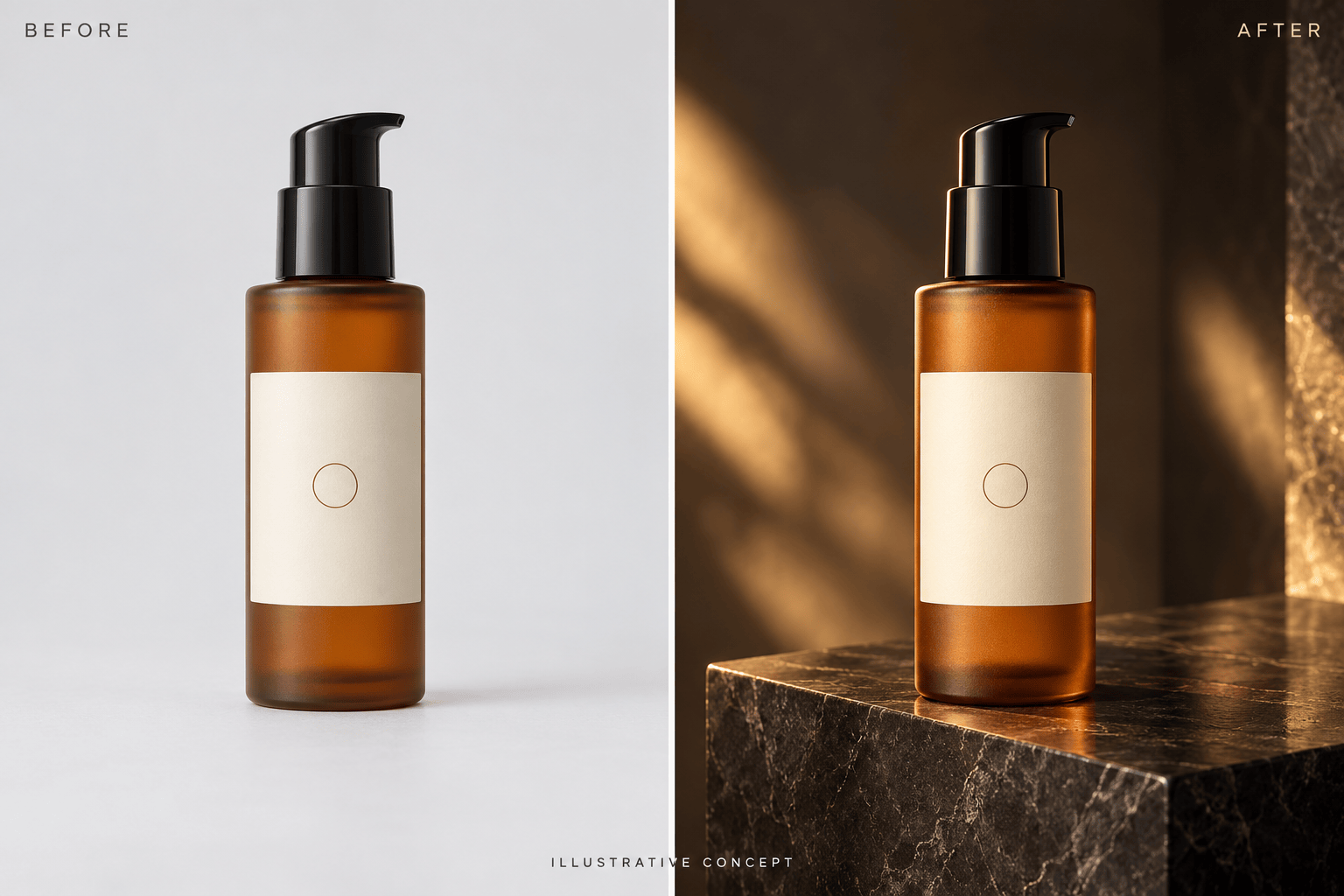
Skincare campaign: Place my uploaded skincare bottle on a matte charcoal plinth with soft gold lighting. Preserve the label and bottle color. Leave space above for Black Friday copy, but add no text.
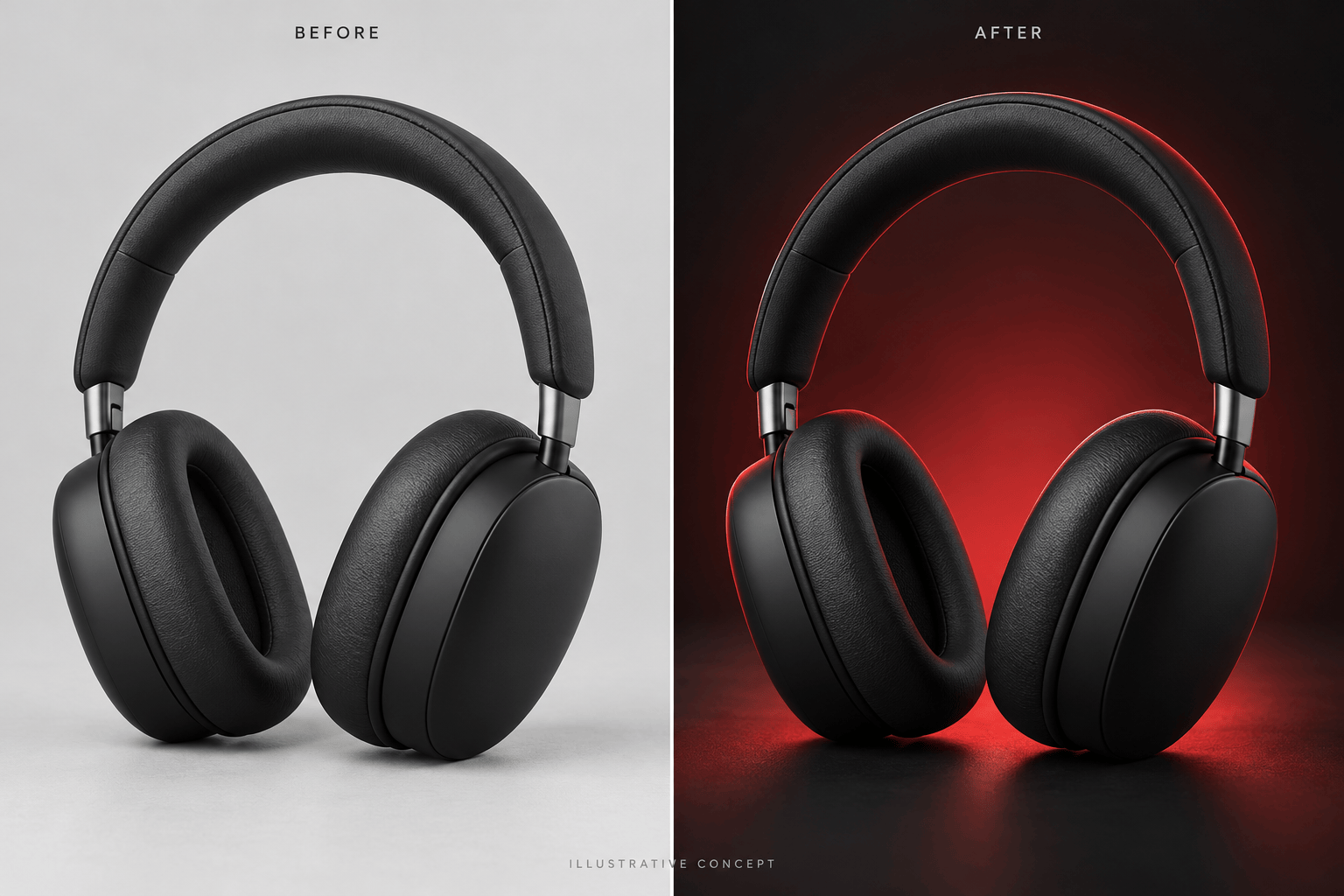
Electronics ad: Use my uploaded headphones in a dark studio with a red background glow and clear edge lighting. Keep the earcups, headband, and controls faithful to the source. Create a square ad image without text.
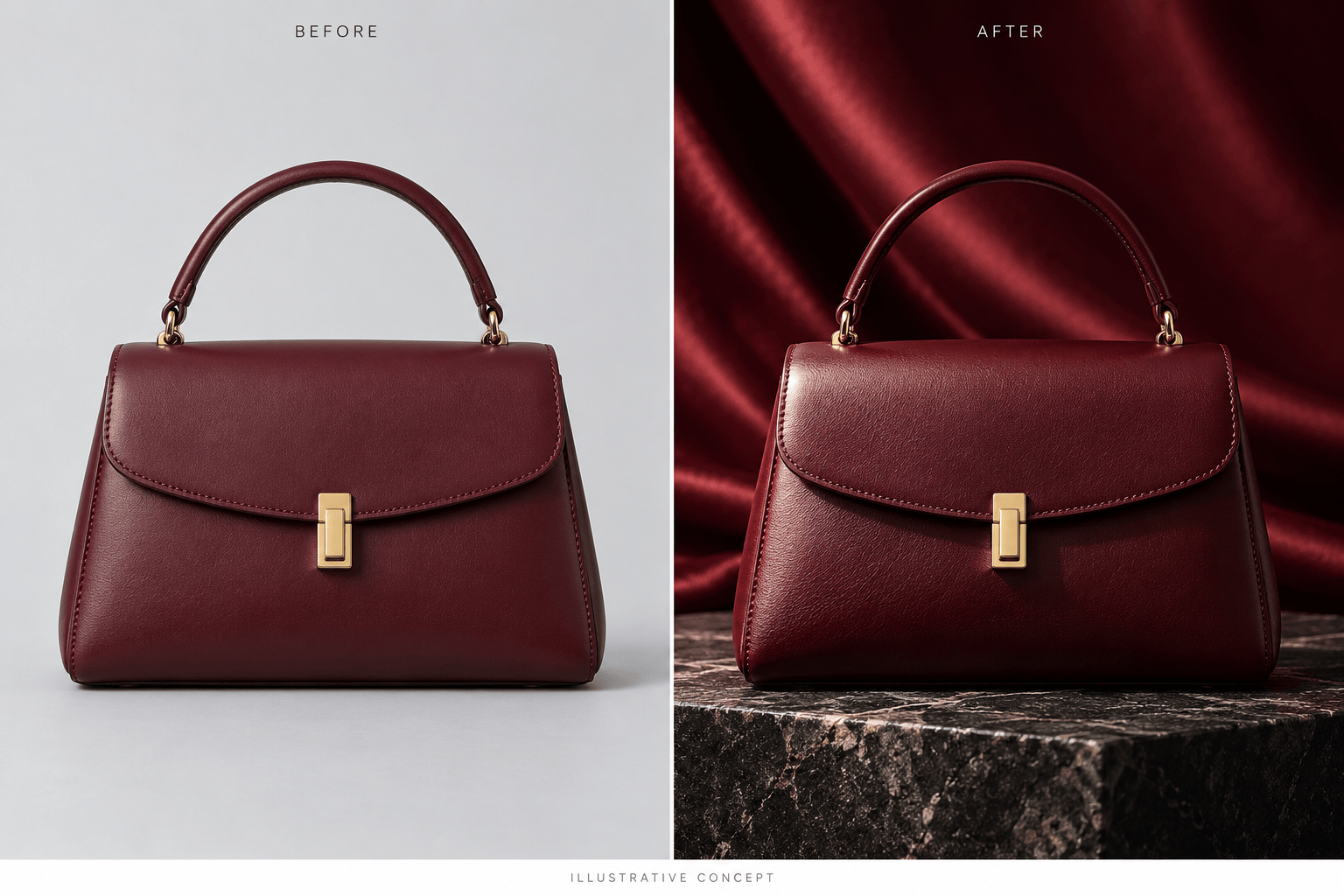
Fashion accessories: Place my uploaded handbag on a dark stone surface with a burgundy satin backdrop. Preserve the stitching, hardware, strap, and leather texture. Keep the entire bag in frame.
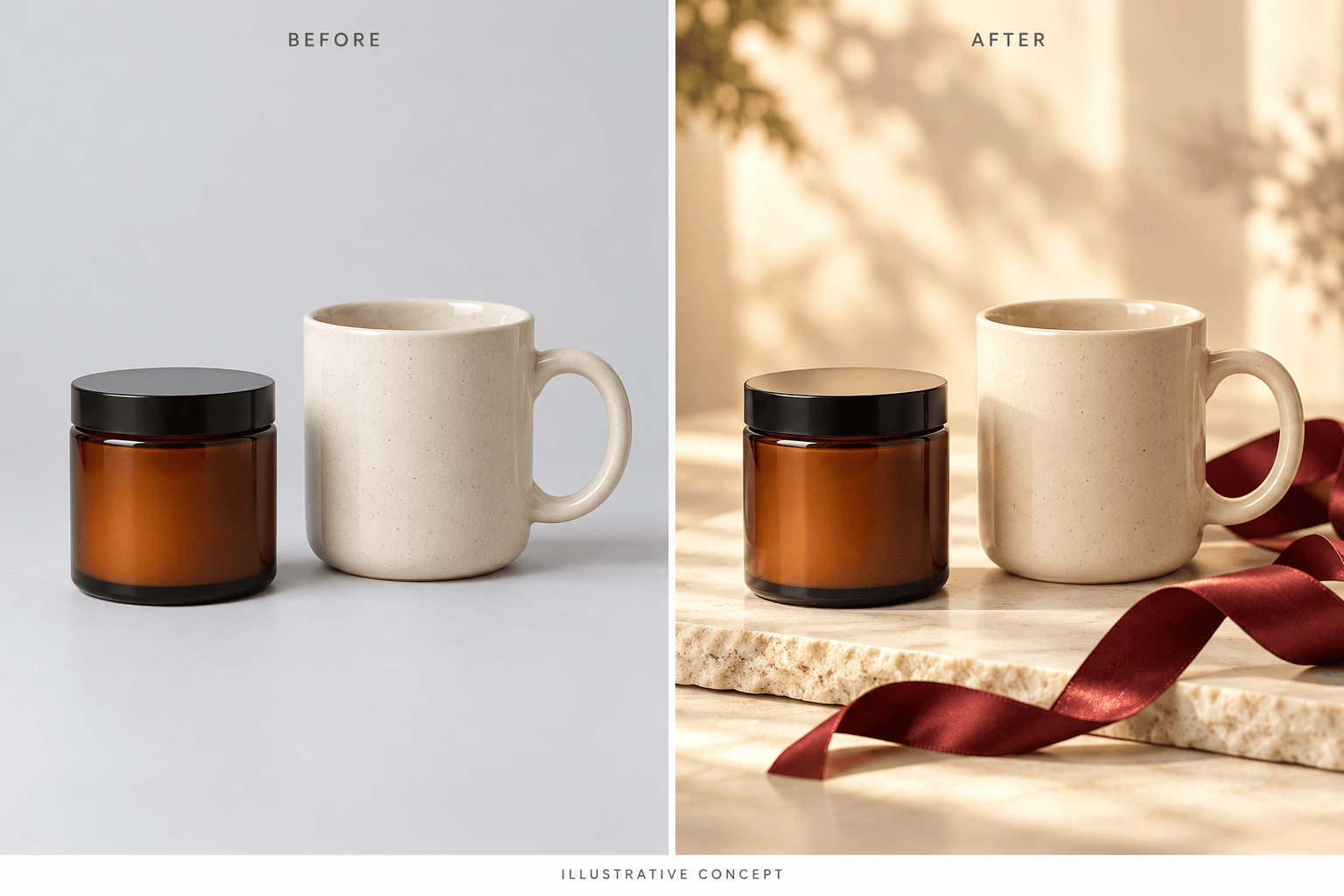
Holiday gift bundle: Arrange only the products in my uploaded reference together in a warm gift scene. Keep the exact item count and relative sizes. Add a ribbon beside them without covering labels or implying extra items are included.
Shopify store banner: Make a wide Black Friday banner image using my product photo. Place the product on the right and leave quiet space on the left for my store headline. Keep the product recognizable in a mobile crop; add no text.
Cyber Monday follow-up: Adapt my approved Black Friday product image with a cool blue background accent. Retain the product details and campaign style. Remove any old offer text and leave room for new copy.





