Free OnlineAI Black Friday Email Banner Generator

How to Create a Black Friday Email Banner with AI
Set the Offer and Width
Build Around One Message
Refine for Smaller Screens
Export and Assemble the Email

Keep Your Black Friday Offer Clear and on Brand
An Offer-Led First Draft
This AI email banner maker turns your sale brief into a focused header, with room for the discount, product, and brand instead of a crowded product catalog.
Your Products in the Spotlight
Upload product photos and your logo. Ask for background removal or a cleaner arrangement so the banner reflects the items you actually sell.
Late Changes Through Chat
Change an approved offer, replace a product, or adjust a color with Chat Edit. Proofread prices, codes, and dates after each revision.
A Consistent Sale Sequence
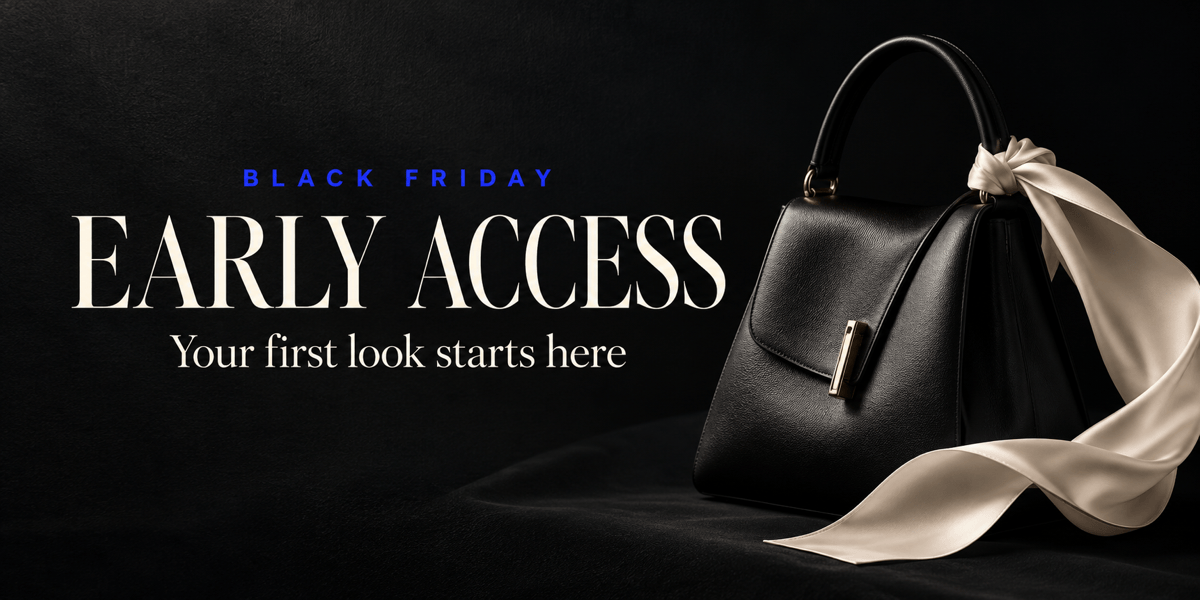
Create Black Friday early access email banners, launch headers, and last-chance variations with a shared palette and visual direction.
Reuse Your Campaign Method
Save brand rules, layout preferences, and export conventions as a reusable Mew Skill. Apply that design workflow to future promotions with less repeated briefing.
Images for Your Email Builder
Export watermark-free PNG or JPG files to upload into your email platform. Generate the visual here, then manage links, live buttons, and sending in your email editor.
Before You Send Your Black Friday Email
- Match the Content Width:Check your template first. For a 600-pixel-wide block, a 1200-pixel-wide image can provide sharper detail when displayed at half size. Keep the same aspect ratio.
- Keep Essential Copy Live:Repeat the main offer and deadline as text in the email editor. An illustrated button inside a JPG is not a separate clickable button.
- Check the Real Offer:Verify discount limits, eligible products, codes, dates, and time zone. Use a real deadline rather than a decorative countdown that cannot update.
- Preview the Full Email:Compress the image, add descriptive alt text, and test links. Check phone size, dark mode, and images-off views in your email platform.
Black Friday Email Banner Ideas to Try
Create a Black Friday early access email banner for subscribers. Use my brand colors and logo, make the early-access message the focus, and include only the offer details I provide.
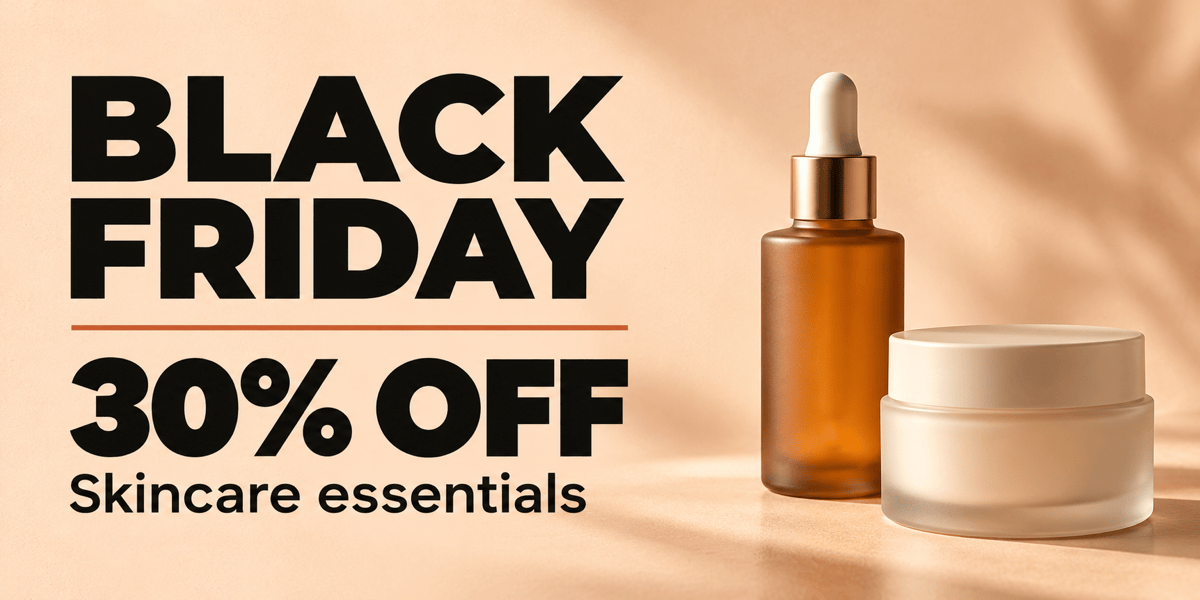
Design a minimalist Black Friday email header for a beauty brand. Use my product photo, a warm neutral background, and one bold discount line. Keep product labels unobstructed.
Make a Black Friday sale banner for a homeware email. Arrange my uploaded products as a small coordinated collection, with generous space for the approved offer.
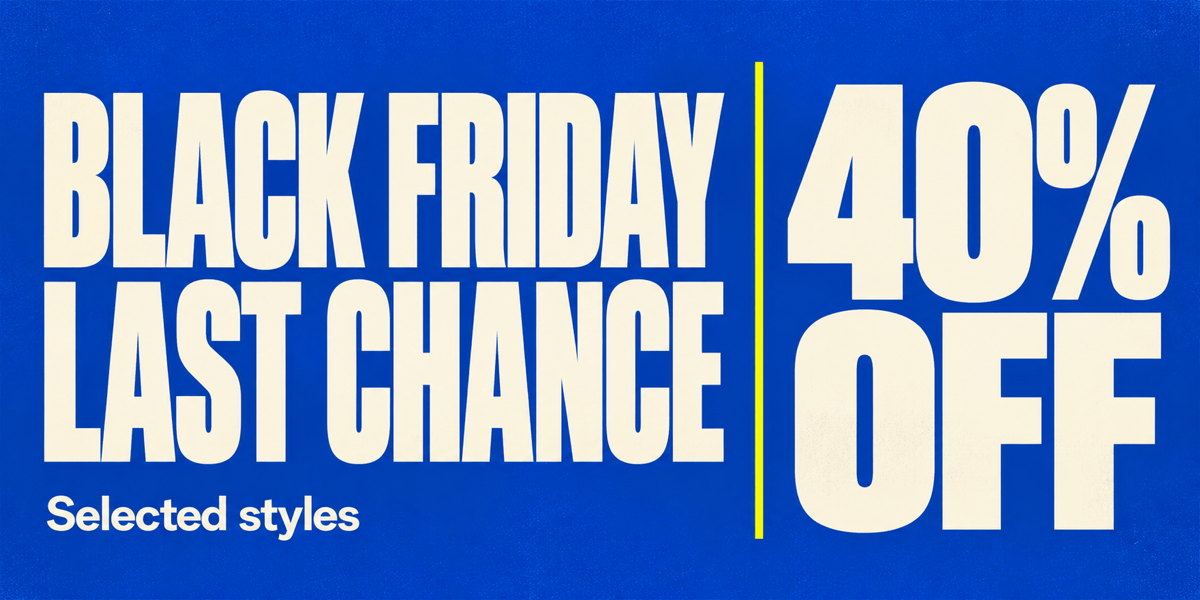
Create a last-chance Black Friday email banner. Emphasize my confirmed deadline and discount with strong contrast. Do not add a countdown or invent stock claims.
Simplify this email header for mobile viewing. Keep the main offer, enlarge its text, remove secondary decoration, and preserve my logo and product photo.
Adapt this Black Friday email banner into a Cyber Monday follow-up. Keep the brand style, replace the campaign headline, and ask for the new offer and deadline before adding them.





