Free to Try OnlineAI Black Eye Filter
How to Create a Black Eye Effect with AI
Upload a Clear Portrait
Generate Your Chosen Look
Refine the Eye Details
Download Your Photo

Your Photo, Your Choice of Eye Effect
Start with Your Own Face
This black eye photo filter works from an uploaded portrait. Request a focused eye edit while keeping the rest of the image consistent.
Choose How Much Turns Black
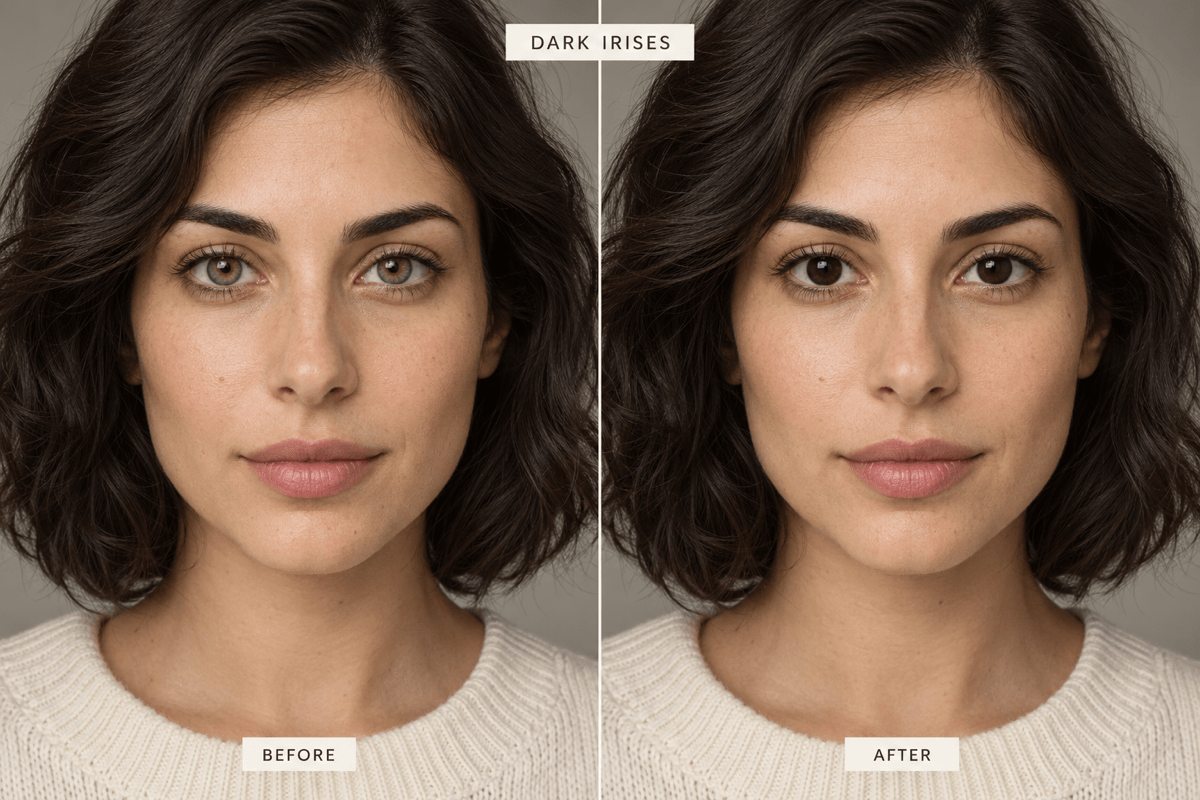
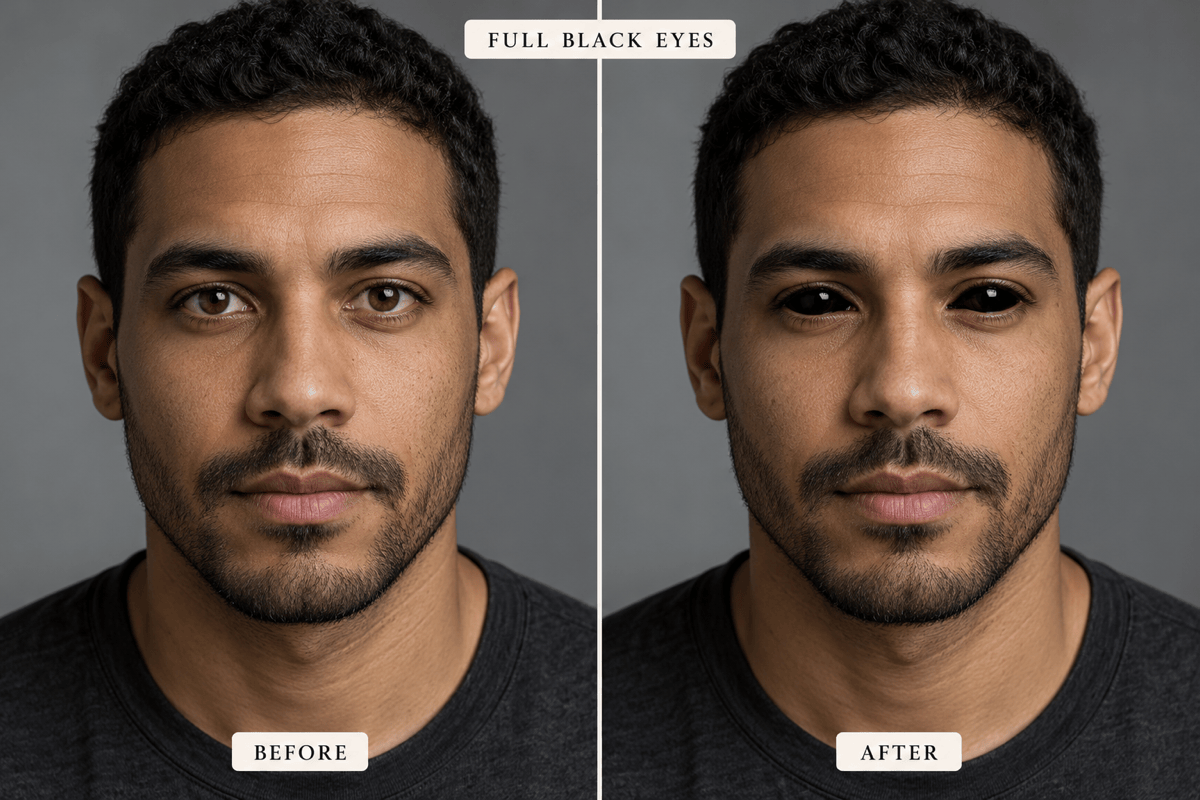
Use the black eyes filter for dark irises with visible whites, or request fully black eyes for a supernatural character.
Adjust the Look in Chat
Describe softer edges, brighter reflections, or less intense color. Chat Edit lets you refine the effect without manually painting each eye.
Bring a Costume Reference
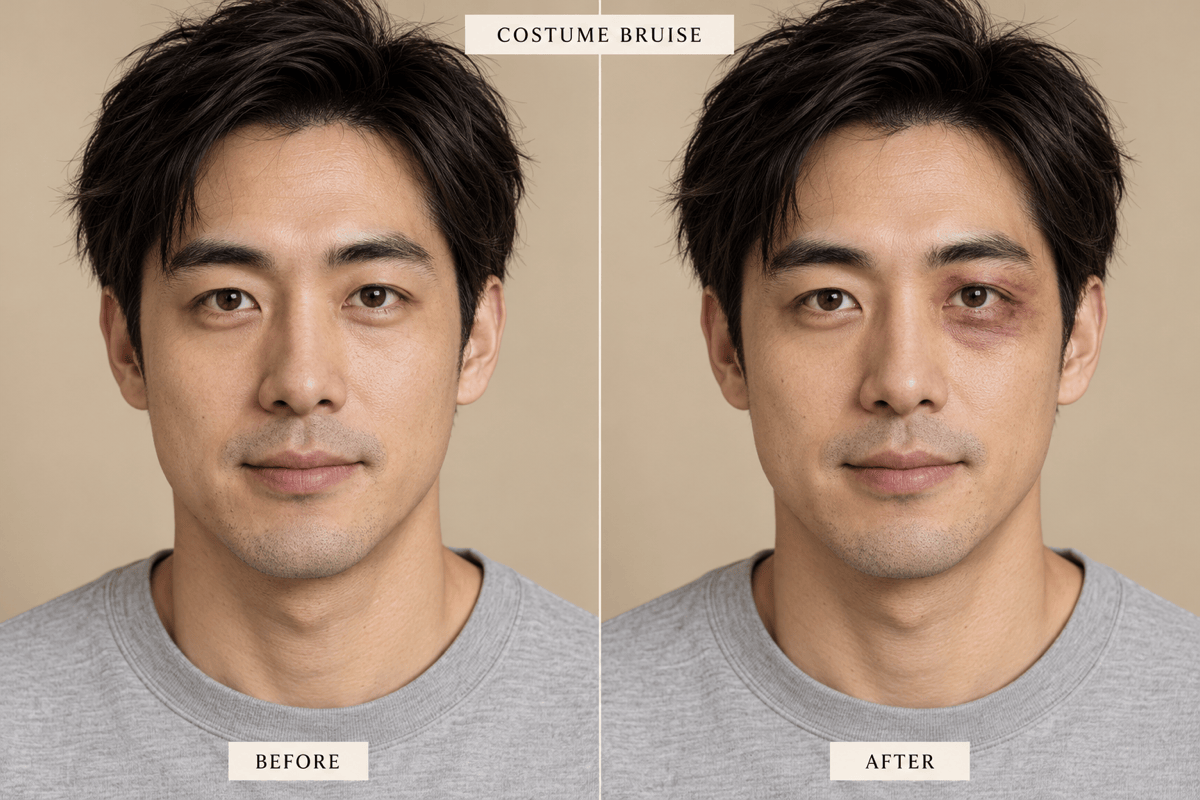
Upload a reference for the eye color or staged bruise makeup you want. Explain which details to borrow and which parts of your portrait to keep.
Compare Creative Directions
Ask for subtle and dramatic versions before choosing a look. Use the finished character image in a poster design for your fictional film or event.
Try It with Free Credits
Test the black eye filter online with free credits after signup. Generating and editing use credits; finished exports are watermark-free.
Dark Irises, Black Eyes, or Bruise Makeup?
- Choose the Coverage: Say “irises only” for a dark eye-color filter, “whole visible eyes” for a horror look, or “around the eye” for costume bruising.
- Show the Eye Area: Use a close, well-lit portrait. Hair, glare on glasses, and deep shadows can hide the details the edit needs.
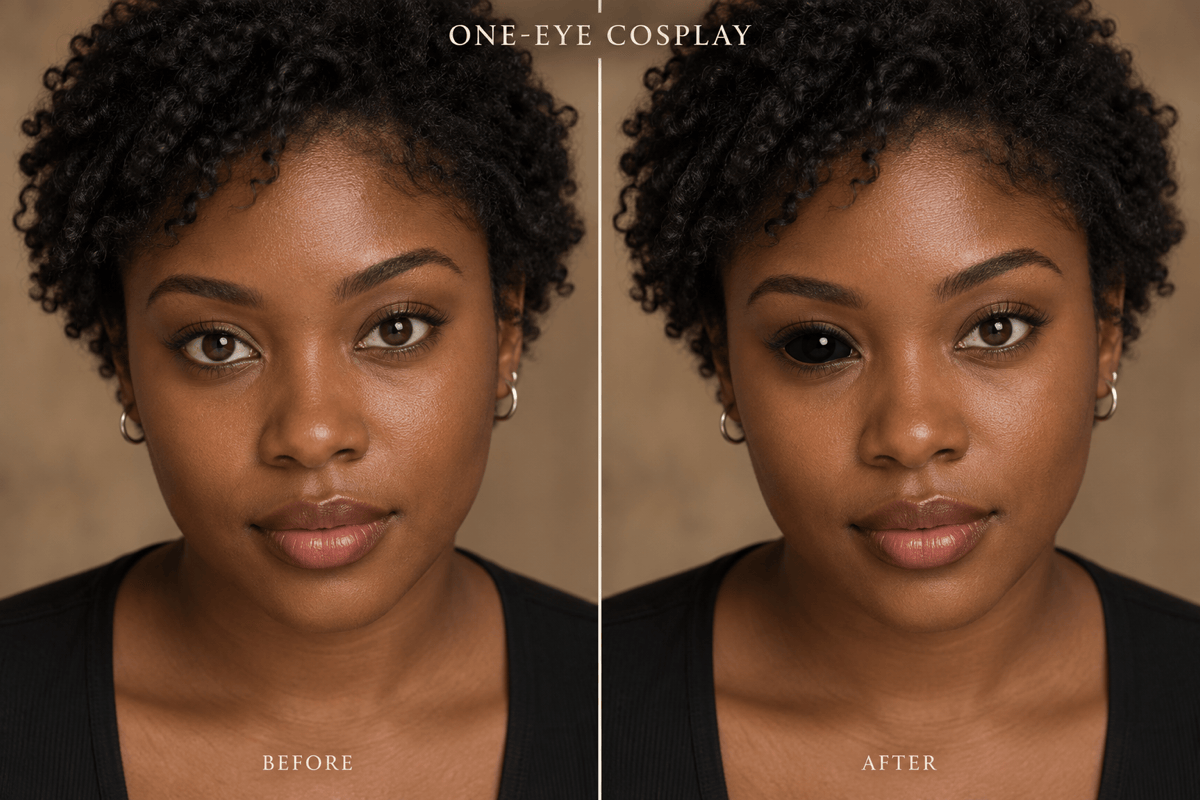
- Specify the Side: For a single-eye edit, say “the eye on the left side of the image” to avoid confusion between your left and the viewer’s left.
- Review at Full Size: Check catchlights, lashes, and eye shape. If the face changes, return to the original and ask for a narrower edit.
Six Eye Edits to Try on Your Photo
Natural dark irises: Change only the irises in my uploaded photo to near-black. Keep the eye whites, subtle iris texture, and original light reflections.
Halloween black eyes: Turn both visible eyes fully black for a fictional horror character. Keep small reflections and clear eyelid edges. Do not add bruises or change my face.
One-eye cosplay: Make only the eye on the left side of my uploaded image fully black. Keep the other eye and the rest of the portrait consistent.
Restore eye detail: Refine my current black-eye-color edit. Restore small catchlights and clean lash edges so the eyes have depth instead of looking like flat black patches.
Costume bruise preview: Add subtle purple-brown bruise makeup around the eye on the right side of my uploaded image. Keep both eye colors unchanged. No blood or open wounds.
Soften the makeup: Reduce the intensity of the costume bruise in my edited photo. Blend the edges into my skin tone while keeping the original gaze and skin texture.





