Free OnlineAI Birthday Background Generator
How to Create a Birthday Background with AI
Choose the Placement and Safe Area
Describe the Celebration Theme
Generate From Text or a Photo
Match the Light, Refine, and Export

Birthday Backdrops Designed Around the Moment
Keep People in the Clear
Tell the AI birthday backdrop generator where a face, full body, cake table, or guest group will appear. It can concentrate balloons, flowers, lights, and patterns around the edges instead of competing with the main subject.
Build a Theme From Plain Words
Describe woodland animals, a pastel cloud party, retro disco, garden brunch, elegant dinner, or another original theme without hunting through fixed templates. Add the age group, mood, materials, palette, and lighting for a more specific result.
Restyle a Permitted Birthday Photo
Upload a portrait or party picture you have the right to use. Explain which face, pose, outfit, cake, or foreground details must remain unchanged while the AI birthday background maker rebuilds the setting around them.
Correct the Details by Conversation
If decorations overlap hair, the background light feels wrong, or the center is too busy, click Chat Edit and request one targeted correction. You can refine the composition without discarding the best parts of the first result.
Create Coordinated Party Formats
Develop related horizontal, vertical, and square directions for a photo booth, invitation art, social post, story, virtual party, or slideshow. Keep the same palette and motifs while recomposing each version for its actual crop.
Try It Free and Export Without a Watermark
Start with free AI credits after signup, compare original birthday background ideas online, and export approved PNG or JPG images without a watermark. Check exported pixel dimensions and any printer requirements before producing a physical backdrop.
How to Prompt AI for a Better Birthday Backdrop
- Define the Subject Zone: Say whether the center must fit one seated child, a head-to-knee portrait, a full-body adult, a cake table, or a group. Ask for simpler texture behind faces, hair, and clothing.
- Name the Milestone and Mood: Give an age group or milestone and an original theme such as soft first birthday, colorful kids garden, neon sweet sixteen, relaxed backyard party, or elegant adult dinner.
- Set the Visual Recipe: List the palette, decorations, materials, background surface, light direction, depth, and finish. Concrete details such as matte balloons, paper garlands, warm uplighting, or soft floral shadows are more useful than festive alone.
- Protect the Final Layout: Specify where names or age numbers will be added, but request no embedded wording when you need a reusable background. Exclude clutter, malformed number props, duplicate cakes, logos, protected characters, signatures, and watermarks.
Birthday Background Prompts for Photos and Parties
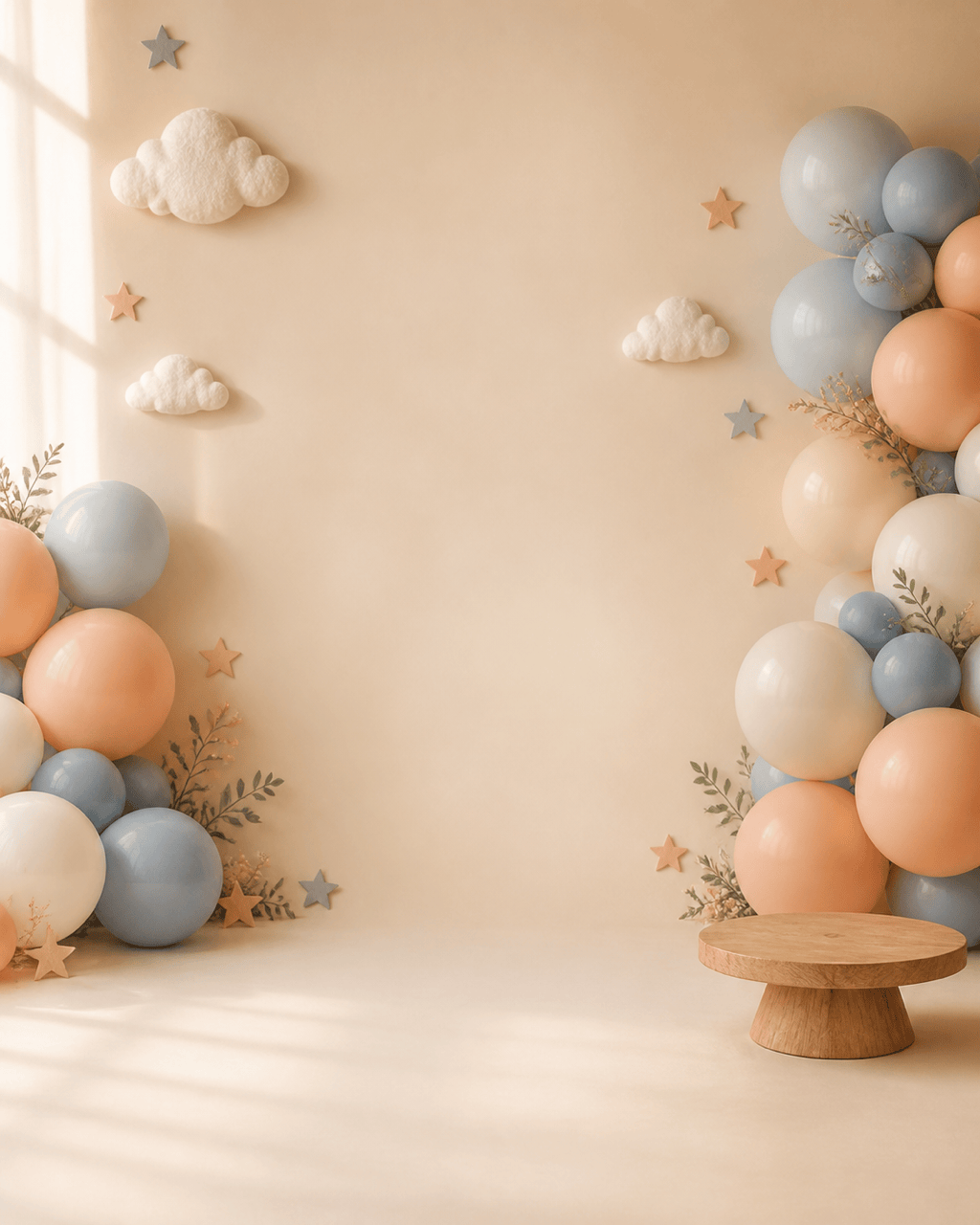
First Birthday Cake-Smash Background: Create a vertical 4:5 studio background with a soft cream floor, pale blue and peach balloon clusters near the side edges, felt clouds, tiny paper stars, and a low wooden cake stand. Leave the center open for one seated toddler and keep high-detail confetti away from the face area. Gentle window light, storybook softness, no child, words, number, logo, branded character, signature, or watermark.
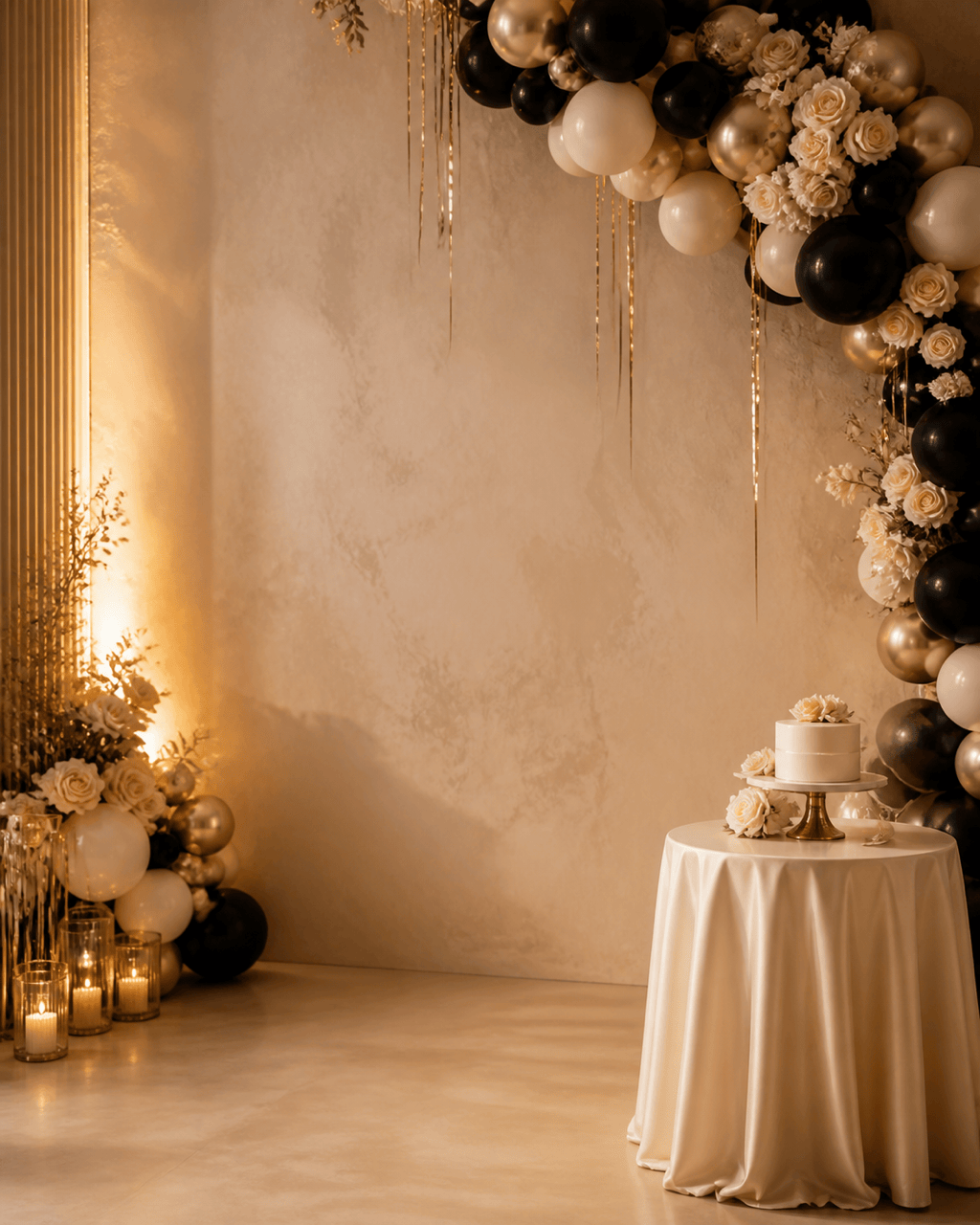
Elegant 30th-Birthday Portrait Backdrop: Design a vertical 4:5 background with an ivory plaster wall, asymmetrical black and champagne balloon arch, cream roses, thin gold streamers, and warm amber side lighting. Clear head-to-knee portrait zone in the center and quiet upper-left copy space. Editorial realism, no person, age number, text, logo, floating decor, signature, or watermark.
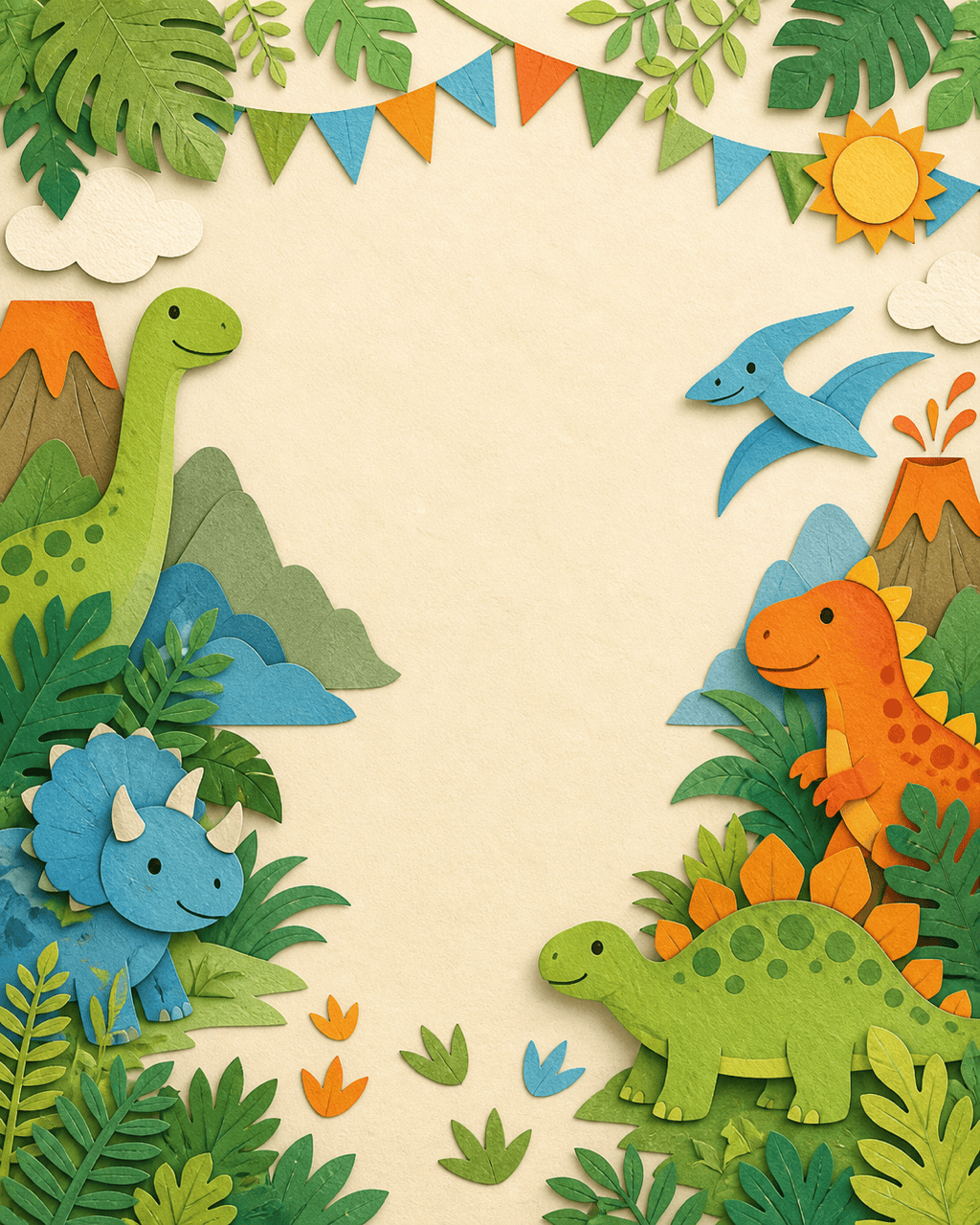
Original Dinosaur Garden Party: Make a cheerful vertical background for a child's birthday with friendly original paper-cut dinosaurs, fern leaves, footprints, small volcano shapes, bunting, and green, orange, sky-blue, and cream colors. Keep the center open for a standing child. No franchise characters, scary teeth, wording, number, logo, signature, or watermark.
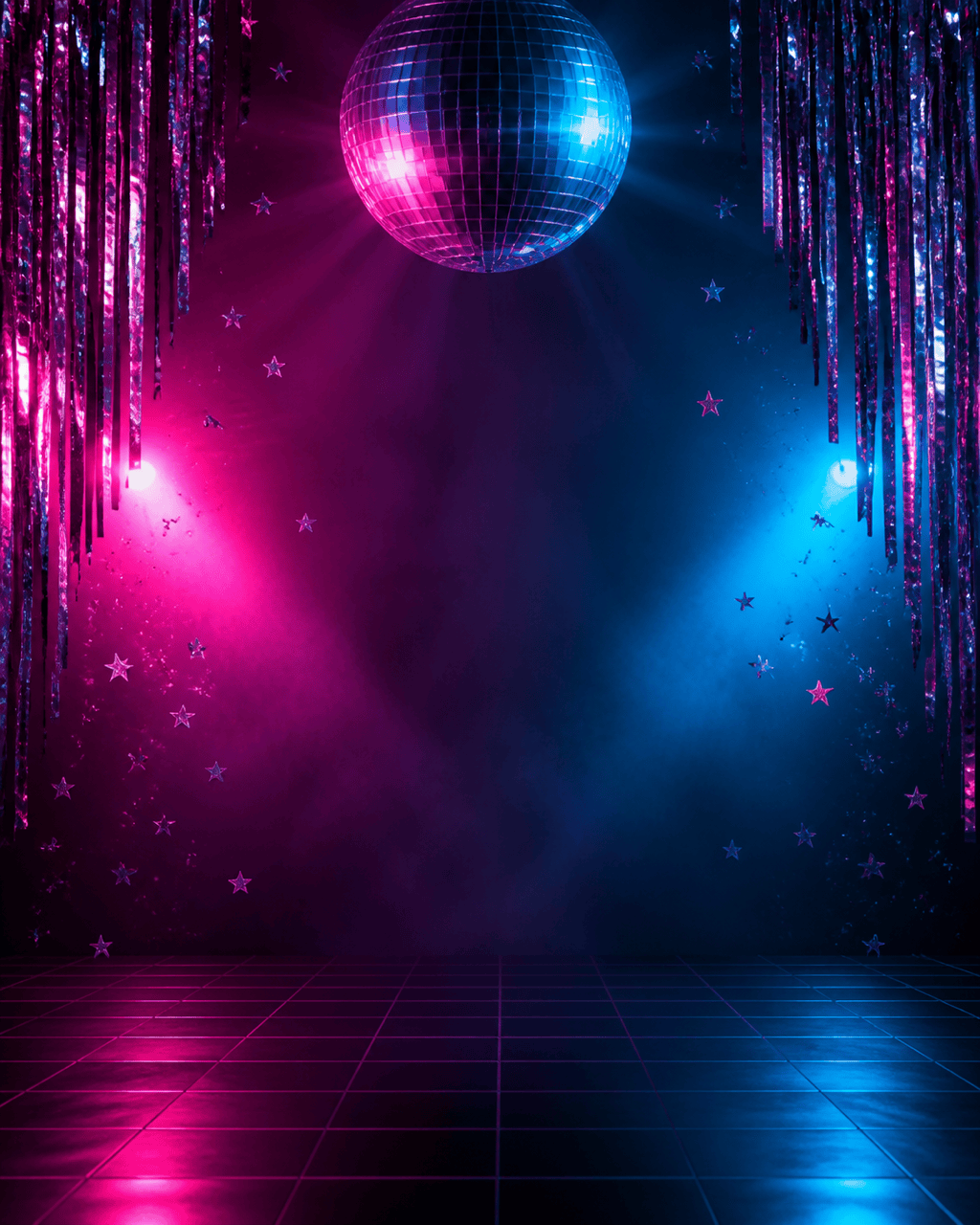
Neon Disco Birthday Background: Create a vertical 4:5 party scene with a mirrored disco ball above center, magenta and cyan rim lights, reflective streamers, small star confetti, and a subtle dark grid floor. Preserve a clean central full-body portrait zone and keep bright highlights behind the shoulders. No person, words, number, logo, brand symbol, signature, or watermark.
Floral Photo-Booth Backdrop: Design a wide 16:9 photo-booth background for four standing guests. Frame the group area with coral, blush, and burgundy flowers, curved fabric panels, and warm string lights. Keep the middle broad and low contrast, place detail above shoulder height and at the outer thirds, no people, text, logo, hard glare, duplicate flowers, signature, or watermark.
Add a Birthday Background to My Photo: Replace only the background of my permitted portrait with a cozy rooftop birthday dinner at blue hour. Preserve the person's face, hair, body, pose, outfit, and foreground edges. Add warm hanging lights, a restrained terracotta-and-teal balloon cluster, a small cake table behind the right side, and matching left-side key light. No extra person, altered hands, words, logos, signature, or watermark.
Virtual Birthday Party Background: Create a clean 16:9 video-call background with a deep teal wall, warm fairy lights, paper fans, a small side cake, and an asymmetrical coral balloon cluster. Leave the center and lower third calm for a speaker, avoid tiny patterns around the head area, no person, text, logo, brand mark, signature, or watermark.
Coordinated Invitation and Social Set: Create three related birthday background compositions using lavender, apricot, and warm cream with translucent ribbons, small flowers, and scattered paper dots: vertical invitation art, square social post, and vertical story. Preserve the same motifs but give each layout its own central copy-safe area. No words, age number, logo, copied character, signature, or watermark.





