Free OnlineAI Party Invitation Generator
How to Create a Party Invitation with AI
Define the party type
Set the visual vibe
Generate and adjust
Share with guests

Why Mew Design Works for Party Invitation Creation
Flexible for different occasions
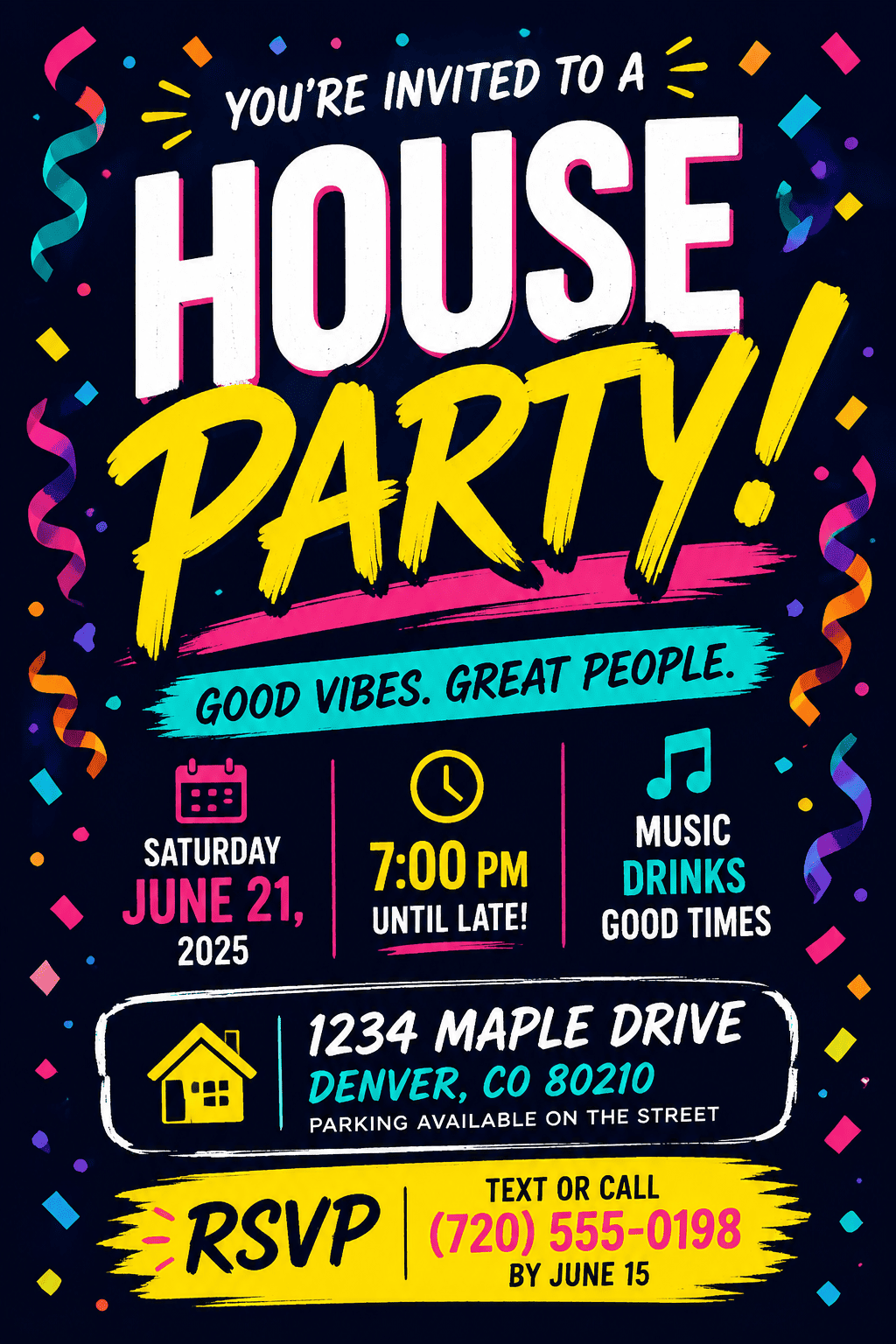
The party invitation maker can adapt to casual house parties, corporate launches, holiday dinners, themed nights, showers, or community events.
Clear event logistics
Date, time, location, RSVP, dress code, and schedule details stay readable even when the design is bold or playful.
Theme-first visuals
Ask for disco, cocktail, tropical, neon, elegant dinner, product launch, costume, or seasonal graphics that match the actual gathering.
Fast edits for changing plans
Update the venue, add a plus-one note, change the dress code, or make the RSVP link more prominent through chat.
Assets and QR codes
Upload logos, product images, food photos, host photos, or QR code references for a more practical invitation.
Print and social versions
Create a printable party invite, a square digital invitation, or a phone-friendly image without redesigning from scratch.
How to Write a Party Invitation Prompt
- Occasion and logistics: List event name, date, time, venue, RSVP, host, dress code, schedule, and any guest instructions.
- Theme and energy: Describe the mood: casual, premium, playful, spooky, tropical, elegant, corporate, retro, or high-energy.
- Required elements: Mention logos, photos, QR codes, product shots, menu teasers, icons, or headline wording.
- Format: Ask for printable card, Instagram square, story graphic, email invite, or text-message-friendly layout.
Party Invitation Prompt Examples
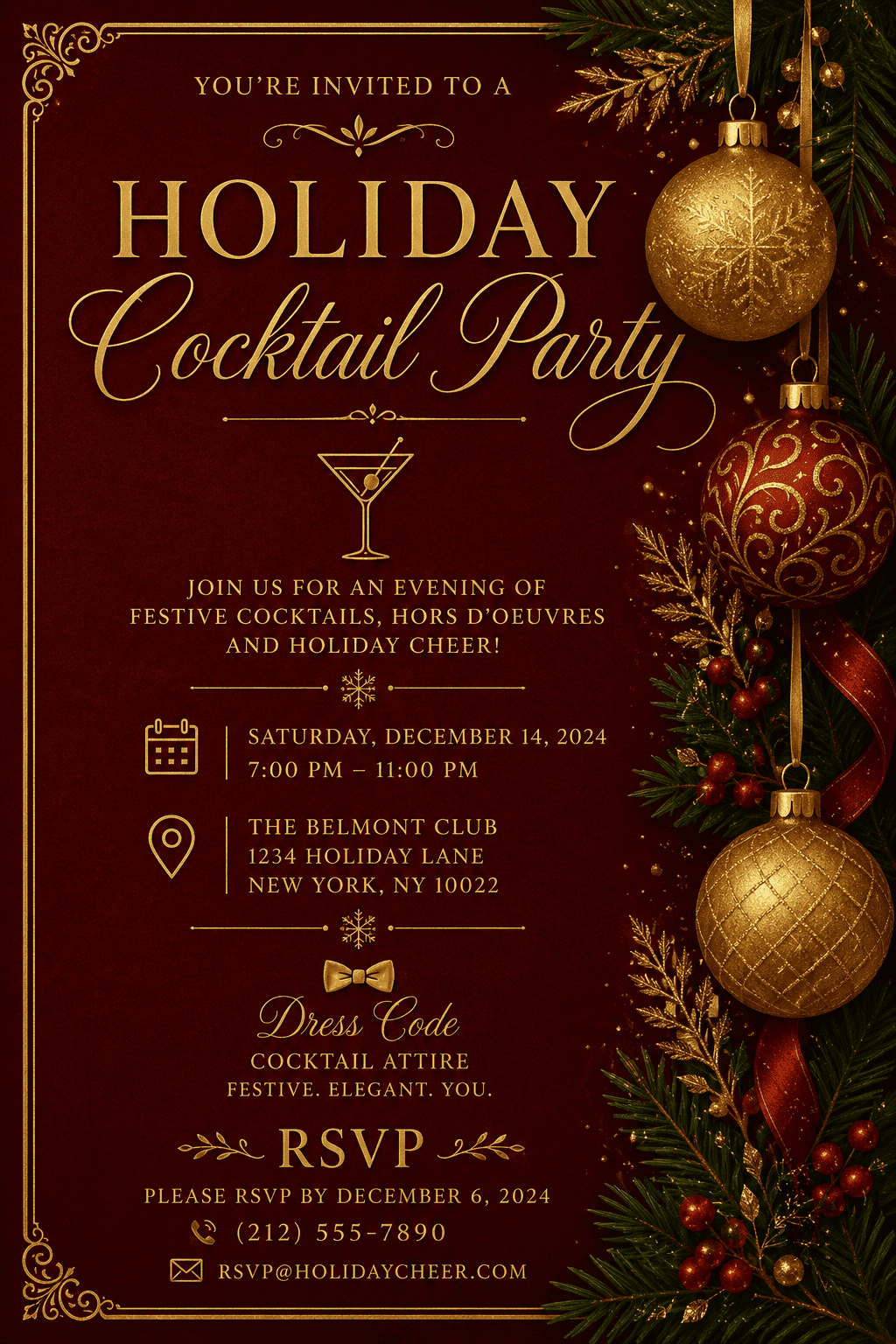
Design a holiday cocktail party invite with deep red background, gold ornaments, dress code, date, venue, and RSVP.
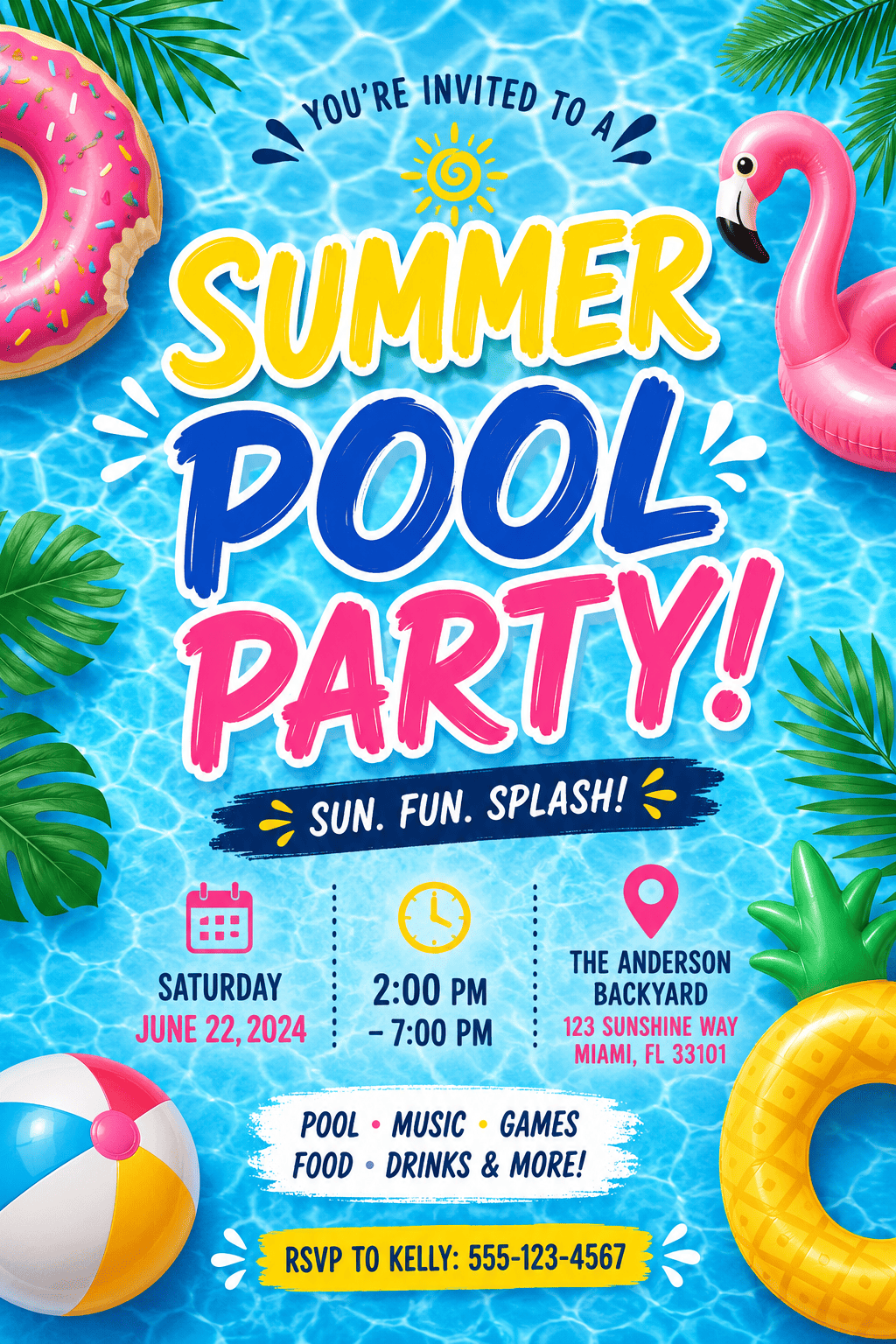
Make a summer pool party invitation with bright water texture, float icons, playful typography, time, location, and bring-a-towel note.
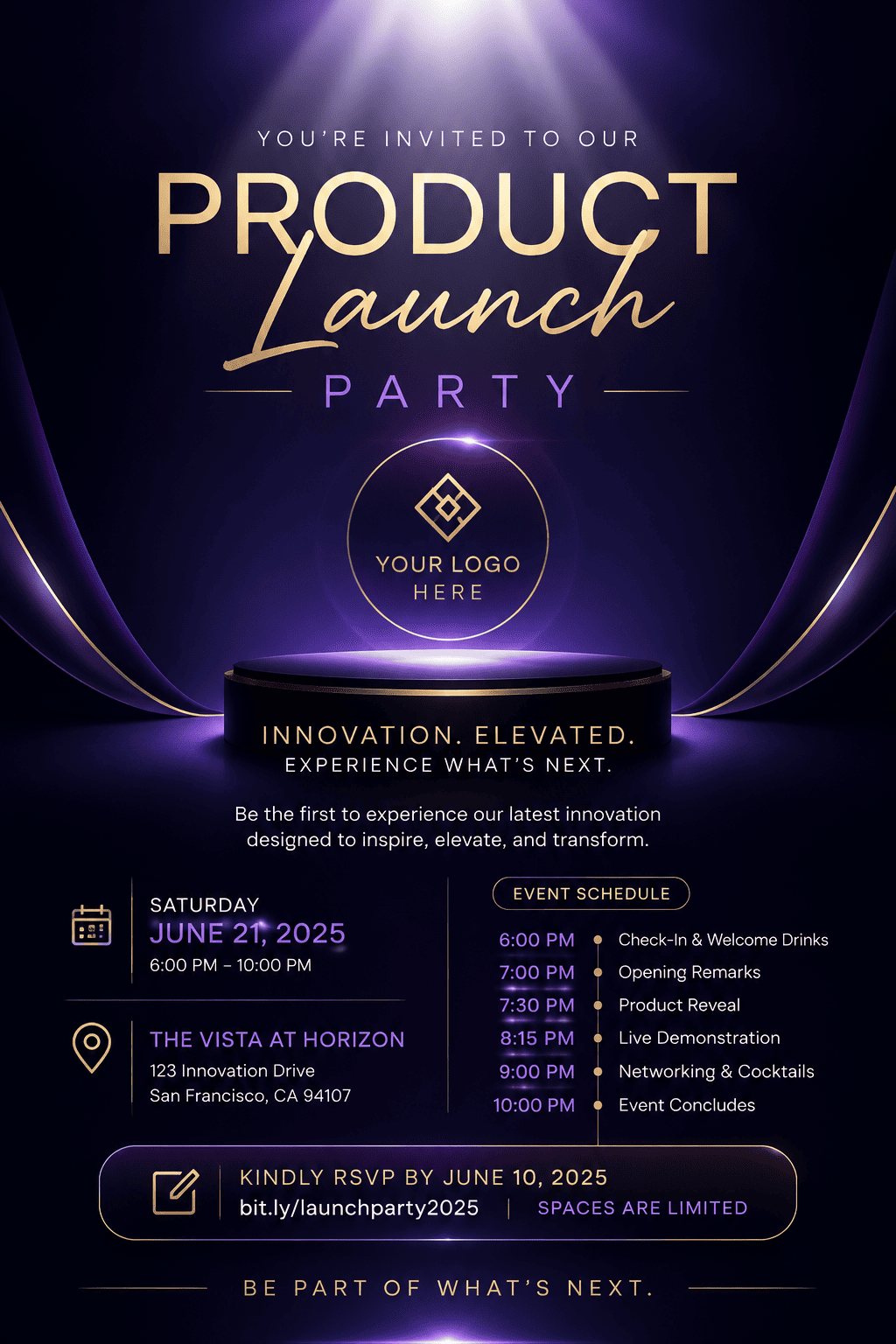
Create a product launch party invite with sleek gradient background, logo placeholder, short event schedule, and RSVP link.
Design a digital dinner party invitation with warm candlelight, menu teaser, address, time, host name, and cozy elegant typography.
Create a themed costume party invitation with dramatic lighting, bold title, date, venue, RSVP, and costume note.
Make a baby shower party invitation with soft pastel palette, gift registry line, brunch time, host name, and printable card layout.





