Free OnlineAI Bingo Card Generator
How to Create a Bingo Card with AI
Define the Game and Grid
Provide or Generate the Squares
Build a Readable Card
Refine, Vary, and Export

Bingo Card Design That Balances Play and Presentation
Go from a Topic to Usable Squares
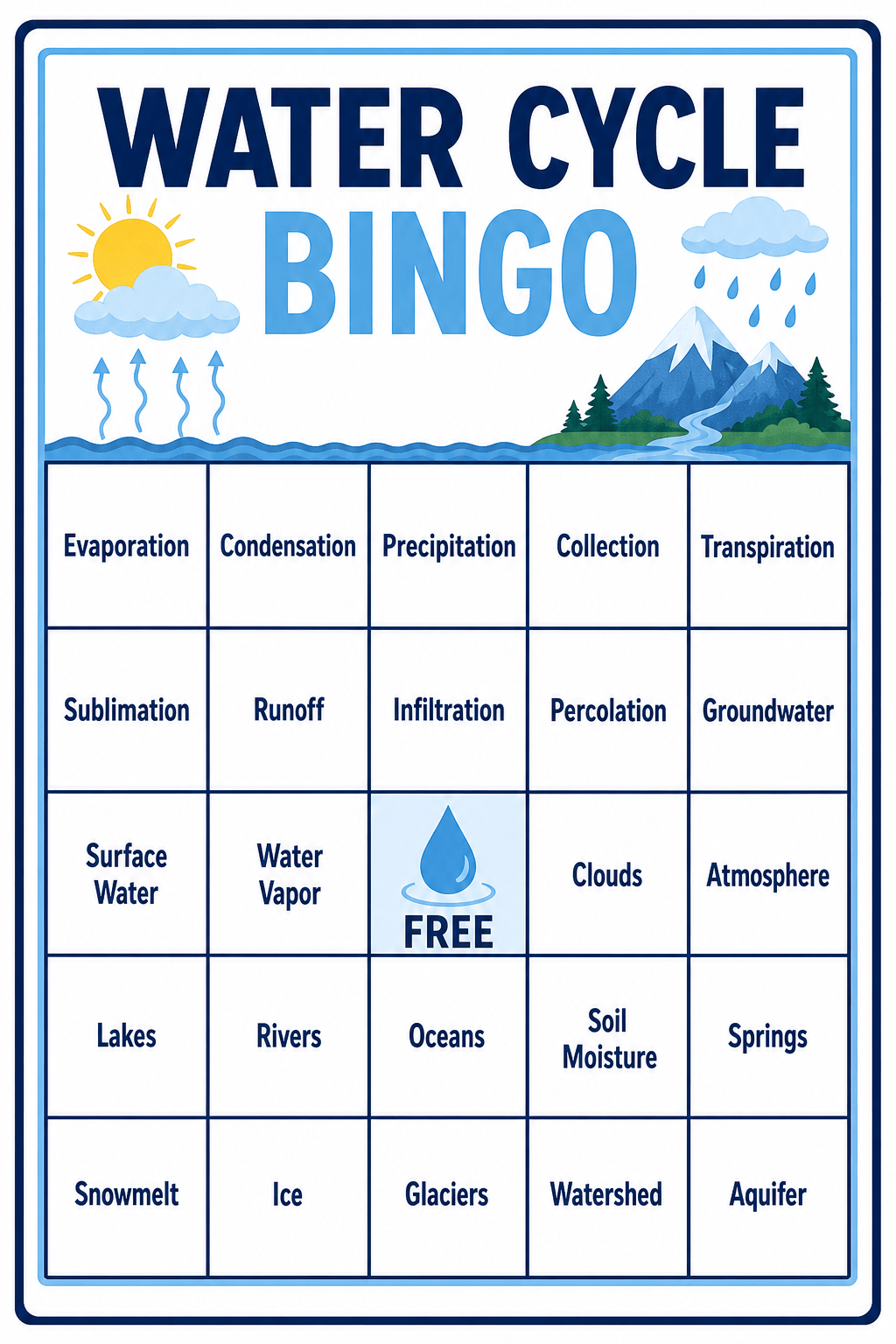
Start with a simple request such as third-grade weather vocabulary, new-hire icebreakers, movie-night moments, or wedding guest activities. This AI bingo card generator can propose a focused item list, while you keep control of the final wording and difficulty.
Keep 25 Cells Easy to Scan
A decorative card still has to work as a game. Mew Design can build a strong title, even cell padding, consistent borders, short line lengths, and clear contrast so a printable bingo card remains legible when held, projected, or printed two-up.
Control Exact Text and the FREE Space
Provide the exact title and square copy, decide whether the center says "FREE", and tell the AI bingo card maker which elements must stay fixed. Use Chat Edit for targeted corrections instead of recreating the whole board after one wording change.
Create Word or Picture Bingo
Upload a mascot, brand palette, classroom illustration, event logo, or icon reference and explain how it should guide the card. For picture bingo, request one consistent illustration style and distinct silhouettes that are easy to recognize and call aloud.
Explore a Coordinated Card Set
Ask for multiple boards that preserve the same title, typography, colors, grid, and FREE square while rearranging the playable items. For a classroom or large event, inspect the finished set for repeated layouts, missing clues, and duplicates rather than assuming visual variations are mathematically unique.
Prepare Print and Digital Versions
Create a US Letter or A4 printable bingo sheet, a clean caller list, or a square version for social media and remote meetings. New users can try the free AI bingo card maker with AI credits, refine through chat, and export completed designs without a watermark.
What Makes a Good AI Bingo Card Prompt
- Supply the content: Give the exact title and square list, or ask for topic ideas and review them before layout. A 5×5 card with a center FREE square needs 24 other items; shorter 3×3 or 4×4 boards suit younger players and faster rounds.
- Set the game rules: State whether FREE stays fixed, whether the cards need a caller sheet, and whether players win with a row, column, diagonal, custom pattern, or full board.
- Protect readability: Use short phrases, strong contrast, generous cell padding, and one consistent icon style. Specify the final page or screen size so the design does not rely on tiny text.
- Plan the set and output: Request a fixed visual system across card variants, then check every board for duplicates and repeated placement. Name US Letter, A4, PNG, JPG, or PDF and print a test copy before the full run.
AI Bingo Card Prompts for Classrooms, Events, and Teams
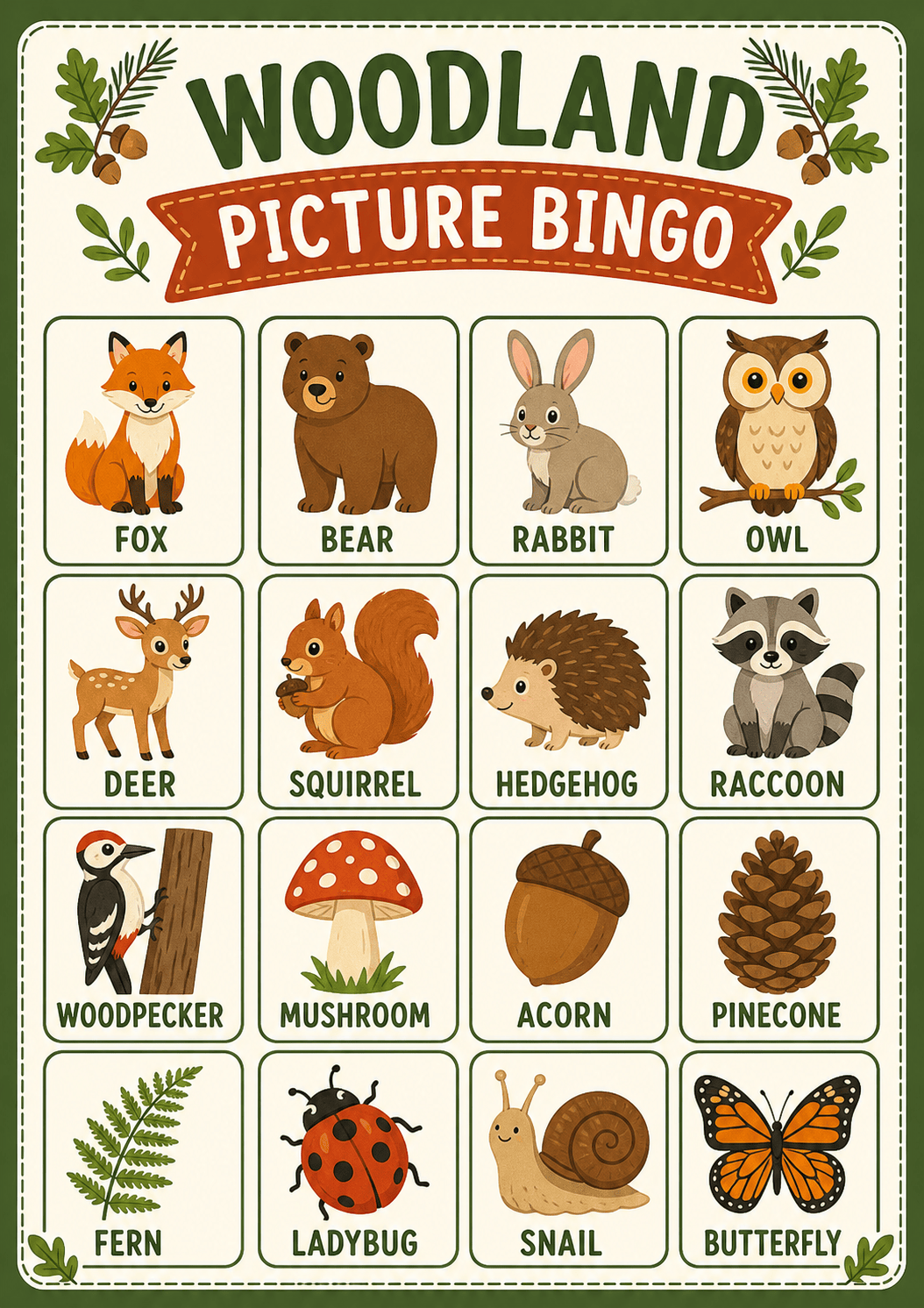
Early-learning picture bingo: Create a 3×3 woodland animal picture bingo card for children ages 4–6. Use nine friendly flat illustrations with distinct silhouettes: fox, bear, rabbit, owl, deer, squirrel, hedgehog, raccoon, and woodpecker. Add large labels below each image, wide rounded cells, warm forest colors, and no FREE square. Format for A4 portrait printing.
ESL food vocabulary bingo: Design a 4×4 classroom bingo card for beginner English learners. Use 16 short food words supplied in my list, one word per cell, with a small matching icon and no definitions. Keep the typography large, use a bright but uncluttered palette, and create a separate teacher caller sheet with the same words.
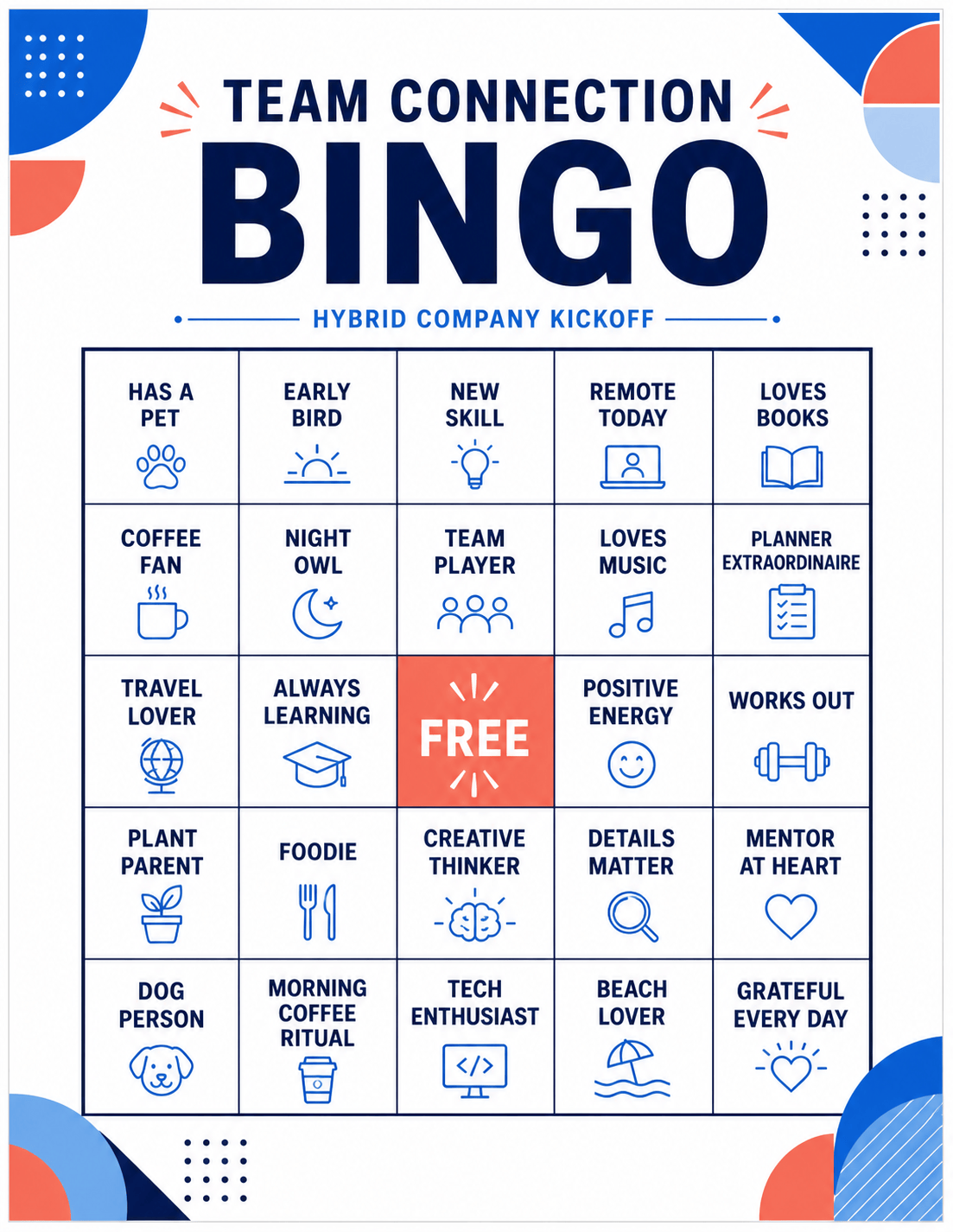
Remote-team icebreaker bingo: Make a modern 5×5 card titled "TEAM CONNECTION BINGO" for a hybrid-company kickoff. Use 24 inclusive, low-pressure prompts such as "has a pet", "works in another time zone", and "learned a new skill this year". Keep FREE in the center, use clean blue and coral accents, and avoid questions about age, family status, health, religion, or finances.
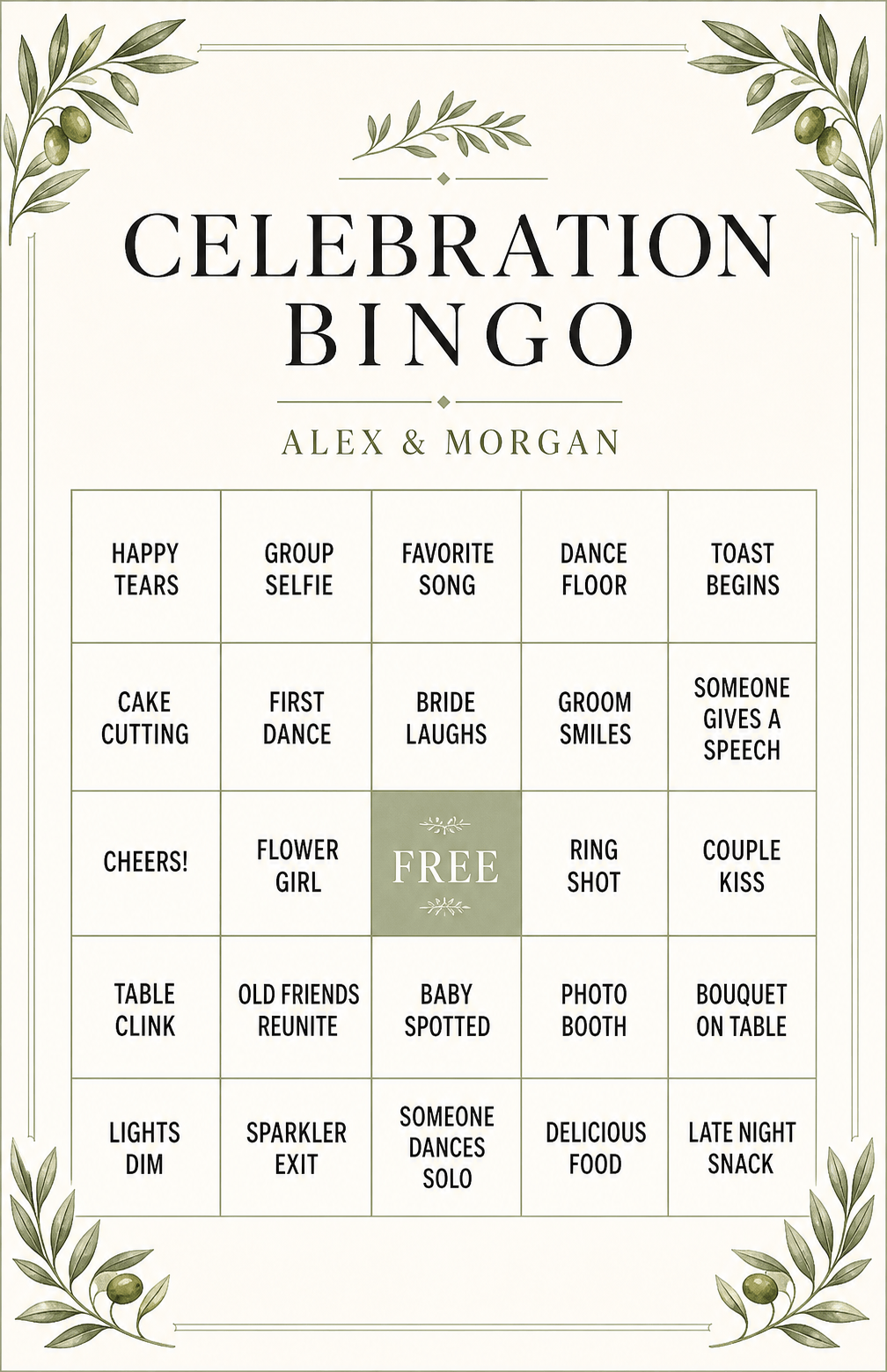
Wedding guest bingo: Create an elegant 5×5 wedding bingo card titled "CELEBRATION BINGO" with short observable moments such as "happy tears", "group selfie", "favorite song plays", and "someone catches the bouquet". Use a cream background, sage borders, restrained watercolor leaves, and readable serif headings. Keep the couple's names as an editable placeholder.
Wellness challenge bingo: Design a square 5×5 social card titled "ONE WEEK WELLNESS BINGO". Use practical actions such as a 10-minute walk, stretch break, screen-free meal, early bedtime, and water refill. Use an uplifting teal-and-yellow palette, a bold FREE center, and enough contrast for mobile viewing. Avoid medical claims and weight-loss language.
Movie watch-party bingo: Build a playful 5×5 card for a fictional space-adventure movie night. Use 24 generic on-screen moments such as "dramatic countdown", "mysterious signal", "heroic landing", and "unexpected ally". Use an original midnight-blue sci-fi theme, keep every phrase under four words, and avoid film titles, characters, logos, and copyrighted franchise imagery.





