Free OnlineAI Bikini Model Generator
How to Create Bikini Model Photos with AI
Prepare Clear Swimwear References
Direct the Adult Model and Shot
Generate and Inspect the First Draft
Refine, Export, and Verify

A Product-First AI Swimwear Model Workflow
Build from the Bikini You Sell
Use a flat lay, mannequin image, or product photo as the visual reference. Our online AI bikini model generator lets you name the cut, color, print, trim, and construction details that deserve the closest review.
Direct Adult Models for Your Audience
Describe an invented adult model direction, body type, skin tone, age range, pose, and styling that fit the collection. Create more representative catalog concepts without copying a celebrity or using a real person's likeness without permission.
Plan PDP and Campaign Crops
Ask the AI swimsuit model generator for clean white-background catalog frames, resort lookbook images, or platform-specific social crops. Keep the garment visible and tailor the same creative direction to each channel.
Repair Swimwear Details Through Chat
Click Chat Edit and request a focused correction such as straightening a strap, restoring an edge, aligning a repeat print, changing the background, or adjusting the crop without rewriting the complete brief.
Repeat a Collection-Wide Shot System
Turn a successful model, camera, lighting, background, and delivery method into a reusable Mew Skill. Apply that workflow to new colorways and SKUs with less repeated setup while still reviewing every generated image.
Start Online with Free Credits
Test the free AI bikini model maker in your browser after signup, refine the result through conversation, and export watermark-free PNG or JPG images. Credit use varies by the generation and editing options you choose.
Write the Brief Like a Swimwear Shot List
- Supply Useful Product Views: Use a clear front image and add back or close detail views when coverage, closures, print alignment, labels, stitching, or hardware matter.
- List What Must Stay Accurate: Name the neckline, strap width and route, top shape, bottom rise, leg opening, coverage, color, print scale, trim, and fabric texture.
- Direct the Model and Channel: Specify one clearly adult model direction, neutral pose, full-body or head-to-thigh framing, lens feel, light, background, and required aspect ratio.
- Set Boundaries and Review: Exclude body reshaping, copied identities, obstructive props, added logos, text, transparent fabric, and suggestive posing. Verify the garment and current channel rules before use.
AI Bikini Model Prompts for Listings and Campaigns
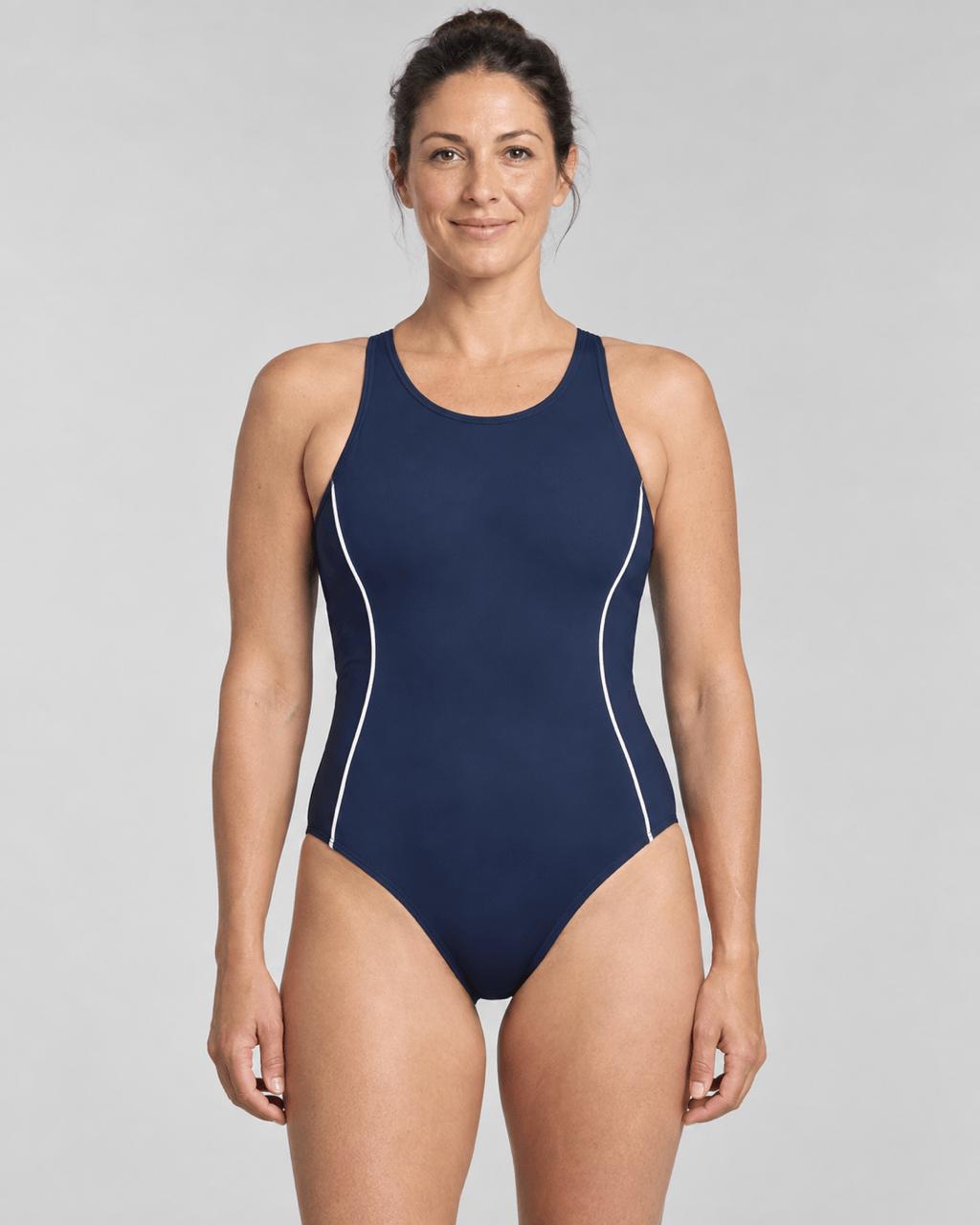
White-Background Bikini PDP: Use my uploaded authorized flat-lay as the fixed garment. Create one invented adult model, age 28-38, in a natural front-facing catalog pose on pure warm white, vertical 4:5. Preserve the cobalt triangle top, wide adjustable straps, mid-rise moderate-coverage bottom, smooth opaque fabric, and silver ring hardware. Keep the full bikini unobstructed; no jewelry, props, text, logo, transparent material, body reshaping, or watermark.
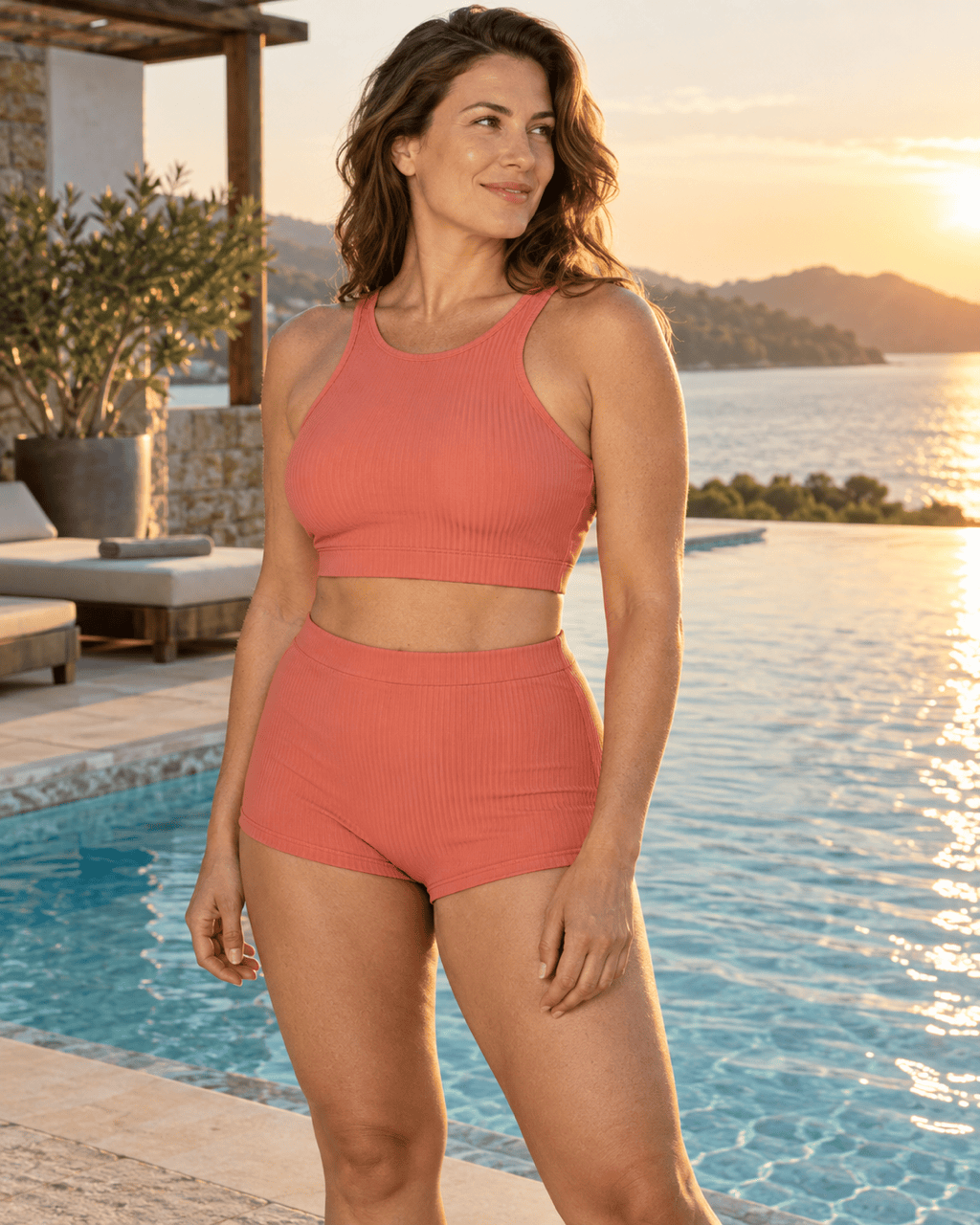
Resort Campaign Image: Place my authorized coral ribbed bikini reference on one invented adult model, age 30-40, standing beside a quiet modern pool at golden hour. Preserve the square neckline, longline top, high-waisted bottom, coral color, ribbed texture, and clean edges. Tasteful editorial pose, full swimwear visible, vertical 4:5, realistic sunlight and water reflections, no crowd, text, brand mark, or suggestive styling.
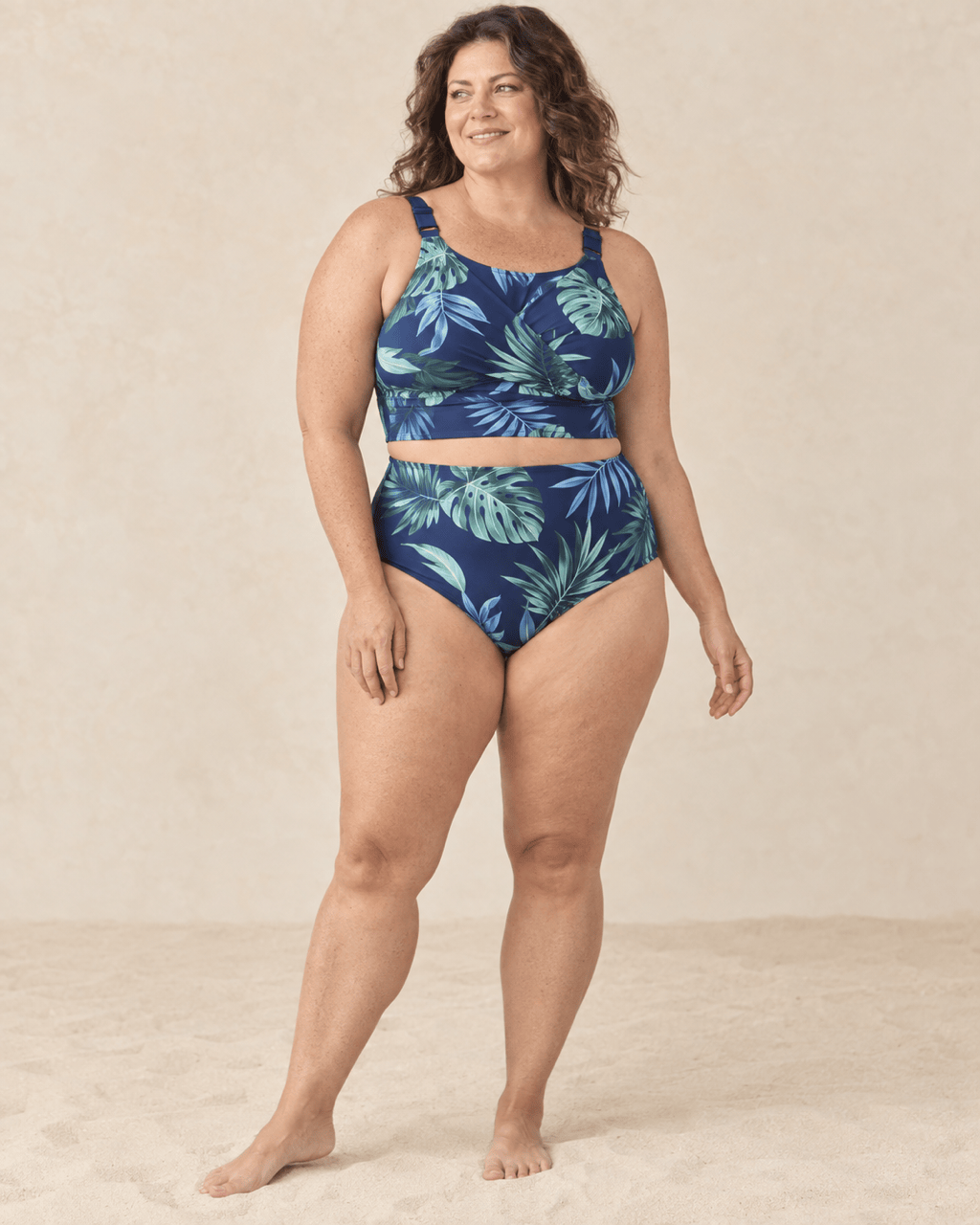
Inclusive Swimwear Catalog: Create an invented plus-size adult model, age 35-45, wearing my uploaded tropical-print bikini in a relaxed three-quarter stance on a pale-sand studio set. Keep the supportive wide straps, wrap front, high-rise moderate-coverage bottom, leaf-print scale, fabric texture, and natural body proportions. Soft catalog light, 4:5 crop, no smoothing that changes her body, extra accessories, text, or watermark.
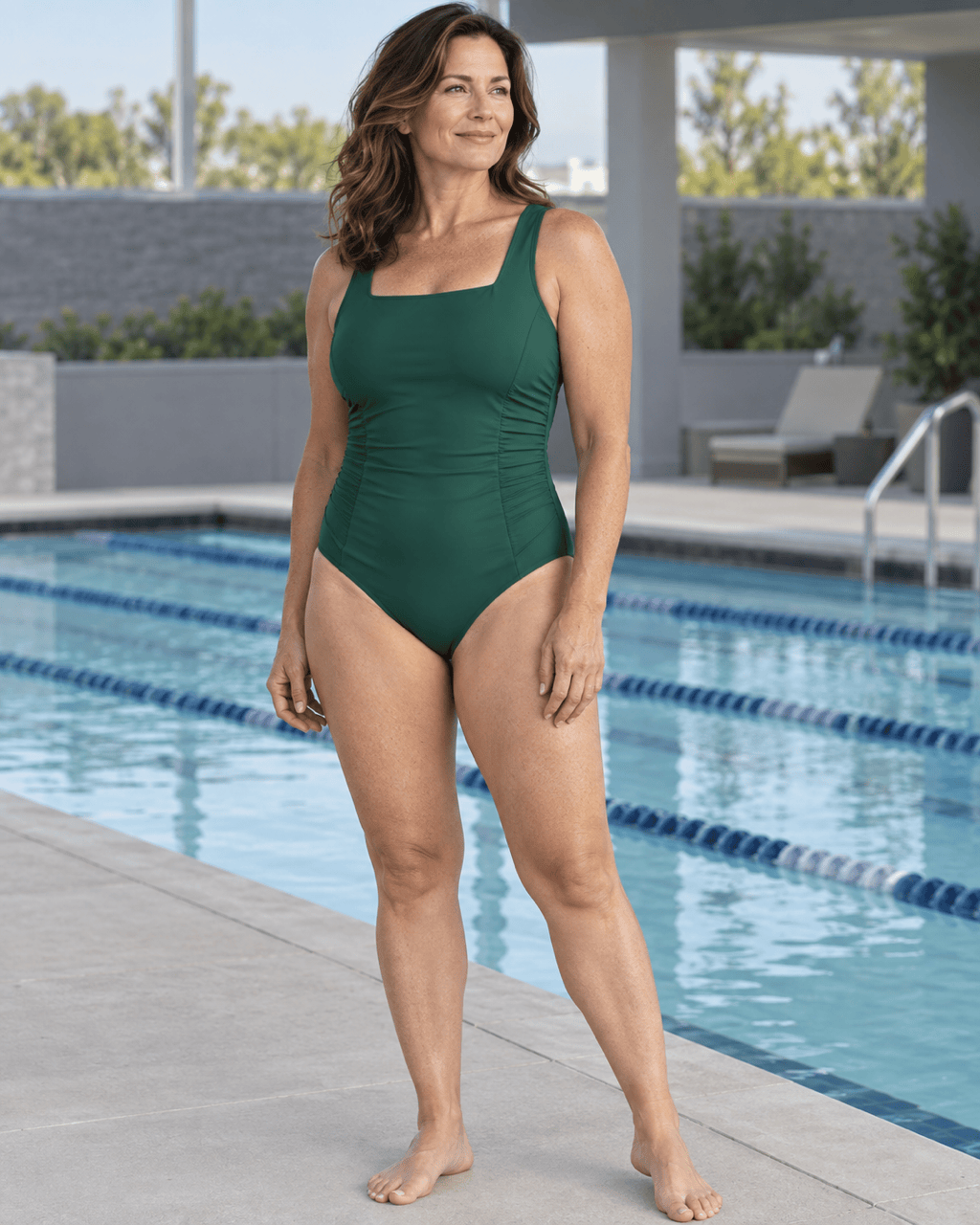
One-Piece Collection Page: Turn my authorized emerald one-piece packshot into a clean on-model image with one invented adult model, age 32-42, straight posture, three-quarter front view, and light-gray ecommerce background. Preserve the square neckline, wide shoulder straps, scoop back, side ruching, moderate leg openings, opaque matte fabric, and emerald color. No cover-up, jewelry, logos, text, or altered silhouette.
Consistent Three-Pose Set: Use the same invented adult model, warm-white seamless background, camera height, 4:5 crop, and soft side light across three separate images of my uploaded black bandeau bikini: front standing, three-quarter turn, and side profile. Keep the detachable straps, straight neckline, high-rise bottom, moderate coverage, smooth opaque fabric, and black color consistent in every image. No props, text, logos, or body modification.
Vertical Social Swimwear Creative: Use my authorized teal sport-bikini images as the fixed product reference. Create one invented adult athlete, age 27-37, in a confident neutral stance beside a modern lap pool, vertical 9:16 with safe crop space. Preserve the racer-style top, wide straps, high-rise bottom, teal-and-navy color blocking, opaque technical fabric, and visible seams. Natural athletic proportions, bright daylight, no text, copied logo, transparent material, or provocative pose.





