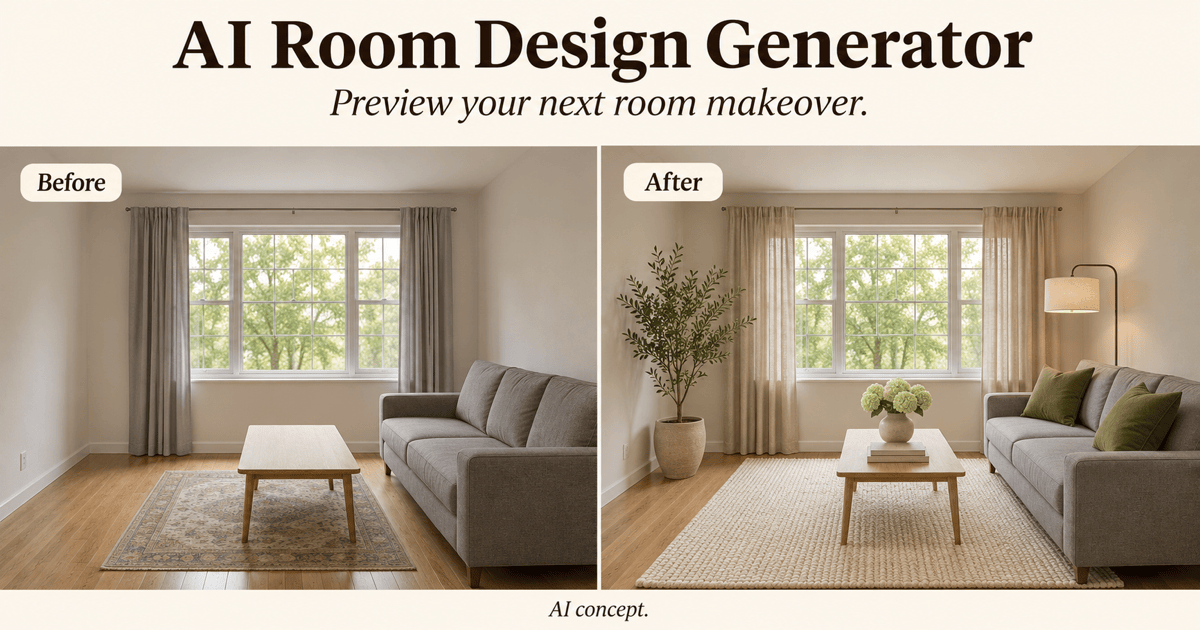
Free OnlineAI Bedroom Design
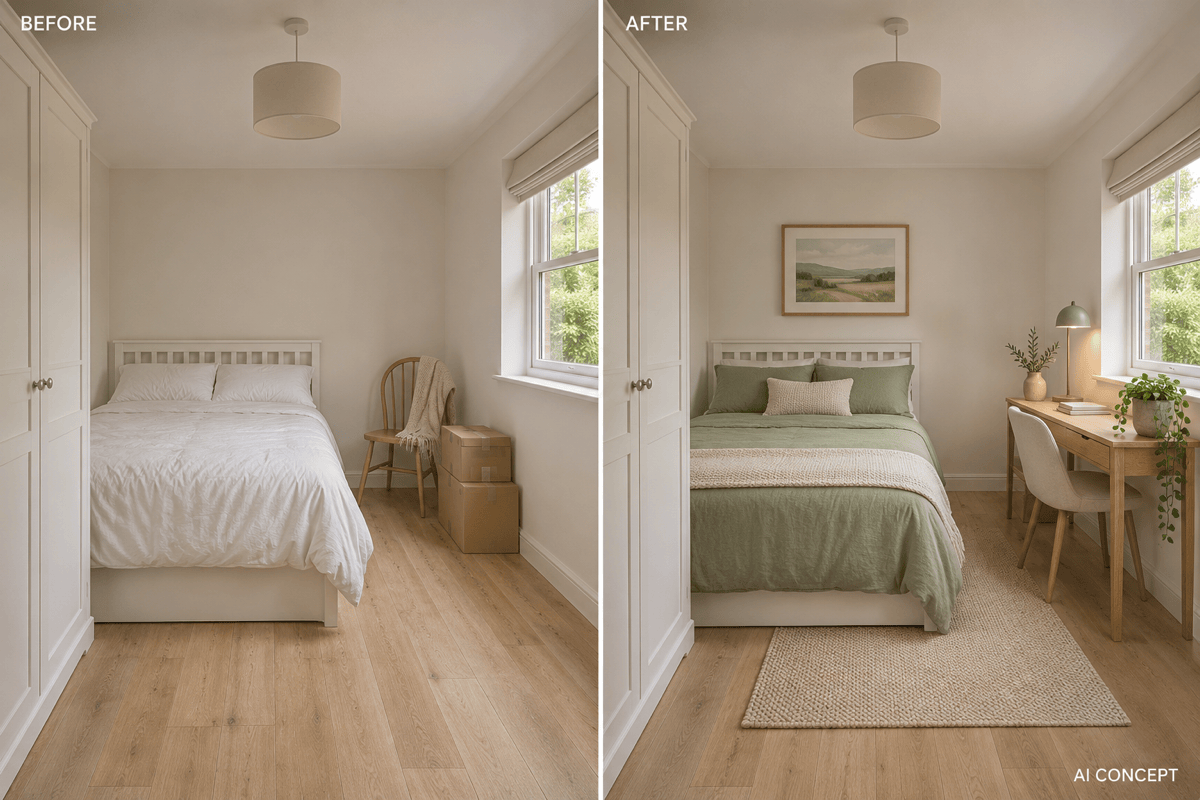
How to Create a Bedroom Design with AI
Upload a Bedroom Photo or Describe a Room
Generate a Bedroom Makeover
Adjust One Detail at a Time
Save and Compare Your Ideas

AI Bedroom Design from Your Own Photo
Redesign from Your Own Photo
Use AI bedroom design from a photo to explore your actual space. Specify what should stay; the reference guides the result, though exact preservation is not guaranteed.
Japandi, Scandinavian, and Modern Bedroom Ideas
Try Japandi, Scandinavian, modern, or cozy bedroom ideas from one reference. Compare wood tones, bedding, and lighting without rewriting your room description.
Work around Existing Furniture
Ask our AI bedroom generator to refresh the room around your current bed or wardrobe. Explore changes to textiles and decor before considering replacements.
Small Bedroom Design and Storage Ideas
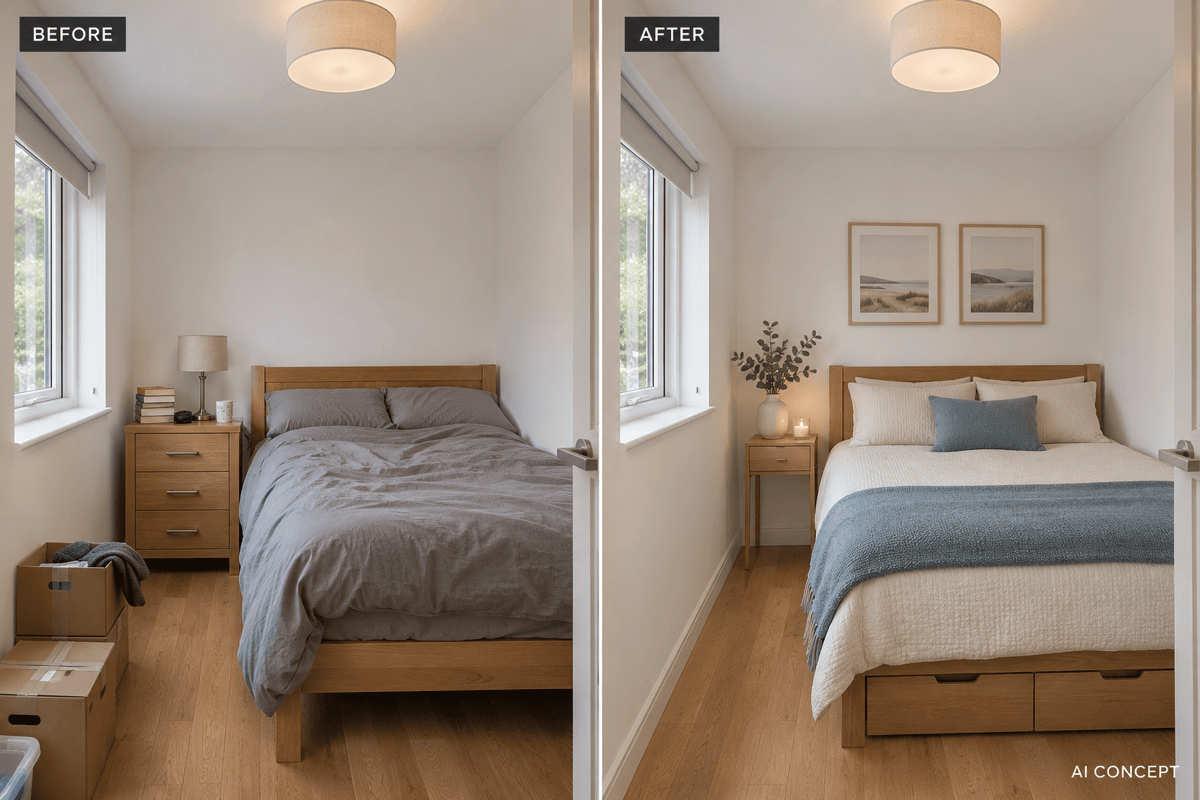
Visualize slimmer furniture, under-bed storage, or a compact desk. Use the images to compare ideas, then measure access to doors, drawers, and wardrobes yourself.
Edit Bedroom Colors, Bedding, and Lighting
Change wall colors, bedding, or lighting with a model you choose. Mew Auto can select one for your photo and requested edits. Mew Design brings the latest leading image models into the same workflow and adds new releases promptly.
Try Bedroom Design Online
Start with free AI credits after signup and refine your concept in chat. Download watermark-free images to save your preferred direction; further use depends on available credits.
How to Prepare a Bedroom Photo for AI Redesign
- Show the Whole Space: Take a level photo from a doorway or corner in good light. Include the bed, windows, and visible floor; avoid panoramas and heavy wide-angle distortion.
- Separate Keep from Change: Name fixed architecture and furniture you want to retain. For a rental, specify no repainting, drilling, or changes to flooring.
- Add Practical Constraints: Mention bed size, room dimensions if known, storage needs, and your spending priorities. A budget guides the concept, not a verified shopping total.
- Check the Comparison: Look for moved windows, blocked doors, altered furniture sizes, and missing storage. Correct those issues before choosing finishes or buying furniture.
AI Bedroom Ideas for Small Rooms, Rentals, and Guest Rooms
Small bedroom: Redesign my uploaded room with a slim bedside table and under-bed storage. Keep the existing bed size, room boundaries, and window positions. Show a clear route from the door to the bed.
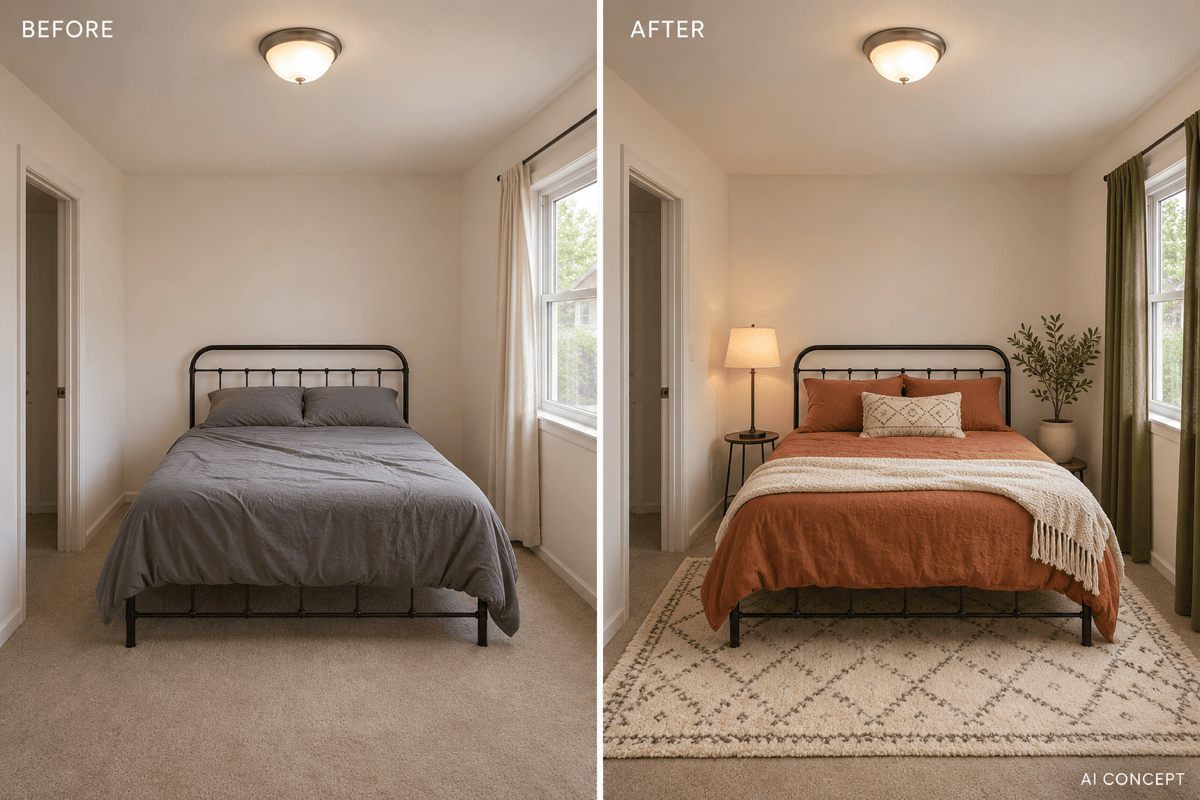
Rental refresh: Keep my bedroom walls, floor, bed frame, and ceiling light unchanged. Add character with terracotta bedding, a patterned rug, freestanding lamps, and curtains. Do not add built-ins or wall-mounted fixtures.
Style comparison: Use my bedroom photo to create a Japandi version and a modern version. Keep the same camera view, architecture, and bed position so I can compare materials, colors, and lighting.
Guest room with a desk: Add a compact workspace to my spare bedroom photo. Keep the bed and wardrobe, leave access to their sides, and separate the desk area visually with coordinated lighting.
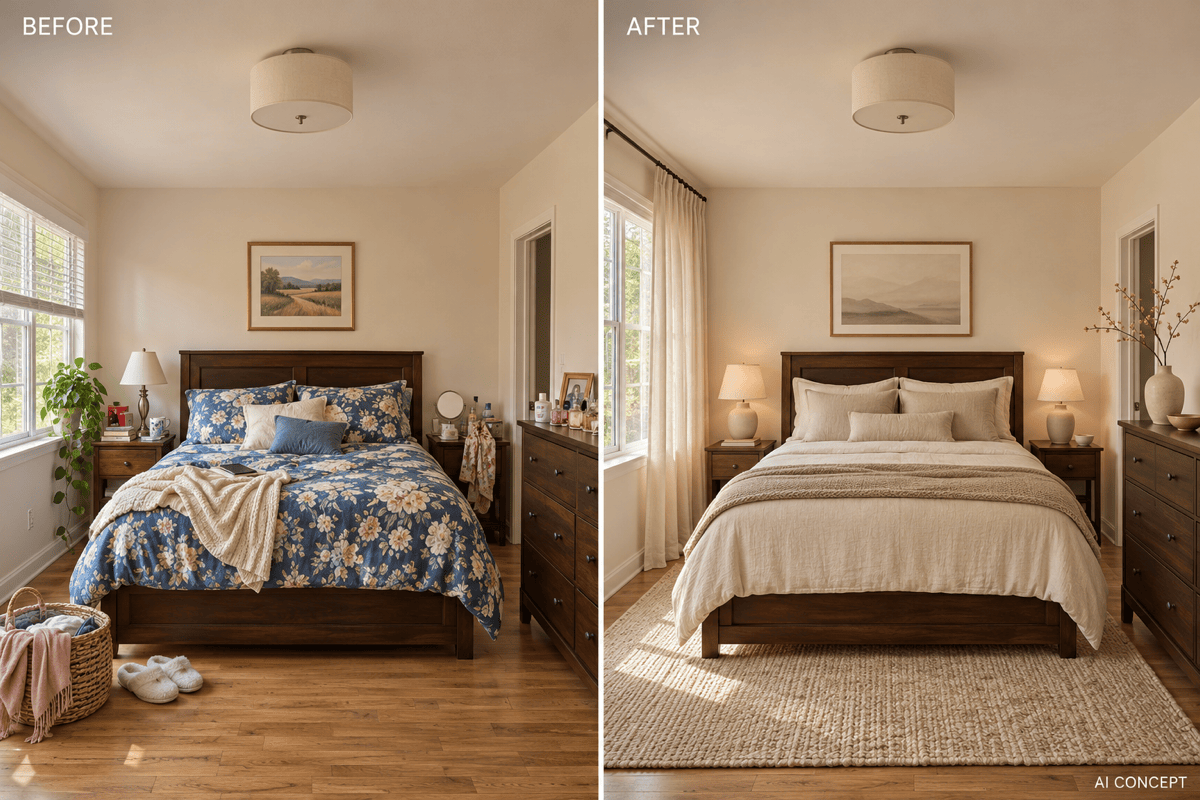
Keep the furniture: Refresh my bedroom around the existing dark wood bed and dresser. Change only wall color, bedding, curtains, and lamps. Use a calm palette that works with the wood.
No photo yet: Generate a cozy bedroom concept with an oak bed, cream linen, muted olive accents, closed storage, and soft bedside lighting. Show an eye-level interior view, not a floor plan.