Create a CustomAI Beach Background
How to Make an AI Beach Background
Choose the Background or Photo Mode
Scout the Beach in Your Prompt
Generate a Believable Coastal Scene
Repair the Composite and Export

Build the Beach Around the Image's Real Job
Generate or Replace the Background
Begin with a written scene for a background-only image, or upload an authorized photo and ask to replace only the existing backdrop. One workflow supports both original coastlines and subject-led photo edits.
Protect Important Subject Details
Tell the beach background changer which face, pose, outfit, product silhouette, material, label, or pet marking should remain recognizable. Clear invariants improve direction, but you should still review every generated detail.
Match Horizon, Light, and Contact
Direct the horizon height, camera angle, sun position, shadow softness, depth of field, footprints, sand contact, and water reflection so the subject belongs in the coastal scene instead of looking pasted on.
Compose for the Final Canvas
Reserve clean sky or sand for a headline, place a product away from a crop edge, or keep the center calm for a video-call portrait. Request square, vertical, Story, banner, wallpaper, or 16:9 virtual-background framing.
Explore Distinct Coastline Moods
Create a turquoise tropical shore, quiet dune beach, dramatic black-sand coast, Mediterranean cove, misty morning, golden-hour sunset, or restrained editorial scene without relying on one stock background.
Refine One Coastal Detail at a Time
Use Chat Edit to lower the horizon, soften waves, remove background people, shift the sun, repair an edge, create more negative space, or adapt the chosen direction to another ratio while preserving what already works.
Prompt Like a Location Scout and Photographer
- Declare the starting mode: Say “background only” when you need an empty scene. For a photo edit, identify the authorized source and list the subject features, foreground objects, and product details that should remain recognizable.
- Locate the shoreline precisely: Name the sand or rock, water color, wave size, vegetation, weather, time of day, horizon height, and overall mood. Prefer an original coastal direction over an exact named private resort or copied campaign.
- Make the physics agree: Match camera height, lens feel, sun direction, color temperature, depth of field, contact shadows, footprints, and reflections to the source so the composite feels photographed together.
- Design for the destination: State the ratio and safe area for a product listing, portrait, Story, banner, wallpaper, or static Zoom background. Exclude extra people, crooked horizons, edge halos, logos, text, and watermarks.
AI Beach Background Prompts for Photos, Products, and Screens
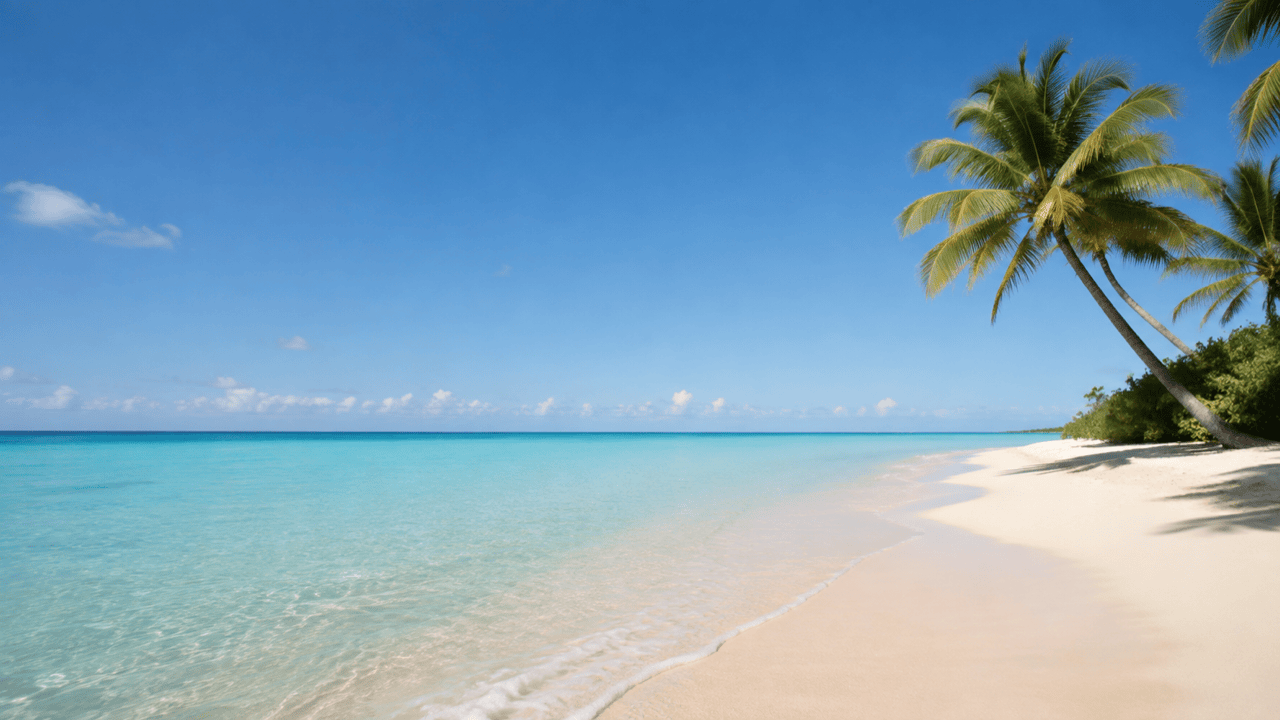
Empty Tropical Background: Create an original 16:9 tropical beach background with pale sand, clear turquoise shallows, a straight low horizon, two distant palms on the right, soft late-morning light, realistic coastal photography, and calm open sky across the left half for a headline. No people, buildings, boats, words, logos, or watermarks.
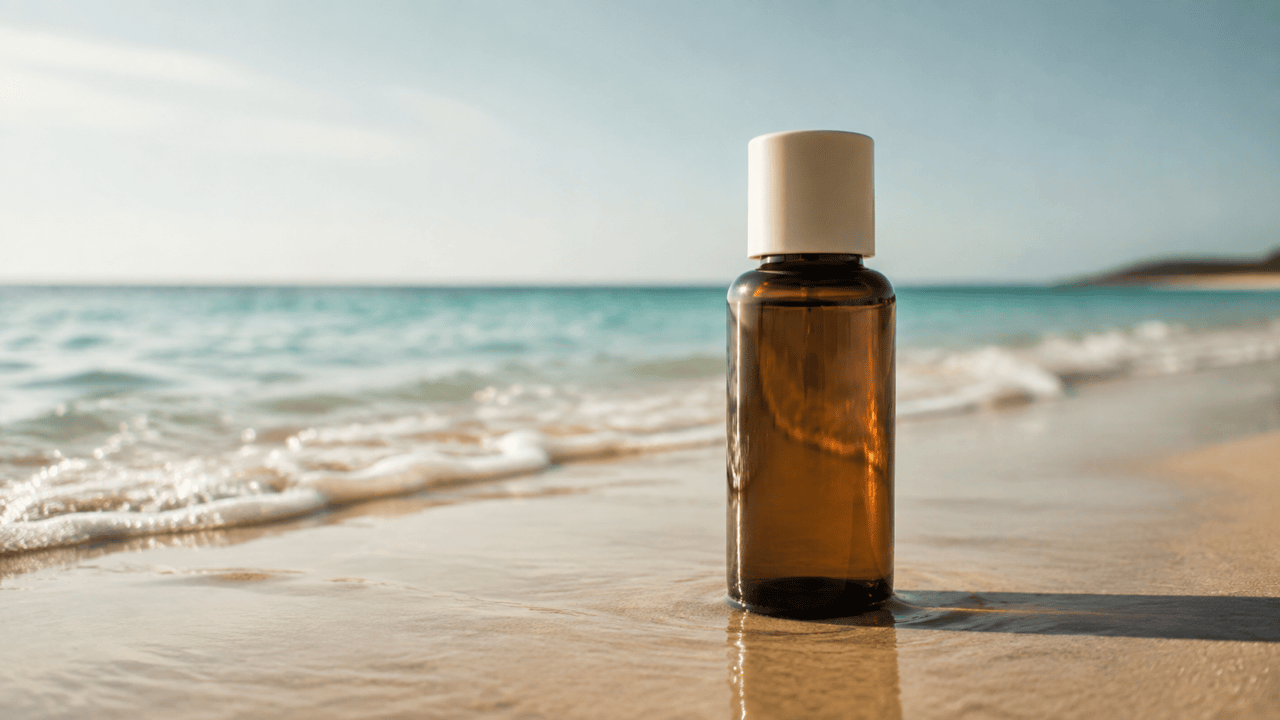
Summer Product Photo: Use my authorized photo of one unlabeled amber skincare bottle. Keep the bottle shape, cap, glass color, proportions, and clean label area unchanged. Replace the studio backdrop with wet sand near a gentle shoreline, natural warm side light, small contact shadow and reflection, premium 4:5 product photography, no hands, extra products, readable brand text, or watermark.
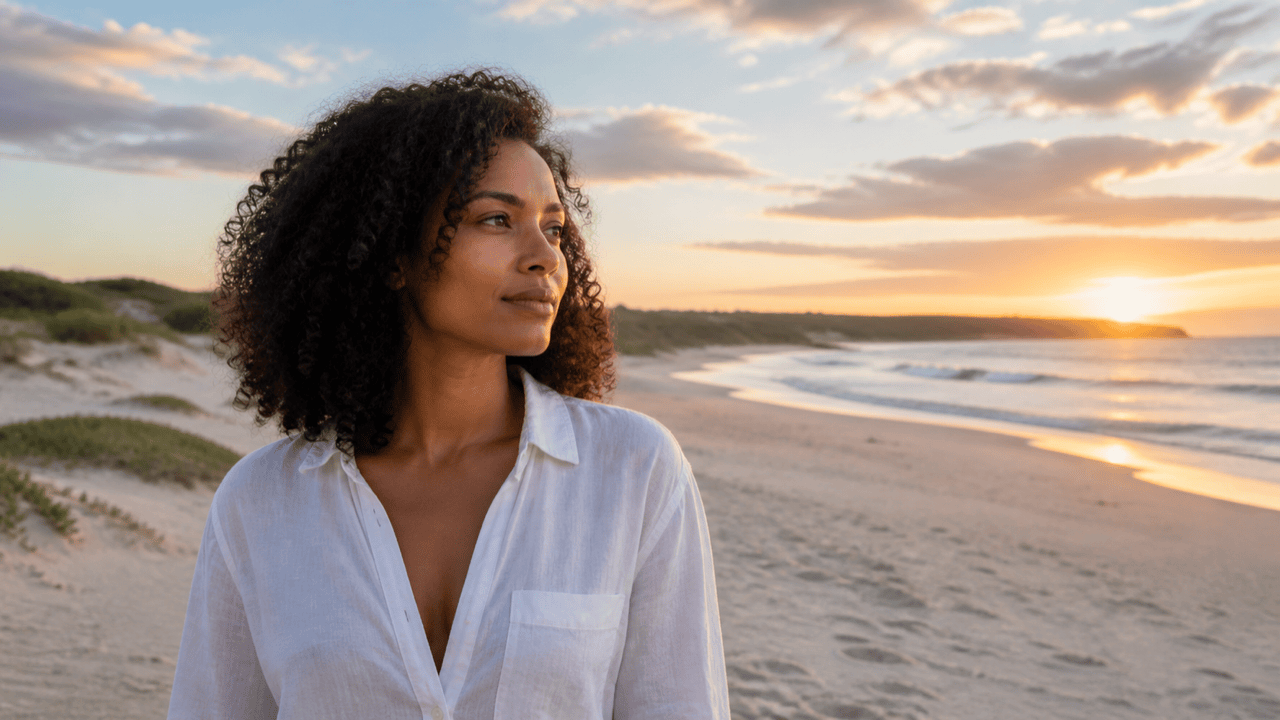
Beach Portrait Background: Replace only the background of my permitted waist-up portrait. Preserve the adult subject's face, curls, skin tone, expression, white shirt, pose, and crop. Add a quiet dune beach at sunset, straight eye-level horizon, warm rim light and matching soft shadows, realistic 85 mm depth of field, vertical 4:5, no extra people, altered clothing, logo, text, or cutout halo.
Sunset Social Background: Generate a cinematic rocky beach at blue hour after sunset, violet-orange sky, long-exposure water, dark foreground stones, subtle natural contrast, vertical 9:16 composition, and uncluttered upper space for copy added later. No people, letters, signs, logos, frames, or watermark.
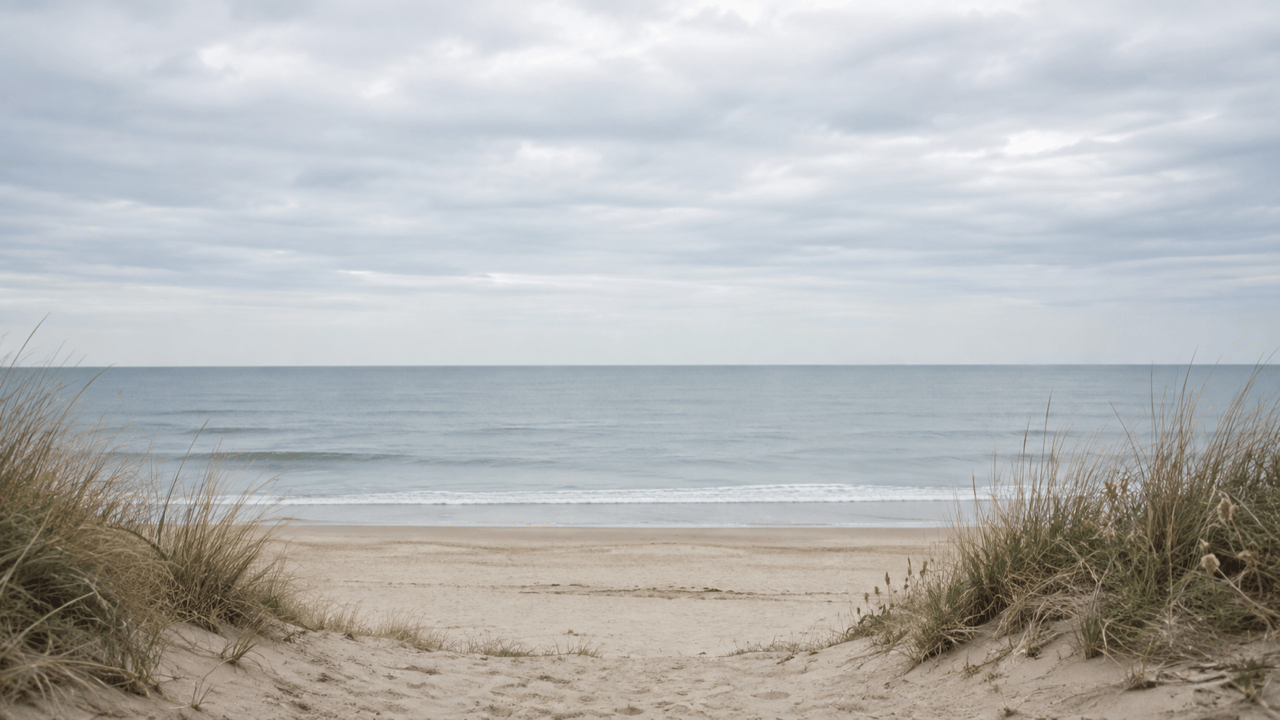
Virtual Meeting Beach Background: Create a calm professional 16:9 beach background for Zoom, Teams, or Meet. Soft overcast daylight, muted blue-gray sea, clean straight horizon above center, gentle dunes at the edges, quiet central area behind the speaker, realistic but not distracting, no people, chairs, text, company marks, or dramatic glare.
Coastal Desktop Wallpaper: Make an original 16:9 aerial shoreline wallpaper with foamy waves forming simple diagonal rhythms across warm sand, restrained aqua and beige palette, crisp natural detail, balanced negative space, no recognizable landmark, people, footprints, boats, text, logo, or watermark.





