Free OnlineAI Armor Generator
How to Create Armor Concept Art with AI
Define the Armor and Its Wearer
Generate Your First Armor Concept
Refine Plates, Joints, and Finish
Download Your Visual Reference

Explore Custom Armor Without Redrawing Every Idea
From Plate Armor to Powered Suits
Use this fantasy armor generator to explore a paladin’s ceremonial plate, a ranger’s light gear, or a futuristic exosuit. Describe the role and setting to guide the design.
Build on Your Own Sketch
Upload an armor sketch or character reference and describe what to develop. Ask for related shapes and colors, then review how closely the new concept follows your reference.
Change the Details Through Chat
Ask the AI armor maker for smaller pauldrons, a closed visor, darker steel, or clearer leather straps. Chat Edit lets you refine the image without describing the entire suit again.
Choose a Model for Your Art Direction
Access the latest leading image models, with new releases added promptly. Select a model manually or use Mew Auto to choose for painterly fantasy art or detailed sci-fi armor concepts.
Develop a Related Armor Series
Explore scout, guard, and commander variants with a shared palette and emblem. Save your preferred art direction and review workflow as a reusable Mew Skill for future character sets.
Take Concepts Into Your Next Project
Download watermark-free PNG or JPG images for campaign notes and concept boards. Ask to remove the background when you need an isolated armor illustration.
Describe Armor That Looks Coherent
- Choose a Clear Silhouette: Specify light, medium, or heavy armor and a full suit or single component. Ask for a head-to-toe view when the complete outfit matters.
- Separate the Materials: Name the metal plates, fabric underlayer, and straps. Give each a distinct color or finish so the layers remain readable.
- Show How Pieces Connect: Request visible buckles, overlapping plates, and room at the joints. Inspect these connections instead of assuming they are physically workable.
- Match the Reference to the Task: Use a plain background for equipment review and a scene for character storytelling. For historical accuracy, supply period references and verify the details.
Armor Design Prompts for Characters and Equipment
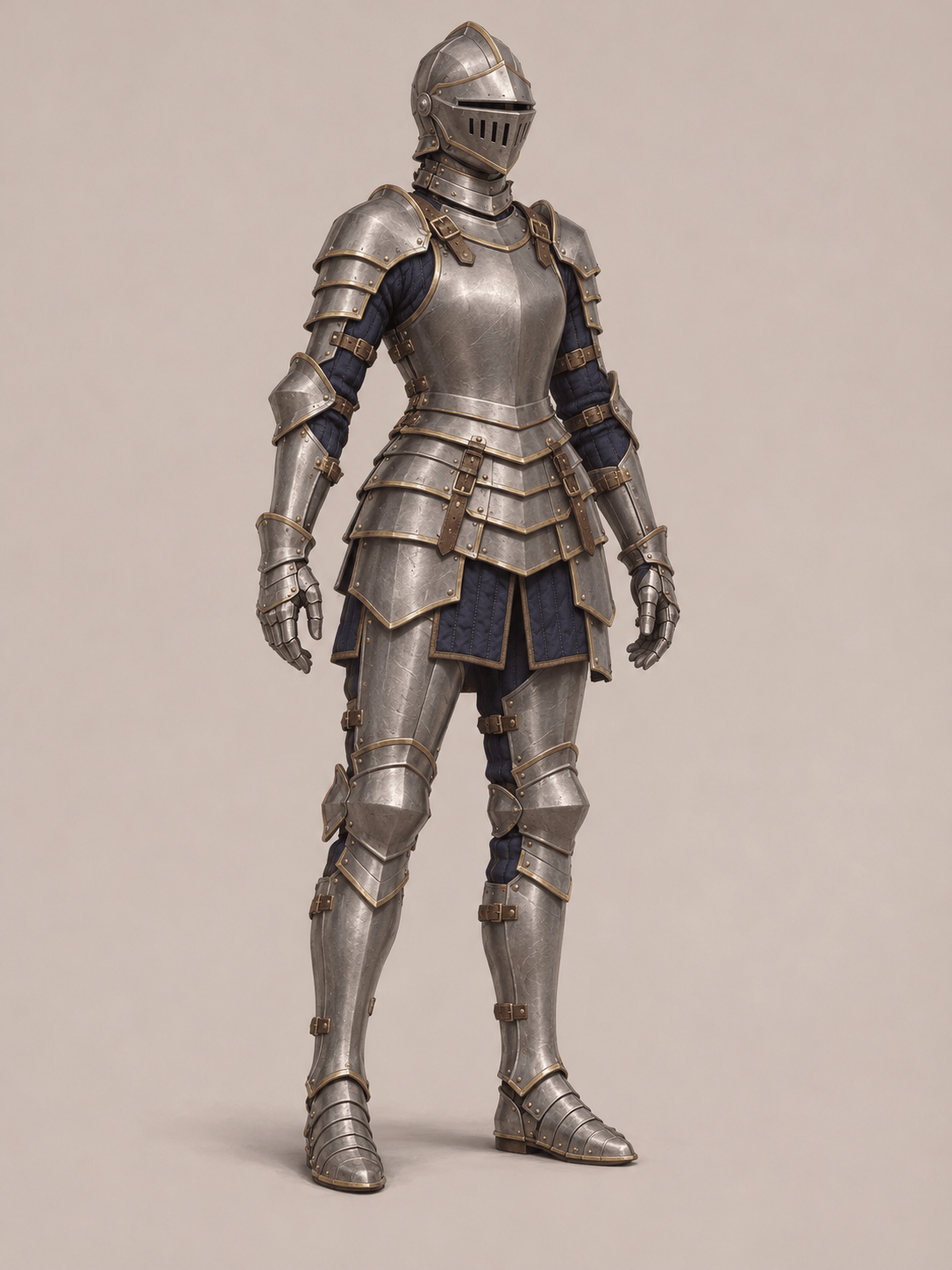
Create medieval knight armor concept art with brushed steel plate over a padded navy underlayer. Show a full-body front view, restrained brass trim, visible straps, and a plain background. Keep the hands and boots in frame.
Design fantasy armor for a D&D paladin: ivory and gold plate, a sun emblem, a closed helmet, and a deep red tabard. Show the full character in a neutral stance with the chest and waist armor clearly visible.
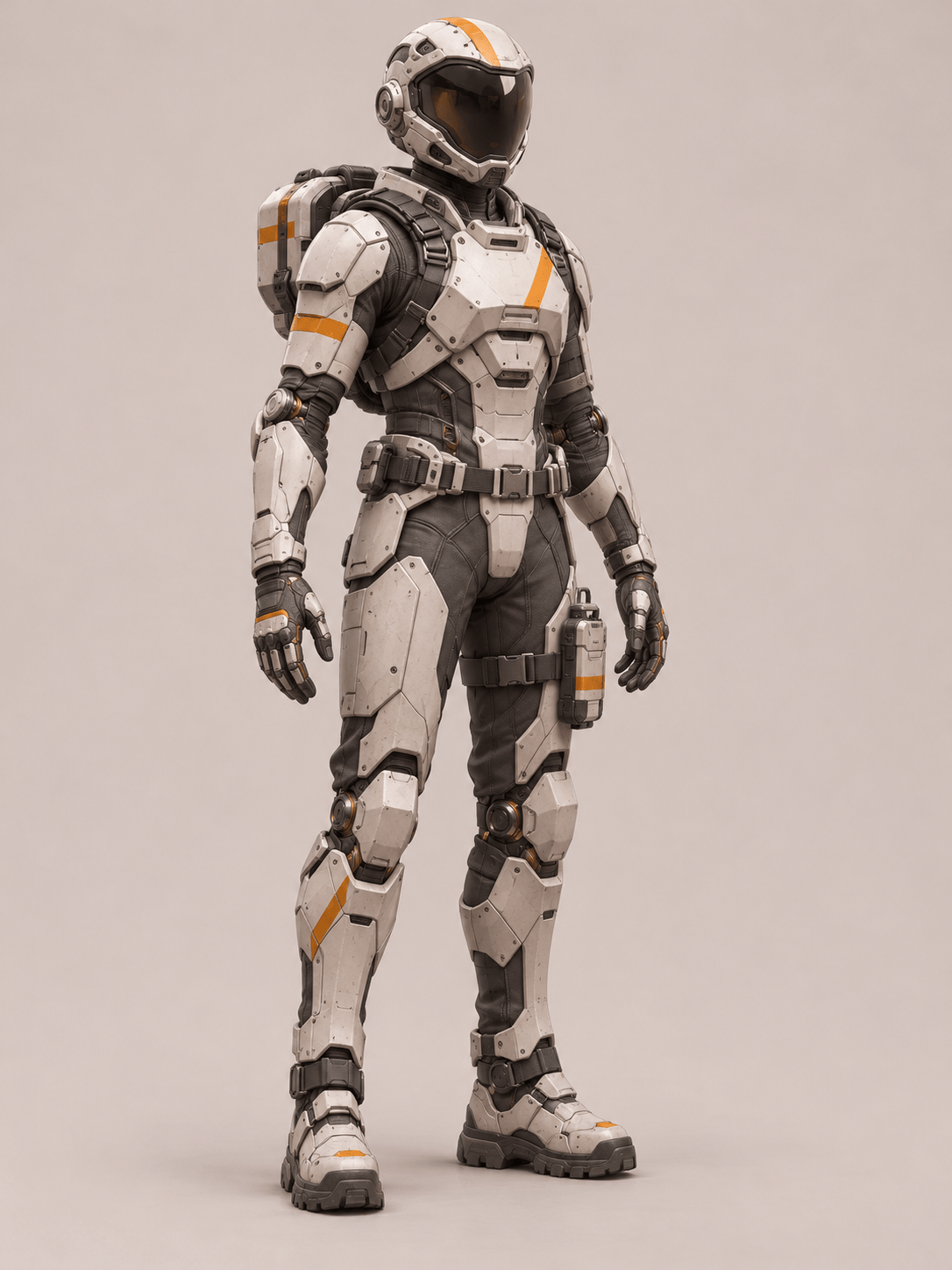
Generate a sci-fi armor concept for a planetary surveyor. Use white ceramic panels, a graphite undersuit, orange markings, and a sealed visor. Keep the joints visible and the silhouette compact on a neutral background.
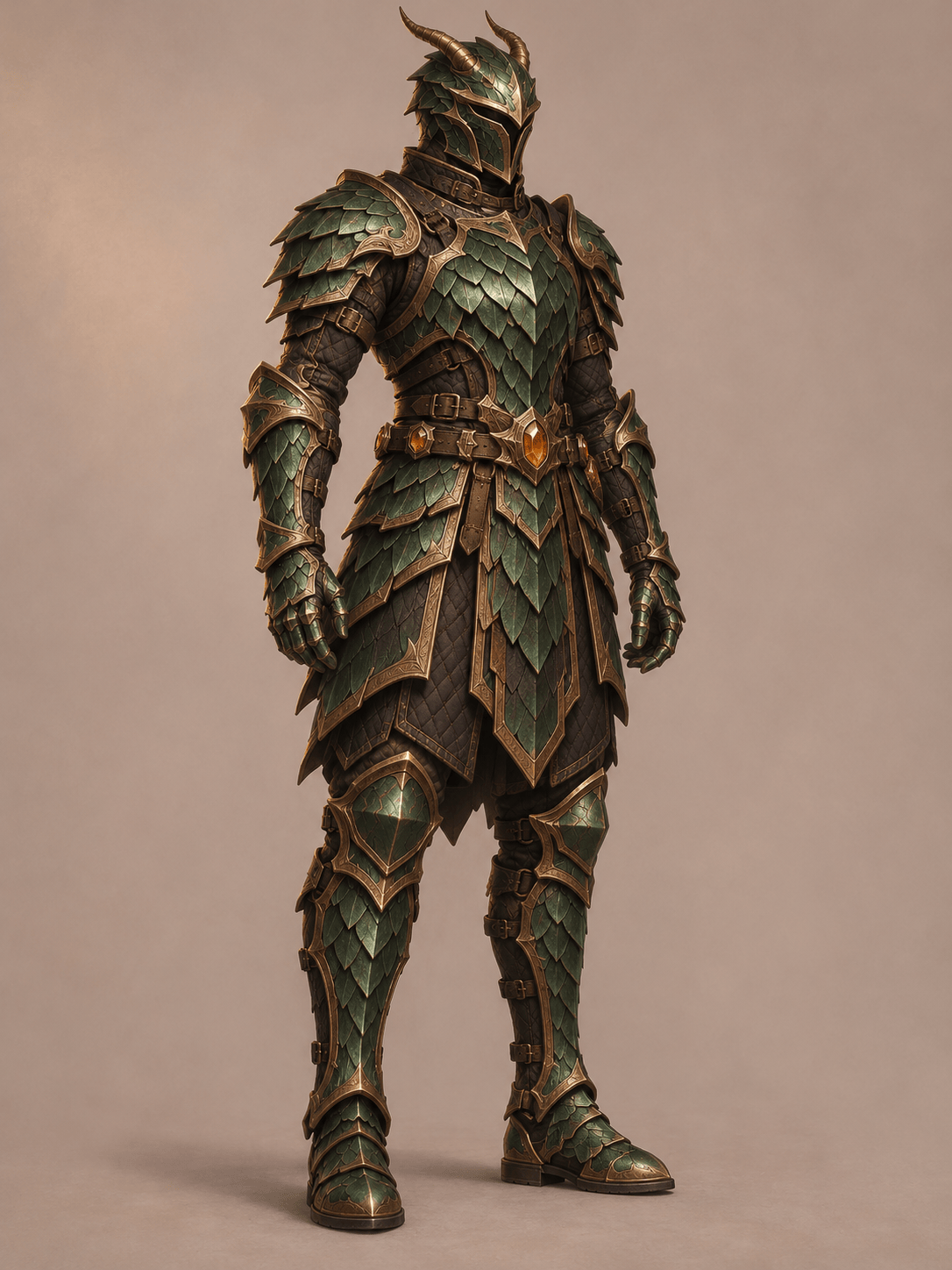
Create a dragon-inspired helmet and matching shoulder armor as isolated equipment concept art. Use dark bronze, overlapping emerald scales, and short swept-back horns. Separate the pieces clearly on a plain background.
Design practical fantasy plate armor for an adult female warrior. Use a continuous breastplate, a padded underlayer, articulated elbows and knees, and weathered steel. Show full coverage and natural proportions in a full-body view.
Create a cosplay armor concept with broad lightweight-looking panels, simple curved forms, and visible attachment points. Use teal and silver with minimal surface decoration. Present front and back views as visual references, without measurements or cutting patterns.





