Free OnlineAI Announcement Generator
How to Create Announcement Design with AI
Set the Announcement Details
Generate the Notice Layout
Refine Date, Venue, and RSVP
Share Across Update Channels

Why Mew Design Works for AI Announcement Design
Date and Location Hierarchy
Give dates, times, addresses, and RSVP details clear priority so announcements can be scanned quickly.
Readable Notice Layouts
The announcement creator builds notice-style designs with headline blocks, icons, supporting details, and strong contrast.
Audience-Specific Versions
Create different announcement styles for schools, workplaces, communities, product updates, and local events.
Map and RSVP Detail Control
Use Chat Edit to refine venue maps, RSVP notes, organizer names, launch tags, or schedule changes.
Brand-Consistent Updates
Upload logos, event artwork, storefront photos, or brand references so updates feel official.
Multi-Channel Export
Export announcement designs for email headers, social posts, office notices, community updates, and event pages.
What Makes a Good AI Announcement Design Prompt
- Name the format: Tell Mew Design whether you need social post, story, and printable notice layouts so the composition starts in the right shape.
- Add real content: Include exact date, time, location, audience, organizer name, RSVP link, and announcement priority so the AI does not invent placeholder copy.
- Attach references: Upload logos, venue photos, event artwork, maps, or brand notice examples when consistency matters.
- Ask for revisions: After generation, ask for a clearer date block, calmer hierarchy, stronger CTA, or separate email and social versions.
Announcement Design Prompt Examples
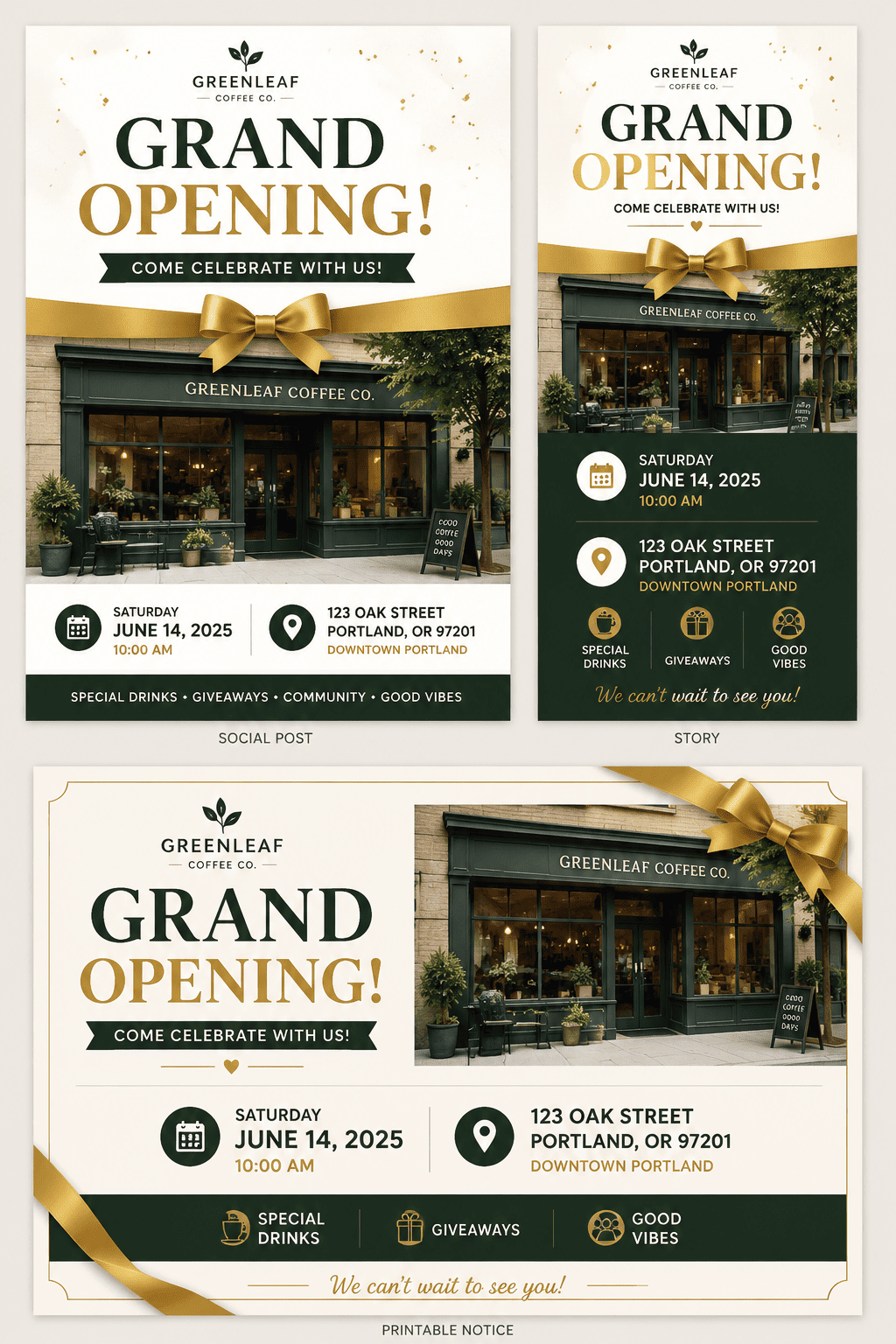
Create a grand opening announcement with storefront photo, date, address, and ribbon detail. Keep it polished, readable, and ready for email headers, social posts, office notices, community updates, and event pages.
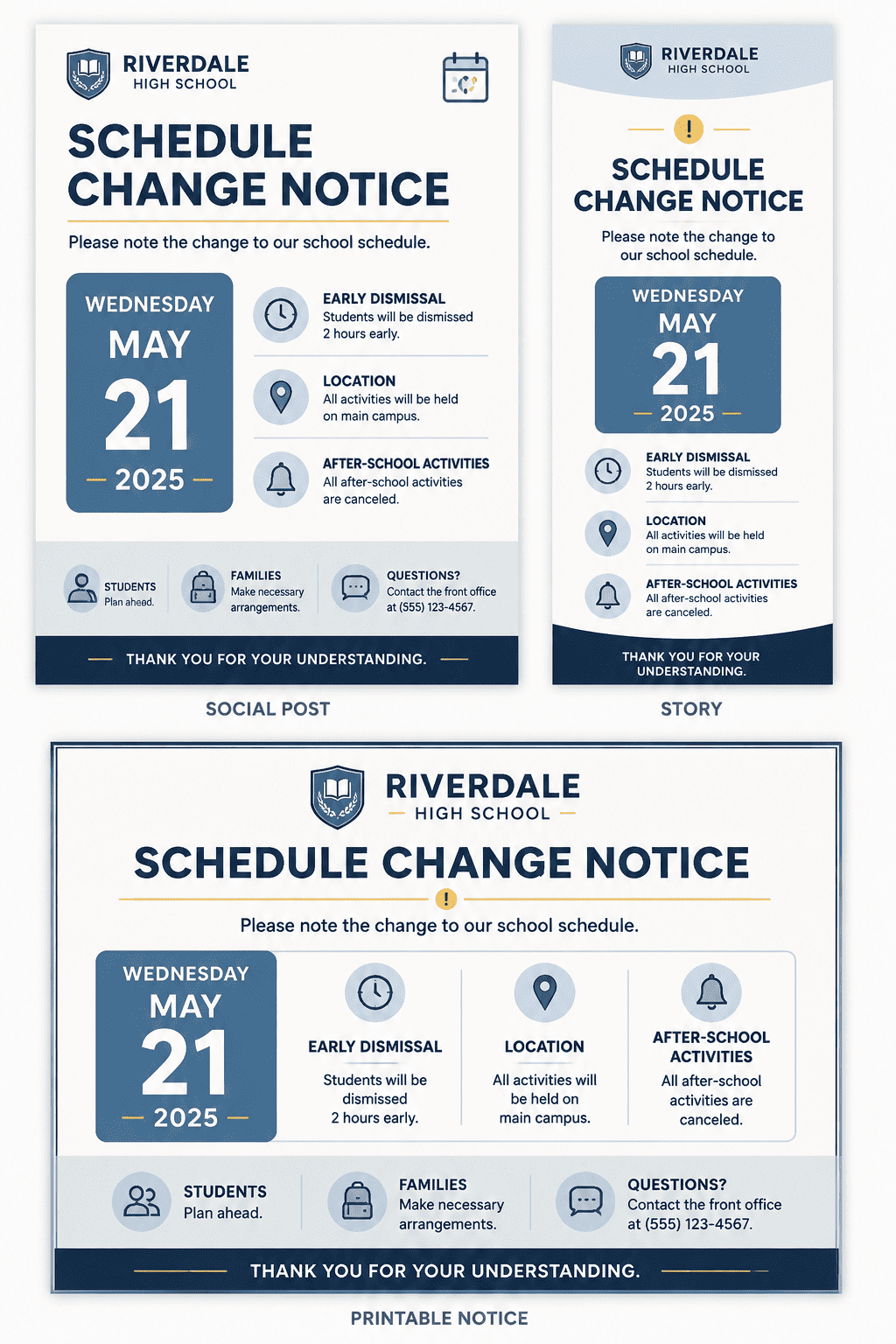
Create a school schedule change notice with calm colors, icon row, and large date block. Keep it polished, readable, and ready for email headers, social posts, office notices, community updates, and event pages.
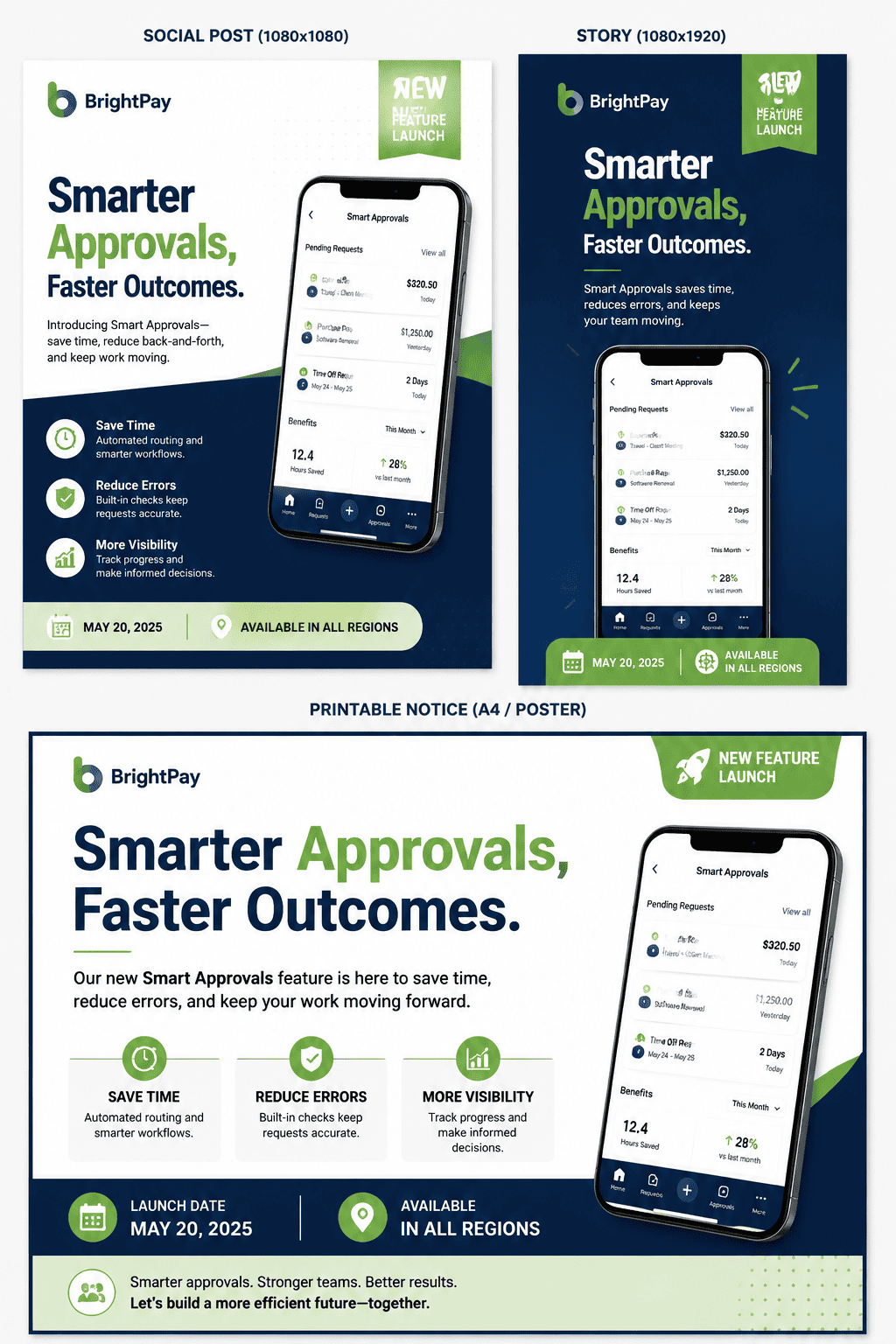
Create a product feature announcement with app screenshot, benefit headline, and launch tag. Keep it polished, readable, and ready for email headers, social posts, office notices, community updates, and event pages.
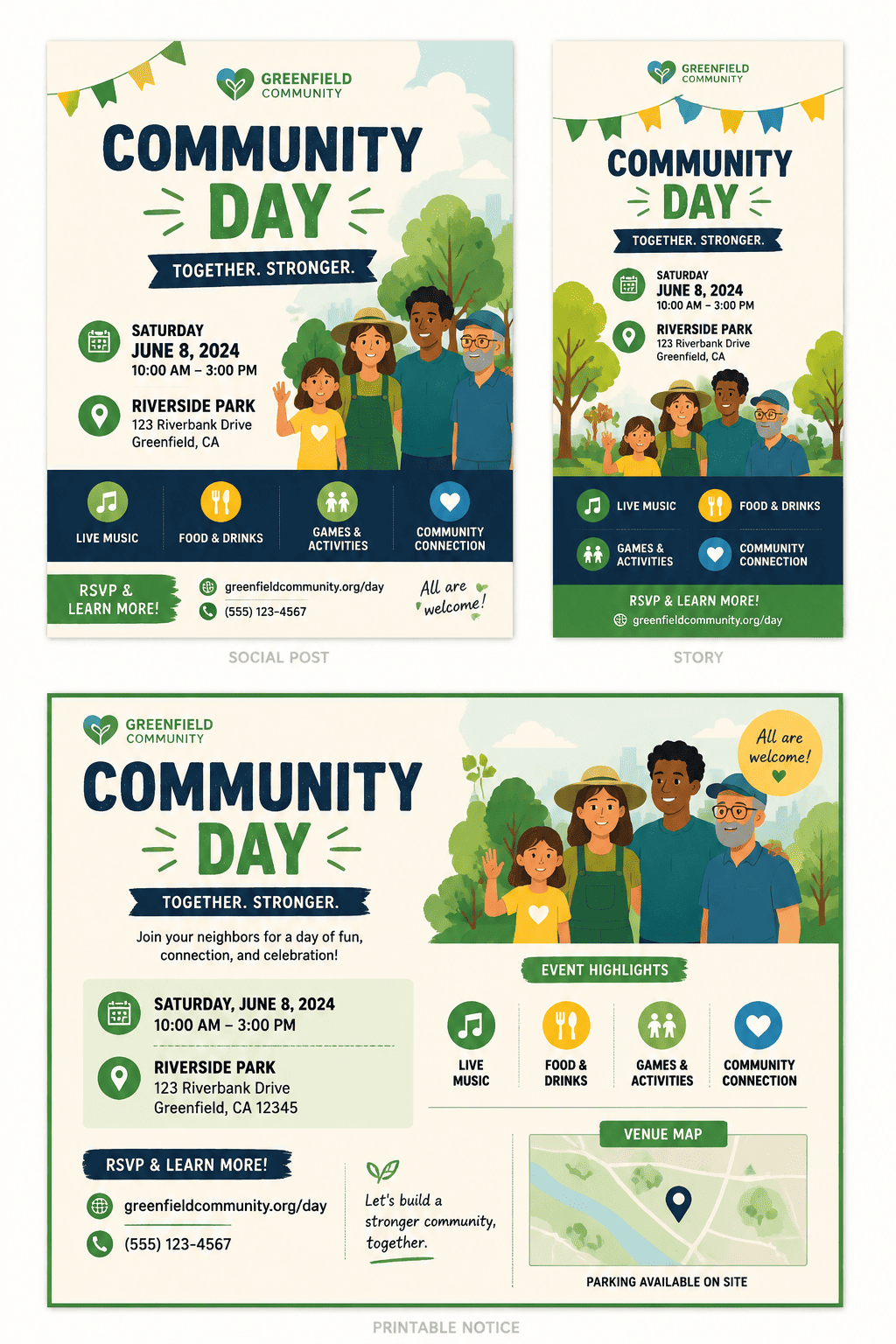
Create a community event announcement with friendly illustration, RSVP note, and venue map placeholder. Keep it polished, readable, and ready for email headers, social posts, office notices, community updates, and event pages.
Design an announcement design for teams, schools, communities, founders, and event organizers with a refined brand system, clear hierarchy, and export-ready spacing.
Generate a mobile-friendly announcement design using the key message, brand colors, and a concise call to action.





