Free OnlineAI Anime Image Enhancer
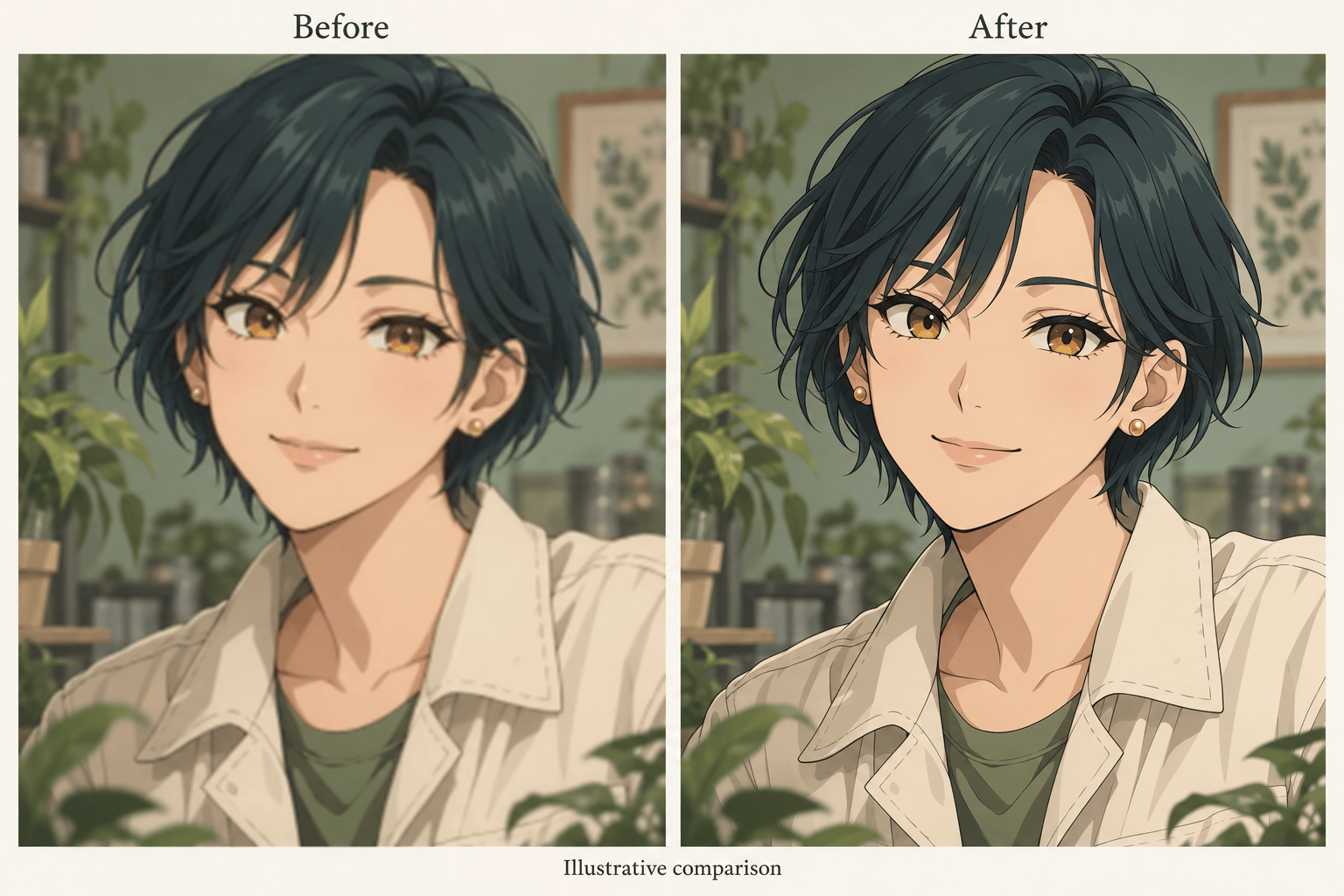
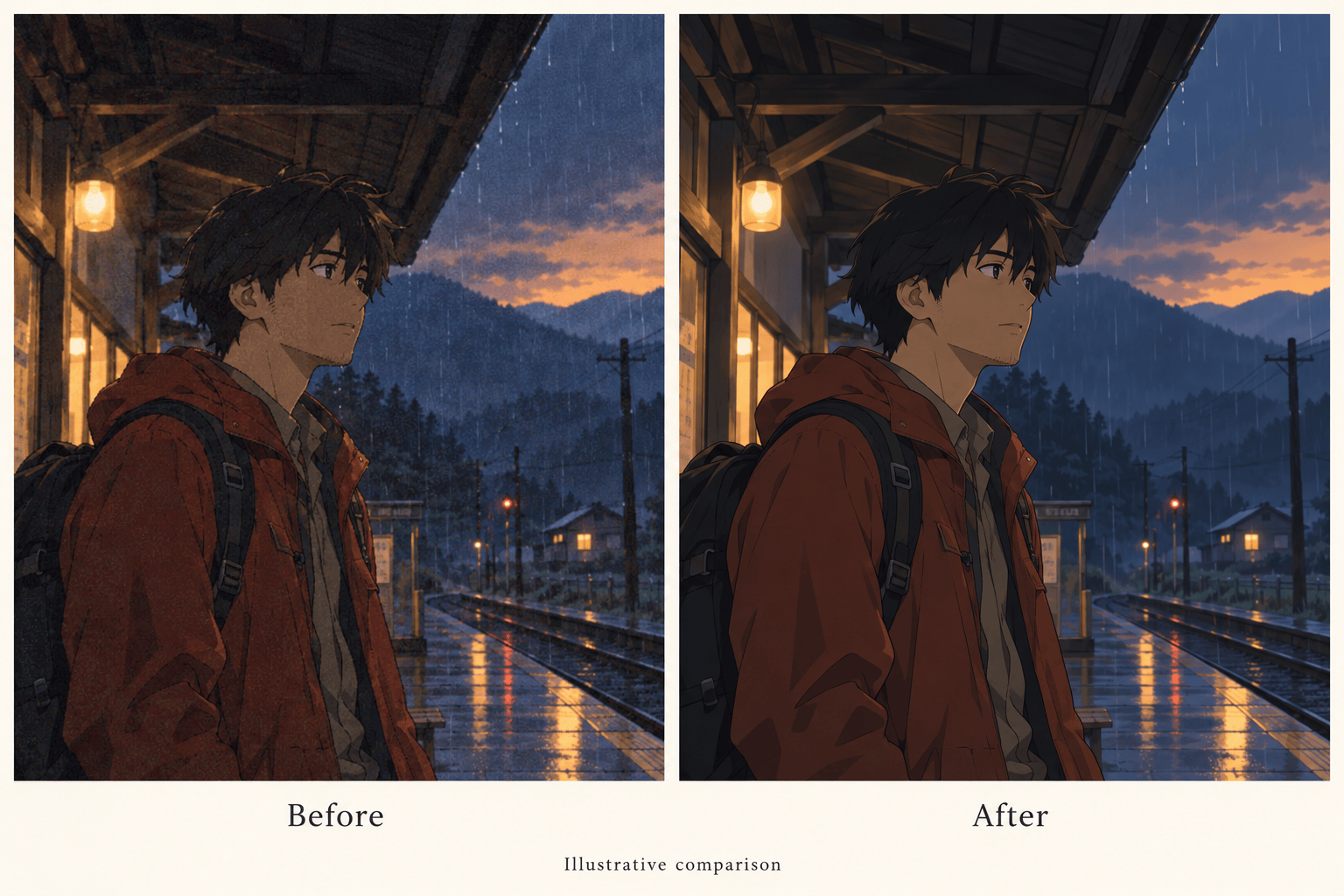
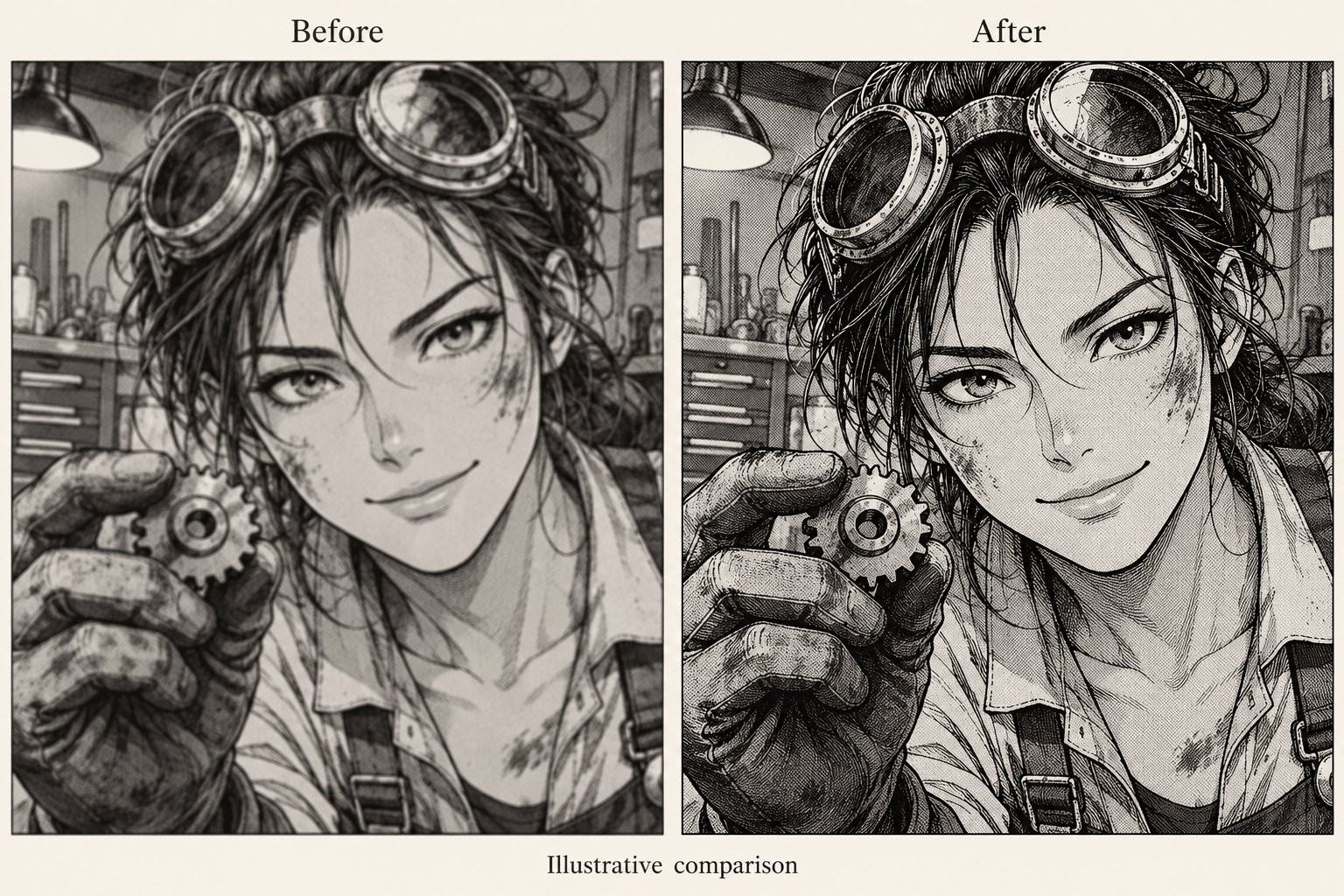
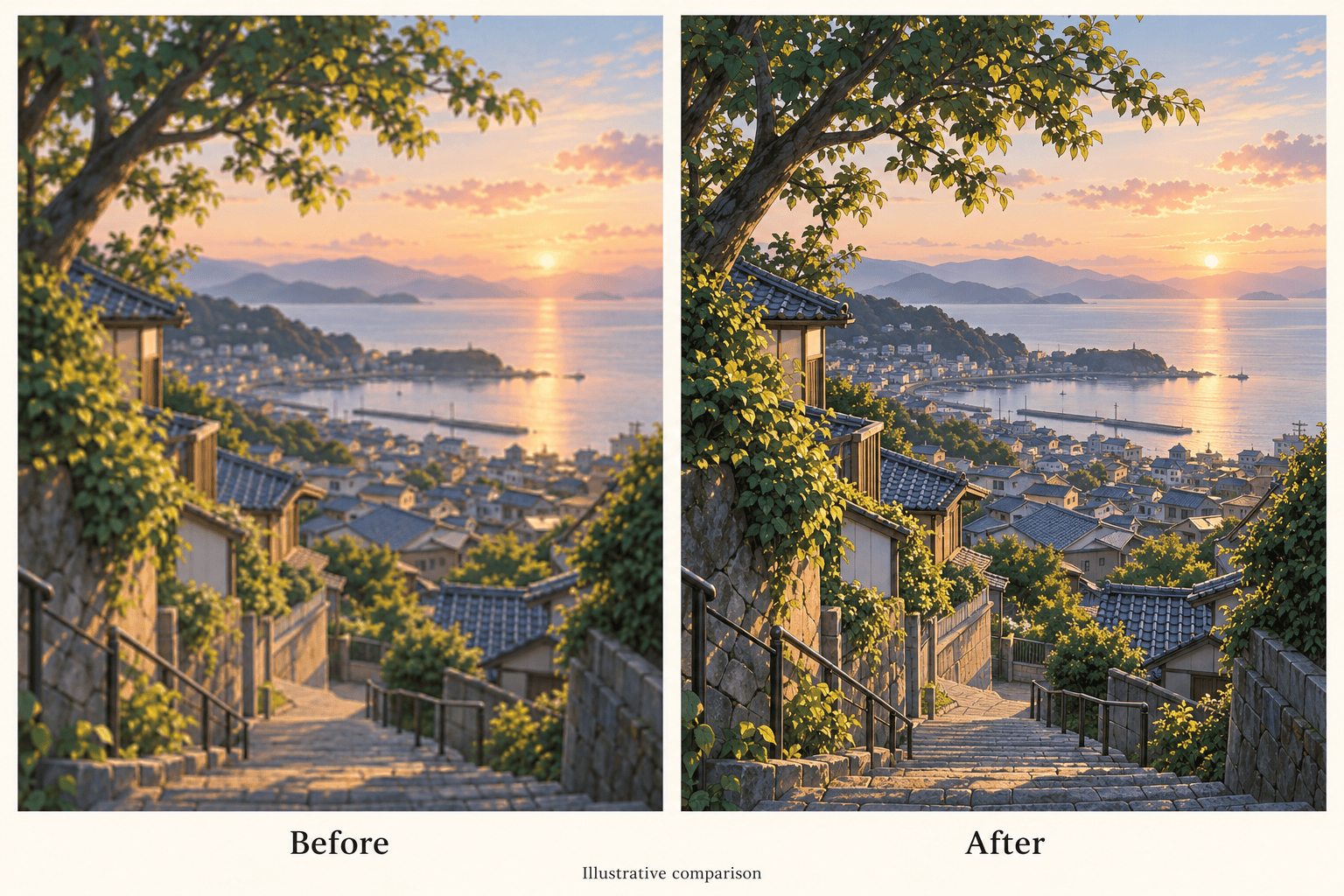
How to Enhance Anime Images with AI
Upload Your Best Source
Set the Enhancement Goal
Compare and Refine
Export for Your Destination

More Control Over the Anime Details That Matter
Work from Your Own Artwork
Upload an existing illustration and use it as the basis for enhancement. This AI anime enhancer supports image editing, so you can start with the character you already have.
Give Line Art a Clearer Finish
Ask for cleaner hair edges, eye contours, and clothing outlines. Describe where softness is a problem and where delicate lines should stay light.
Target Screenshot Compression
To fix blurry anime images, identify blocky shadows or noisy color areas in your request. Ask for a restrained cleanup while keeping cel shading and scene lighting.
Correct Changes in Conversation
If an edit changes an expression or adds unwanted texture, use Chat Edit to explain the correction. Keep the original nearby for comparison.
Prepare Art for Its Next Use
Enhance anime images online for a profile picture or wallpaper. You can also use the artwork in a YouTube banner or custom sticker design.
Try a Small Edit First
Use free AI credits after signup to test a representative image. Generation and editing use credits; check your balance and review the result before processing more artwork.
Keep the Character, Improve the Clarity
- Start with the OriginalChoose the original export over a thumbnail or repeatedly saved screenshot. If you have the drawing project, try a larger export first.
- Name What Must StayPoint out distinctive eyes, line thickness, flat shading, and intentional grain. Cleaner should still look like the same drawing.
- Check Small DetailsCompare facial features, diagonal edges, smooth fills, and lettering. Watch for bright halos, invented detail, or lost manga screentones.
- Refine from a Clean SourceIf repeated edits drift from the original, return to the source and request a smaller change. Review at the intended display size as well as close up.
Target the Problem in Your Anime Image
Refine the soft outlines in my uploaded anime portrait. Keep the eye shape, expression, hair silhouette, and flat shading close to the source. Avoid adding realistic skin texture.
Reduce visible compression artifacts in my uploaded anime screenshot, especially around dark outlines and flat color areas. Preserve the scene lighting and framing without adding strong sharpening halos.
Clean up my uploaded black-and-white manga image. Refine fuzzy ink edges while retaining thin strokes, screentones, panel borders, and existing lettering. Do not colorize it or rewrite the dialogue.
Improve the clarity of my uploaded anime wallpaper. Refine foreground outlines while keeping distant scenery soft and atmospheric. Preserve the original aspect ratio and leave the composition unchanged.
Reduce the harsh sharpening in this anime image. Soften bright fringes around the hair and clothing while retaining useful line detail. Use the original upload as the style reference.
Prepare a cleaner version of my uploaded anime avatar. Improve the readability of the face and hair at profile-picture size. Keep the full head inside the crop and preserve the background color.





