Free OnlineAI Age Regression
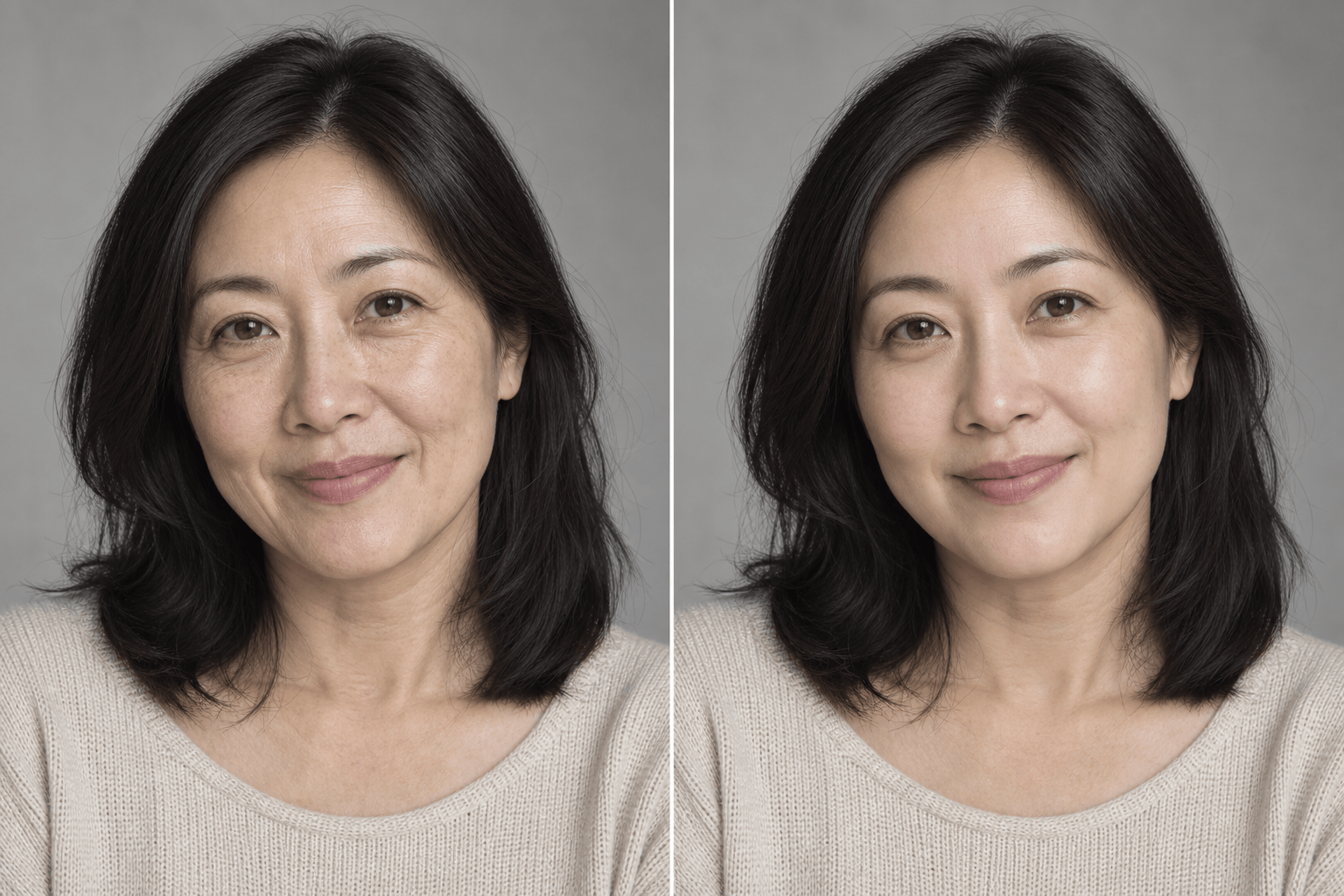
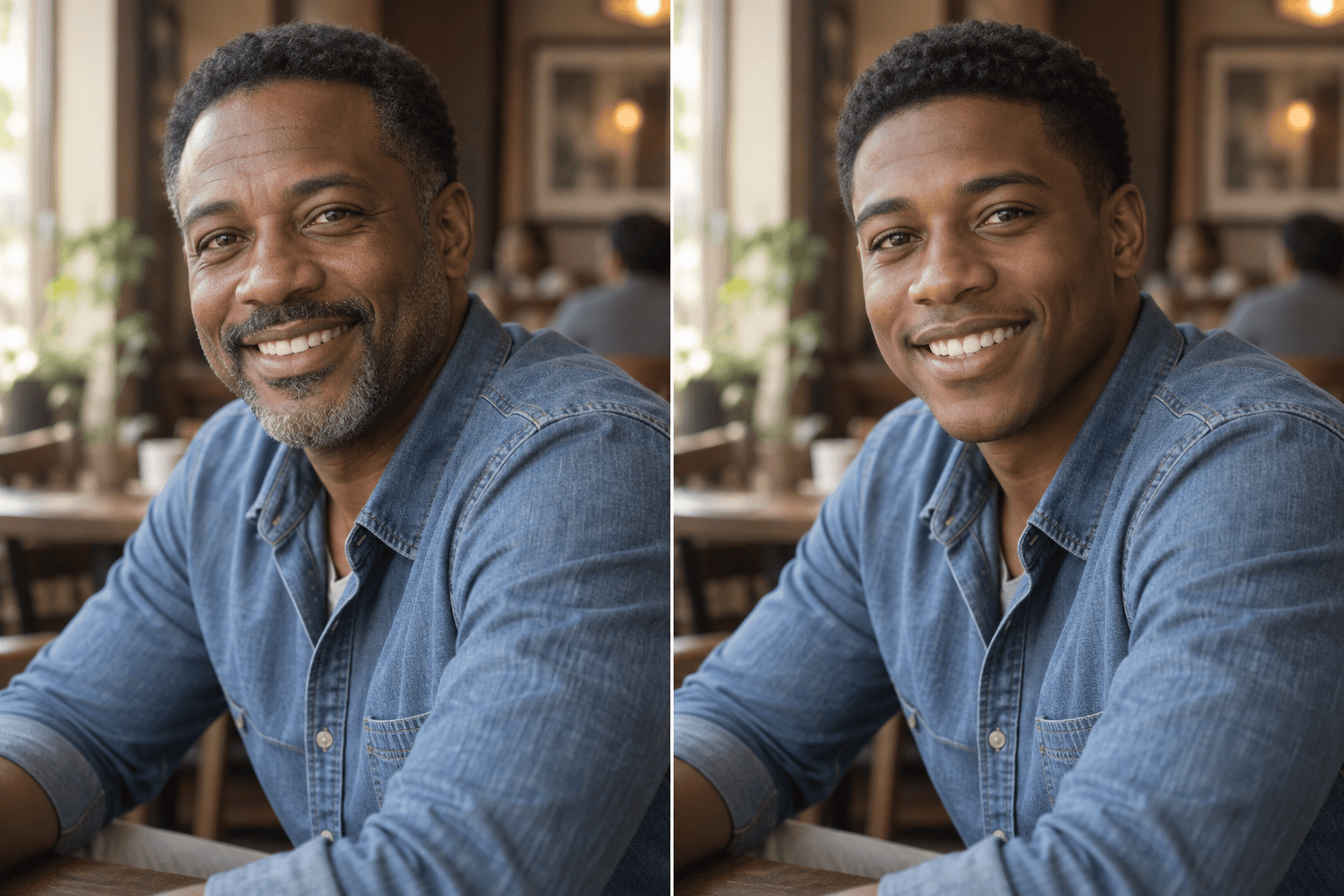
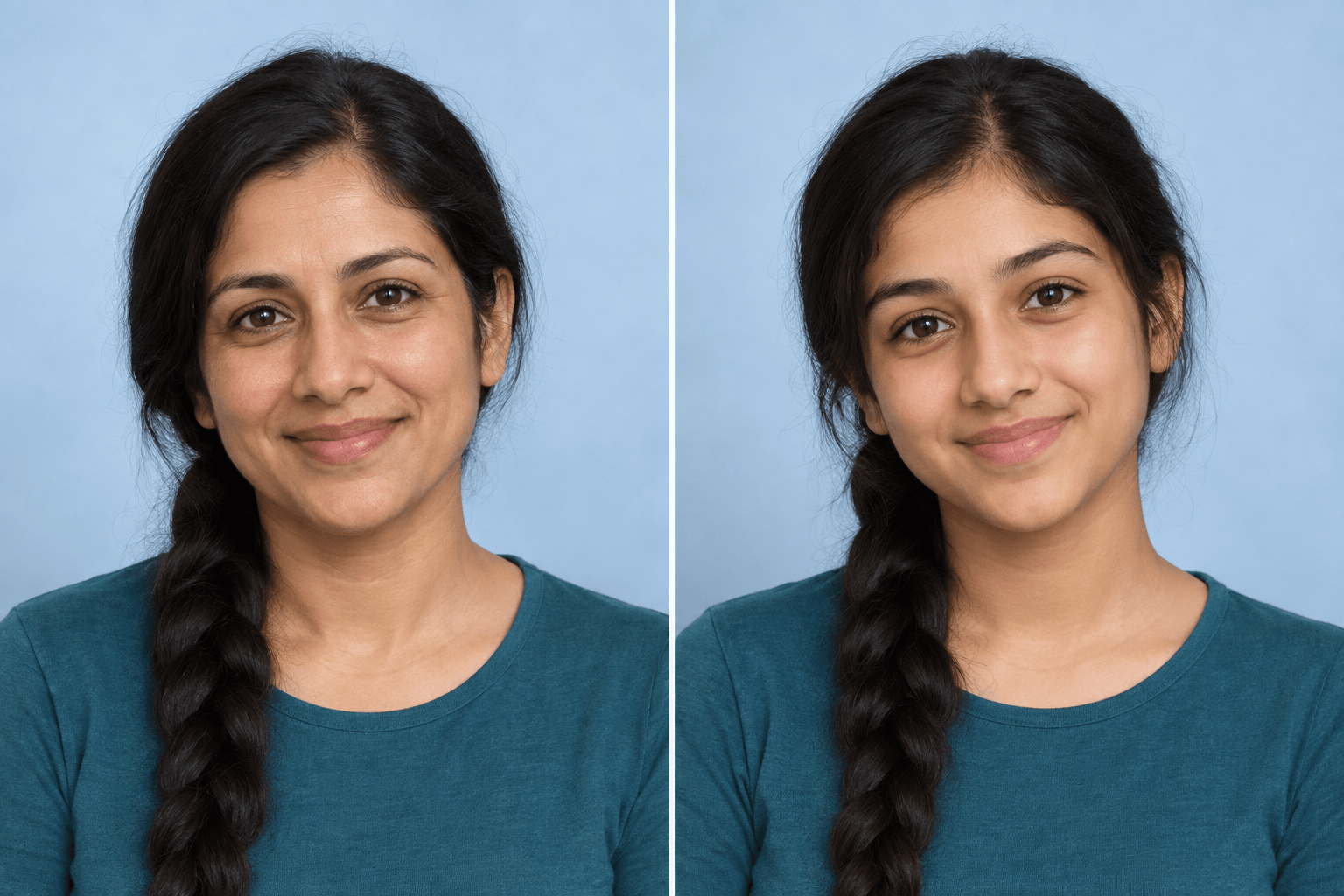
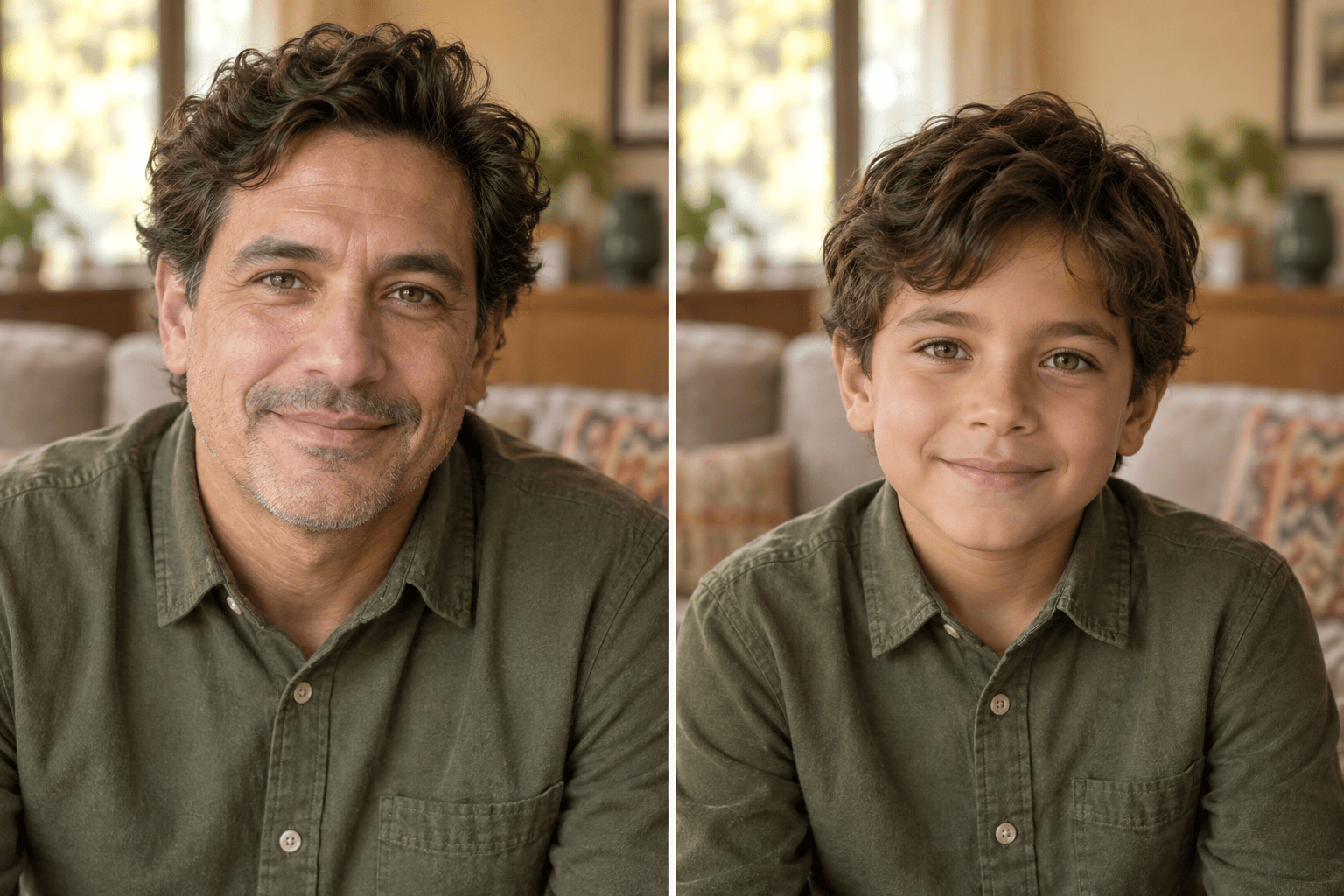
How to Make a Photo Look Younger with AI
Upload a Clear Portrait
Name the Target Age
Generate the Younger-Self Photo
Compare, Refine, and Export

Age Regression Editing Built Around Your Portrait
Edit the Photo You Already Have
Upload a portrait and ask Mew Design to change apparent age while keeping the source as the visual reference. Image-to-image models such as GPT Image 2.5 help make the result feel connected to the original.
Set a Specific Younger Age
A text-guided AI younger filter gives you more control than a one-tap preset. Request a subtle five-year shift, a young-adult portrait, a teenage look, or a childhood version.
Protect the Details That Matter
Tell the agent to preserve eye color, face shape, expression, hairstyle, clothing, pose, crop, and background. Clear invariants reduce the chance of turning the edit into a different person or scene.
Correct Drift Through Chat
If the face changes too much or the effect is too strong, click Chat Edit and request a focused correction, such as restoring the original smile or making the age shift more subtle.
Explore More Than One Life Stage
Create several age-regressed photo variations from the same portrait for a timeline, character study, family keepsake, or social post, while reusing the same visual constraints.
Try It Free and Export Cleanly
Test the online AI age regression filter with free credits after signup. Refine your chosen version and download a watermark-free PNG or JPG when it is ready to share.
How to Prepare a Photo for Better Age Regression
- Start with one visible face: Use a sharp adult portrait with even lighting and minimal obstruction. Sunglasses, heavy blur, deep shadows, tiny faces, and extreme angles can weaken resemblance.
- Choose the amount of change: State a target age or a relative shift. Moderate changes are easier to review, so try 10 or 15 years younger before requesting an extreme childhood transformation.
- Lock identity and scene details: Name the facial cues, expression, hair, clothing, pose, crop, lighting, and background that must remain consistent.
- Treat the output as a simulation: The result is a creative younger-self interpretation, not proof of how someone actually looked. Use only photos you own or have permission to edit.
AI Age Regression Prompts for Different Younger Looks
Subtle De-Aging: Use @[portrait] and make the adult look about 10 years younger. Keep the same identity, smile, hairstyle, clothing, pose, lighting, and background. Soften only age-related lines and restore slightly fuller facial contours. Keep natural skin texture; no beauty-filter gloss.
Young Adult at 25: Transform @[portrait] into a believable age-25 version of the same person. Preserve eye color, face shape, nose, lips, expression, camera angle, outfit, and environment. Adjust age cues naturally without changing ethnicity, gender presentation, or body shape.
Teenage Version: Create a photorealistic 16-year-old version from @[portrait]. Keep the person recognizable through the same eyes, smile, and core facial proportions. Use age-appropriate softer contours and natural skin, while preserving the crop and background. No school logo, makeup exaggeration, or cartoon style.
Childhood Portrait: Turn the adult in @[portrait] into a believable age-9 childhood version. Preserve recognizable family resemblance, eye color, expression, hair color, and camera direction. Adapt facial proportions naturally for a child and keep the result fully clothed, wholesome, and photorealistic.
Reunion Throwback: Make @[portrait] look about 20 years younger as a natural yearbook-style portrait. Keep the original identity and expression, simplify the background to a neutral studio backdrop, and use soft school-photo lighting. Avoid glam retouching or an artificial baby-face effect.
Younger Character Study: From @[portrait], create three separate versions of the same fictional adult character at ages 30, 20, and 12. Keep the eyes, nose, hair color, expression, and wardrobe palette recognizable across the series. Use matching framing and lighting for an easy timeline comparison.





