Add Rain to Photowith AI
How to Add Rain to a Photo with AI
Upload Your Photo
Describe the Rain
Refine the Weather
Export the Rainy Photo

Make the Rain Belong in the Photo
Edit the Photo You Have
Upload your original image and describe the weather change. You can ask for rain while keeping the people, viewpoint, and main objects in place.
Match Rain to the Scene
This online rain photo editor lets you specify where rain catches the light, which surfaces get wet, and how far the haze should reach.
Control the Mood in Words
Go from a subtle rainy day filter to a dramatic night storm by asking for a different rain density, color temperature, or sky.
Fix One Detail at a Time
If streaks cover a face or the road still looks dry, use Chat Edit to target that issue without restating the whole brief.
Explore Rain Variations
Try a misty drizzle, backlit shower, or heavy downpour on the same source photo and choose the treatment that serves your story.
Try It Before Export
New users can test the AI rain effect with free credits after signup. Download finished still images without a watermark.
How to Make Added Rain Look Real
- Set the intensity: Say whether you want light drizzle, steady rain, or a downpour; vague “make it rainy” requests can overdo the effect.
- Ground the weather: Match wet reflections to existing lights and surfaces. Add distant mist only when the scene has depth.
- Protect the subject: Name faces, clothing, signs, products, or architecture that should remain recognizable. Review the result closely because AI edits can change details.
- Place drops correctly: For a window photo, put droplets on the glass and rain outside; for a portrait, keep streaks from hiding the eyes.
Rain Effects for Different Photos
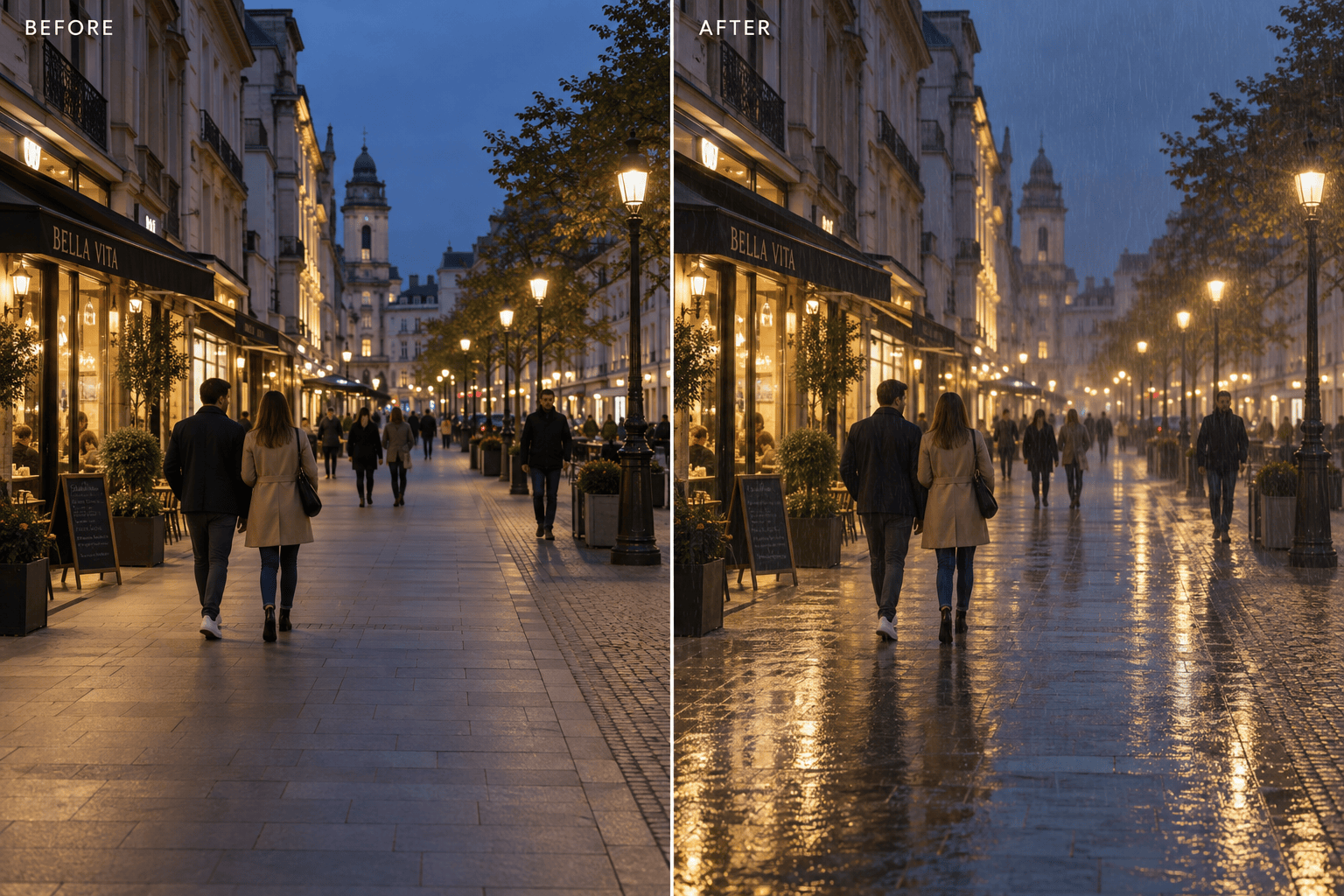
Use my uploaded city street photo. Add evening rain, wet pavement reflecting the existing lights, and subtle distance haze. Keep the buildings, people, and camera angle unchanged.
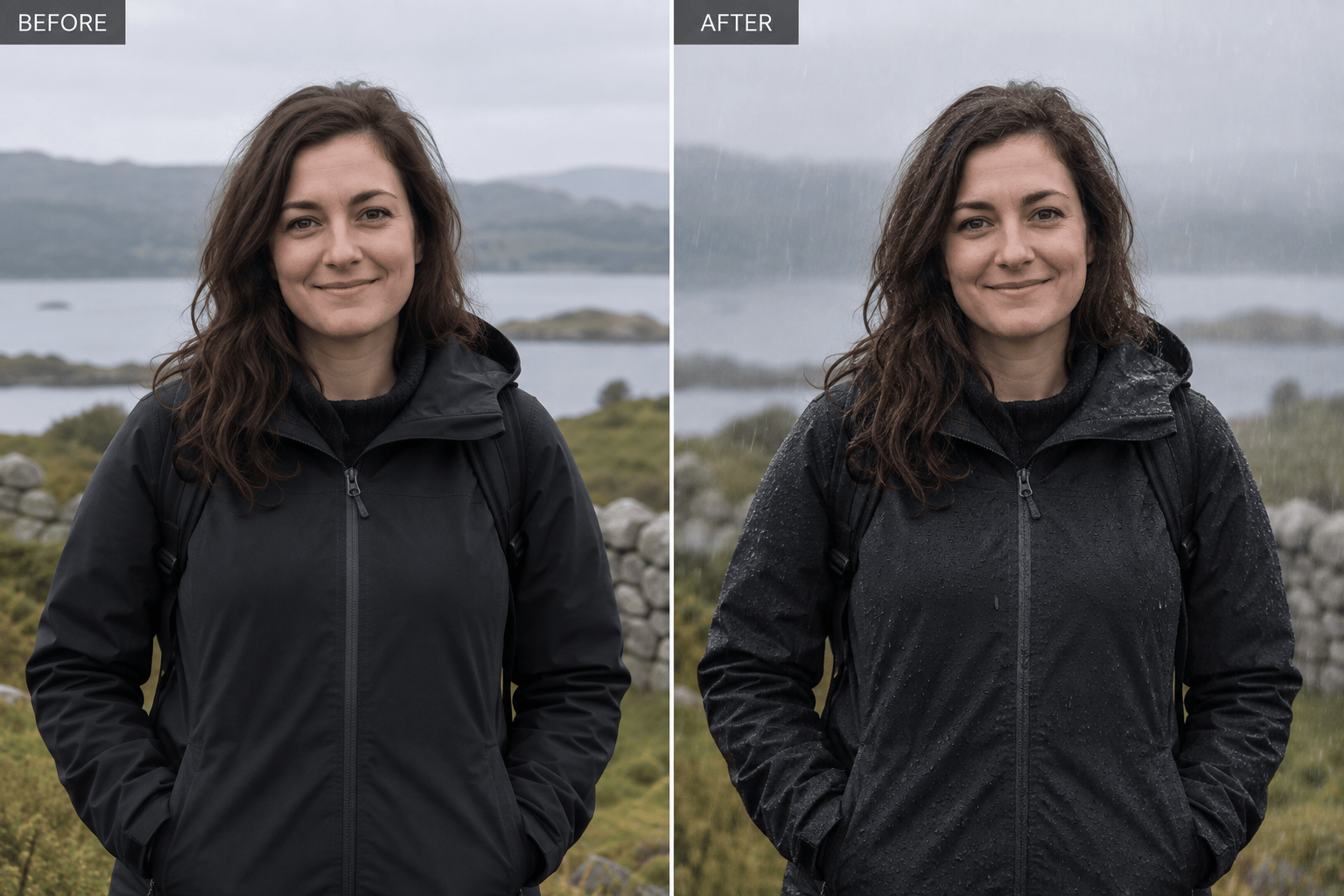
Use my uploaded portrait. Add a light rain shower and a few natural droplets on hair and jacket. Keep the face, expression, skin texture, and background composition recognizable.
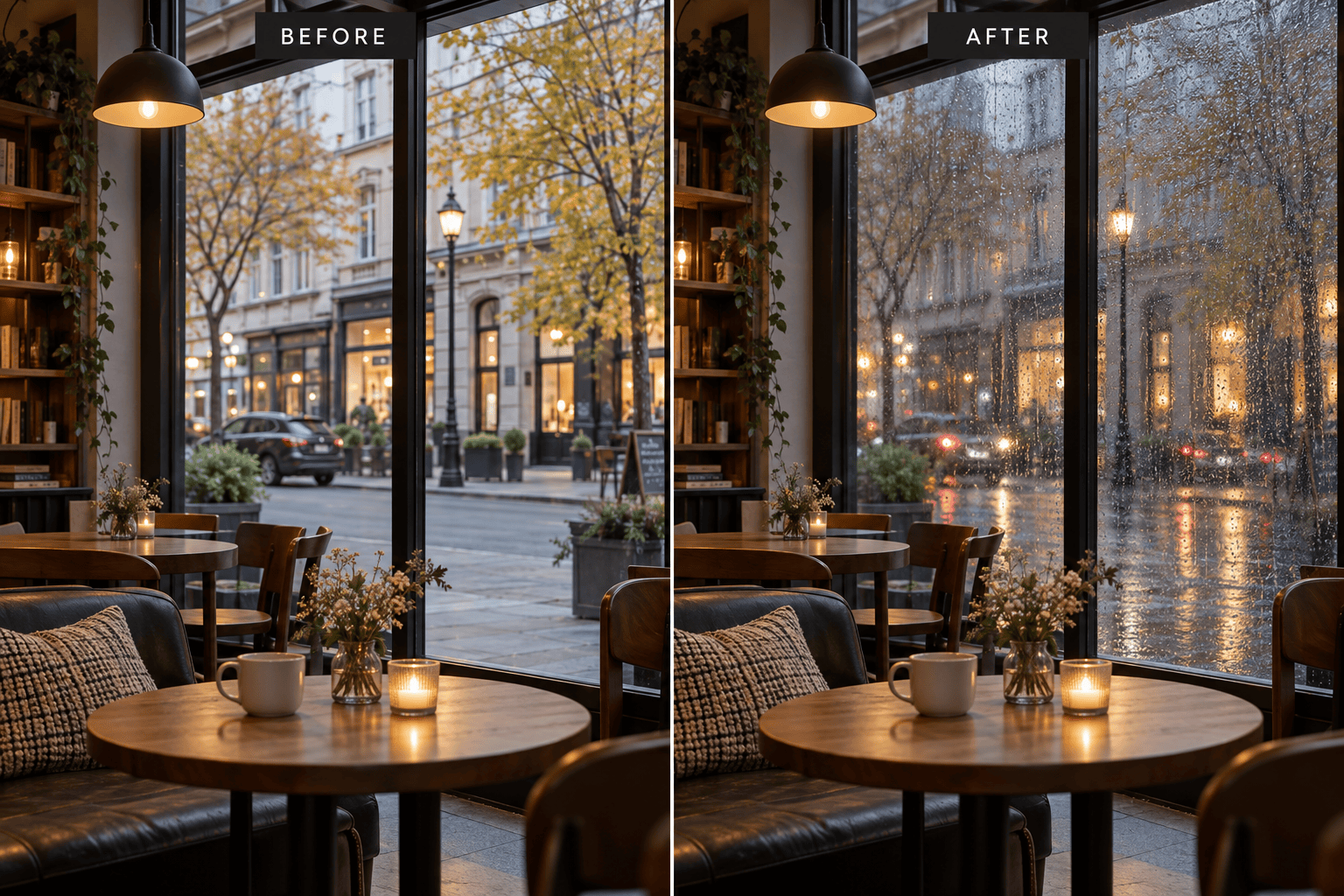
Use my uploaded café window photo. Add droplets and narrow rivulets on the glass, with rain visible outside. Keep the interior dry and the warm café lights intact.
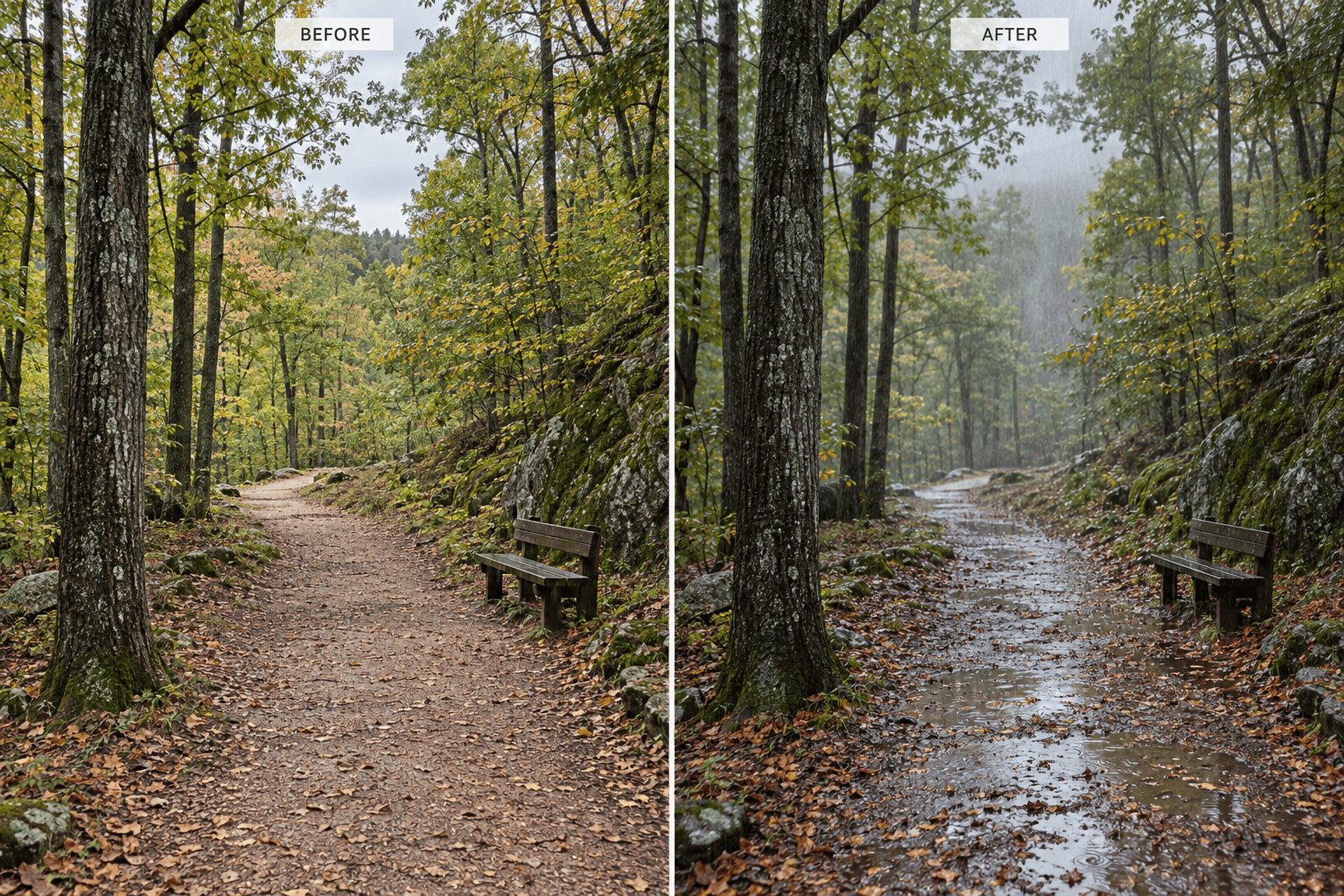
Use my uploaded forest path photo. Add steady rain, darkened wet leaves, small puddles on the path, and light mist in the distance. Keep the path and tree shapes the same.
Use my uploaded night photo. Add a cinematic downpour visible in the existing backlight, with believable street reflections. Keep faces and any visible text clear.
Use my uploaded outdoor photo. Add only a soft drizzle and a slightly overcast atmosphere. Preserve the original colors and subject; avoid dramatic flooding or heavy blur.





