OnlineWaifu Image Upscaler
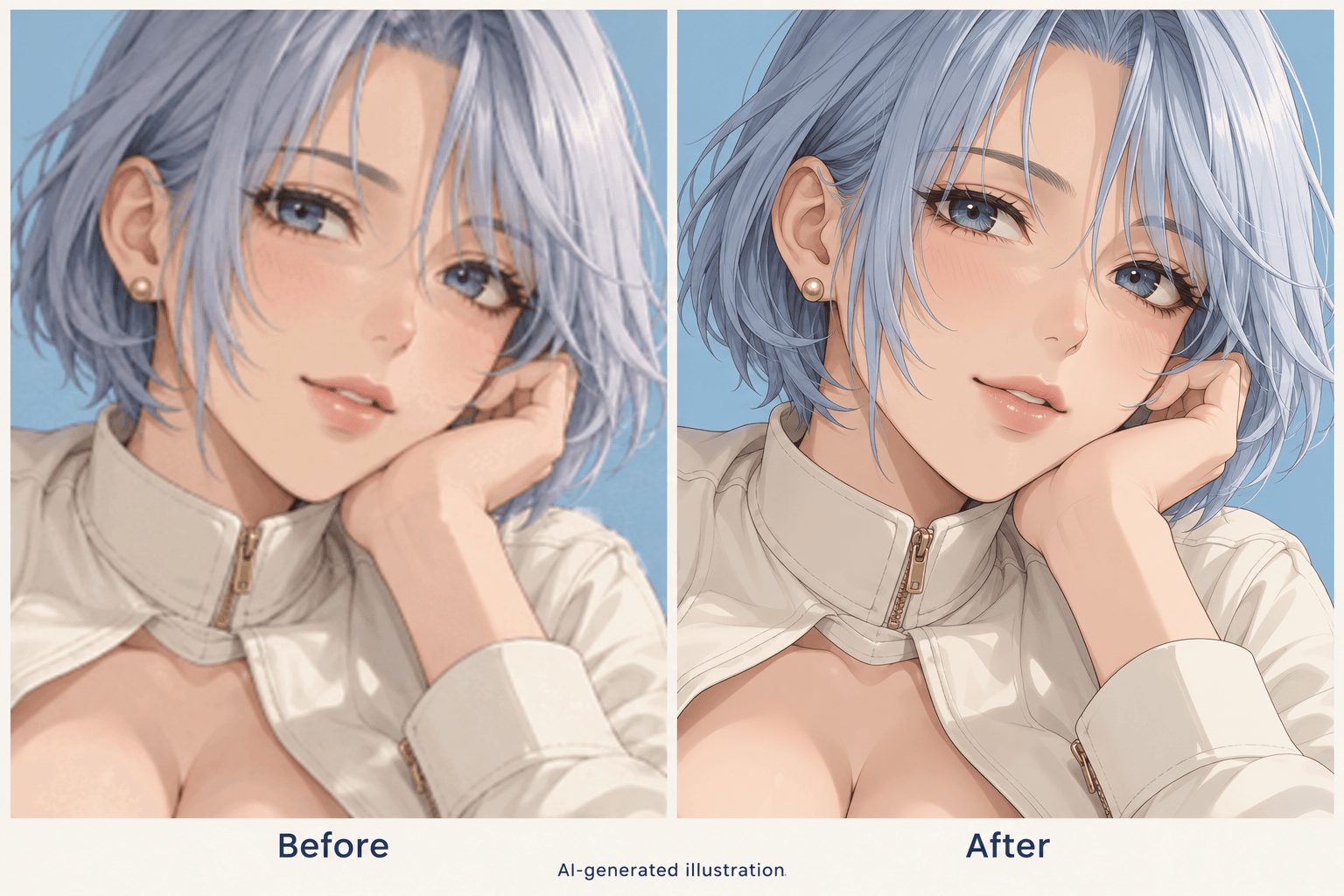
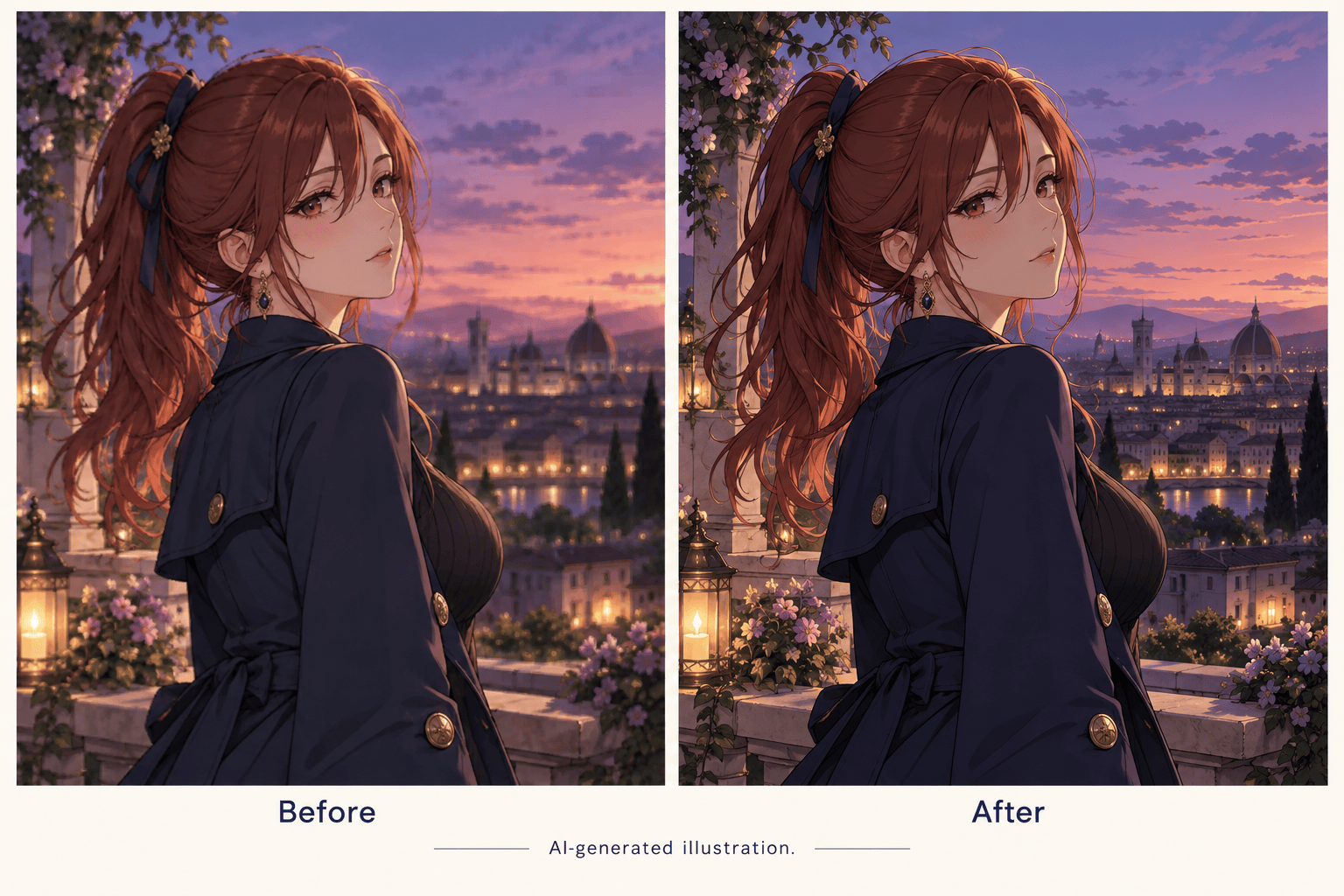
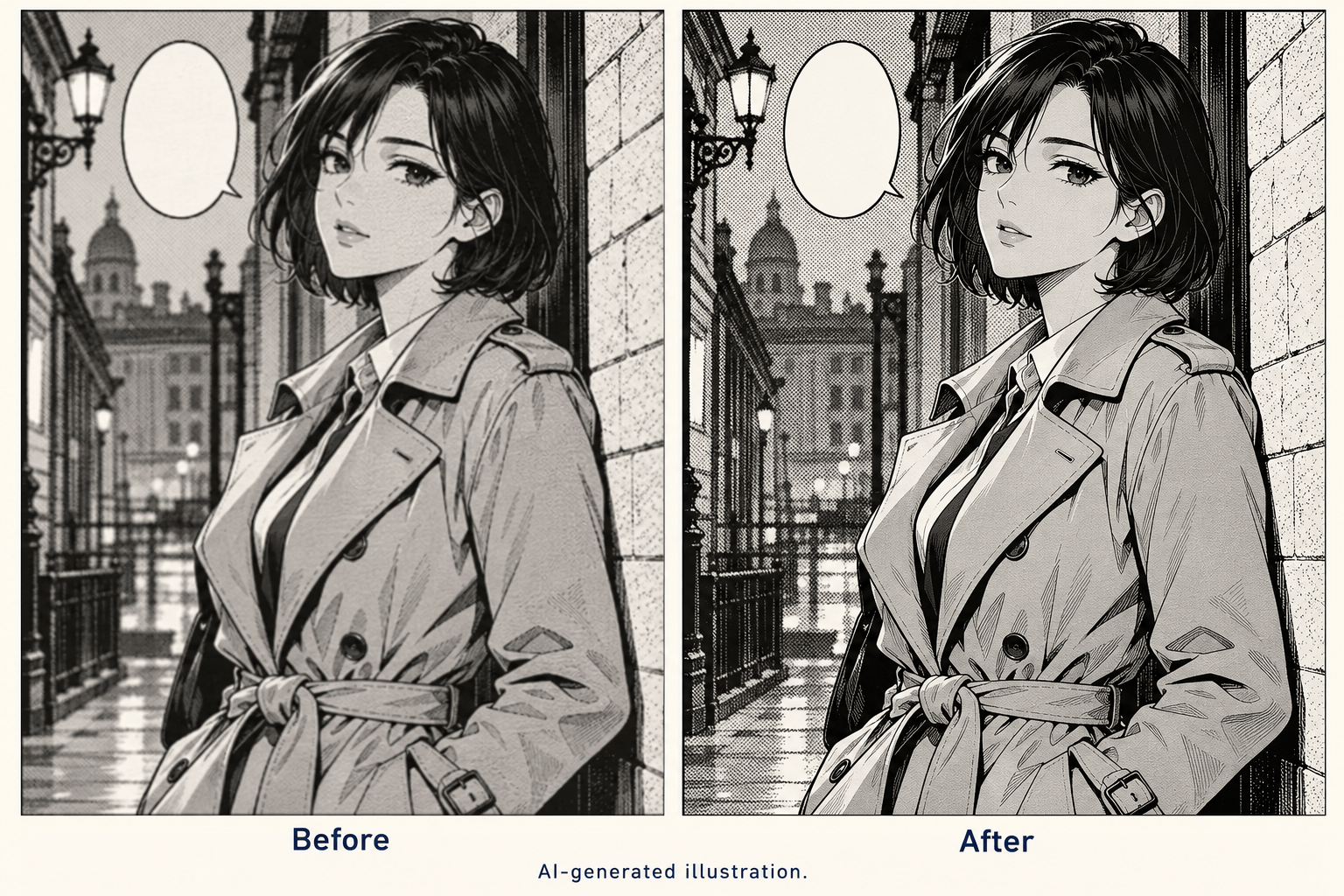
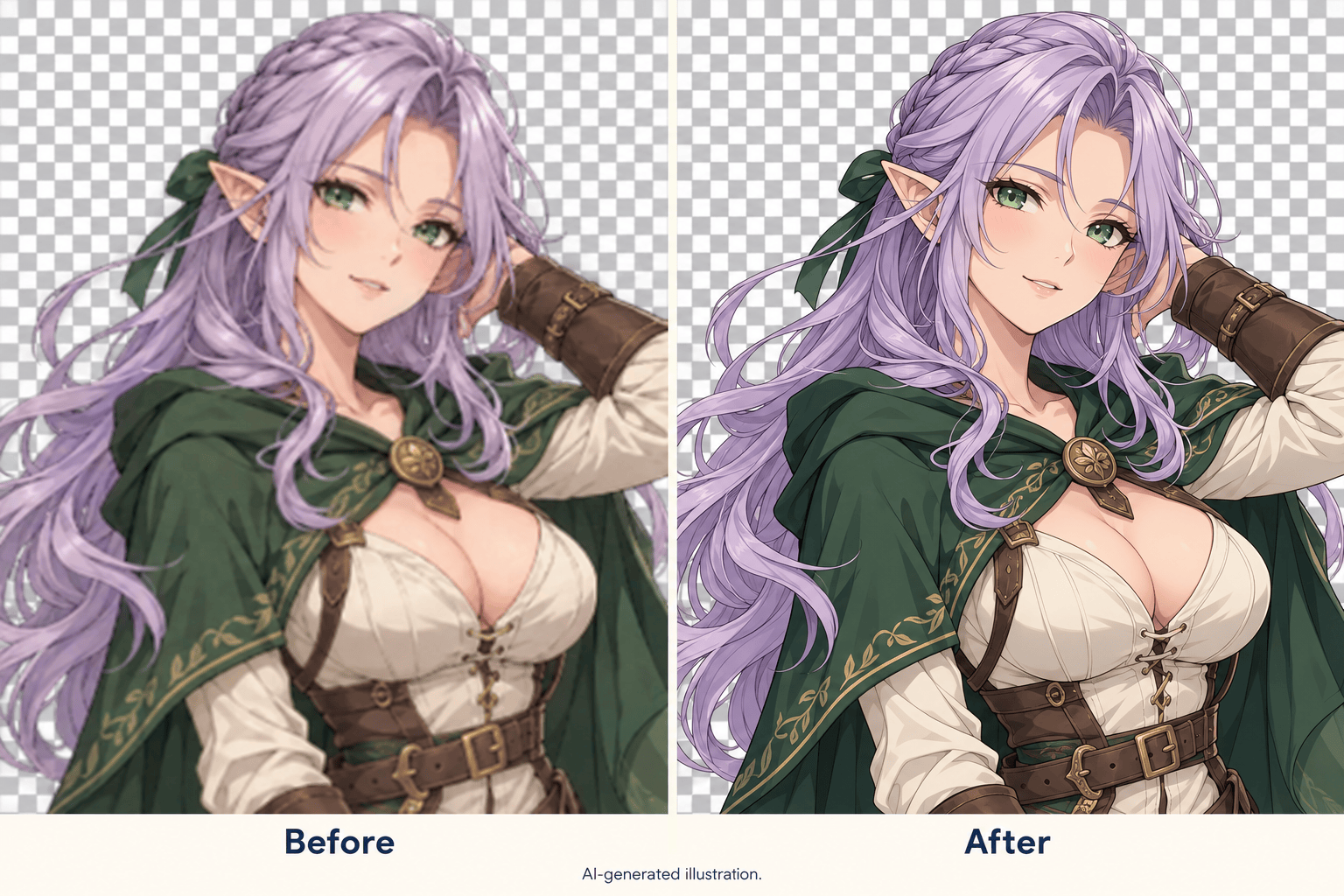
How to Enhance Anime Images with AI
Upload the Clearest Source
Describe the Improvement
Compare the Character Details
Check the Export Size

More Control Over Your Anime Image Enhancement
Work from Your Own Art
Upload an existing image to guide the edit. This AI anime enhancer starts with your character, palette, and composition rather than a new text-only illustration.
Target the Soft Spots
Describe blurry eyes, jagged hair edges, or noisy color fills in everyday language. Keep the request focused on the details that matter to your artwork.
Refine Changes in Chat
If the first version changes too much, use Chat Edit to request a lighter touch. Compare each revision with the source before choosing your final image.
Prepare Avatars and Wallpapers
Enhance anime profile pictures or adapt artwork for a wallpaper. Tell Mew which framing and facial details to retain when requesting a different crop.
Create a Character Cutout
Ask to remove the background when you need a standalone character. Inspect hair edges and export as PNG for a transparent asset.
Try It with Free Credits
Sign up to receive free AI credits and test your own image. Exports are watermark-free; available credits and export options determine what you can create.
Keep the Character, Improve the Clarity
- Source Quality:Use the original file when possible. Repeatedly saved JPG images and tiny thumbnails leave less reliable detail to work with.
- Noise or Texture:Distinguish compression speckles from intentional grain, hatching, and manga screentones. Ask to preserve artistic texture.
- Character Fidelity:Compare eye spacing, iris color, mouth shape, accessories, and line weight. A sharper result is only useful if it still looks right.
- Honest Comparisons:The gallery shows AI-generated before-and-after illustrations, not measured Mew output. Test your own source and verify the exported dimensions.
Fix Common Anime Image Problems
Blurry Anime Portrait: Improve the clarity of my uploaded portrait. Refine soft eyes and hair outlines while preserving the expression, iris color, and face proportions. Avoid adding eyelashes or accessories.
Compressed Anime Wallpaper: Reduce visible compression artifacts in my uploaded wallpaper. Keep the original palette, background composition, and smooth sky gradients. Preserve the framing.
Jagged Line Art: Refine stair-step edges in my uploaded anime drawing. Keep the original line weight and flat color fills. Avoid bright halos or a painted appearance.
Manga Screentones: Clean up my uploaded manga panel gently. Retain the dot patterns, hatching, and speech bubble layout. Do not rewrite text or smooth away intentional texture.
Transparent Character Edges: Refine the soft outline of my uploaded character and remove the background. Keep fine hair strands and costume details. Prepare a PNG cutout without a white border.
Overprocessed Anime Art: Revise the edited image using my original as the reference. Reduce excessive sharpening and restore softer cel shading. Preserve the original face, colors, and drawing style.





