Remove Glarewith AI
How to Remove Sun Glare from a Photo with AI
Upload the Original Photo
Request a Focused Correction
Check Details and Refine
Download Your Edited Photo

A Glare Fix You Can Direct Through Chat
Start from Your Own Shot
Upload the photo you want to improve. Mew Design supports image editing, so your request starts with the scene you captured.
Describe the Glare in Plain Words
Tell our online AI glare remover where the haze or bright patch appears. You can ask for a correction without learning a complex retouching workflow.
Keep the Light You Like
Ask to reduce sun glare while retaining golden-hour warmth, water sparkle, and natural shadows. Review whether the edit respects those choices.
Guide Difficult Portrait Edits
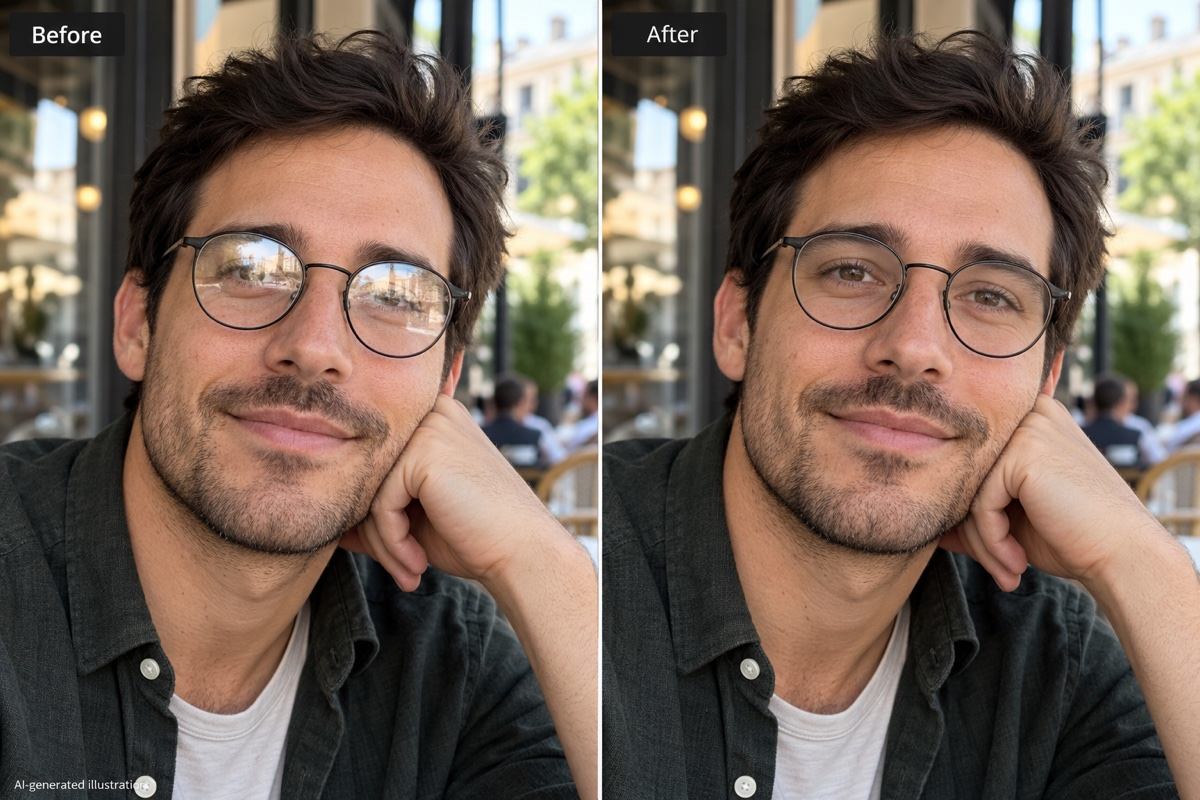
Add a clear reference photo when reflections obscure the eyes. Ask to keep the frames, expression, and skin texture, then compare the face carefully.
Adjust the Strength of the Fix
Use Chat Edit to request a subtler correction or target a remaining light streak. You can refine the result without writing a new brief.
Save a Shareable Image
Export your selected edit as PNG or JPG without a watermark. New users can try AI glare removal with free signup credits; edits use credits.
Keep Natural Light While Reducing Glare
- Identify the Light Problem: A washed-out veil, colored lens-flare spot, and window reflection need different instructions. Describe what you see and where it appears.
- Use the Best Source: Upload the original image rather than a screenshot. Add a clear reference if an important face or detail is obscured.
- Protect Useful Highlights: Keep reflections that explain glass, shiny surfaces, or water. Removing every bright area can make the photo look unnatural.
- Know When to Stop: Fully white areas may contain no usable detail. AI can invent a plausible replacement, not recover the exact original; use another shot when accuracy matters.
Target the Glare Problem in Your Photo
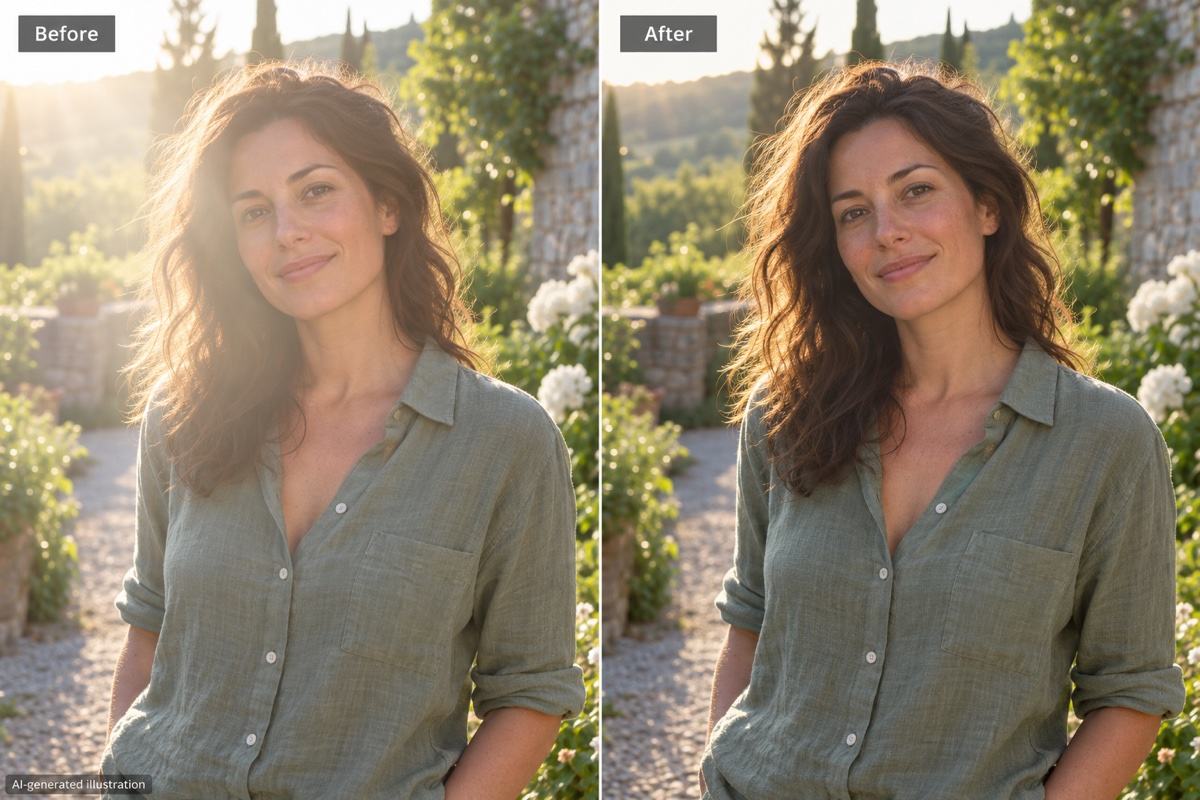
Reduce sun glare in my outdoor portrait, especially the milky haze across the face. Keep the same expression, skin texture, warm backlight, and background.
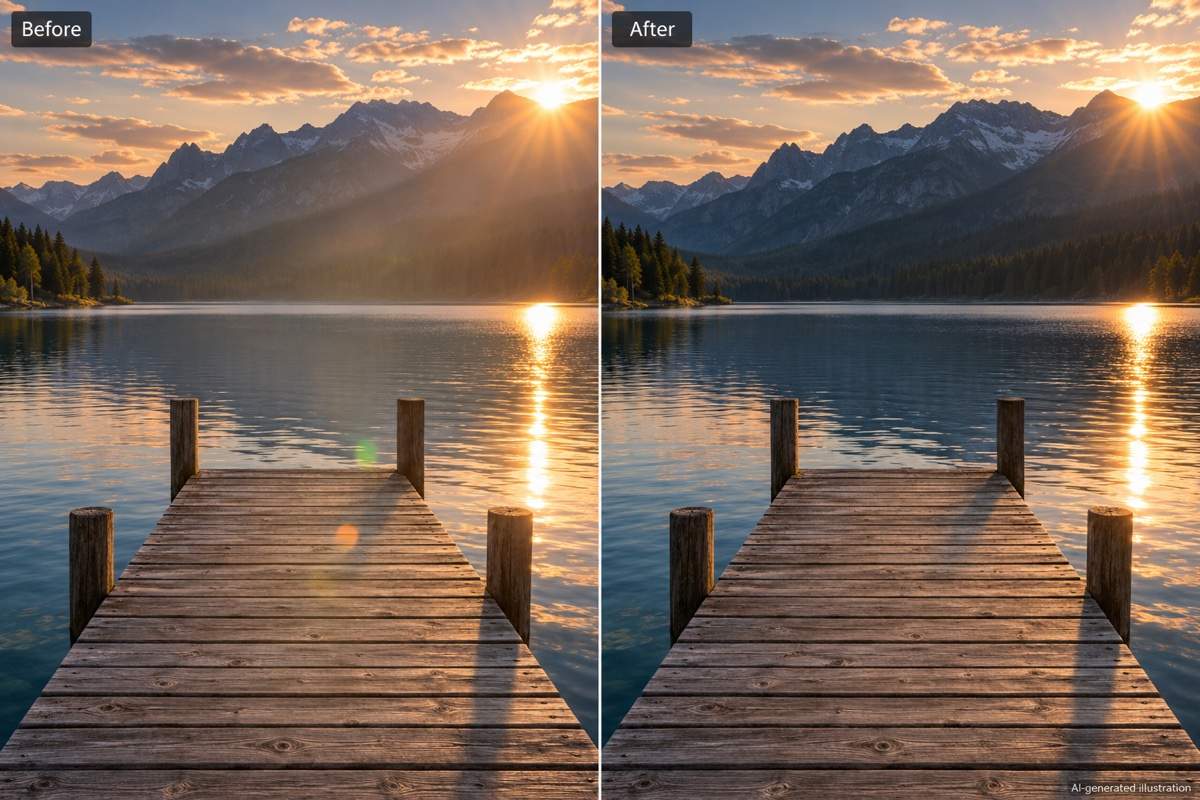
Remove the colored lens-flare spots from my landscape photo. Keep the actual sun, sunset colors, mountain edges, and natural reflections on the lake.
Reduce glare on the glasses in my uploaded portrait. Keep the glasses on, preserve the frame shape and lens tint, and use my clear reference photo to guide the visible eye details.
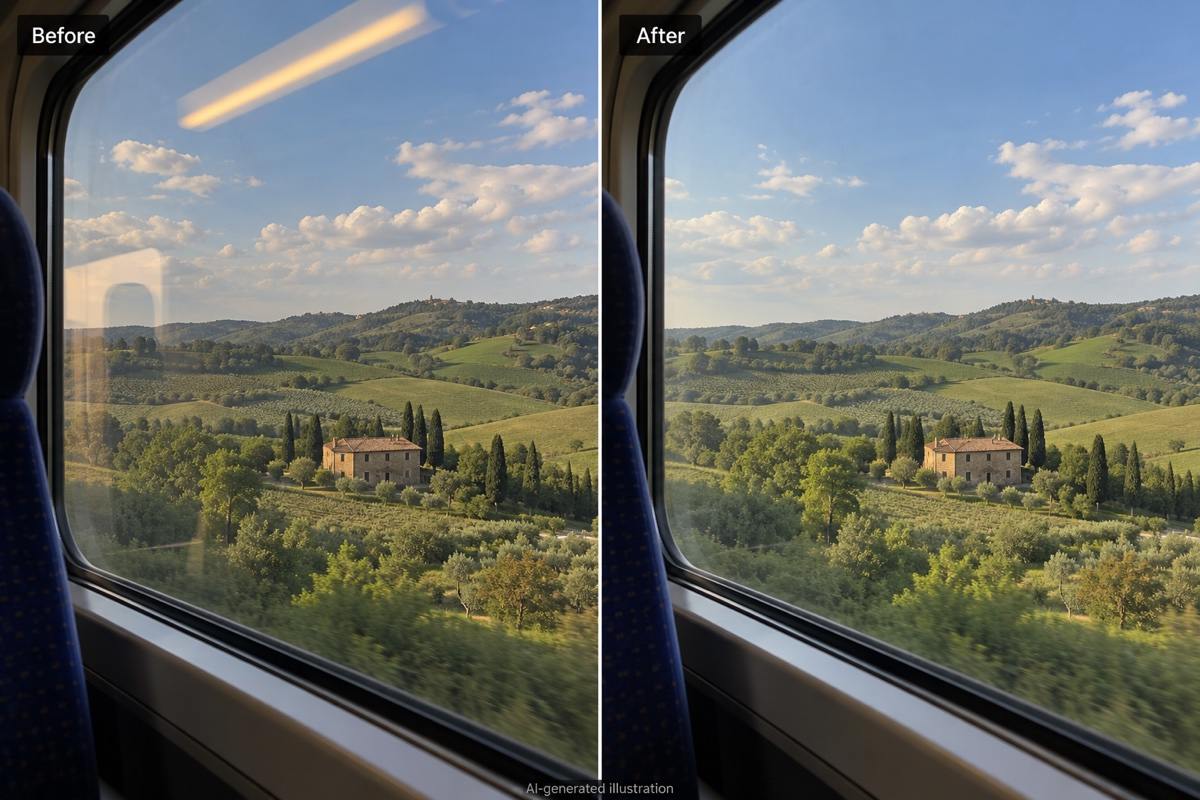
Reduce the window reflections over the scenery in my travel photo. Keep the buildings and horizon in their original positions without adding new scenery.
Reduce flash glare on my product photo while retaining the material shine. Keep the product shape and label wording; do not invent text hidden by the reflection.
Make this glare correction more subtle. Restore natural warmth and small highlights while keeping the distracting bright streak reduced. Leave the composition unchanged.





