Turn AnyPhoto to GTA Style AI
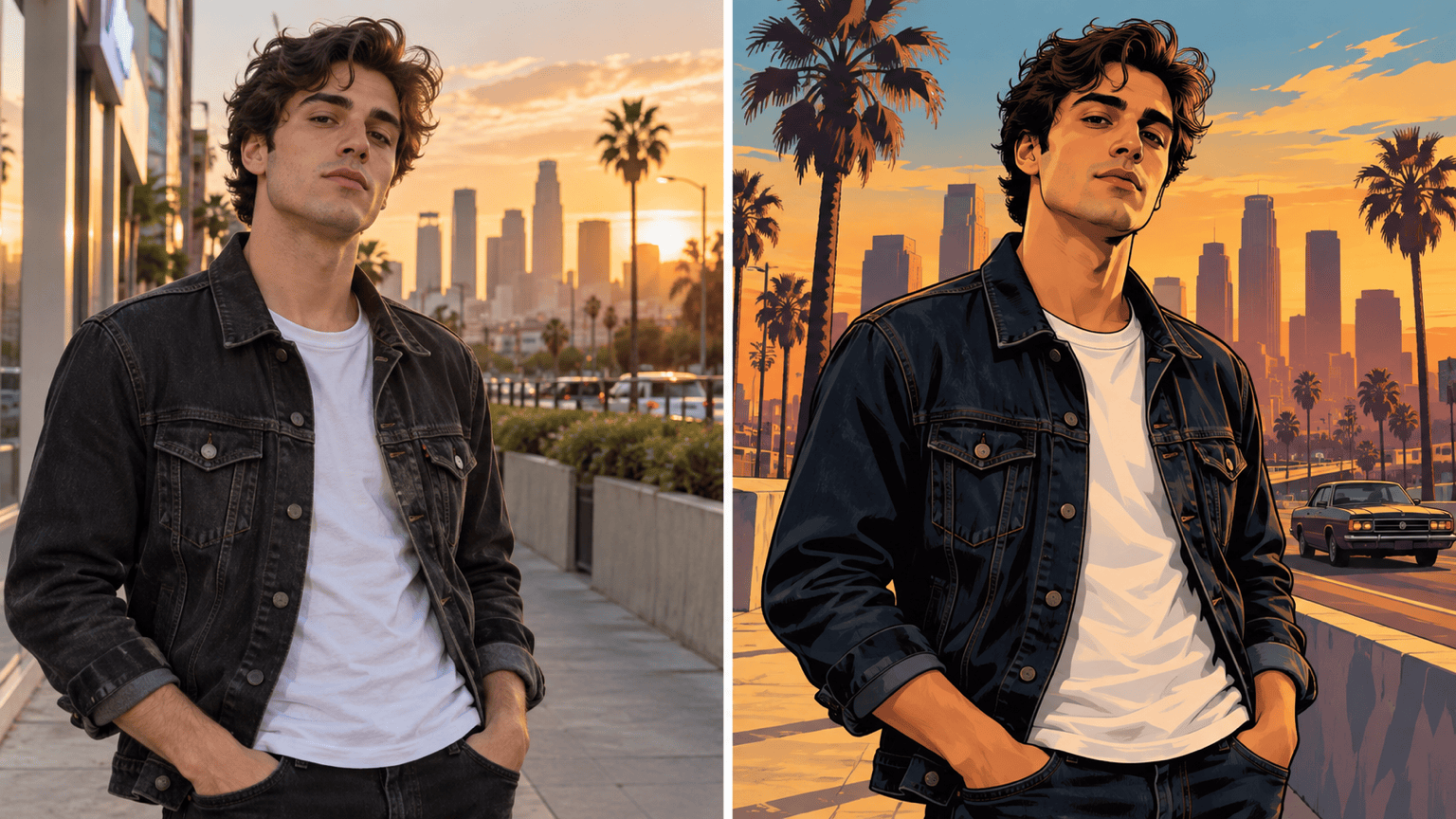
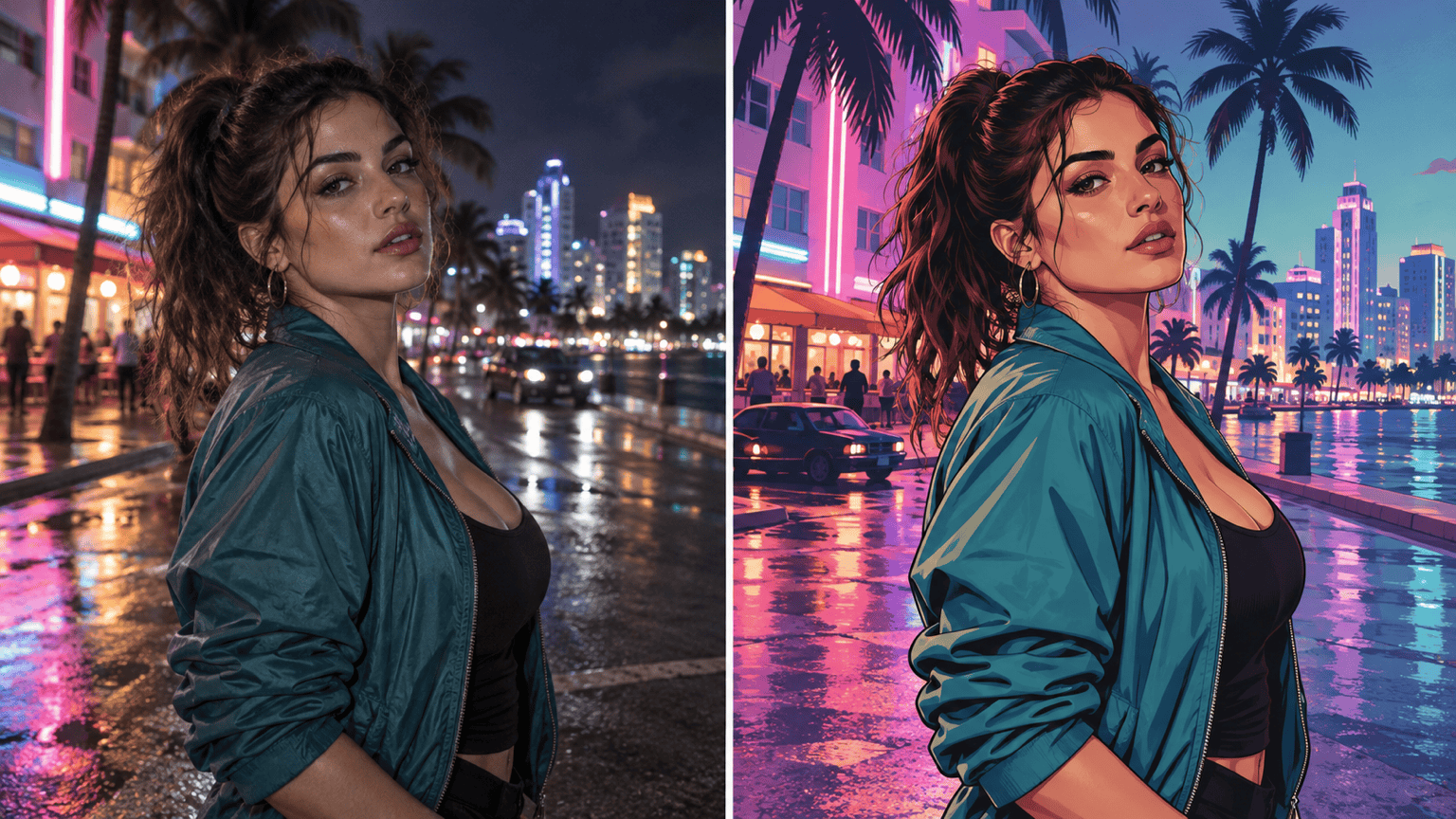
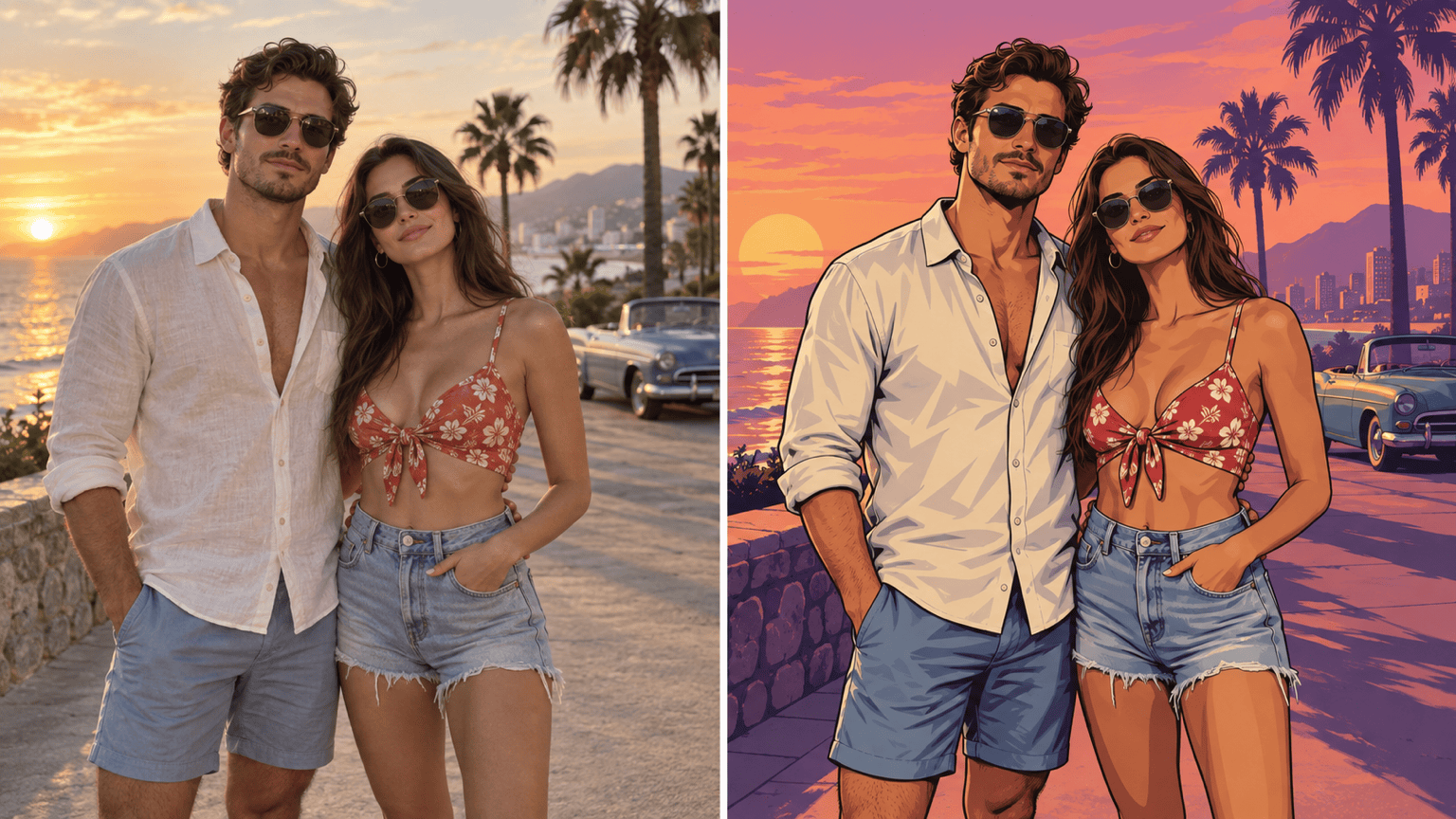
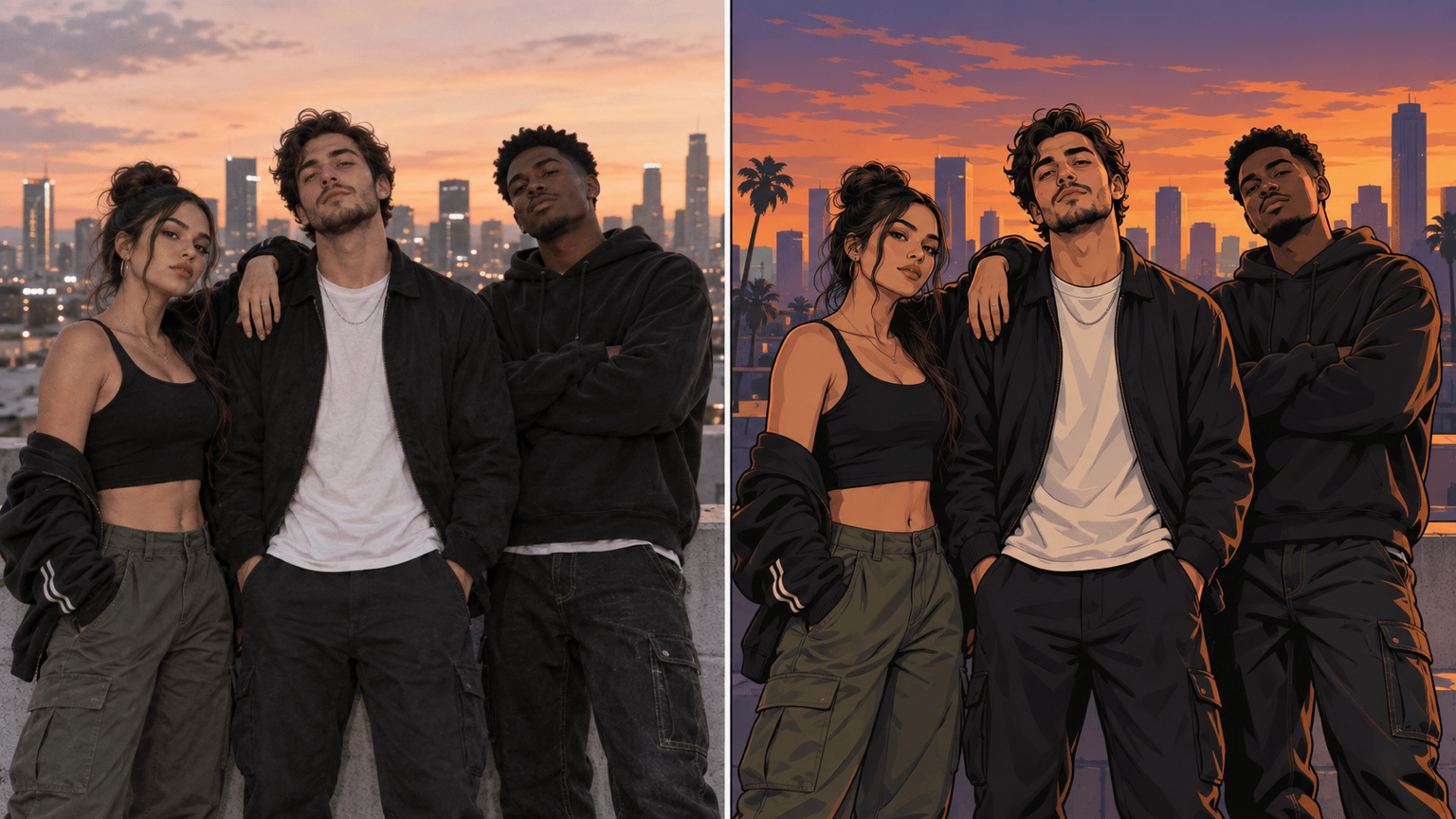
How to Turn a Photo Into GTA-Style Art with AI
Upload a Clear Photo
Describe the GTA-Inspired Look
Generate Your Game-Cover Portrait
Refine and Download

Why Use Mew Design for GTA-Style Photo Editing
Built Around Your Uploaded Photo
Start with your own portrait instead of a generic character. This photo-to-GTA-style AI workflow uses the image as the visual anchor for the face, clothing, pose, and framing.
Keep the Person Recognizable
Specify which identity details must stay unchanged. The online GTA portrait generator can restyle the image while you guide facial resemblance, expression, hair, and outfit fidelity.
Choose the Era and Mood
Move beyond a one-click preset. Ask for warm modern cover art, neon nightlife, a sun-faded 1990s palette, or a cleaner illustrated loading-screen composition.
Correct Problems Through Chat
If the face drifts or the background becomes too busy, use Chat Edit to request one focused correction while keeping the parts that already work.
Create Matching Avatar Variations
Generate square profile crops, full-body poster versions, or coordinated portraits for friends. Reuse the same visual direction to keep a small series coherent.
Free to Try Online
Test the free GTA AI filter workflow with credits after signup. Export results without a watermark, then keep refining or create another visual direction.
Best Photos for a GTA-Style Transformation
- Use even lighting: Avoid deep facial shadows, motion blur, heavy beauty filters, or a face hidden by hair or accessories.
- Show the framing you want: Choose a headshot for an avatar, a half-body photo for cover art, or a full-body pose for a more cinematic scene.
- Name what must stay: List the face, expression, hairstyle, outfit, pose, and camera angle as invariants when likeness is important.
- Describe visual cues, not copied assets: Ask for bold outlines, graphic shading, cinematic color, and an urban mood without requesting official logos, characters, or game UI.
Fix Common GTA AI Filter Problems
Restore the original facial structure, eye shape, skin tone, hairstyle, and expression from @[uploaded photo]. Keep the illustration style and background unchanged.
Simplify the background into a clean urban sunset with broad shapes and fewer objects. Keep the person, pose, crop, and clothing unchanged.
Strengthen the game-cover look with crisp ink outlines, semi-realistic cel shading, and a warm cinematic grade. Do not change the face or add text.
Shift the color direction to neon coastal nightlife with magenta, teal, and deep blue reflections. Preserve identity, outfit, pose, and composition.
Extend the canvas to a square profile picture. Keep the complete head and shoulders inside the safe area and preserve all facial details.
Give every person in @[group photo] the same illustrated finish and color grade. Preserve each face, outfit, relative position, and the group composition.





