Try Online:Photo to Disney Character AI
How to Turn a Photo into an Animated Character with AI
Upload a Clear Photo
Describe the Character Look
Generate and Check the Likeness
Refine and Download

Make the Animated Portrait Feel Like You
Begin with Your Own Photo
Our Disney-style photo converter uses an uploaded image as the visual starting point, so your hairstyle, expression, clothing, and pose can inform the character.
Choose a Storybook Direction
Describe a hand-painted fairy-tale portrait, a polished 3D animated look, or a softer cartoon style instead of settling for one fixed filter.
Correct the Details That Matter
If a face, accessory, or pet marking drifts, use Chat Edit to ask for a focused change while keeping the rest of the scene.
Explore More Than One Version
Try alternate outfits, lighting, and backgrounds for an avatar, birthday artwork, or a Disney-style family portrait.
Try It Online with Free Credits
Sign up to try the online AI character maker with free AI credits. The number of generations depends on the credits used by each request.
Save a Shareable Portrait
Export the result as PNG or JPG. Review facial details before posting or printing, especially when your image includes children or other people.
Choose a Photo That Gives the AI Enough Detail
- Show the face clearly: Use even light, a sharp image, and an angle that reveals the eyes and facial features.
- Name identity cues: Call out hair, glasses, freckles, clothing, skin tone, or pet markings that make the subject familiar.
- Set one visual direction: Choose a storybook illustration or a dimensional animated-film look, plus a simple mood and background.
- Check every subject: For a couple or group, confirm the right number of people, their positions, and each person’s distinct features.
Try These Photo-to-Character Requests
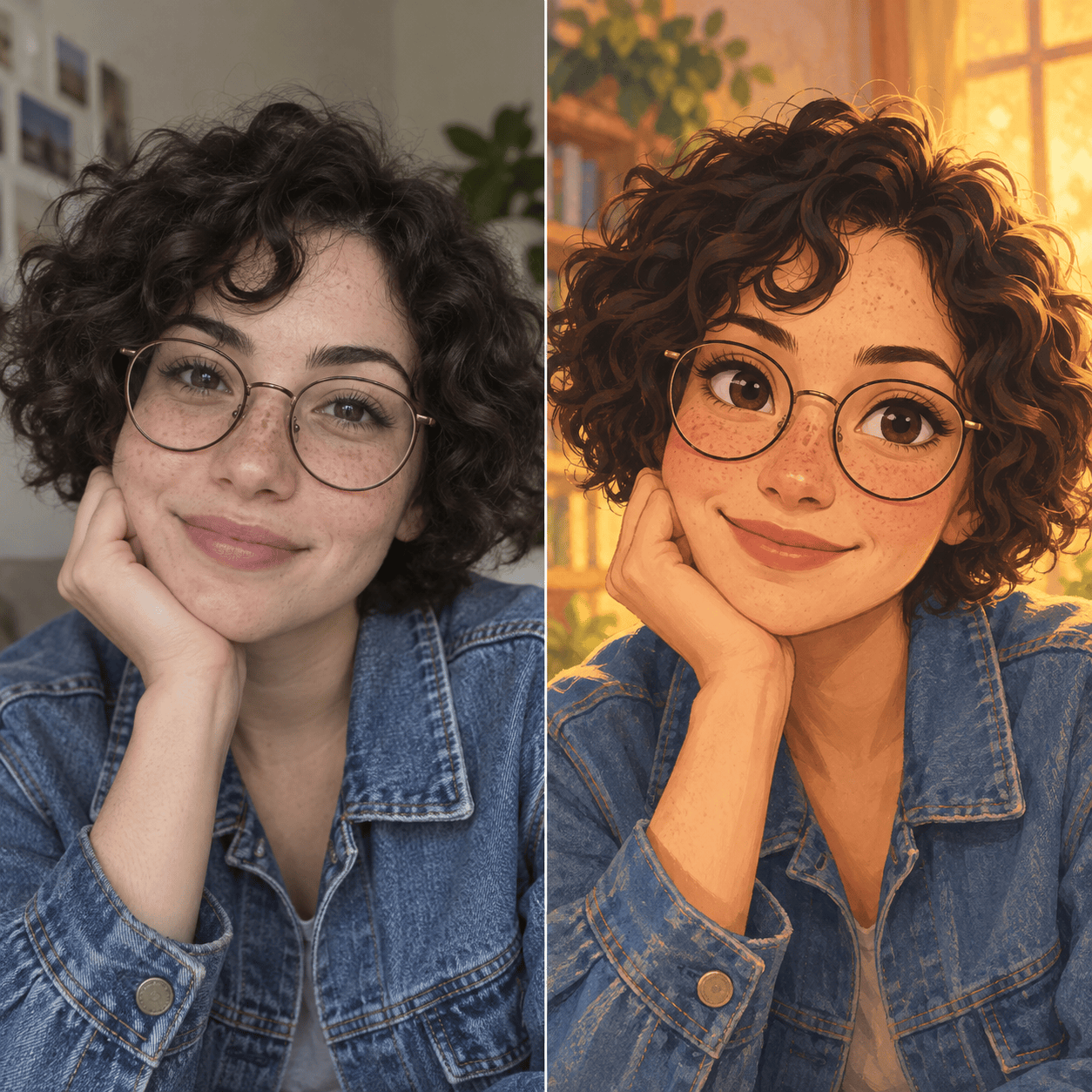
Turn my uploaded selfie into an original fairy-tale animated character. Keep my face shape, hairstyle, glasses, and expression recognizable; use a clean square portrait for a profile picture.
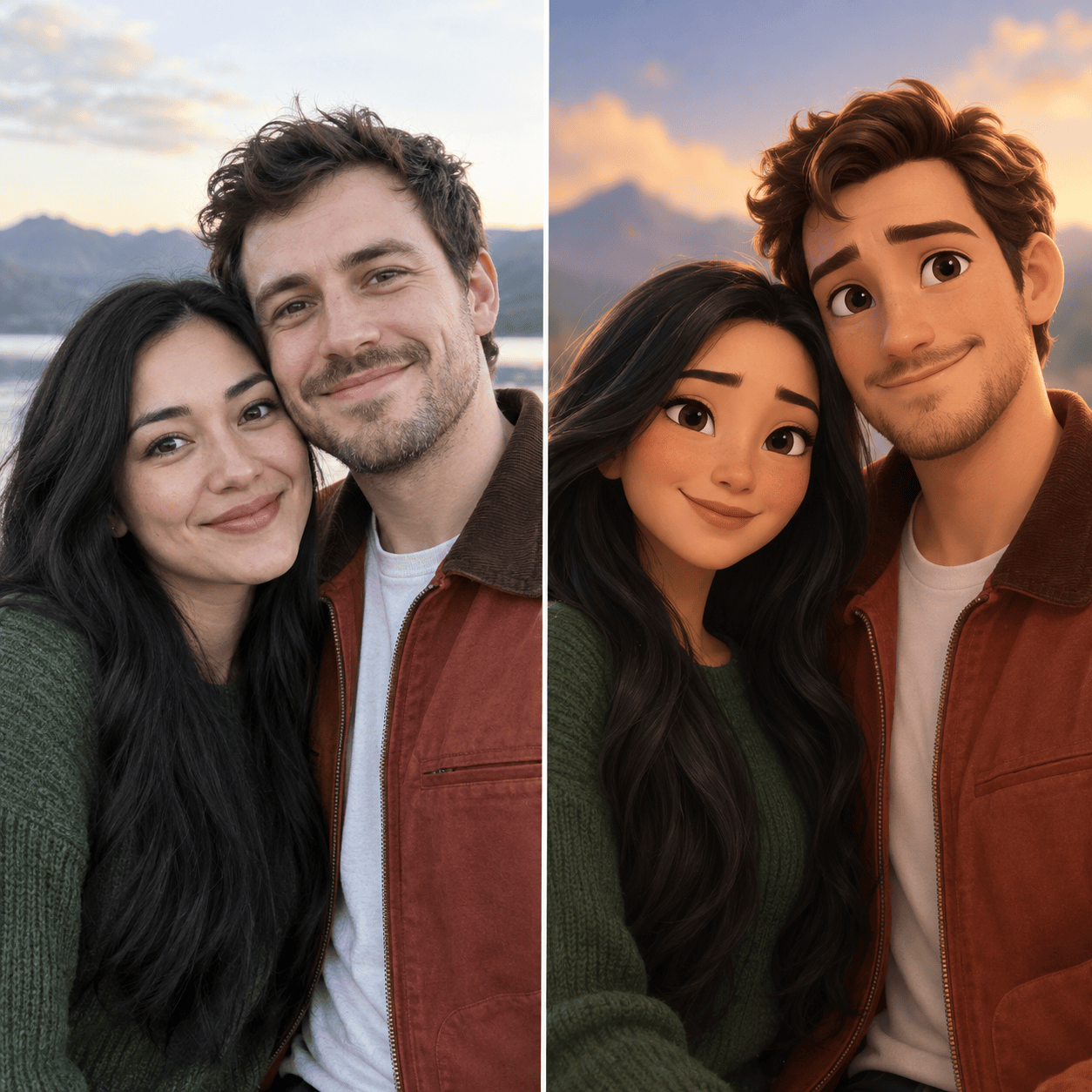
Convert this couple photo into two coordinated storybook characters. Keep both people, their positions, hair colors, and outfits; add warm evening light without changing their expressions.
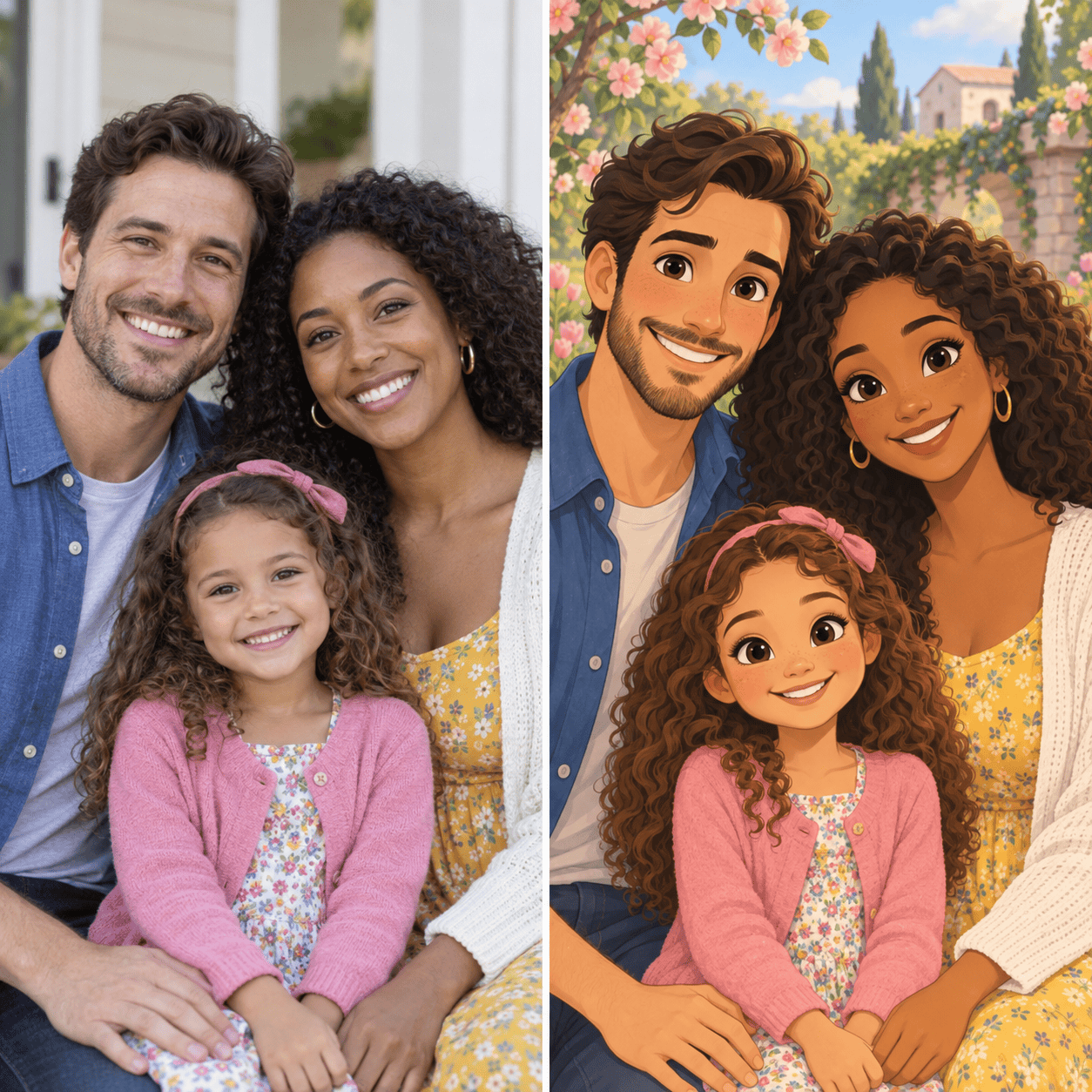
Make a Disney-style family portrait from this uploaded photo. Keep the correct number of adults and children, preserve each person’s hairstyle and clothing color, and give the scene a gentle illustrated background.
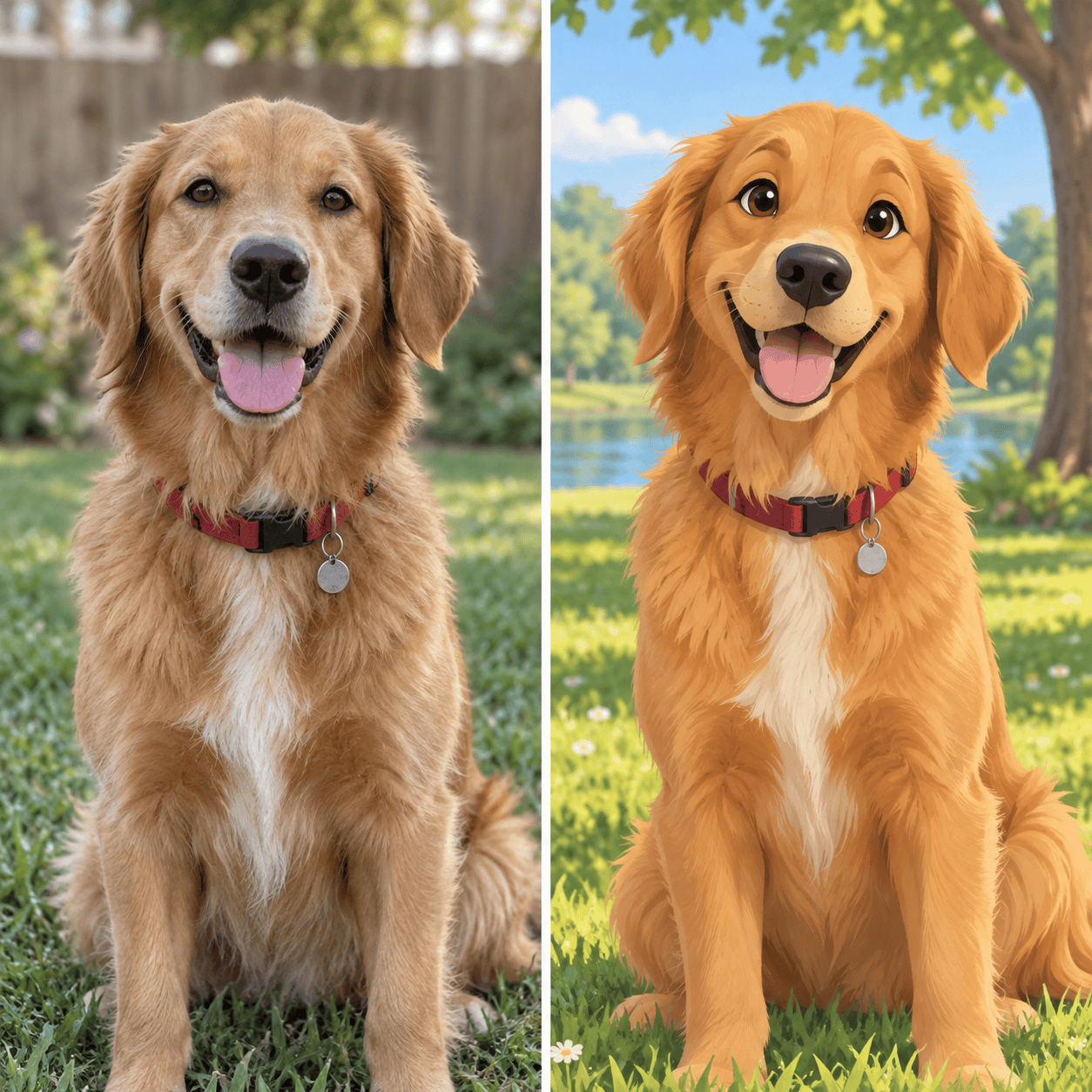
Turn my pet photo into an original animated character portrait. Keep the same breed, ear shape, coat colors, and distinctive markings; make the eyes expressive without changing the animal’s identity.
Revise this generated portrait so the face looks closer to the uploaded photo. Restore the original eye shape and freckles, and keep the outfit, lighting, pose, and background as they are.
Create a second version of this animated portrait with a soft hand-painted storybook look. Keep the same person, expression, clothing, and composition; change only the rendering style.





