Free OnlinePhoto to Anime AI
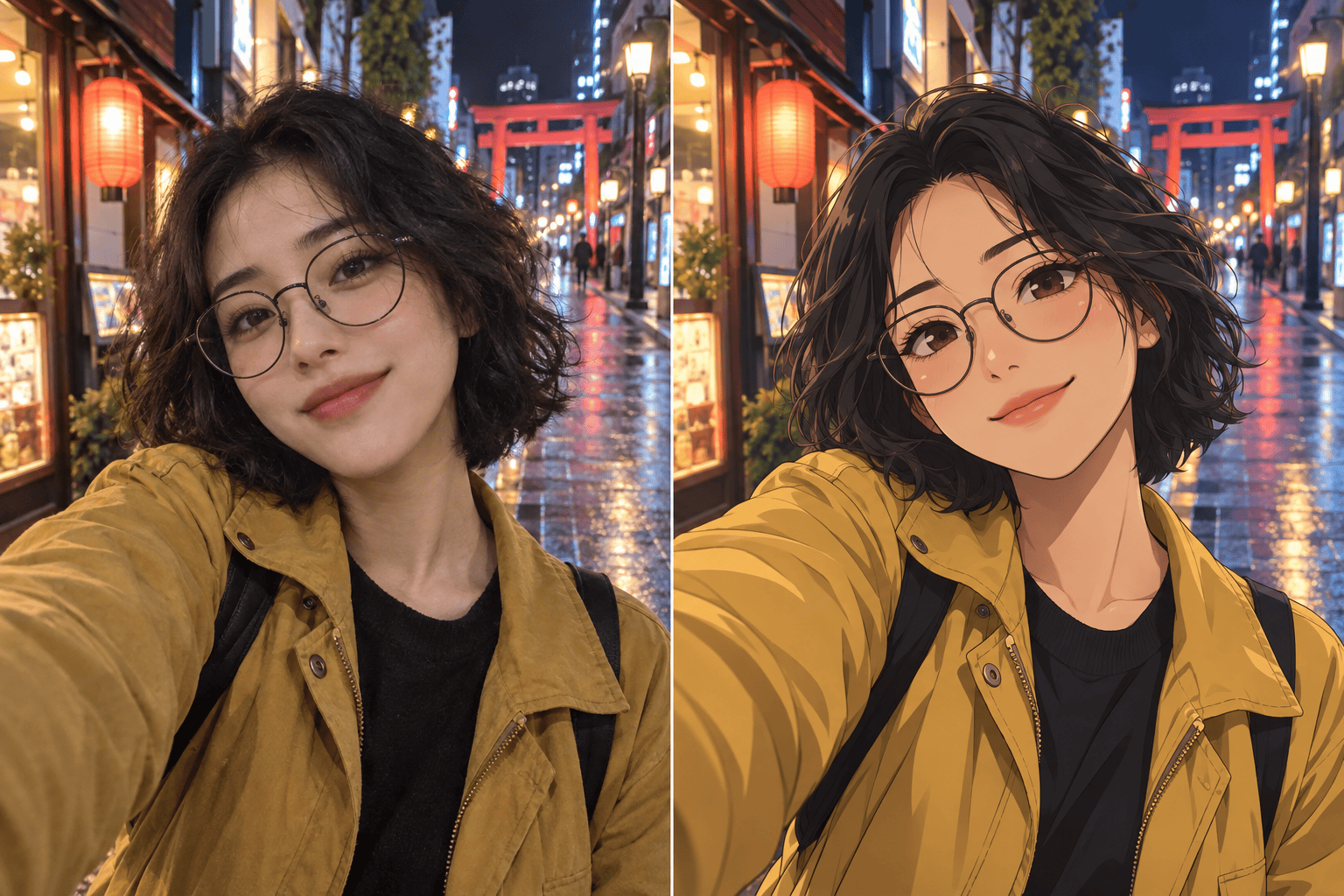
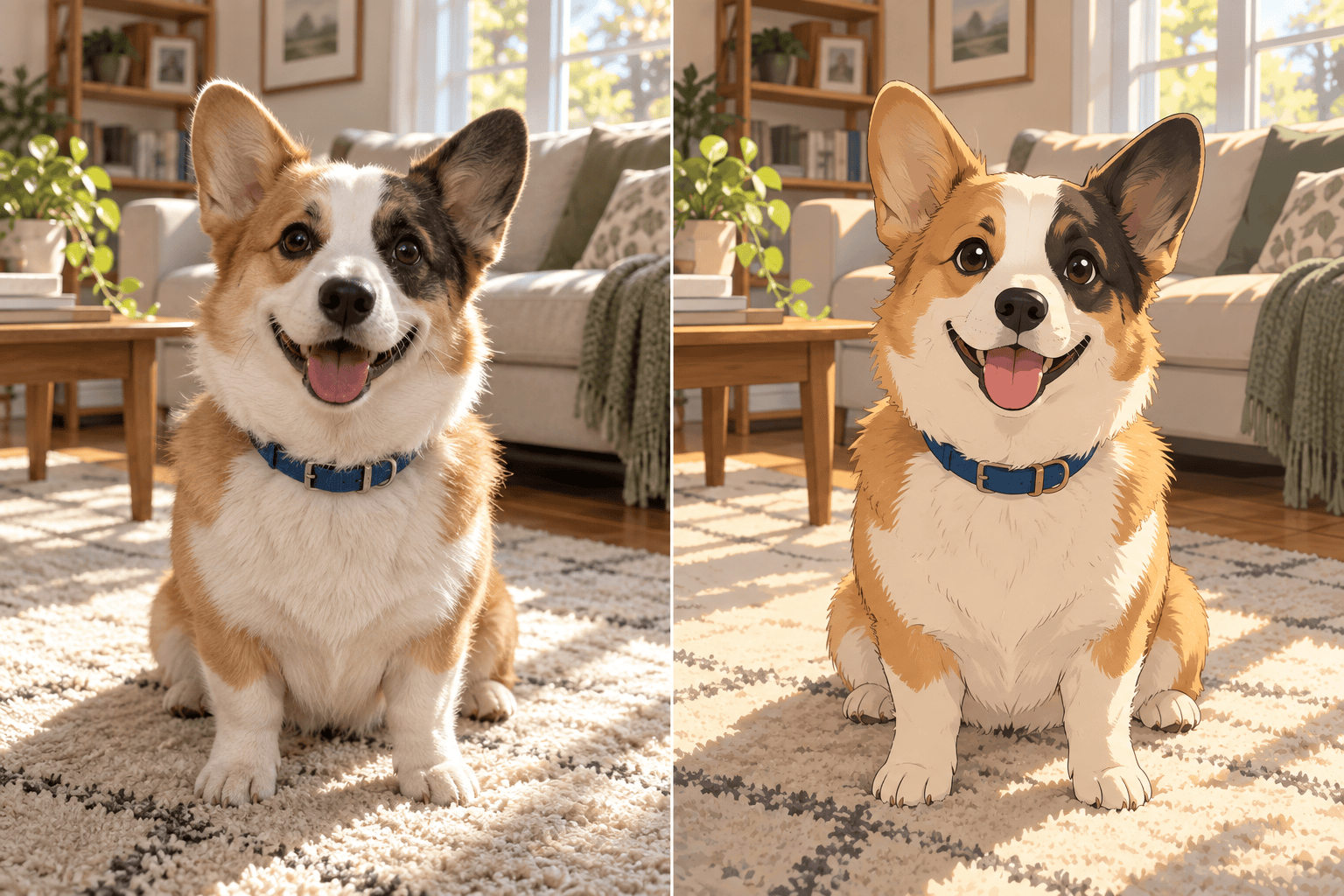
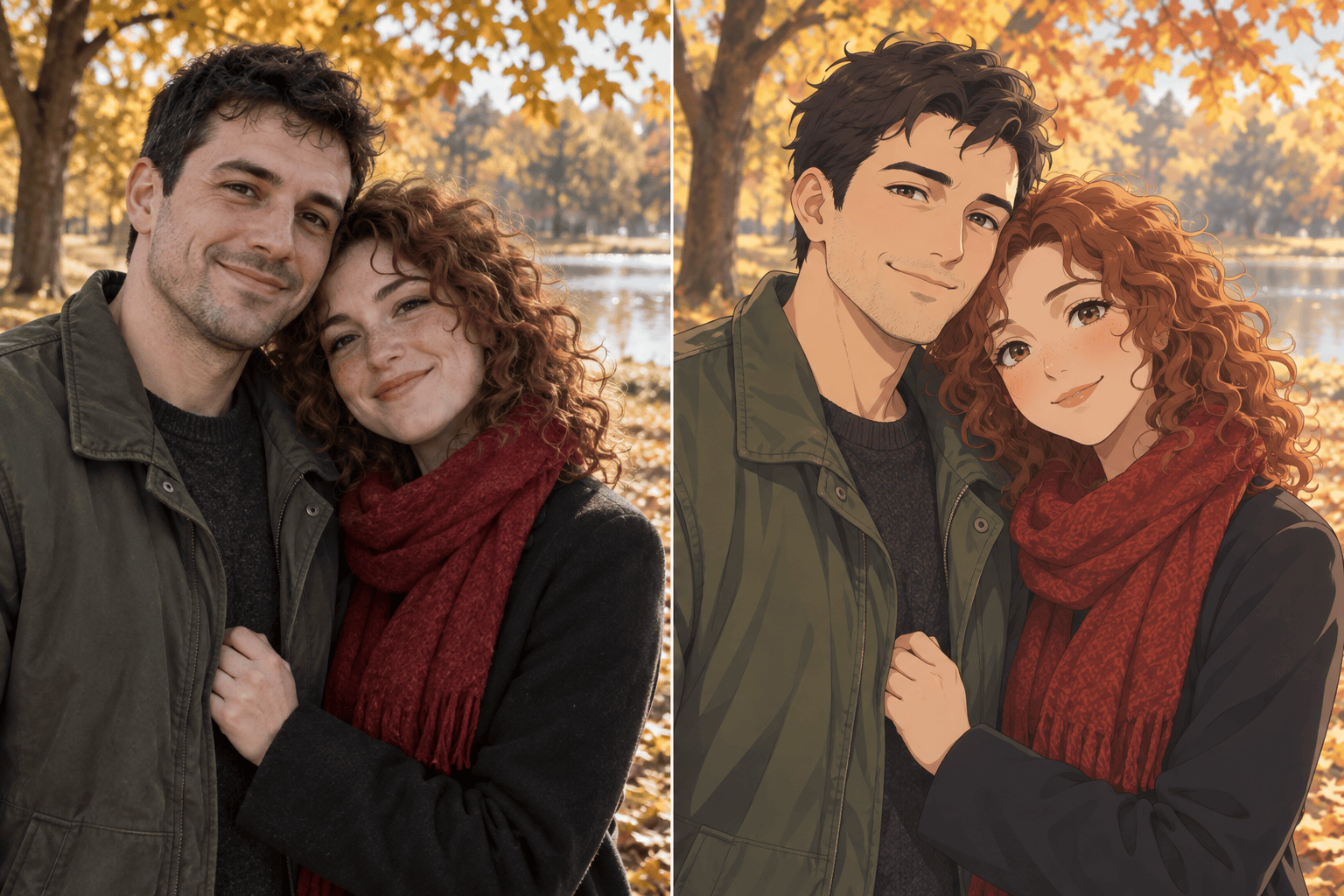
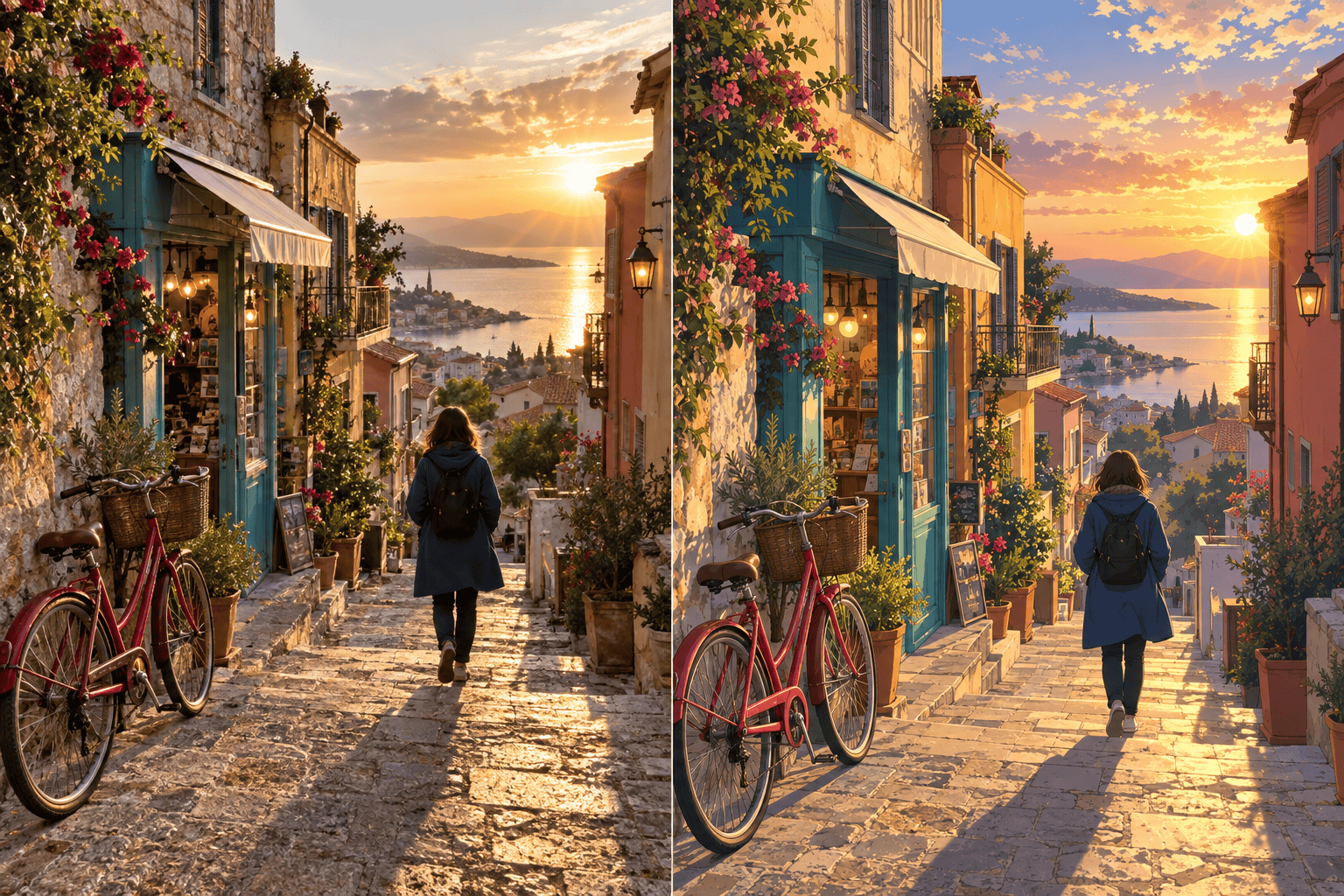
How to Turn a Photo Into Anime with AI
Upload a Clear Photo
Choose the Anime Direction
Generate the Anime Version
Refine and Download

Why Use Mew Design for Photo-to-Anime Art
Start From Your Actual Photo
Upload a real image and ask Mew Design to redraw it rather than inventing a stranger from text. This image-to-image workflow gives the AI photo to anime converter a concrete reference for the subject and framing.
Protect the Details That Matter
State exactly what should remain recognizable: face shape, hairstyle, glasses, expression, pose, outfit colors, pet markings, or a landmark. Clear preservation constraints reduce unwanted changes.
Direct the Anime Look in Chat
Move beyond a one-click anime filter online. Describe line weight, palette, shading, mood, era, and background treatment, then ask for a softer, bolder, cuter, or more cinematic version.
Correct One Detail Without Restarting
Use Chat Edit when the eyes, hair, hands, background, or crop need work. Ask for one targeted change and tell Mew Design to keep the successful identity, pose, colors, and composition intact.
Create a Coordinated Anime Set
Generate related profile pictures, reactions, or scene variations from the same reference direction. For repeat creator branding, save the successful visual method as a reusable Mew Skill to reduce repeated setup.
Try It Free and Export Cleanly
Sign up for free AI credits to test a photo transformation. When the result is ready, download a watermark-free PNG or JPG for an anime avatar, social post, wallpaper, print, or personal gift.
Choose a Photo That Converts Well
- Use visible facial detail: Choose a sharp, well-lit image without heavy blur, extreme filters, or shadows covering the eyes and face.
- Avoid confusing overlaps: For couples or groups, use a photo where faces, hands, and silhouettes do not hide one another. Name each person by position in your instruction.
- List preservation anchors: Call out the hair, expression, outfit colors, pet markings, pose, objects, and background landmarks that make the image recognizable.
- Use a photo you may edit: Only upload images you own or have permission to transform, especially when another person, a child, private property, or branded artwork appears.
Fix Common Photo-to-Anime Problems
Make the anime face look more like the person in @image. Restore the original face shape, eye spacing, smile, skin tone, hairstyle, and glasses. Keep the current anime linework, pose, clothing, background, and crop unchanged.
Keep both people recognizable from @image. Preserve the left person's short dark hair and green jacket and the right person's curly hair and red scarf. Correct only the faces and hands; keep their pose and the current anime background.
Restore the pet's exact markings from @image, including the white muzzle, brown left ear, dark patch around the right eye, and blue collar. Keep the cute anime rendering, sitting pose, room, and warm palette unchanged.
Redraw @image as black-and-white manga with crisp ink lines, screentone shadows, and strong contrast. Preserve every person's identity, pose, clothing, camera angle, and all important background objects; add no text or speech bubbles.
Turn @image into a soft cinematic anime scene. Keep the original street, storefronts, bicycle, perspective, and sunset direction recognizable. Simplify clutter but do not remove the people or change where they stand.
Create a square anime avatar from @image. Keep the same face, hairstyle, glasses, expression, and clothing colors. Crop from the shoulders up, use a simple contrasting background, and leave safe space around the head for a circular profile crop.





