Free OnlineAI Y2K Generator
How to Create Y2K Images with AI
Choose a Subject and Format
Name the Y2K Details
Generate and Refine
Export for Your Channel

Make the Y2K Look Your Own with Mew Design
Generate from a Simple Idea
Describe the subject and mood in plain language. Our Y2K art generator can build a new image without a source photo or complex settings.
Restyle Your Own Photo
Upload a portrait and request a glossy early-2000s treatment. Say which facial features, pose, and clothing details you want to preserve.
Mix More Than One Y2K Mood
Try metallic cyber looks, bubblegum pop, or soft digicam nostalgia. Generate variations to see which style fits your feed or project.
Tune Details in Chat
Use Chat Edit to change the glow, swap the background, soften the chrome, or make the subject stand out while keeping the parts you like.
Build a Matching Set
Create related profile images, cover art, and posts in one visual direction. Upload a reference image when a color palette or texture needs to carry across.
Start Online with Free Credits
Try the AI Y2K photo generator after signing up with free AI credits. Export finished work without a watermark; available generation and export options depend on your account.
What Makes a Y2K Image Look Right?
- Choose Your Branch: Ask for an original image from text, or upload a photo and specify what must remain recognizable. An existing face needs more precise preservation instructions.
- Pick Concrete Cues: Try chrome lettering, jelly-plastic forms, holographic gradients, starbursts, a compact-camera flash, or early-web pixels. Avoid using all of them at once.
- Set the Destination: Say whether the result is a profile image, square cover, wallpaper, or social post so the crop and open space support its use.
- Inspect the Finish: Check face likeness, hand details, and any rendered text. Ask Chat Edit for a targeted fix before downloading.
Y2K Image Ideas to Try
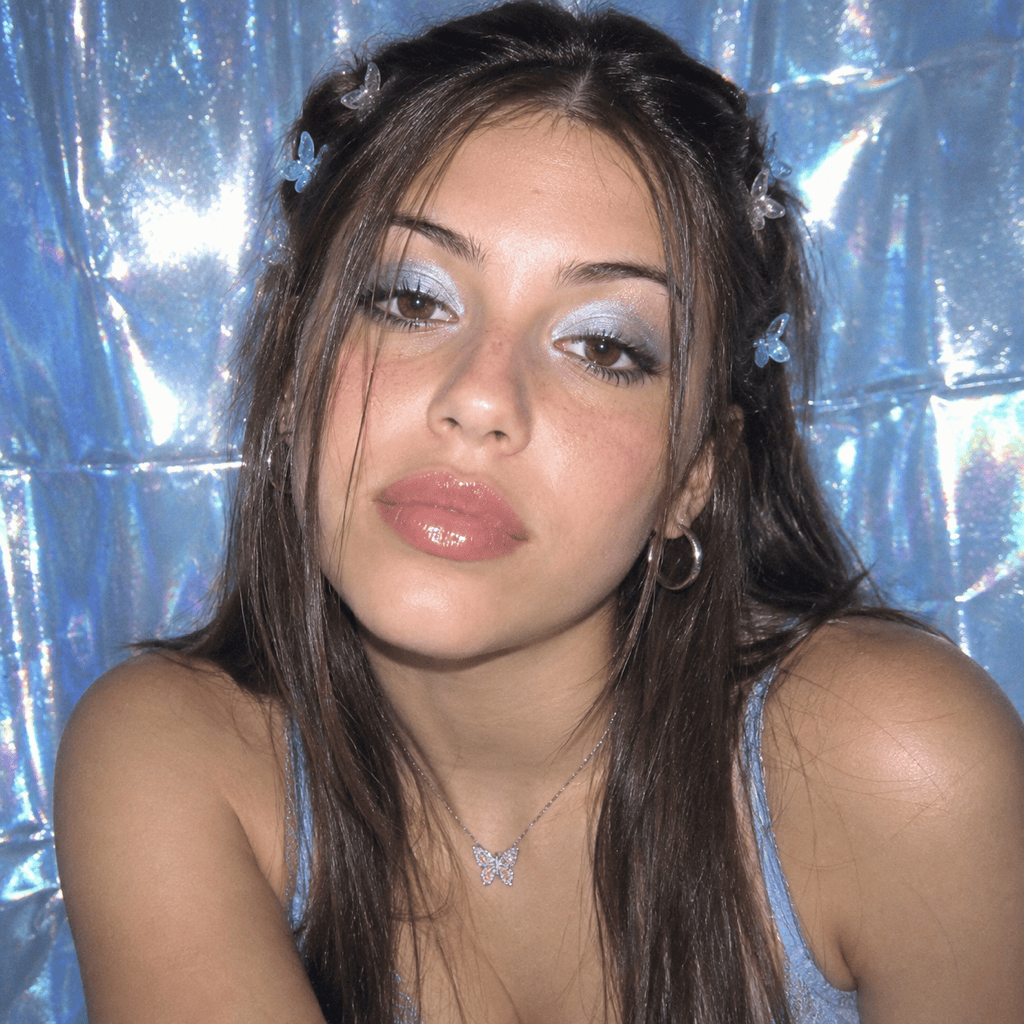
Create a square Y2K profile portrait of an original fictional person with butterfly clips, silver eye makeup, a direct-flash digicam look, and a pale blue holographic background. Keep the face clear at small avatar size.
Turn my uploaded portrait into a Y2K digicam photo. Preserve my facial features, pose, and expression; add soft flash, subtle grain, glossy makeup, and a translucent pink background.
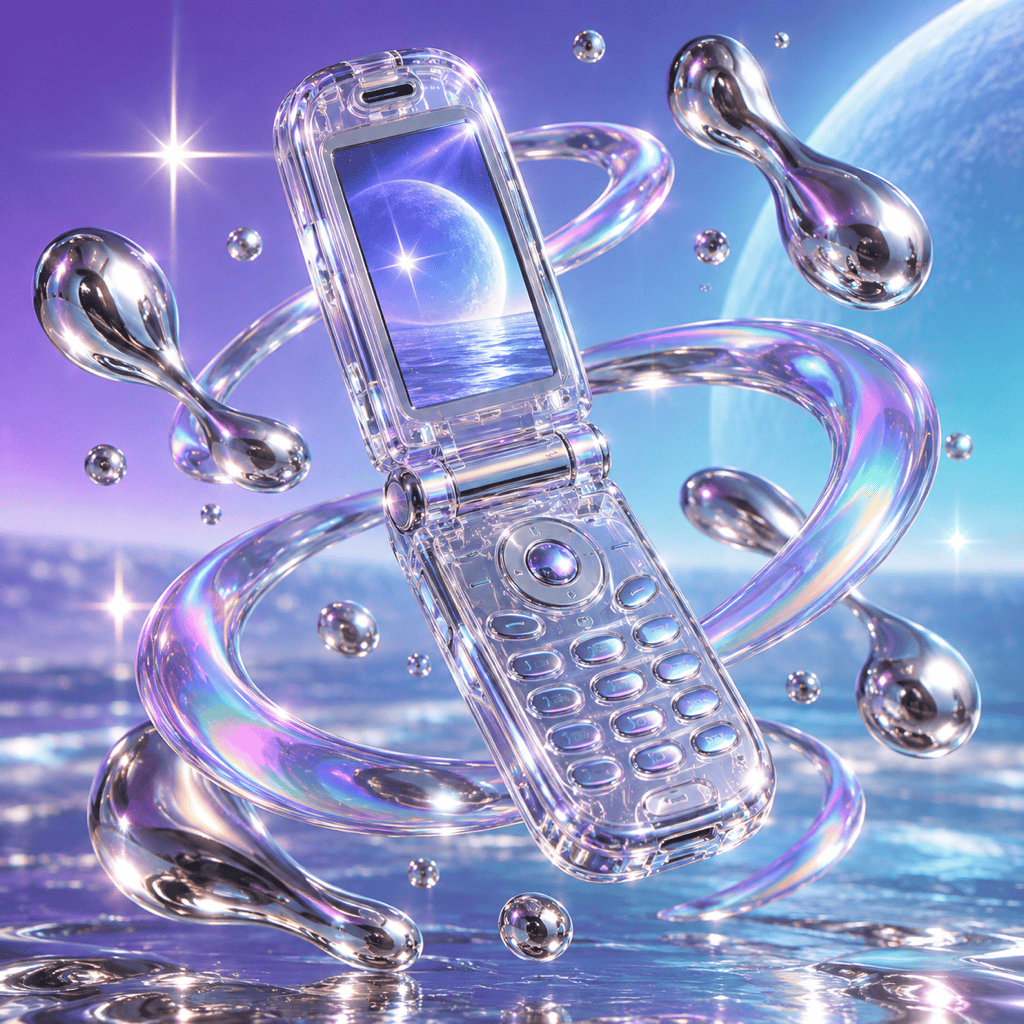
Create a square Y2K album cover for an original electronic track, centered on a translucent flip phone with chrome reflections, violet-to-cyan gradients, and room for a short readable title.
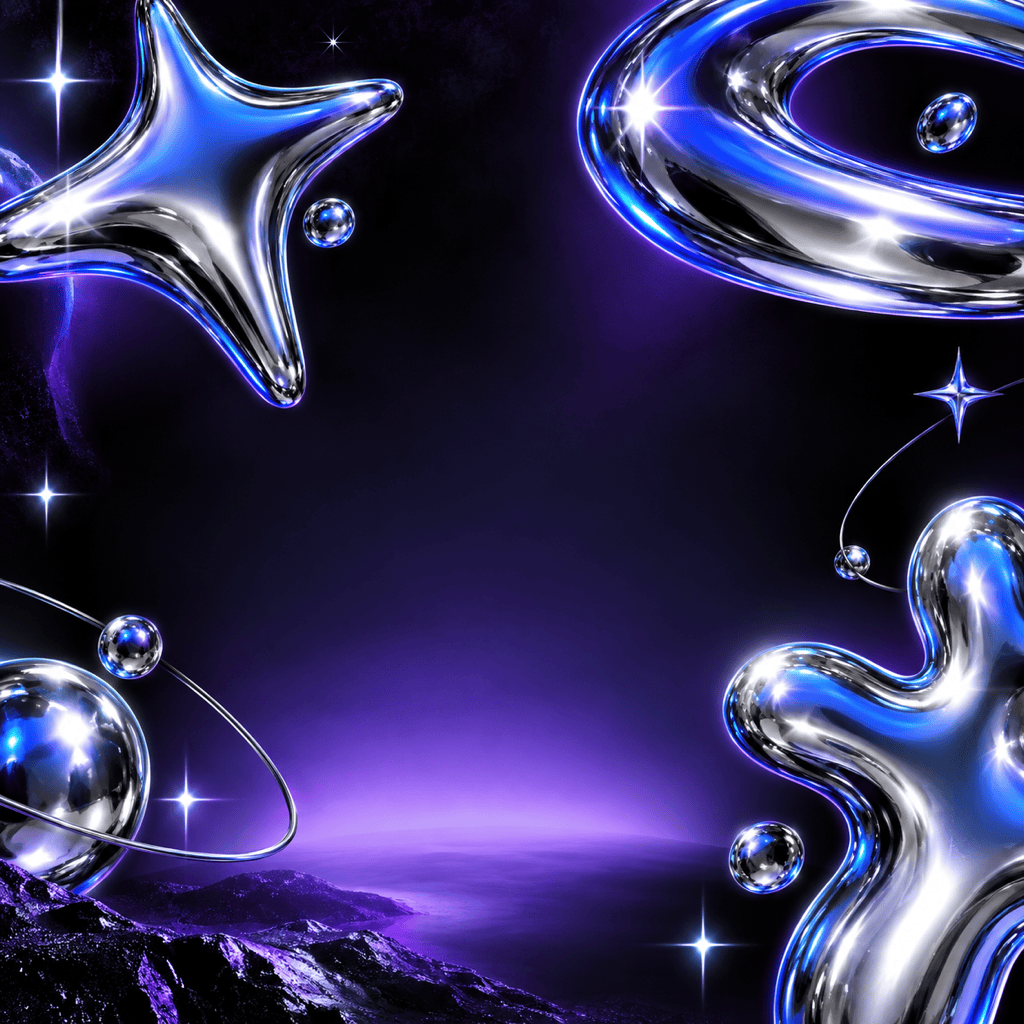
Create a square cyber Y2K social graphic for a fictional late-night event. Use bold chrome type, electric blue, silver, and sparse starbursts. Leave clear space for the event name and date.
Create a Y2K wallpaper with floating jelly-plastic hearts, liquid metal droplets, and soft iridescent light. Keep the center uncluttered so icons remain visible.
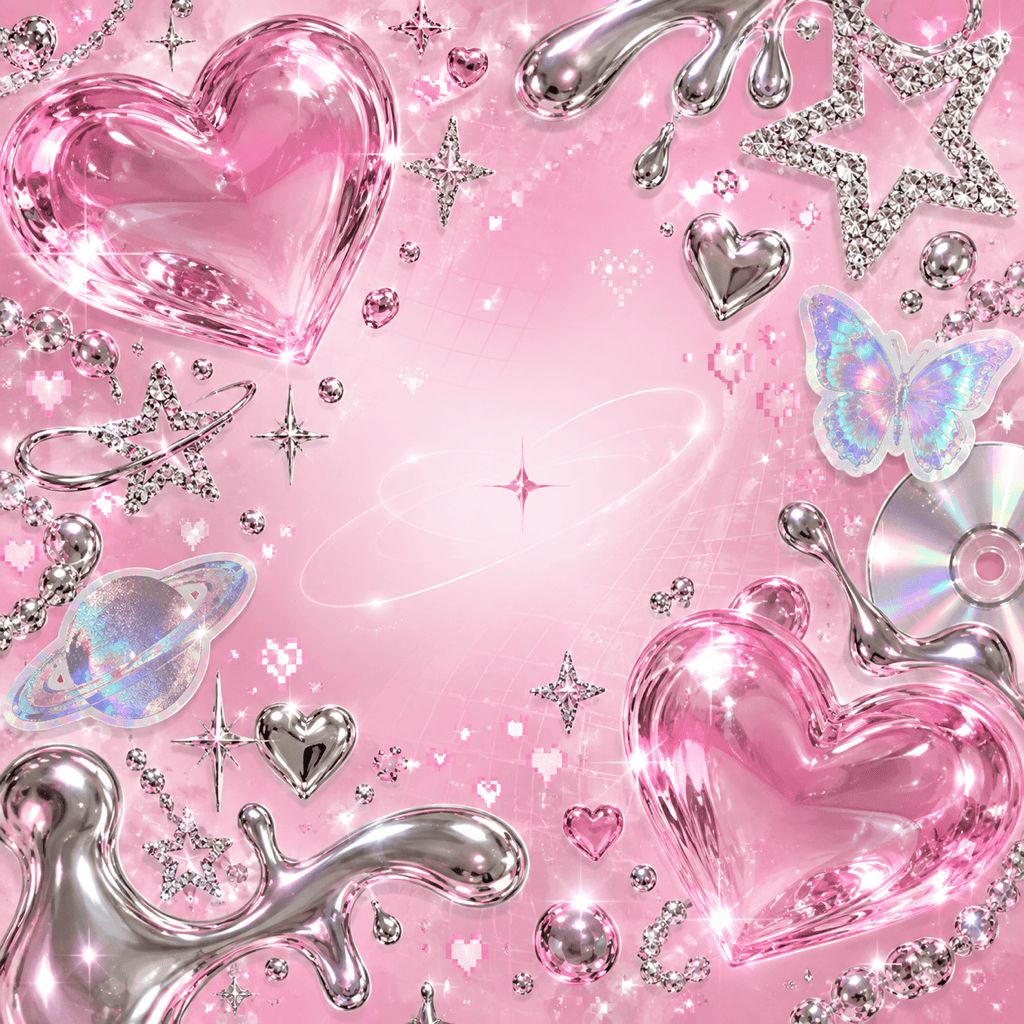
Create a square Y2K fashion collage with original, non-branded accessories, rhinestone details, sticker-like cutouts, and a pink-and-silver palette. Keep each object distinct and the overall layout balanced.





