Free OnlineAI X-Ray Photo Generator
How to Turn a Photo Into an X-Ray Effect With AI
Upload a Clear Source Photo
Describe the Scan Look
Generate and Check the Structure
Refine and Export

Built for Creative X-Ray Photo Effects
Guide the Edit With Your Photo
Upload an image and describe the transformation instead of rebuilding the subject from scratch. Image-to-image guidance helps the AI-powered x-ray filter follow the original framing and silhouette.
Go Beyond a Blue Inversion
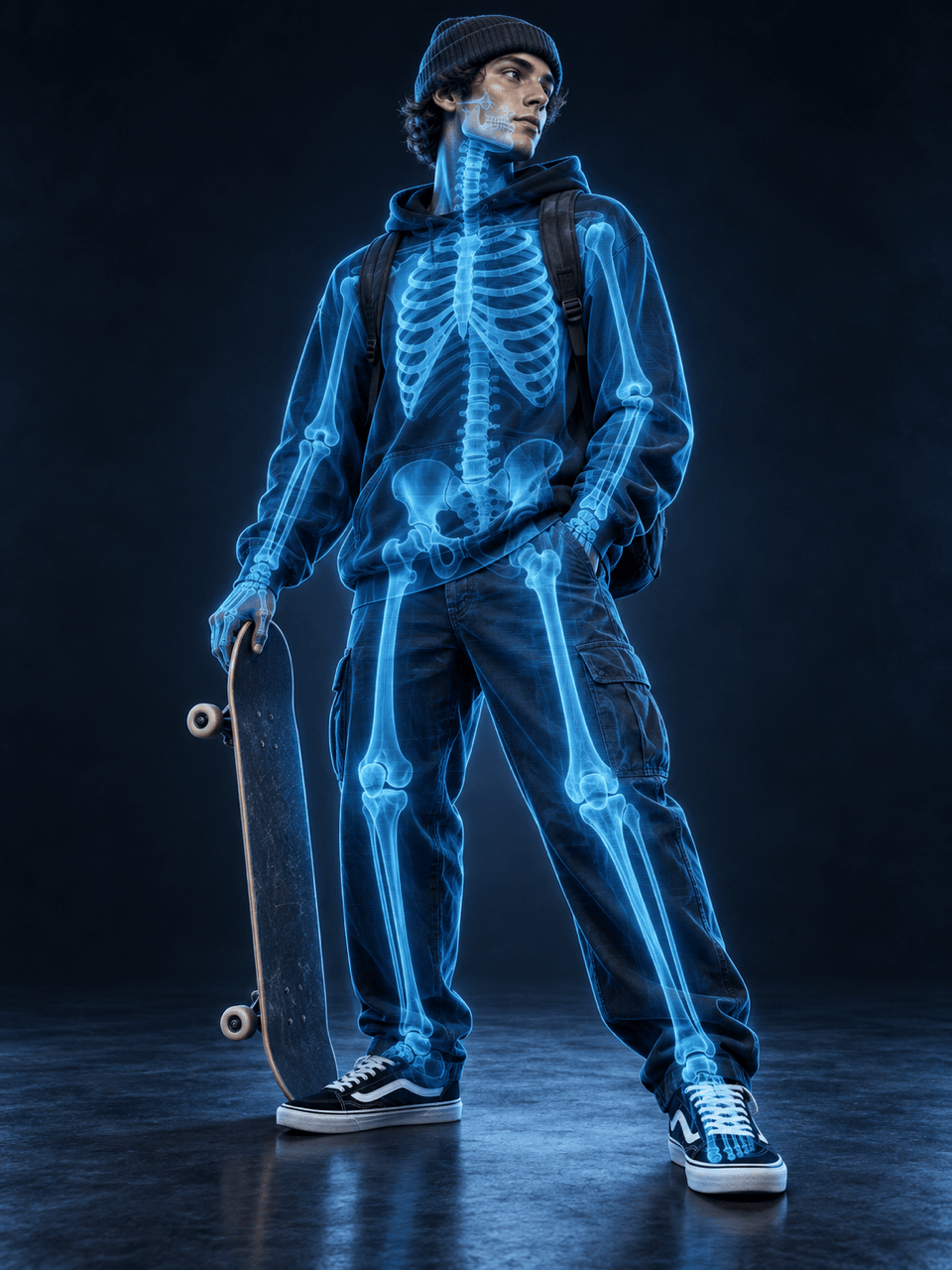
This x-ray photo generator with AI can reinterpret a subject with luminous bones, translucent layers, scan falloff, and high-contrast edges, creating a designed effect rather than a flat color filter.
Protect the Details That Matter
Tell Mew Design to preserve the face, pose, clothing, product shell, or background. Clear constraints help the generated effect stay connected to your source photo.
Correct the Scan Through Chat
If the skeleton drifts or the glow hides the subject, use Chat Edit to request a narrower overlay, cleaner alignment, softer transparency, or a different scan color.
Create Portrait, Pet, and Object Variations
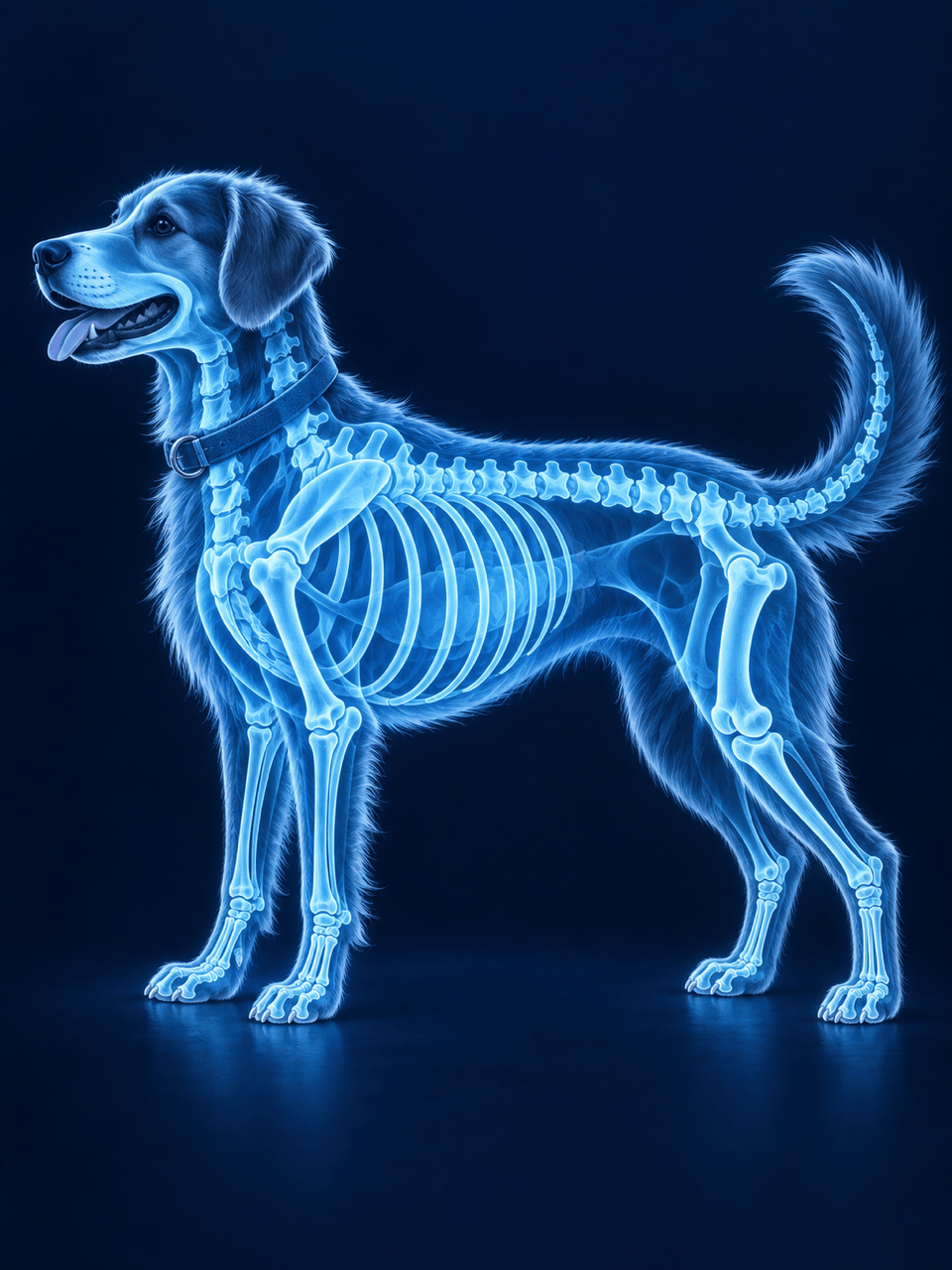
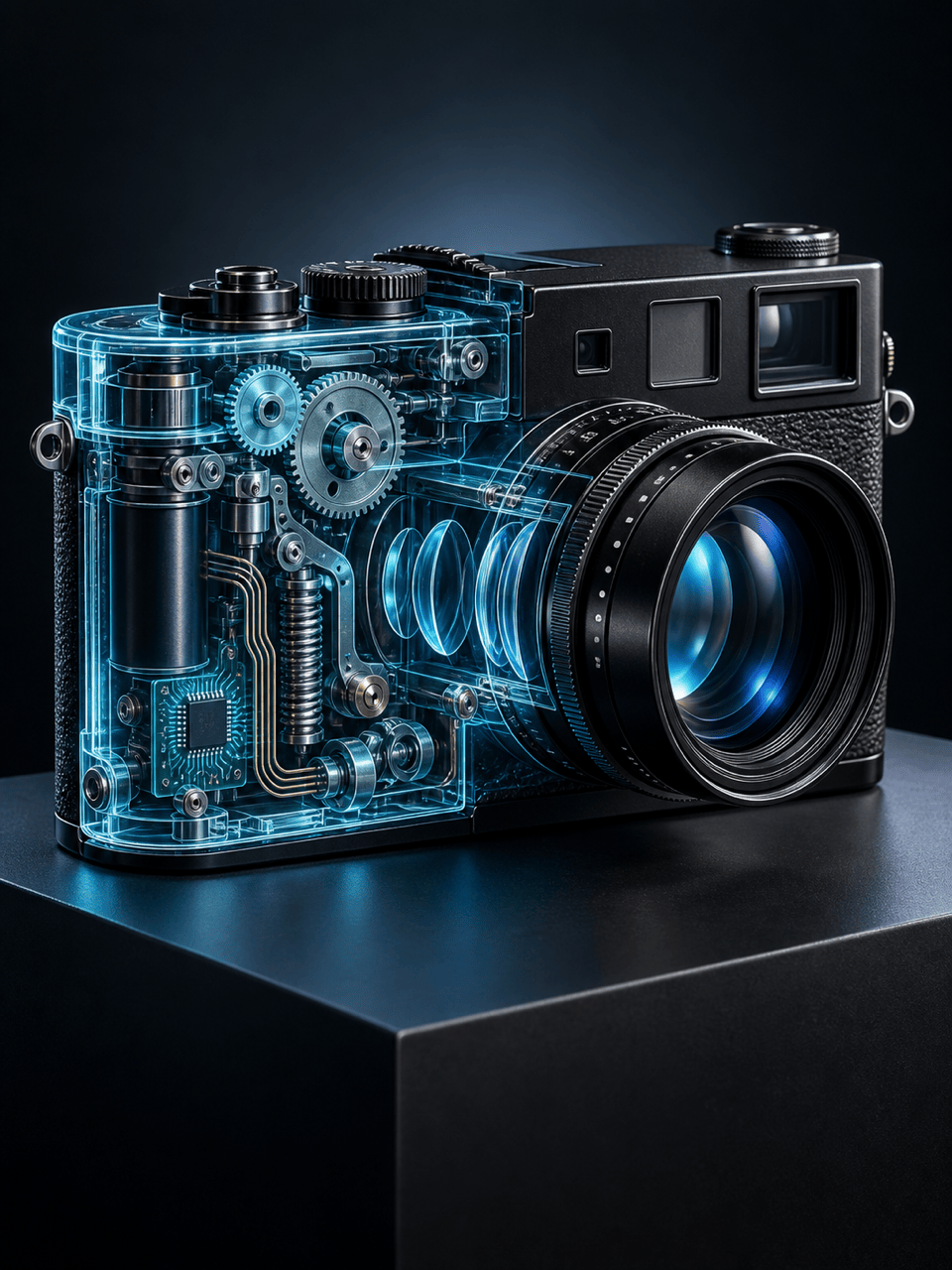
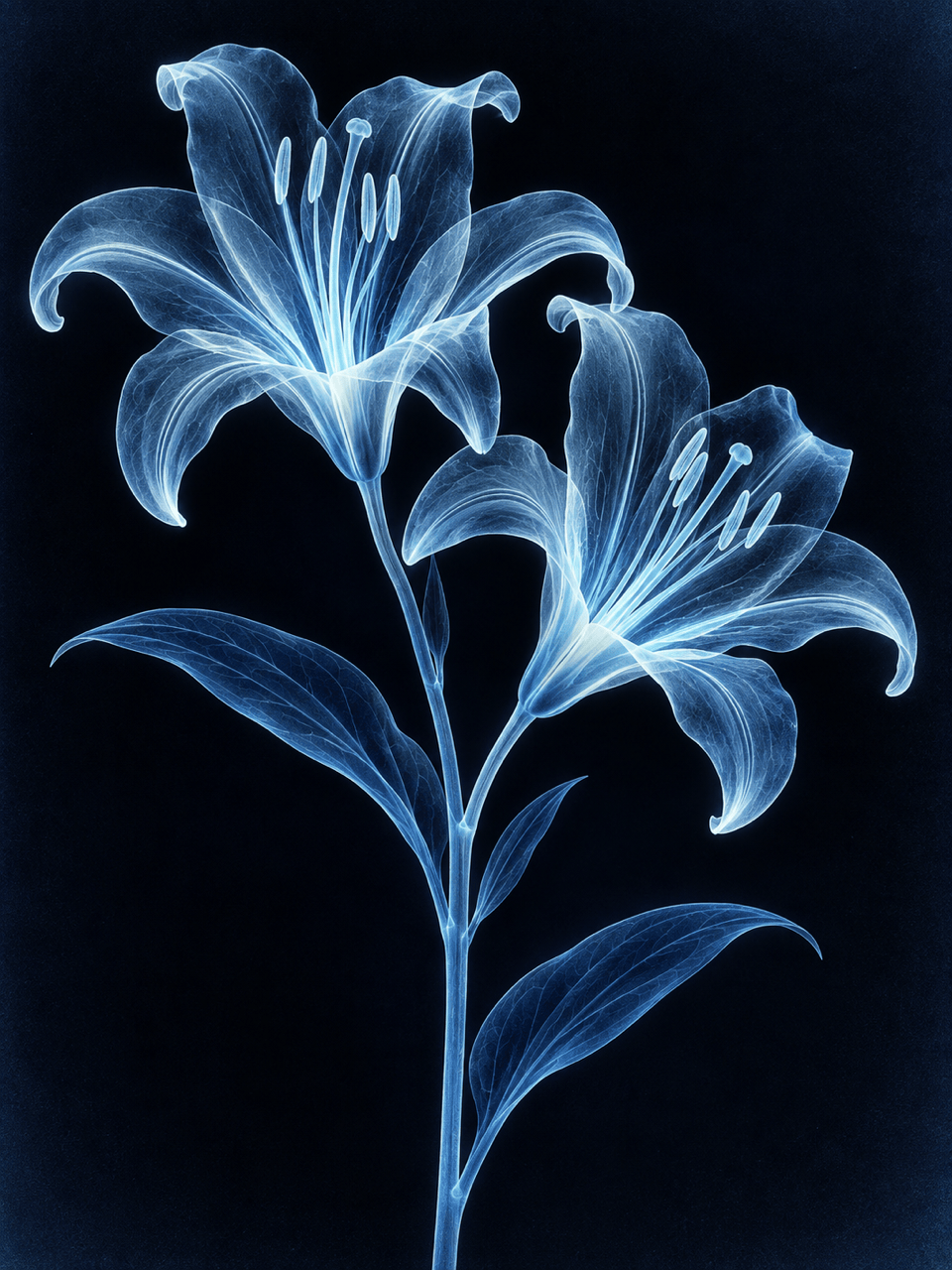
Use the online X-ray effect for a Halloween portrait, pet photo, album cover, botanical study, or fictional product cutaway. Each result can follow its own style and composition.
Try the Effect Online
Start with free AI credits after signup, explore multiple directions, and export watermark-free PNG or JPG images when your X-ray-style artwork is ready.
How to Get a Convincing X-Ray Photo Effect
- Start With a Clear Silhouette: Use a sharp, well-lit image where limbs, petals, or object edges do not disappear into the background.
- Name the X-Ray Style: Choose a classic blue radiograph, neon sci-fi scan, split view, negative-film look, or translucent cutaway instead of asking only for an X-ray.
- Lock Important Details: State whether the face, pose, clothing, fur, product shell, camera angle, and background should stay unchanged.
- Keep the Claim Honest: Treat the result as fictional artwork. It cannot reveal real anatomy, diagnose a condition, or show what is actually beneath clothing or an object's surface.
Prompts for Popular AI-Made X-Ray Effects
Split-View Portrait: Transform my uploaded adult portrait into a vertical before-and-after composition. Keep the left half as the original photo and turn the right half into a luminous blue skeleton scan that follows the same pose. Preserve the face, clothing, and background; no nudity, gore, text, or medical labels.
Full-Body Skeleton Filter: Apply a stylized cyan X-ray overlay to my uploaded full-body photo. Match the visible skeleton to the subject's stance while keeping the outfit, body outline, lighting, and scene unchanged. Make it cinematic and clearly fictional, not a real radiograph.
Pet X-Ray Effect: Turn my uploaded side-view dog photo into a playful blue radiographic artwork. Preserve the dog's pose, fur outline, collar, and background, and add a simplified canine skeleton with soft glow and clean translucent layering. No injuries or clinical markings.
Mechanical Cutaway: Reimagine my uploaded camera as a sci-fi X-ray product image. Keep the outer body and viewing angle recognizable while adding invented glowing gears, lenses, circuit paths, and translucent casing. Do not claim the internal parts are accurate.
Botanical Radiograph: Convert my flower photo into an elegant monochrome X-ray artwork with translucent petals, luminous veins, a delicate stem, and deep navy negative space. Preserve the original composition and avoid labels or text.
Halloween Poster Image: Transform my uploaded, fully clothed adult portrait into a dramatic skeleton-glow image for a Halloween poster. Use cobalt and cyan light, smoky black space, and strong subject separation. Keep the person's identity and clothing intact; add no text, nudity, or gore.





