Free OnlineAI Word Cloud Generator
How to Make a Word Cloud with AI
Add Text or a Weighted Word List
Set the Visual Question
Shape and Refine the Cloud
Export for the Final Context

Why Mew Design Is a Smarter AI Word Cloud Generator
Meaningful Emphasis, Not Just Frequency
A basic word cloud counts repeated terms. Mew Design can also follow a written priority, so a decisive insight or campaign phrase can lead even when it appears only a few times.
Built Around Your Source Material
Paste research notes, customer language, student responses, or a curated list. The online word cloud maker turns the content into a visual while letting you decide what to exclude or combine.
Custom Shapes with a Purpose
Ask for words inside a heart, book, tree, location silhouette, initial, or another recognizable form. Shape becomes part of the message rather than a decorative afterthought.
Readable Hierarchy and Contrast
The AI design agent considers spacing, scale, font pairing, and contrast so the largest themes scan quickly and smaller words do not disappear into the background.
Brand and Reference-Aware Styling
Upload a palette, logo, event graphic, or slide reference and ask the AI word art generator to coordinate fonts and colors with the surrounding campaign or presentation.
Easy Corrections Through Chat
Tell Chat Edit to remove common filler words, change one phrase, make a term larger, reduce rotations, or create a calmer layout without rebuilding the entire cloud.
How to Write an Effective AI Word Cloud Prompt
- Control weight: Provide counts, ranks, or a short list of phrases that must be largest instead of relying on raw frequency alone.
- Clean the vocabulary: List stop words to remove, combine singular and plural forms, and keep multiword phrases together when they express one idea.
- Name the shape and style: Specify the silhouette, orientation, font mood, background, palette, and whether words may rotate.
- State the use: Mention a presentation, report, poster, social post, lesson, event, or gift so the density and contrast suit the final size.
Ready-to-Use AI Word Cloud Prompt Examples
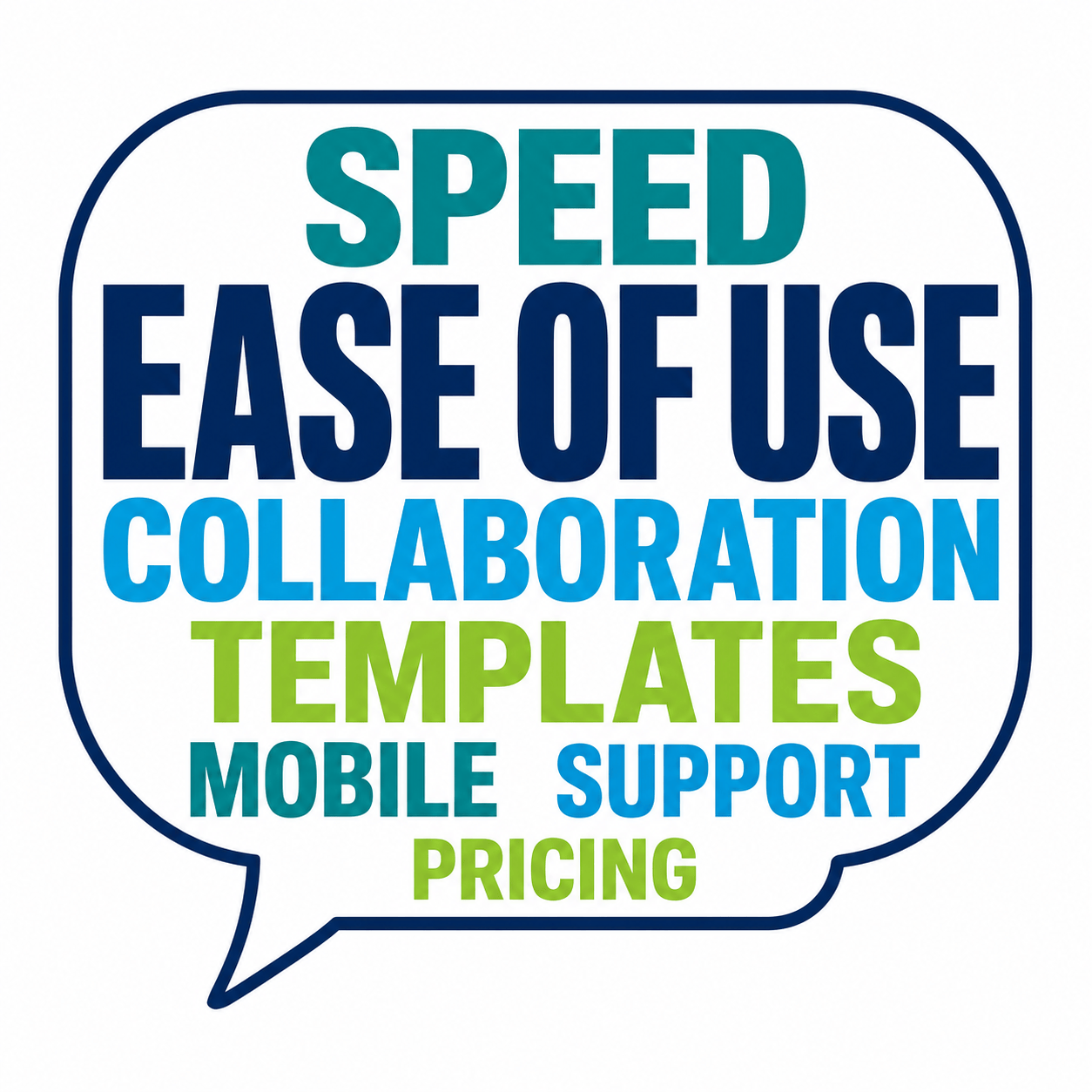
Customer Feedback Summary: Turn these 60 survey comments into a rectangular word cloud for a board slide. Merge similar terms, remove generic filler, keep the top eight themes horizontal, and use our uploaded navy, cyan, and lime brand palette.
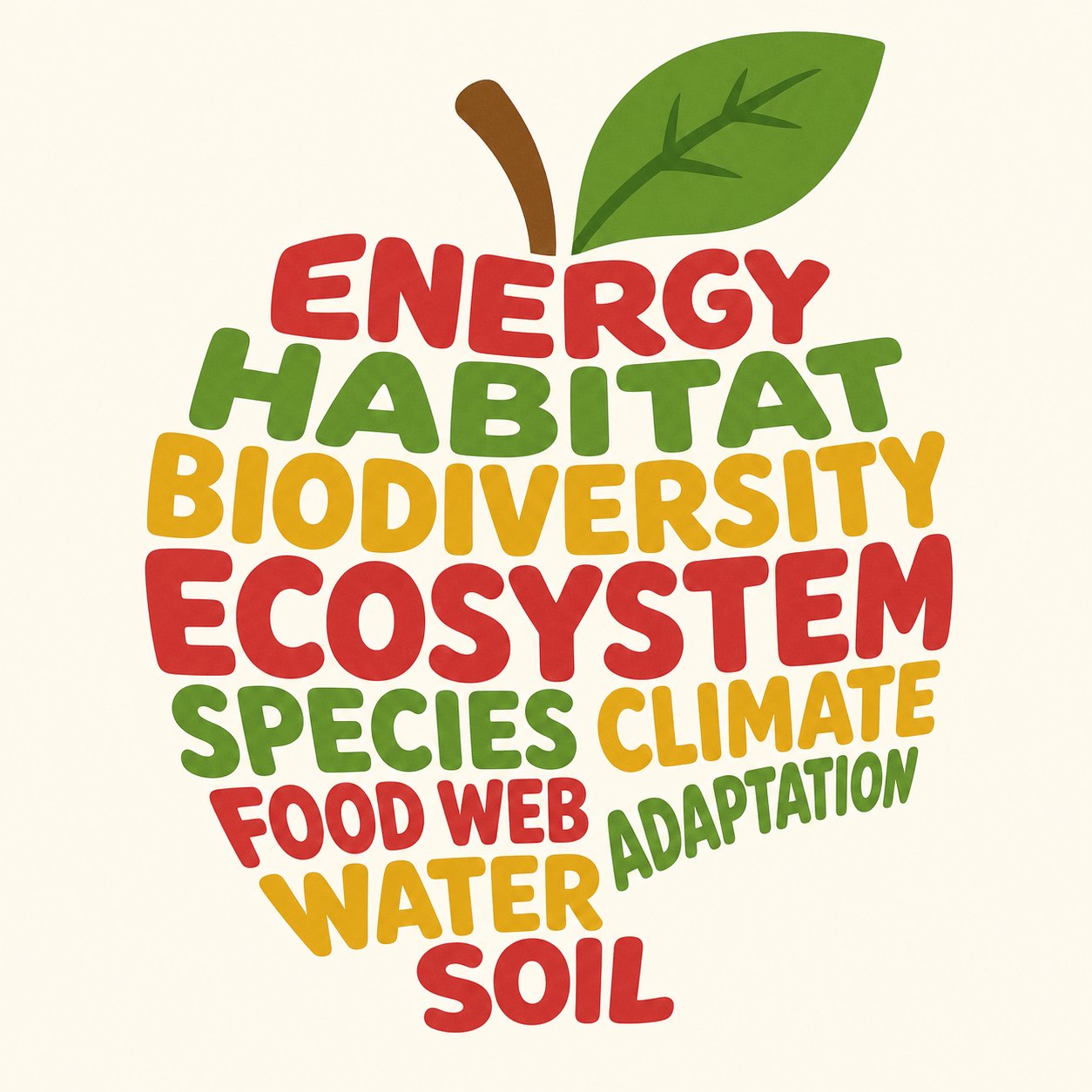
Classroom Vocabulary: Create an apple-shaped word cloud for a biology lesson using these ecosystem terms. Make 'ENERGY', 'HABITAT', and 'BIODIVERSITY' prominent, use friendly rounded type, leaf green and warm red on cream, printable on A4.
Conference Audience Pulse: Design a high-energy word cloud from attendee answers to 'What will define work in 2030?' Keep short phrases intact, make the five most frequent answers largest, use a wide 16:9 composition for a closing slide.
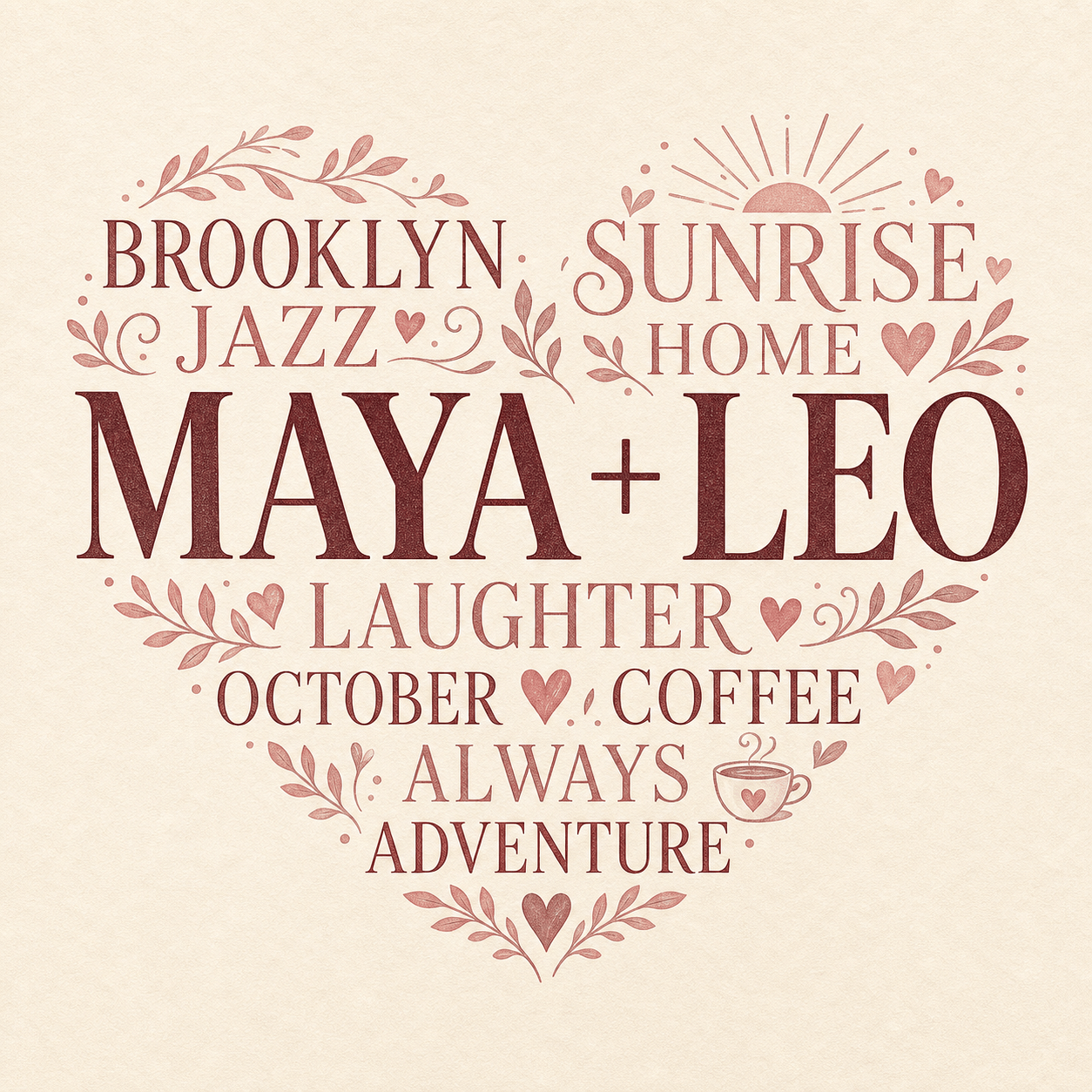
Personalized Anniversary Gift: Arrange these names, places, dates, and shared memories inside a heart. Put 'MAYA + LEO' at the center, use elegant serif and handwritten fonts, dusty rose and burgundy, no rotated text, suitable for an 8x10 print.
Literature Analysis: Create a raven-shaped word cloud from themes and motifs in a gothic poem. Emphasize 'memory', 'night', 'grief', and 'echo', use black, charcoal, and one violet accent, with an academic rather than Halloween tone.
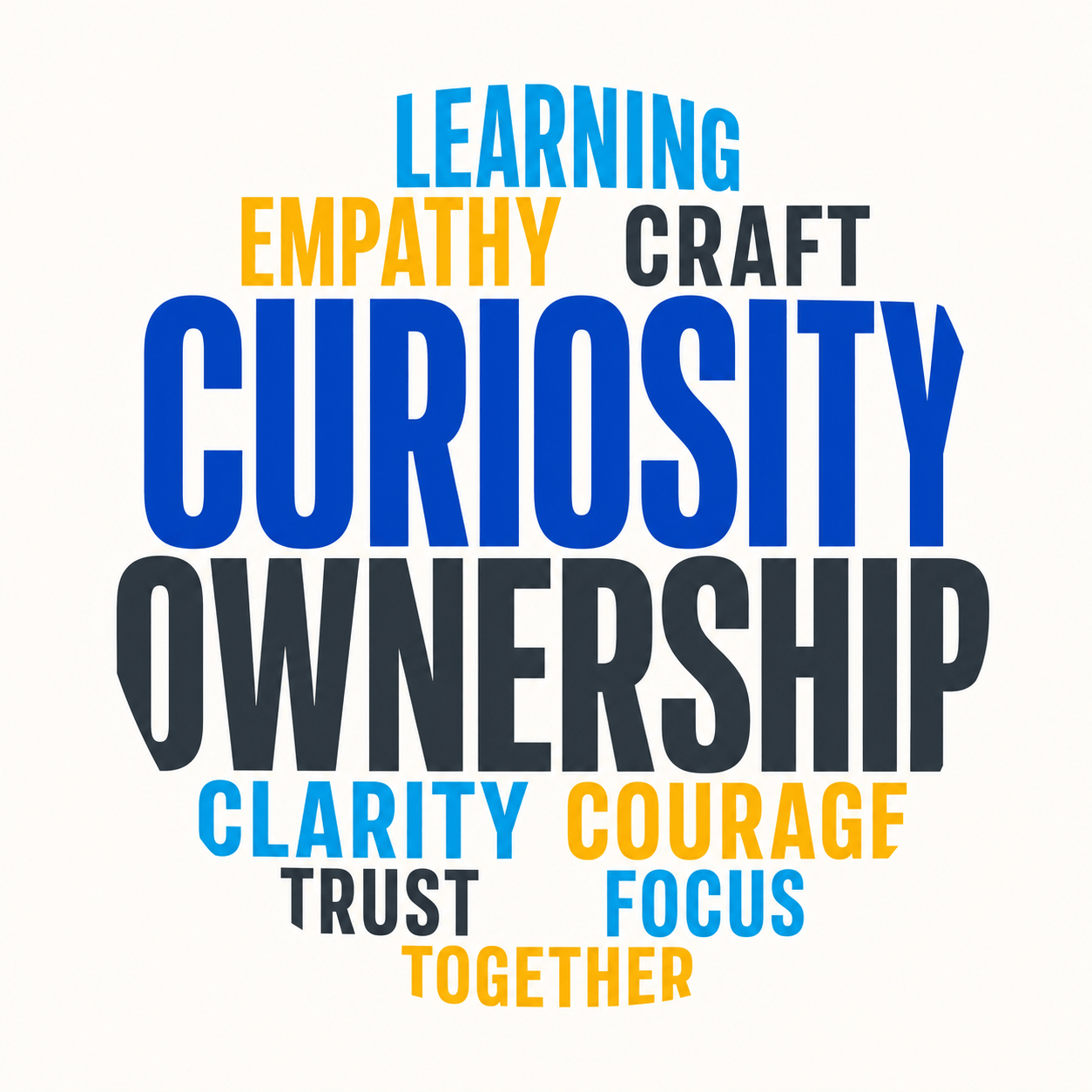
Brand Values Poster: Build a clean circular word cloud from our team values. Place 'CURIOSITY' and 'OWNERSHIP' at the center, include the uploaded logo beneath the cloud, use our brand colors, and keep every word readable from across a meeting room.





