Free OnlineAI Word Art Generator
How to Create Word Art with AI
Add your words
Define the composition
Generate a designed layout
Edit for polish

Why Mew Design Is a Practical AI Word Art Maker
Handles words as design material
This AI text art generator can treat words as the main visual element, with hierarchy, shape, rhythm, and readable typography.
Many word art formats
Create quote posters, decorative names, monograms, typographic logos, classroom signs, social graphics, or word-cloud-style compositions.
Control over emphasis
Tell Mew Design which words should be larger, softer, bolder, curved, stacked, or placed inside a shape.
Reference and brand support
Upload a color palette, logo, classroom theme, invitation style, or poster reference to keep the word art consistent.
Easy wording revisions
If one word is misspelled or too small, ask for targeted text edits instead of regenerating the whole design blindly.
Ready for sharing or printing
Export decorative text art as PNG, JPG, or PDF for social posts, gifts, worksheets, events, and wall prints.
What Makes a Good Word Art Prompt
- Mark priority words: Tell the AI which word should be largest, which words can repeat, and whether any text must stay perfectly readable.
- Choose a format: Mention poster, card, logo, classroom sign, social square, sticker, or printable PDF so the layout matches the destination.
- Describe the mood: Add playful, elegant, handmade, bold, vintage, minimalist, kids, luxury, or inspirational style cues.
- Use references: Upload a palette, logo, or sample typography if your custom word art maker result needs a consistent visual identity.
Word Art Prompt Examples
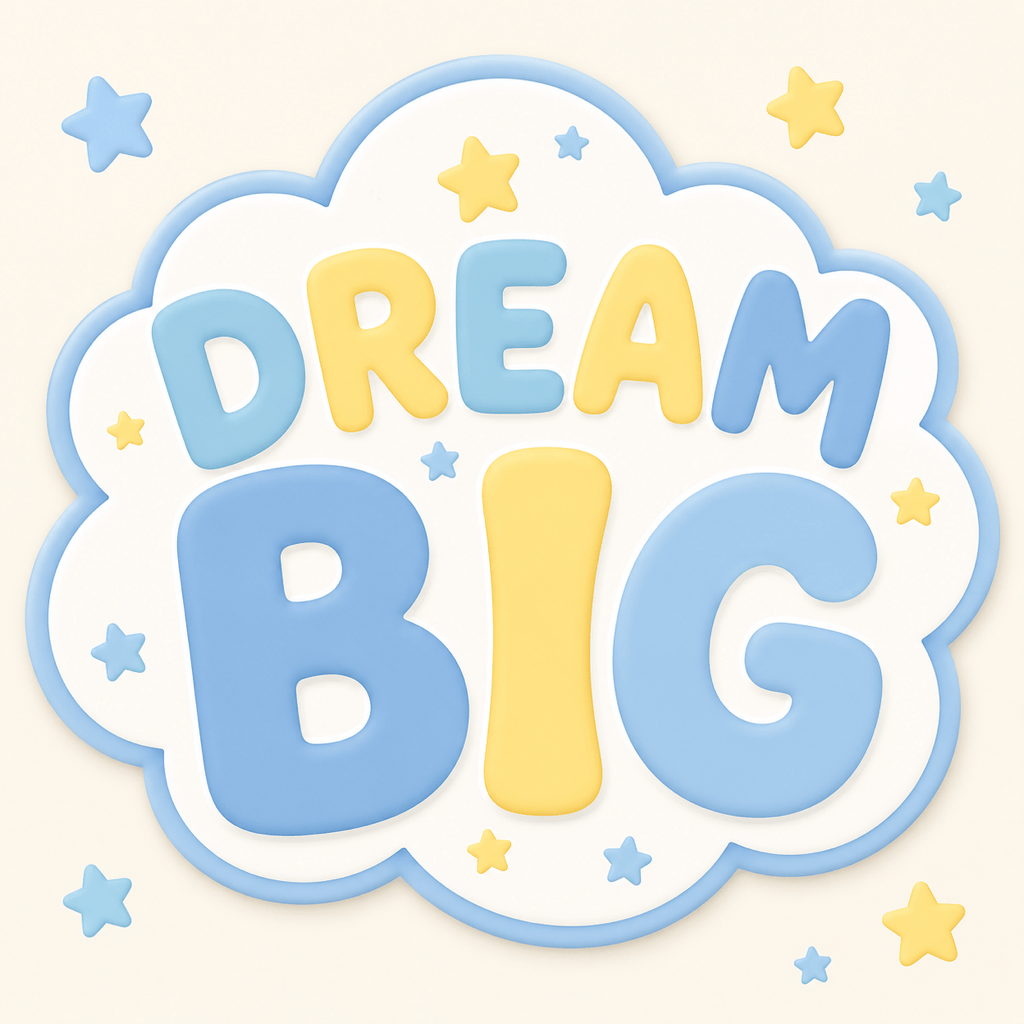
Create inspirational word art for "Dream Big" arranged in a cloud shape, pastel colors, playful rounded letters, small stars, square printable poster.
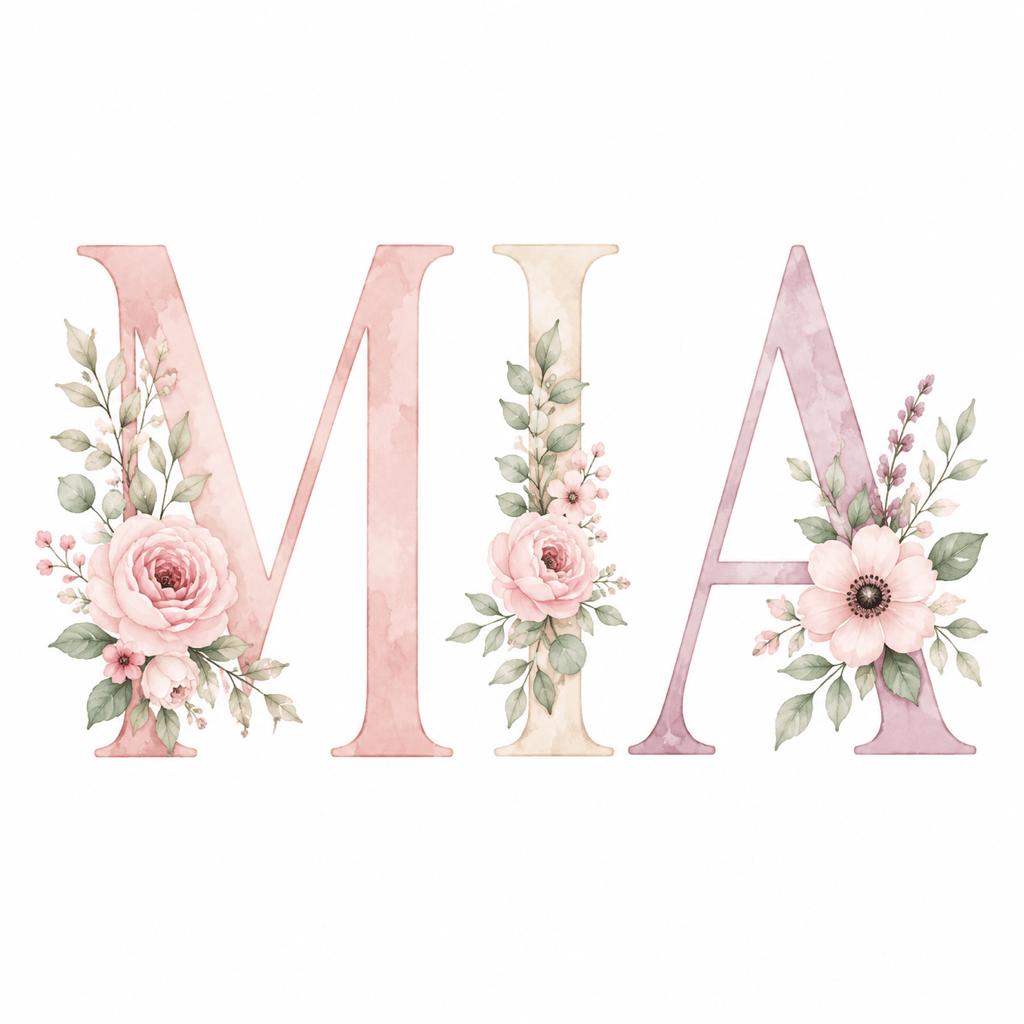
Design custom name word art for "Mia" with floral letters, soft watercolor leaves, elegant serif accents, nursery wall print style.
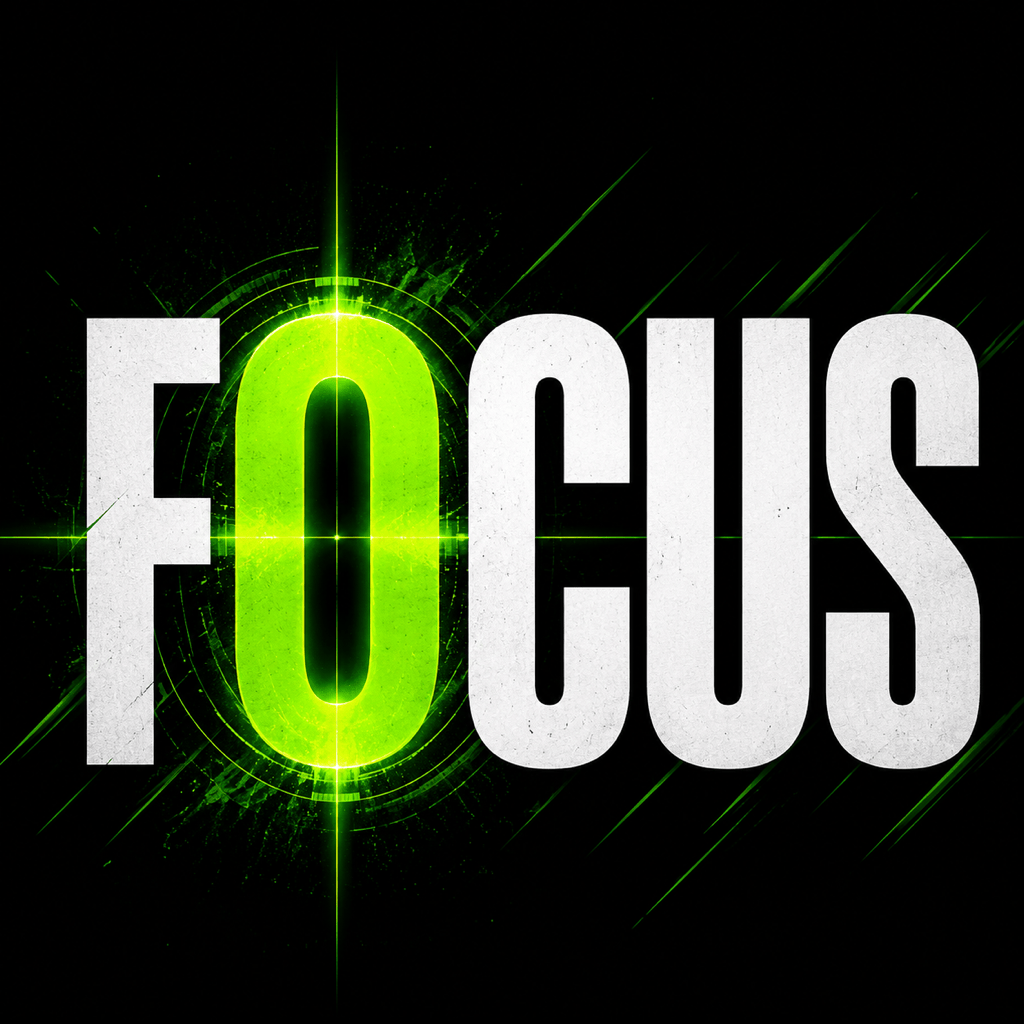
Make a typography art poster using the words "Focus, Build, Launch, Learn", modern startup mood, bold hierarchy, black and electric green palette.
Generate a heart-shaped word art gift using family names and the phrase "Home Is Us", warm red and cream palette, printable card format.
Create a word art logo for a handmade candle brand called "Soft Ember", flowing script, wax and flame details, premium minimal label style.
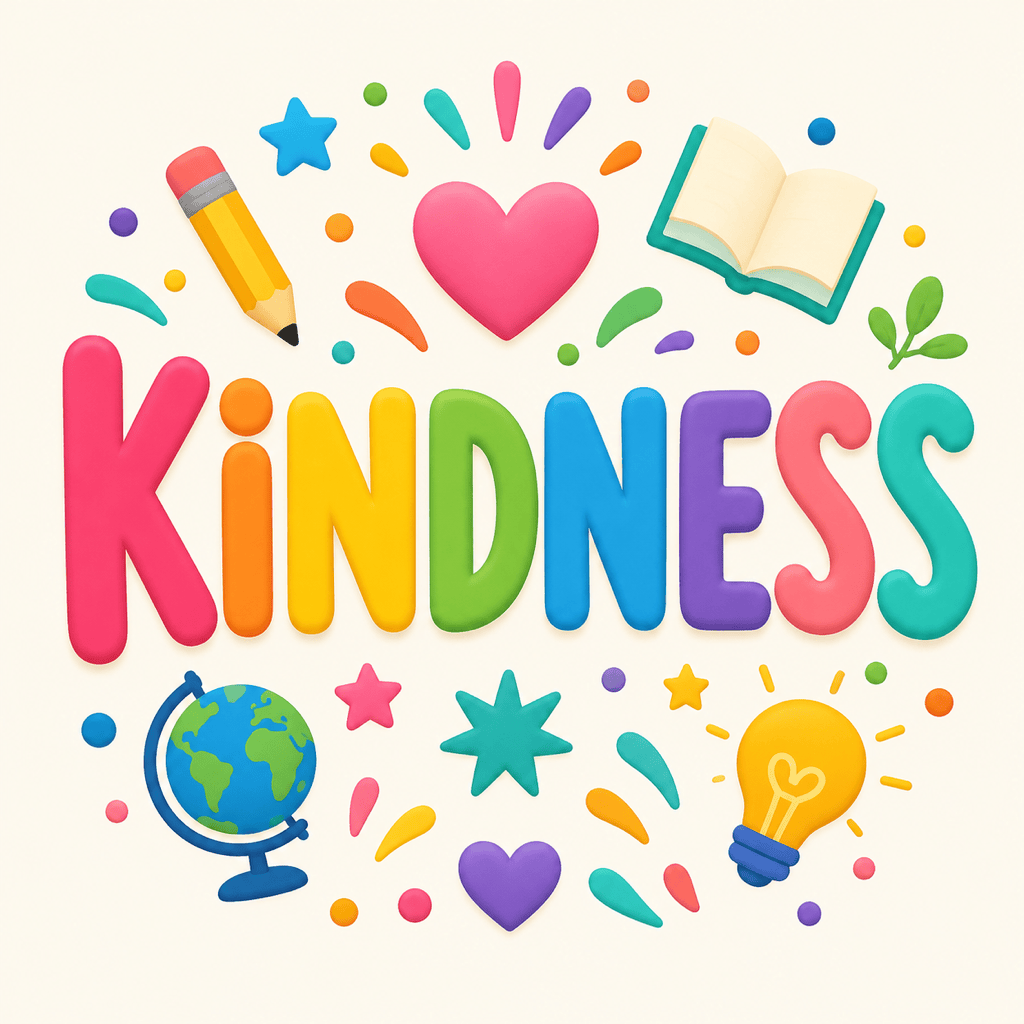
Make a classroom word cloud art design using "curiosity, kindness, science, reading, teamwork", bright friendly colors, readable rounded type.





