Free OnlineAI Wireframe Generator
How to Generate a UI Wireframe with AI
Describe the user task
Map screens and states
Review the first flow
Iterate and hand off

Plan Clearer UI Flows with Mew Design’s AI Wireframe Generator
Flow-first thinking
The AI wireframe maker starts from user intent and task sequence, not decorative screens.
Responsive variants
Request desktop, tablet, and mobile layouts while preserving the same information hierarchy.
States included
Add validation, loading, permissions, and empty states so your prototype conversations cover edge cases.
Reference-aware
Upload an existing product screenshot or brand reference when the new flow must fit an established system.
Fast exploration
Generate competing navigation and content structures without redrawing every frame.
Team-ready artifacts
Share clean wireframe boards as PNG or PDF during discovery, review, or sprint planning.
How to Write an Effective AI Wireframe Prompt
- Screens and states: Name the screens and transitions, including success, error, empty, and loading states.
- Content hierarchy: List the headline, helper text, fields, primary action, secondary action, and navigation.
- Design references: Attach a screenshot or design-system reference when spacing, navigation, or component conventions matter.
- Focused revisions: Request one focused change at a time, such as making checkout easier to scan on a 390px screen.
Customizable AI Wireframe Prompt Examples
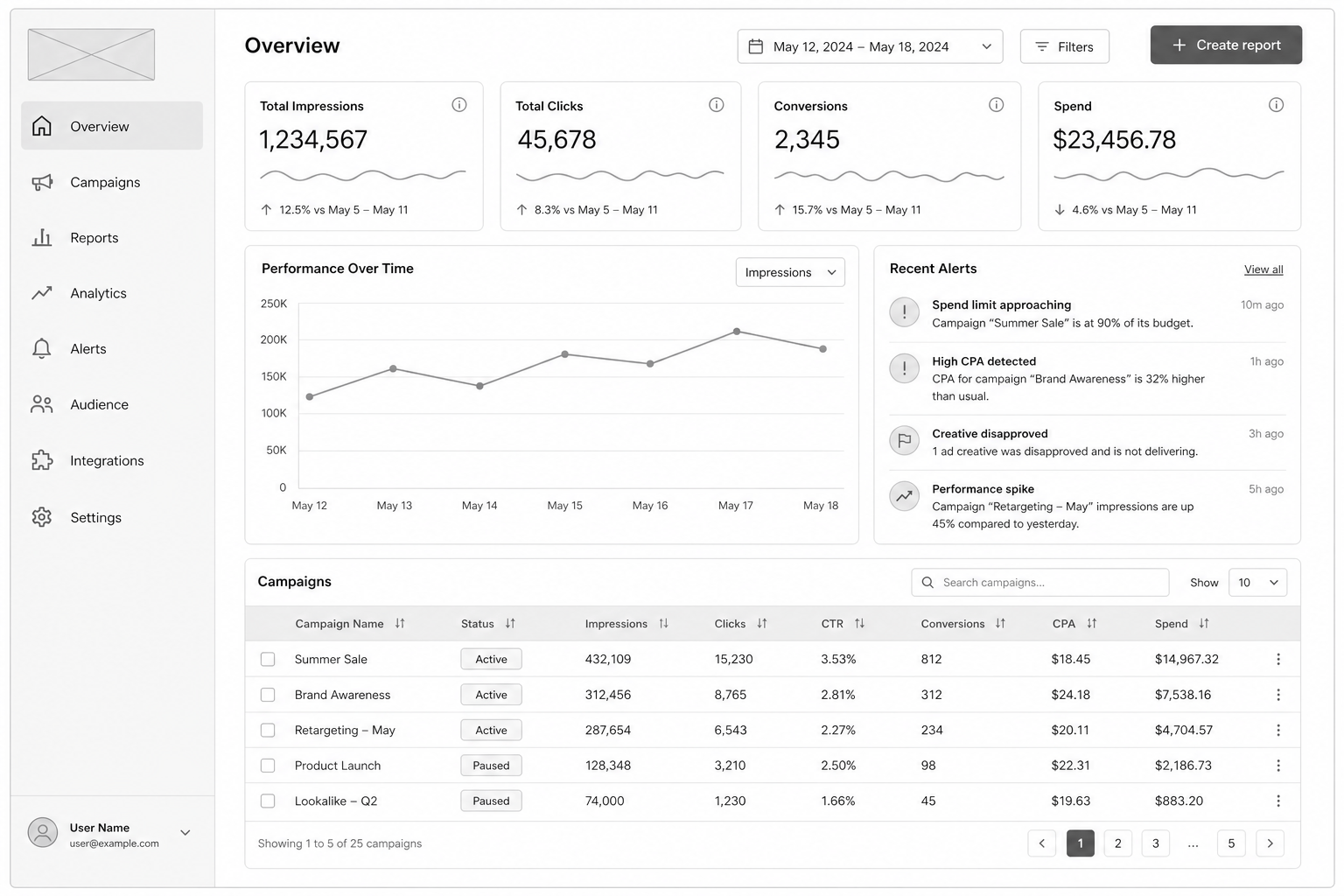
Map a SaaS analytics dashboard for a marketing manager: overview, campaign detail, filters, export, and no-data state.
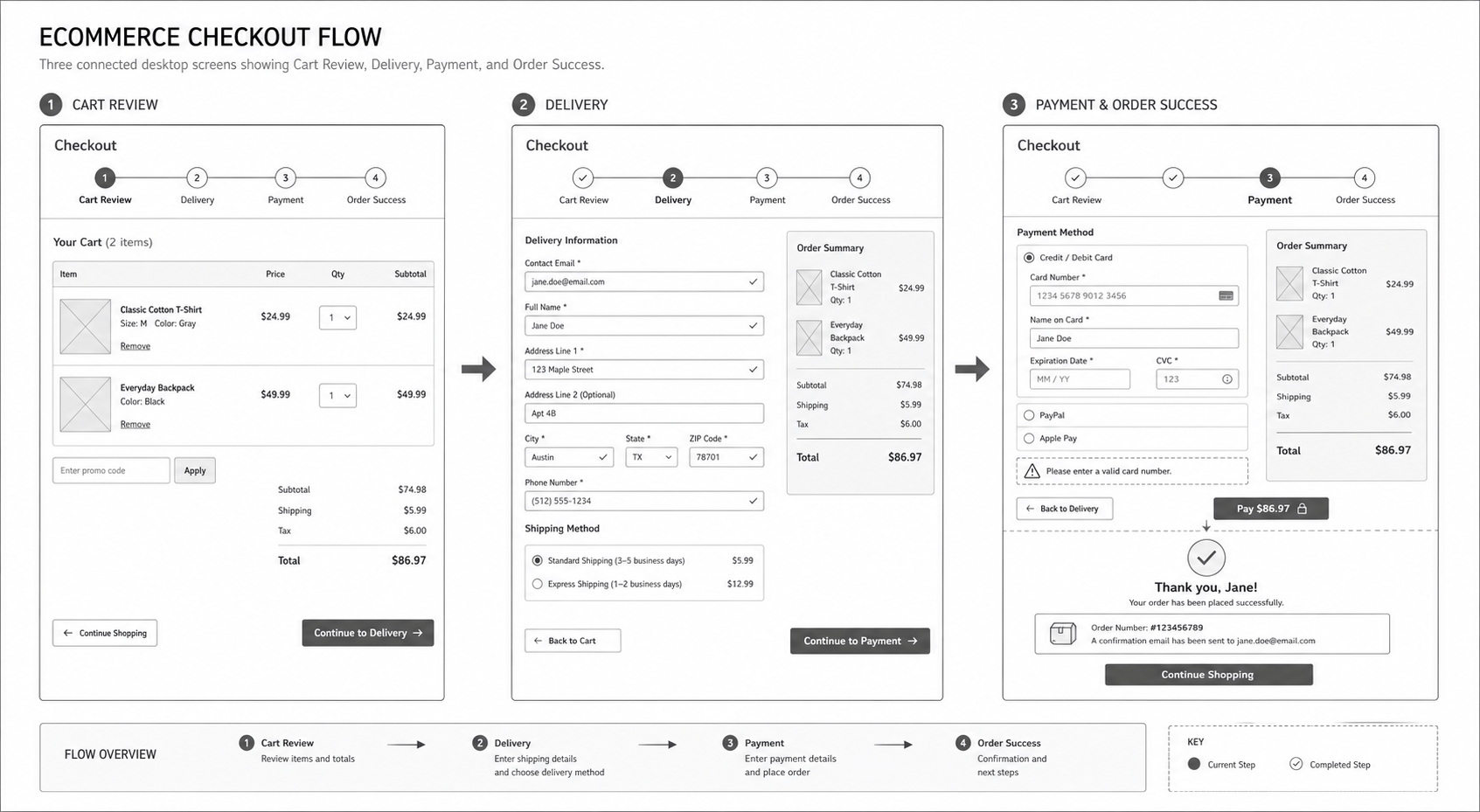
Create a responsive ecommerce checkout wireframe with address, delivery, payment, order review, and validation states.
Design a tablet appointment-booking flow for a clinic with search, calendar, provider profile, confirmation, and reschedule screens.
Make a desktop settings area for a team workspace with members, roles, billing, integrations, and destructive-action confirmation.
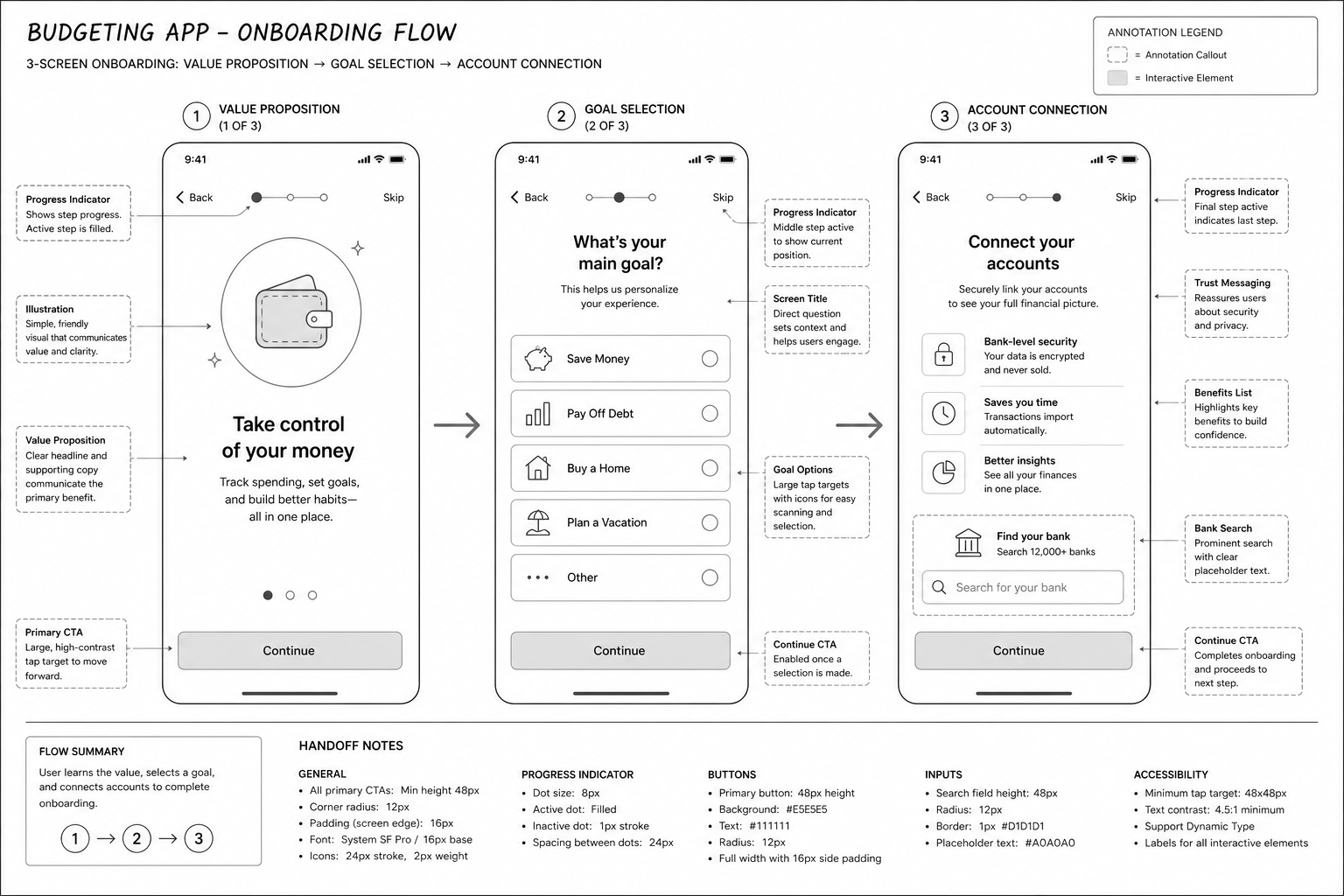
Create a low-fidelity fintech budget app with account linking, category setup, monthly overview, and privacy explanations.
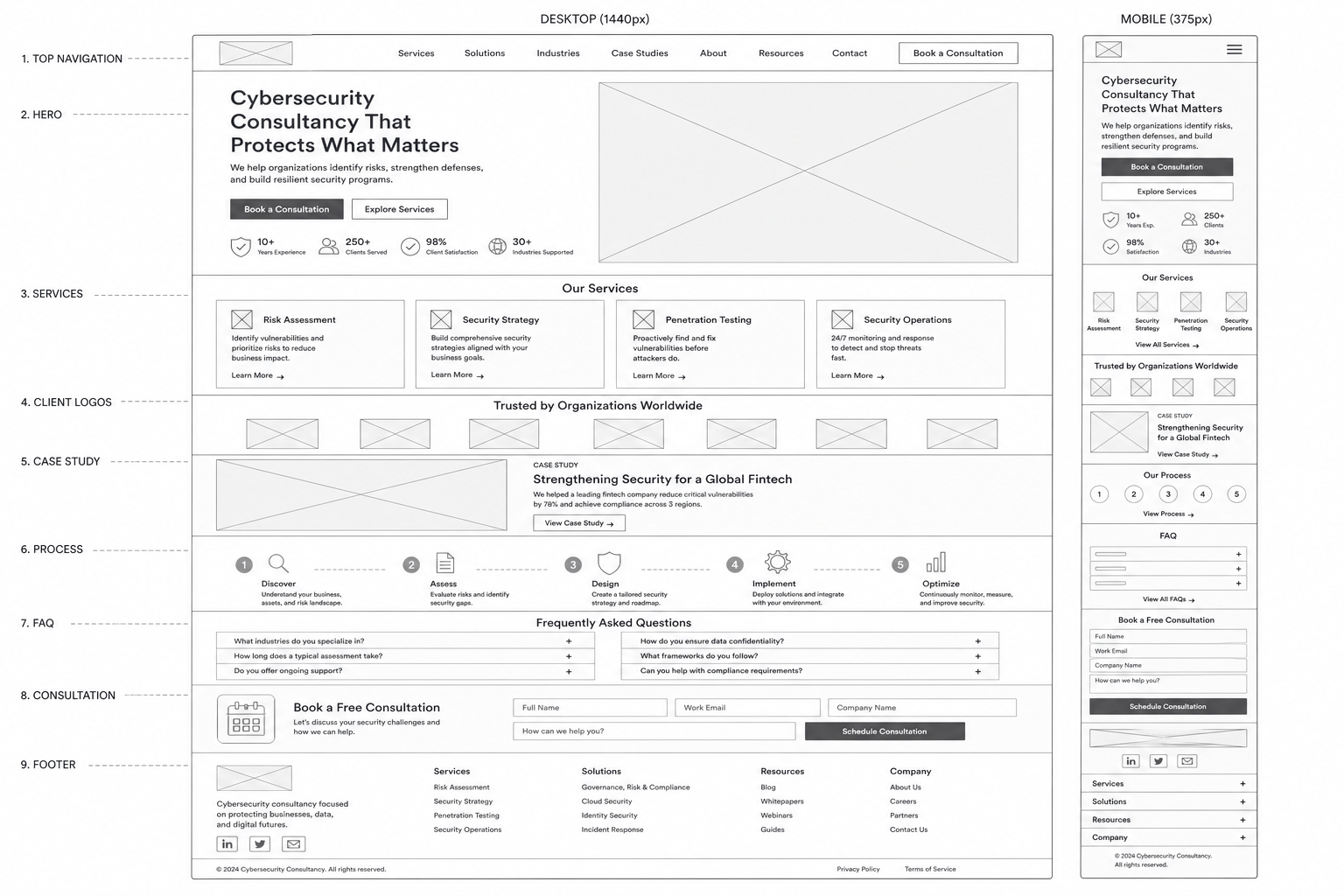
Turn this product brief into an annotated sitemap and mobile-first wireframe, preserving the attached navigation labels.





