Try It Free OnlineAI Winnie the Pooh Image Generator
How to Create Winnie the Pooh Images with AI
Describe Pooh’s Next Adventure
Choose the Illustration Style
Adjust the Little Details
Download for Your Project

Give Your Pooh Bear Art a Personal Touch
A Scene from Your Own Words
This Pooh Bear AI art generator can start with a tiny story: a rainy walk, a picnic, or a quiet moment with honey. No drawing experience is needed.
Watercolor or Cartoon
Explore soft Winnie the Pooh watercolor art for a nursery or bolder cartoon colors for a playful picture. Describe the finish you want instead of accepting one fixed look.
References That Guide the Mood
Upload a sketch or reference you have permission to use. Ask Mew Design to follow its palette or composition while creating a new scene.
Small Changes Through Chat
Change Pooh’s pose, the number of bees, or the background with Chat Edit. Review each revision; character details can vary between generations.
A Bear Without the Background
Ask to remove the background for a Winnie the Pooh transparent PNG. It is useful when placing your illustration into a card or personal collage.
Versions for Different Spaces
Request a tall wallpaper, a square avatar, or a printable illustration. Generate variations and adjust the framing for each destination.
Choose the Pooh Look You Have in Mind
- Name the Visual Direction: Distinguish a vintage storybook bear from a bright cartoon interpretation. Add details about fur, clothing, and expression if they matter.
- Plan the Empty Space: Leave room above the character for wallpaper controls or around the drawing for a print border. Supply exact wording only when you need text.
- Keep Friends Distinct: If you include Piglet or Eeyore, specify each character’s position and action. Check for merged bodies, extra limbs, and duplicated props.
- Make One Focused Correction: Ask to fix the hands or simplify the trees while preserving the colors and pose you like. Recheck the revised image before exporting.
Winnie the Pooh Art Ideas to Try
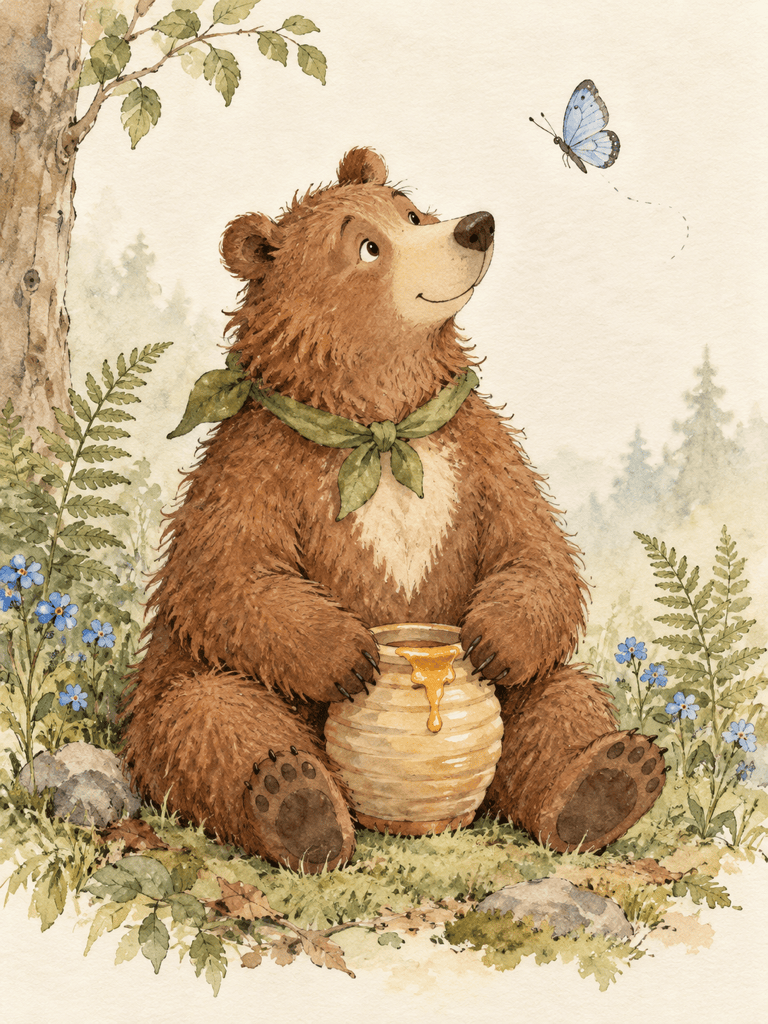
Create Winnie the Pooh nursery art in soft watercolor. Show Pooh watching a butterfly beside a honey pot, with muted sage leaves and a warm cream background. Leave a generous border and use no text.
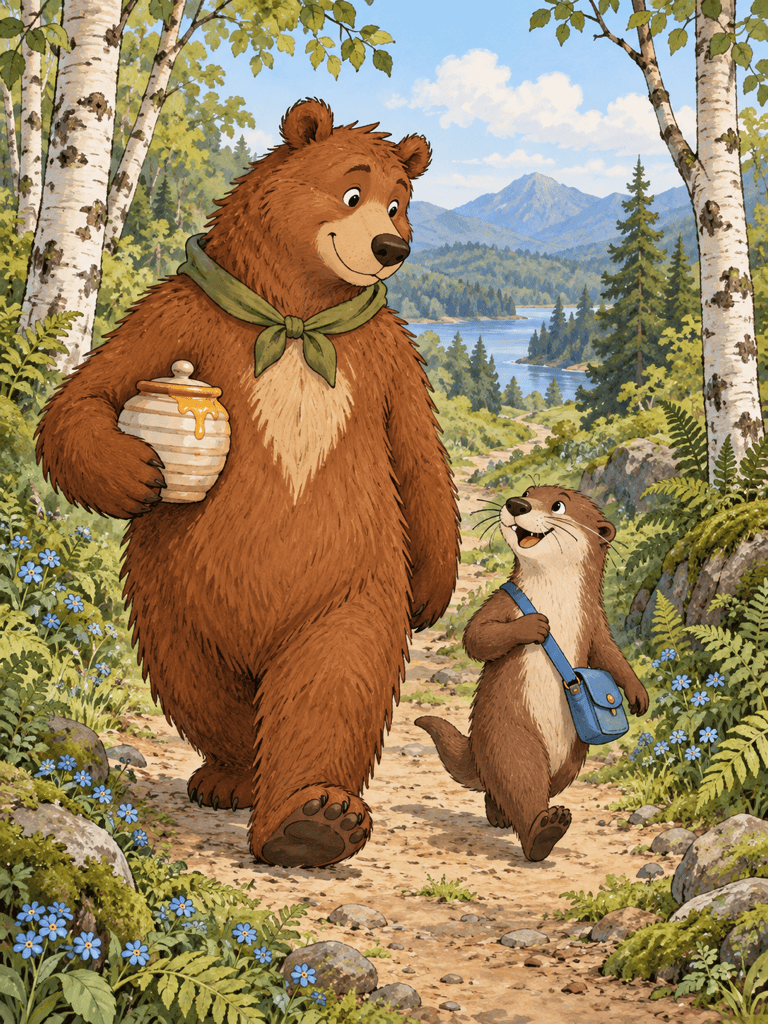
Create a Winnie the Pooh phone wallpaper in a tall 9:16 composition. Place Pooh and Piglet on a woodland path in the lower half, with a calm pale sky above for the clock. Use cheerful cartoon colors and no lettering.
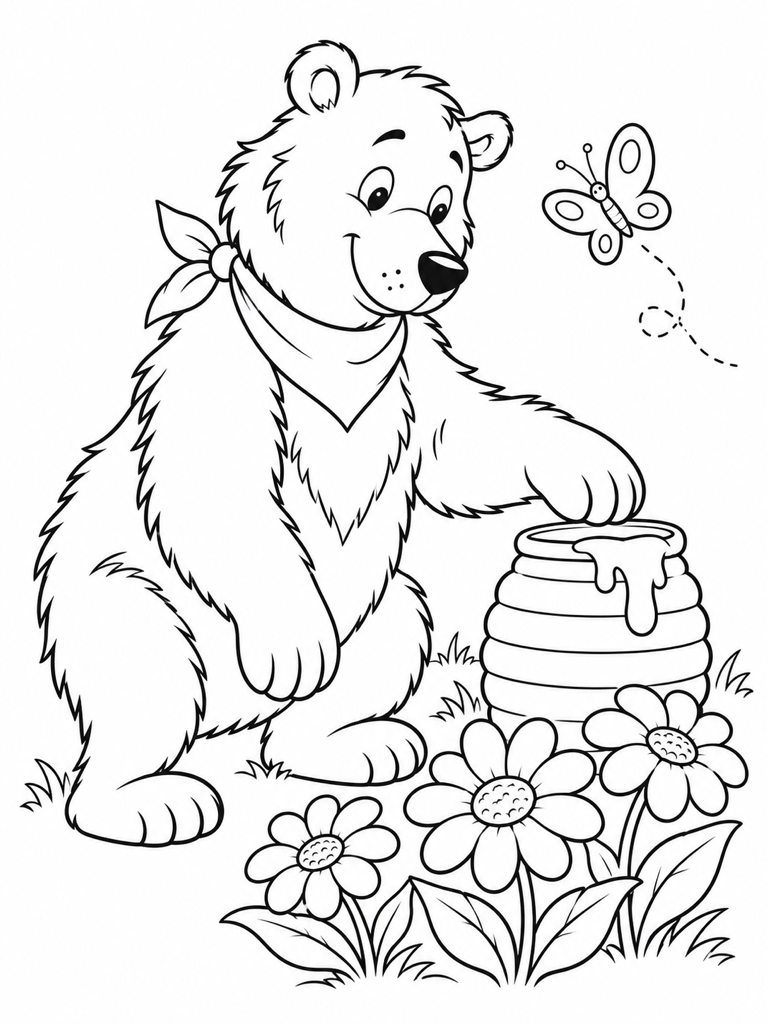
Create a printable Winnie the Pooh coloring page: Pooh reaching for a honey pot beside three flowers. Use clean black outlines on white, large closed shapes, no gray shading, and clear page margins.
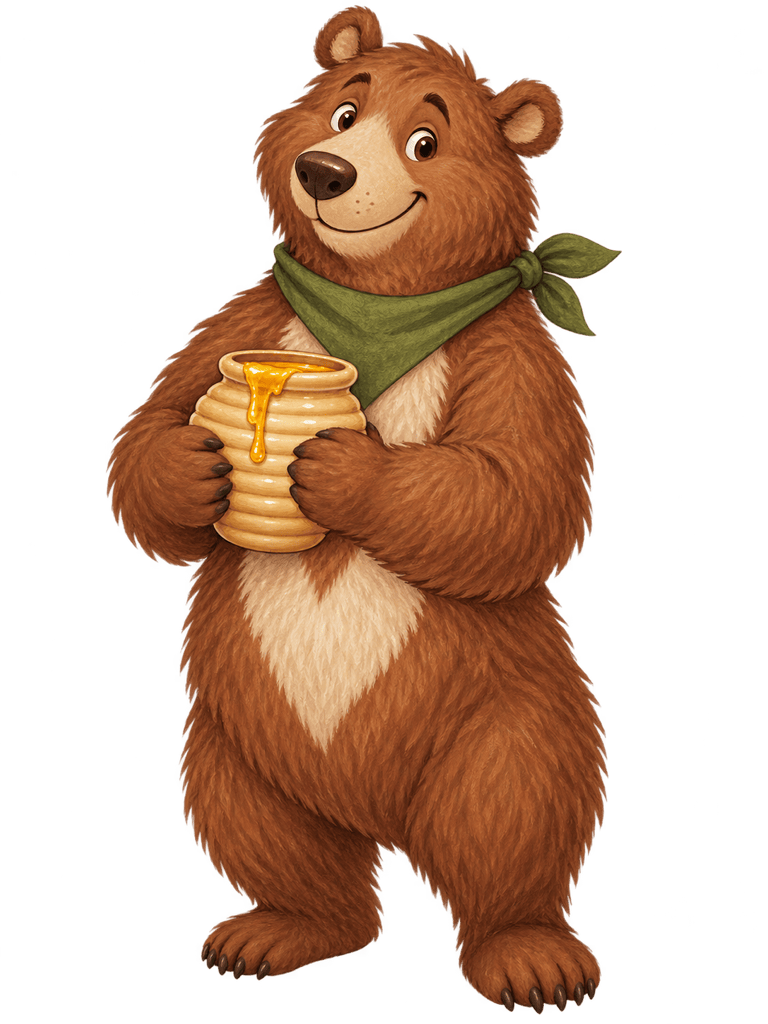
Create an isolated Pooh Bear holding a honey pot as a transparent PNG. Use a friendly expression, a simple silhouette, and clean edges. Include no background, floor shadow, lettering, or decorative border.
Create a Winnie the Pooh birthday card illustration with Pooh carrying a balloon beside Piglet. Use warm yellow and soft pink watercolor. Leave a blank area at the top so I can add my own greeting later.
Create a square Pooh Bear profile picture with a cheerful face and a small honey pot. Use warm gold and a plain pastel green background. Keep the face centered and readable inside a circular crop.





