Free OnlineAI Wedding Invitation Generator
How to Create a Wedding Invitation with AI
Add the wedding details
Choose the stationery mood
Generate and refine the card
Export the finished invite

Why Mew Design Works for Wedding Invitation Design
Guest details stay readable
Names, date, venue, ceremony time, RSVP text, and website lines need to be clear. Mew Design keeps invitation typography structured instead of letting decoration overwhelm the message.
Built for real wedding styles
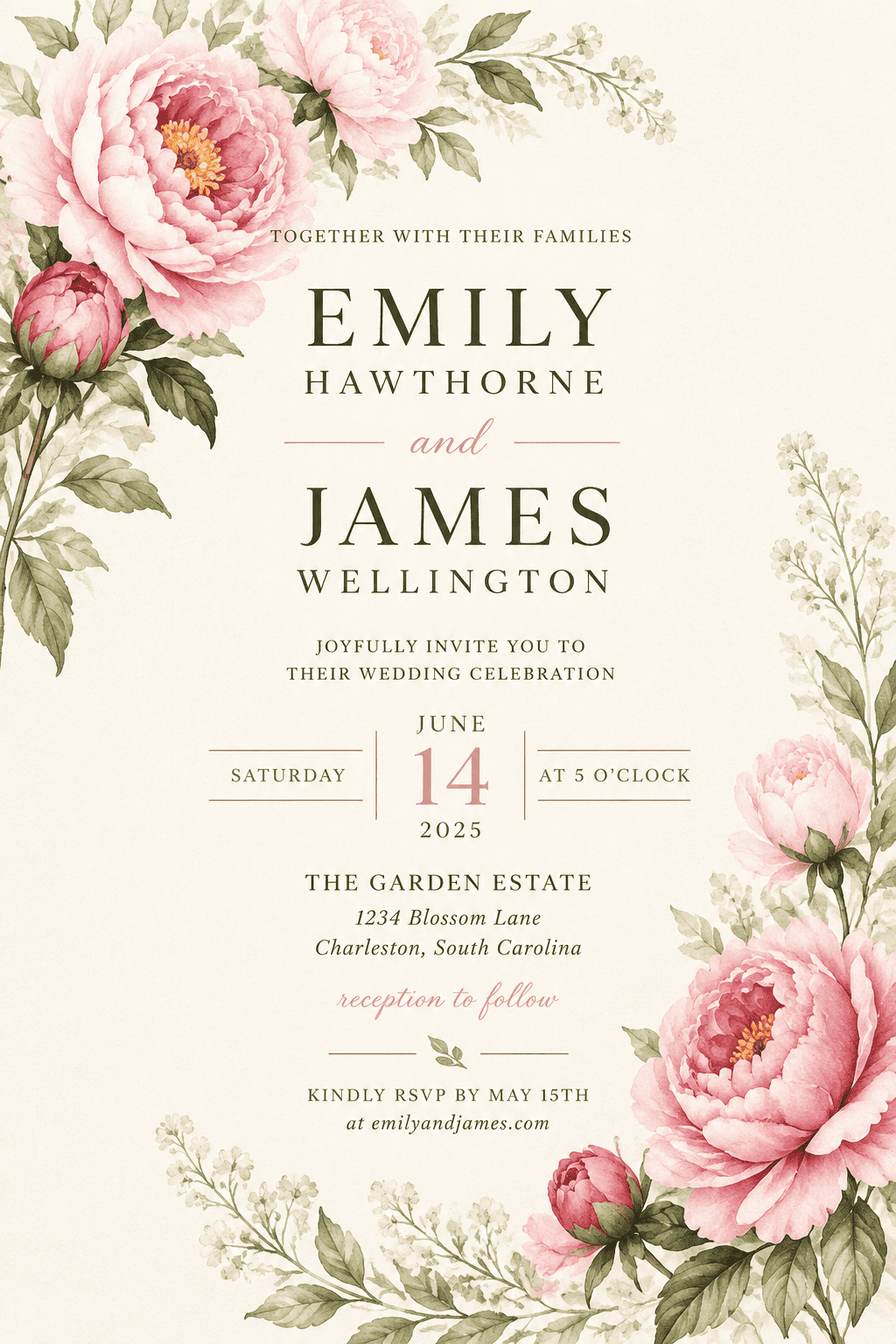
Use the AI wedding invitation maker for garden ceremonies, destination weddings, formal evening events, rustic receptions, or minimalist city weddings without starting from a rigid template.
Photos and references fit the suite
Upload engagement photos, venue images, floral references, monograms, or palette samples so the invitation matches the wedding mood and other stationery.
Editable wording after generation
Fix a misspelled name, shorten the RSVP line, add a dress code, or change the ceremony location through chat instead of rebuilding the card.
Print and digital versions
Ask for a 5x7 printable wedding invite, a square social announcement, or a phone-friendly digital invitation while preserving the same visual direction.
Matching invitation family
Once the main invite works, create related save the date, detail card, thank-you card, or reception sign concepts with consistent colors and typography.
How to Write a Wedding Invitation Prompt
- Required wording: List couple names, date, time, venue, RSVP line, wedding website, dress code, and any wording that must appear exactly.
- Wedding style: Name the mood: formal black tie, romantic garden, coastal, rustic, editorial, minimalist, vintage, or modern luxury.
- Photos and motifs: Mention florals, venue sketches, monograms, engagement photos, paper texture, foil effects, borders, or palette references.
- Output format: Specify 5x7 print, postcard, square social invite, email graphic, or mobile-friendly digital invitation.
Wedding Invitation Prompt Examples
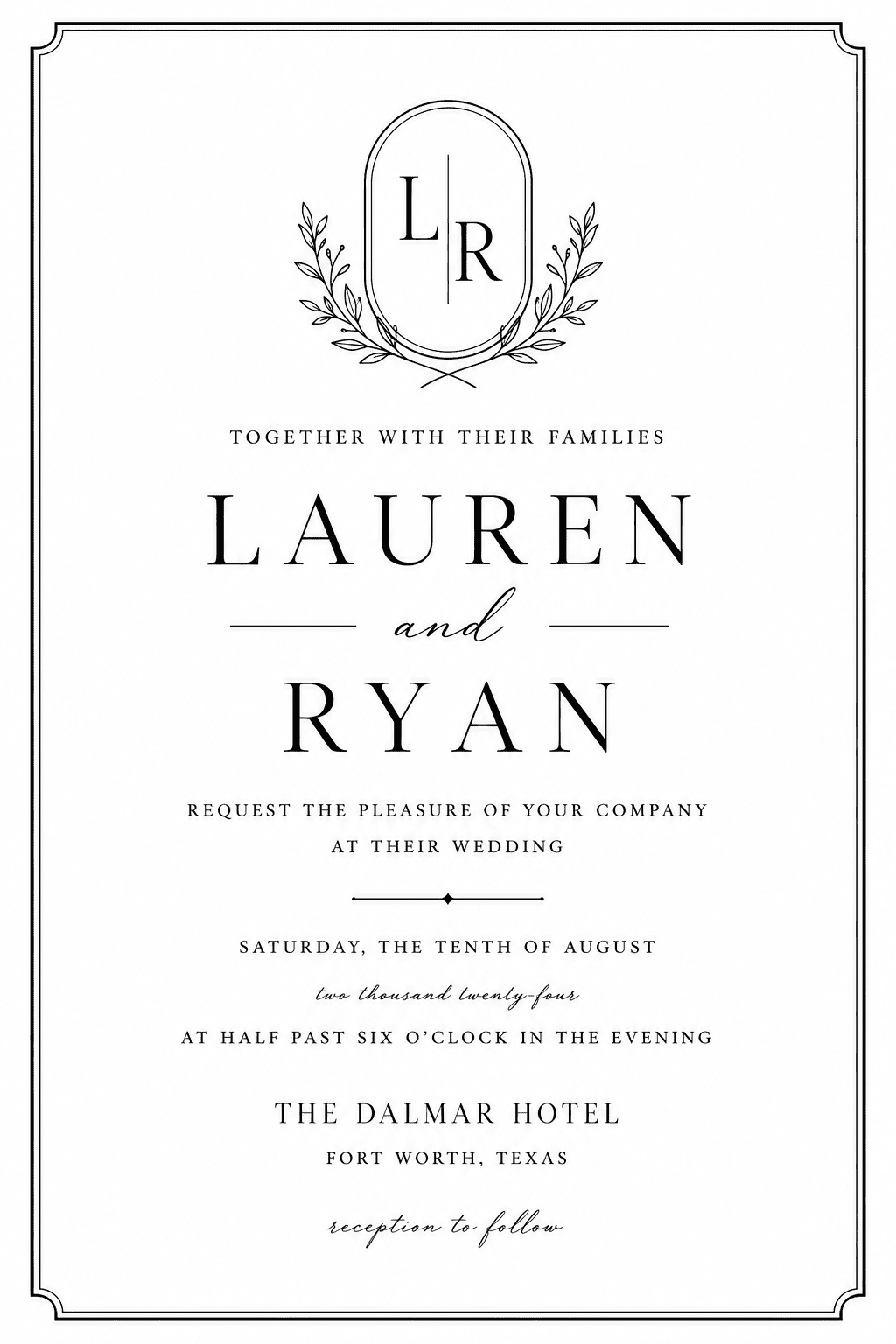
Design a formal black-and-white wedding invitation for a downtown evening ceremony. Include a monogram, thin border, couple names, date, venue, and a strong RSVP line.
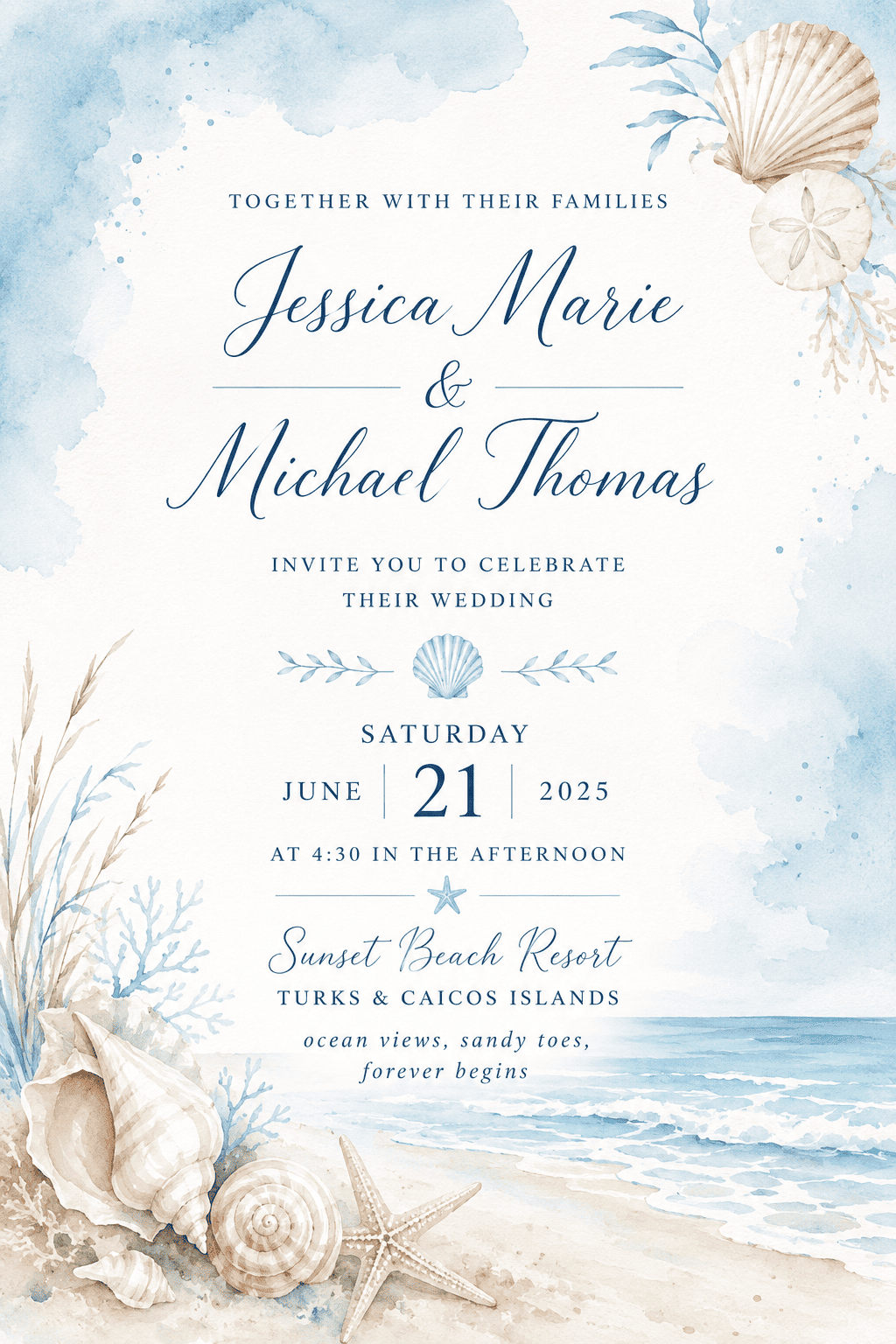
Create a beach destination wedding invitation for Santorini with soft blue watercolor, shell accents, travel-friendly venue details, and airy spacing.
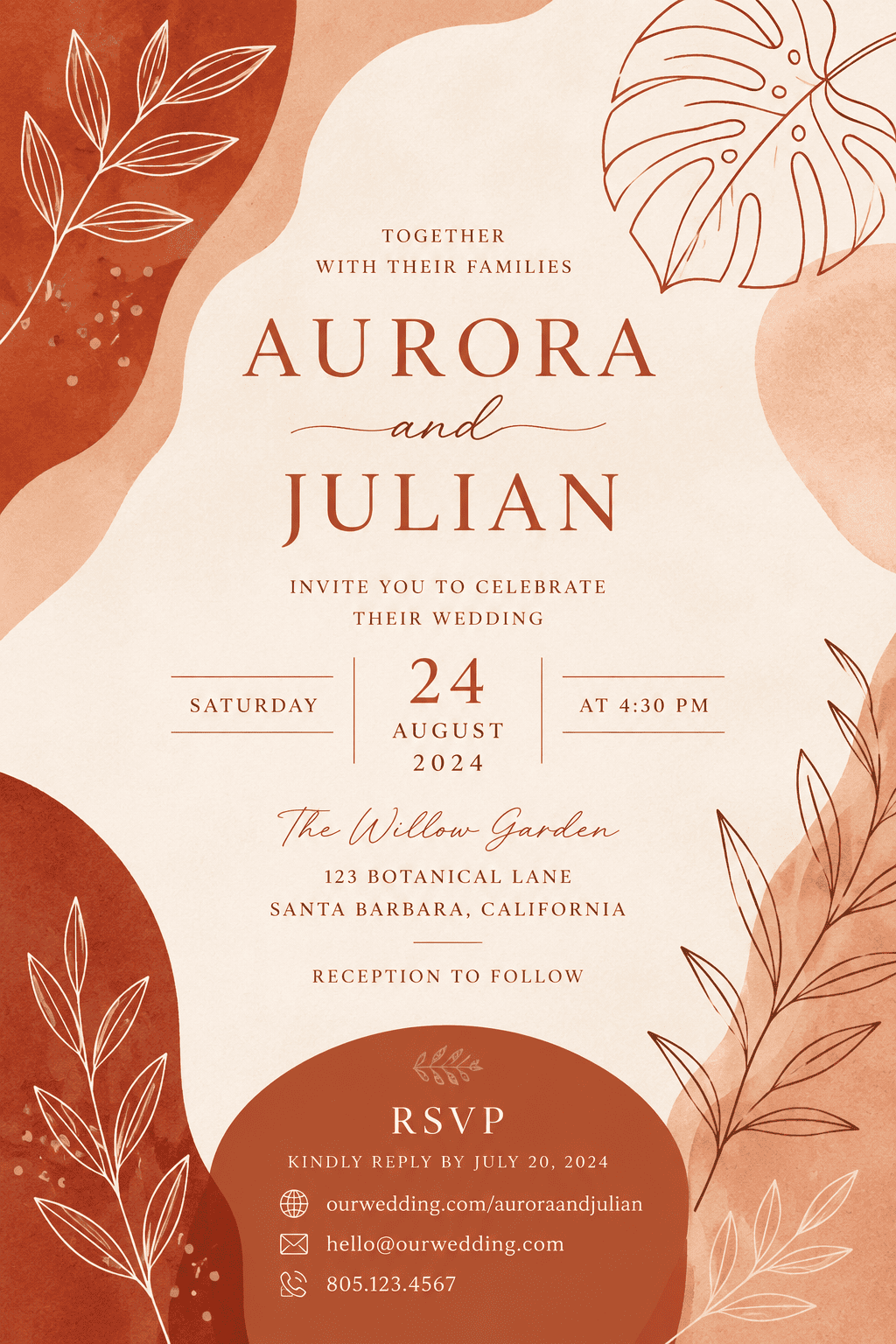
Make a modern terracotta wedding invitation with abstract botanical line art, warm neutral palette, clear date hierarchy, and matching suite style.
Design a photo wedding invitation using @[upload engagement photo], cream border, refined serif typography, ceremony details, and a short wedding website line.
Create a printable wedding invite with a QR code RSVP placeholder, delicate florals, clean margins, and formal wording for a church ceremony.
Make a digital wedding invitation for WhatsApp and email with readable names, ceremony time, venue address, dress code, and elegant mobile-friendly layout.





