Free OnlineAI Website Icon Generator

How to Create Website Icons with AI
Define the Icon's Job
Lock the Visual Grammar
Generate and Test Small
Refine and Prepare the Asset

Website Icons That Still Work at Small Sizes
Reduce an Idea to One Clear Symbol
Describe the website, audience, and core metaphor in plain language. The AI design agent can explore recognizable silhouettes without forcing a detailed logo, tagline, or miniature scene into a favicon.
Build a Consistent Icon Family
Create navigation, category, feature, or dashboard icons from one shared art direction. Repeat the same stroke, corner, palette, viewpoint, padding, and visual weight so separate symbols feel like one website icon set.
Match Existing Brand Assets
Upload an authorized logo, palette, screenshot, or mood reference and tell the AI what to preserve. This AI icon generator for website projects can propose a simplified mark or complementary icons without tracing the source.
Tune Tiny Details in Chat
If a loop closes at 16 pixels or one symbol feels lighter than the rest, select it in Chat Edit. Ask for a wider counter, heavier outline, simpler contour, centered subject, or more breathing room while keeping the approved style.
Compare Light and Dark Variants
Generate high-contrast versions for white, dark, branded, or transparent surfaces. Compare a full-color favicon with a monochrome mark and keep meaning in the shape rather than relying on color alone.
Prepare a Clean Image Master
Start with free AI credits, remove the background through chat when needed, and download watermark-free PNG or JPG artwork. Keep the largest clean master before preparing ICO, SVG, touch-icon, or PWA-specific files in your implementation workflow.
How to Prompt AI for Clear Website Icons
- Specify the icon system: Define filled or outlined style, flat or dimensional treatment, stroke weight, cap style, corner radius, grid, visual scale, palette, and padding. Repeat those rules across a set.
- Design for the smallest surface: Name the intended favicon or UI sizes and ask for bold contours, open counters, limited overlap, and a centered safe area. Request a simpler alternate if the first version is too detailed.
- Provide brand context: Include HEX colors, the website category, audience, and any authorized reference. Explain whether the icon should simplify an existing logo or complement it as a separate symbol family.
- Exclude common failures: Rule out taglines, long words, micro-detail, hairline strokes, inconsistent perspective, mixed corner styles, duplicated symbols, crowded backgrounds, copied trademarks, mockups, and watermarks.
Website Icon Prompts for Favicons, UI, and Feature Sets
SaaS favicon: Create one original abstract loop-and-spark symbol for a productivity website, flat vector-like style, deep navy with a cyan accent, bold silhouette, open center, square 1:1 canvas, generous padding, recognizable at 16 px, no letters, gradients, interface mockup, or shadow.
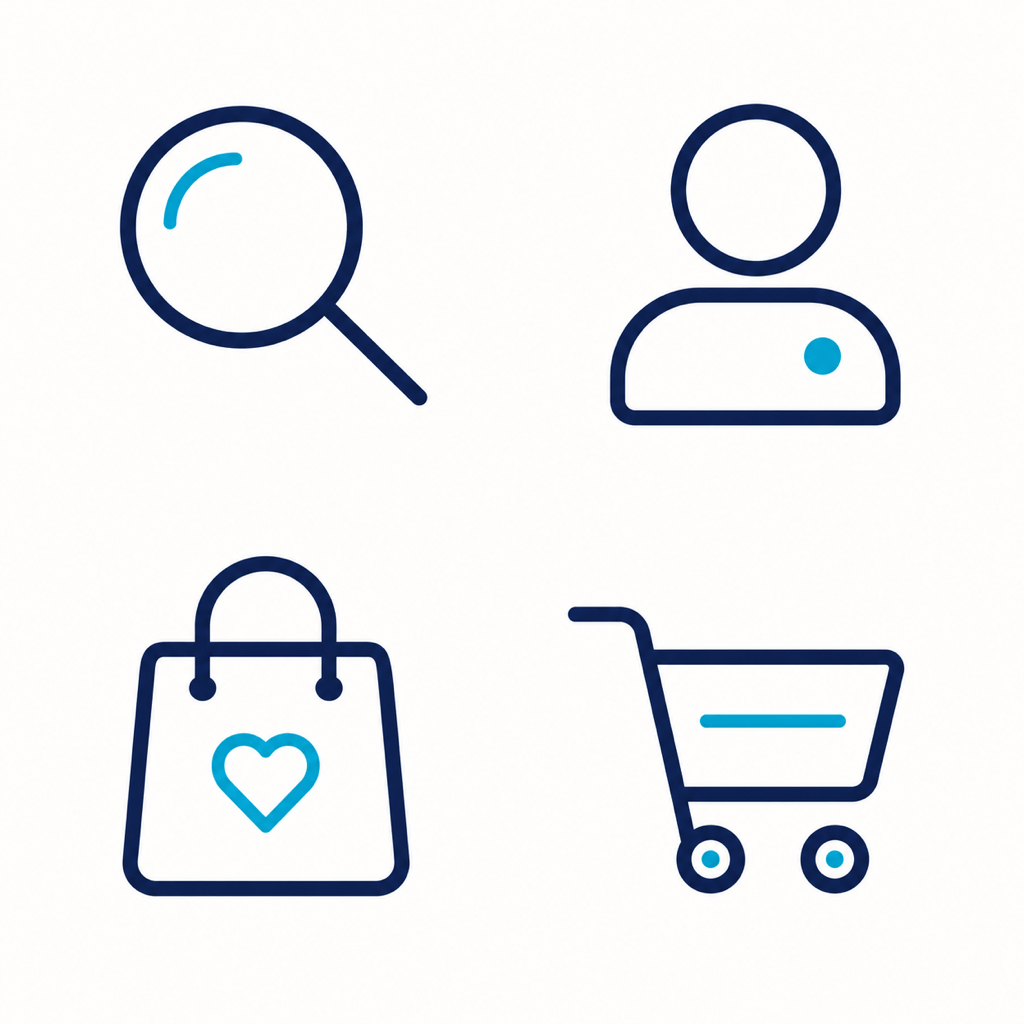
Ecommerce navigation set: Generate four matching website UI icons for Search, Account, Shopping Bag, and Cart. Outlined style on a 24 px grid, consistent 2 px visual stroke, rounded caps and corners, black with one emerald active-state accent, equal optical size and padding, transparent-looking plain background, no labels or extra objects.
Portfolio monogram favicon: Design the exact capital letter "N" as a compact editorial website icon, custom high-contrast serif with thickened hairlines for small display, black on warm ivory, centered inside a simple rounded square, readable at 16 and 32 px, no additional letters, name, ornamental border, or mockup.
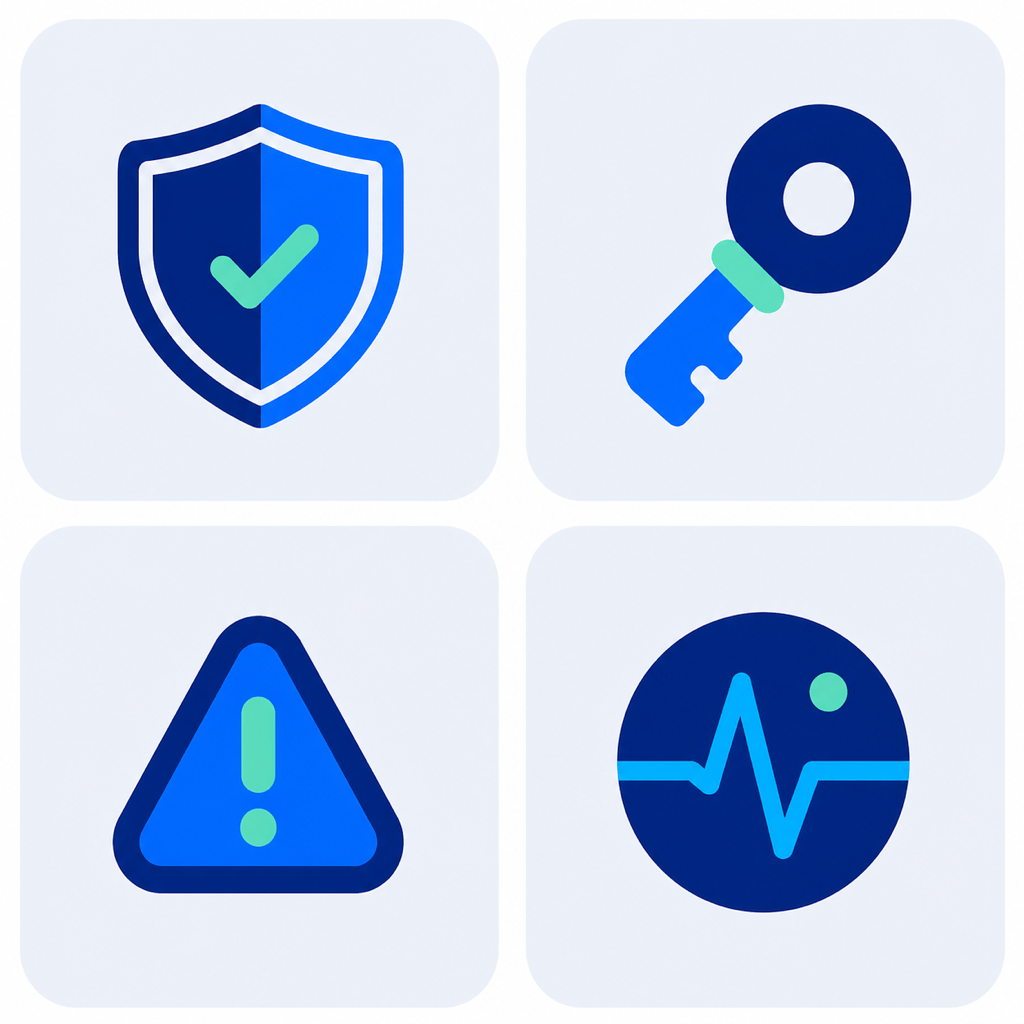
Cybersecurity dashboard set: Create four cohesive icons for Shield, Key, Alert, and Activity. Solid geometric shapes with clipped corners, dark indigo and electric lime, one consistent front view, open negative spaces, equal mass and safe padding, suitable for a dark SaaS dashboard, no locks duplicated inside every symbol and no text.
Eco blog favicon: Create an original mark combining one leaf and one page corner for a sustainability publication. Minimal flat construction, forest green and cream, asymmetric but balanced silhouette, no thin veins, sharp at browser-tab size, square canvas with wide margins, no wordmark, globe, recycling arrows, or stock-logo treatment.
Hosting feature icons: Generate a matching set of four soft 3D website feature icons for Speed, Security, Backups, and Global Delivery. Rounded clay-like forms, cobalt and lavender palette, identical isometric angle, light source, material, scale, and shadow softness, centered separately with generous padding, no labels, server-brand marks, or clutter.





