OnlineAI Watermark Remover
How to Remove a Watermark from an Image with AI
Upload Your Photo
Identify What to Remove
Check and Refine the Repair
Download the Checked Image

Photo Cleanup You Can Guide in Chat
Describe the Mark in Plain Language
Use this online AI watermark eraser by naming the unwanted text or logo. No complex prompt syntax is needed.
Specify the Details to Keep
Tell Mew Design to preserve product labels, faces, framing, and colors. Review these details after each edit.
Refine Leftover Traces
A faint outline or uneven patch may need another pass. Use Chat Edit to explain exactly where the repair needs attention.
Reuse Your Product Photos
Remove an outdated logo watermark from your own product photo, then request a new crop or background for its next use.
Try with Free Credits
Sign up to receive free AI credits and test a photo. Usage depends on the credits available in your account.
Export Without an Added Watermark
Download your finished image as PNG or JPG. Mew Design exports do not add a visible platform watermark.
Keep the Details That Matter When Removing Watermarks
- Start with the Best Source:Use the original file rather than a compressed screenshot. Keep an untouched copy for comparison.
- Separate Overlays from Real Text:Identify the watermark and name any labels, signs, or captions that must remain.
- Inspect Difficult Areas:Check faces, fine lines, fabric, and repeated patterns at full size. AI may reconstruct these details differently.
- Correct One Area at a Time:Describe any remaining shadow, blur, or broken edge. If important details cannot be preserved, use the unwatermarked original.
Targeted Fixes for Common Watermark Problems
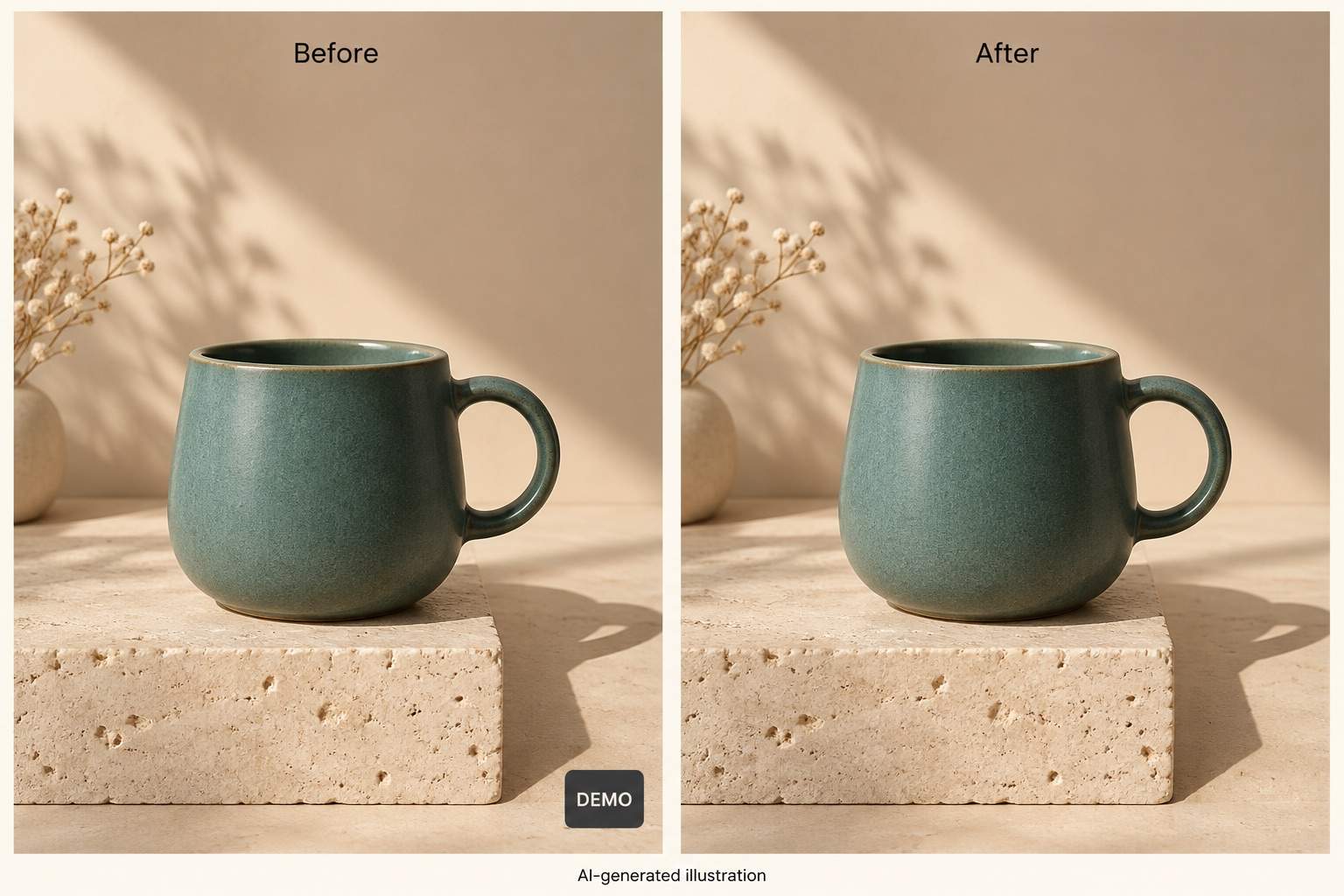
Remove the small logo watermark in the lower-right corner of my uploaded photo. Keep the crop, nearby object edges, and natural shadows.
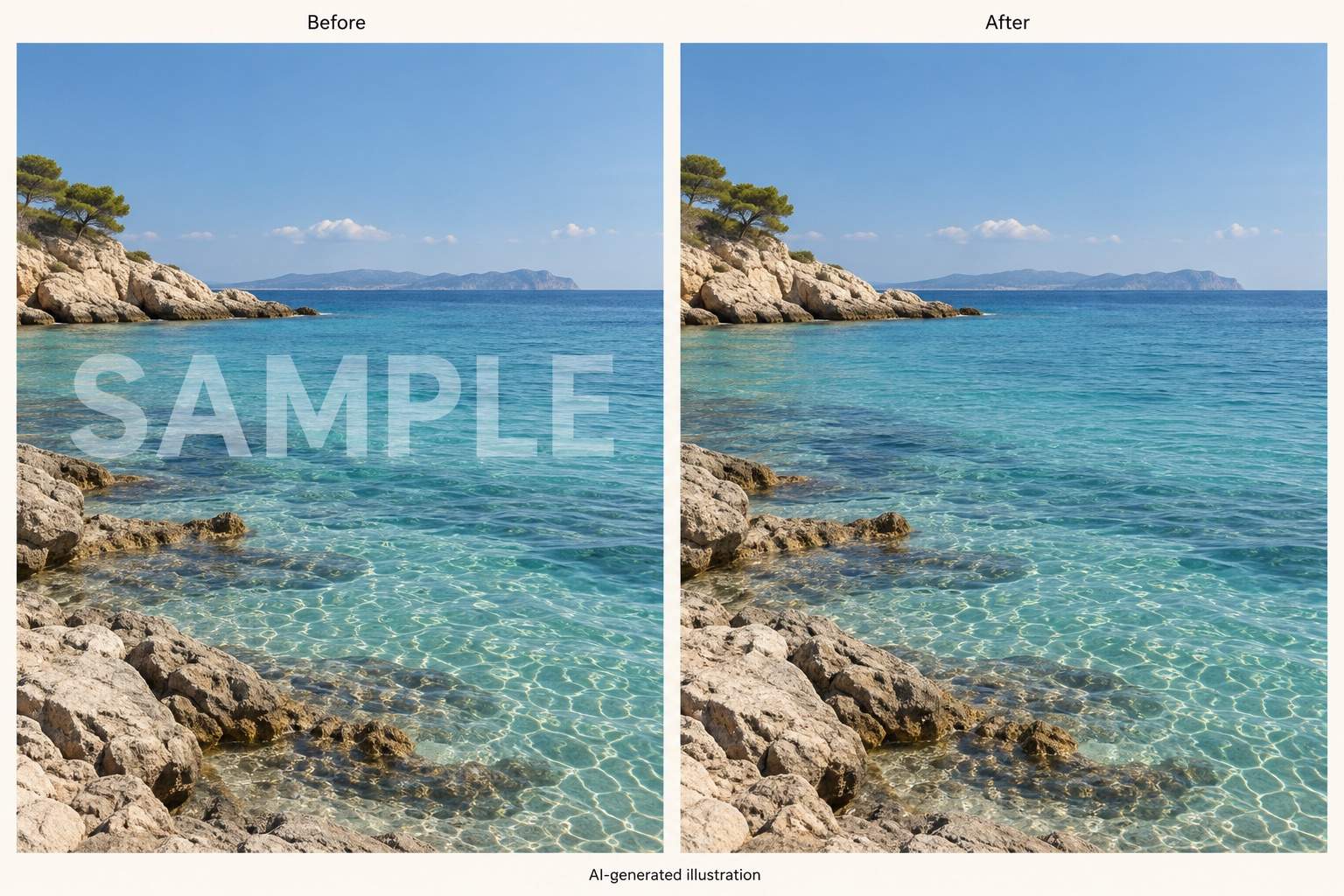
Remove the semi-transparent text watermark from my uploaded landscape photo. Match the surrounding sky and water without changing the horizon.
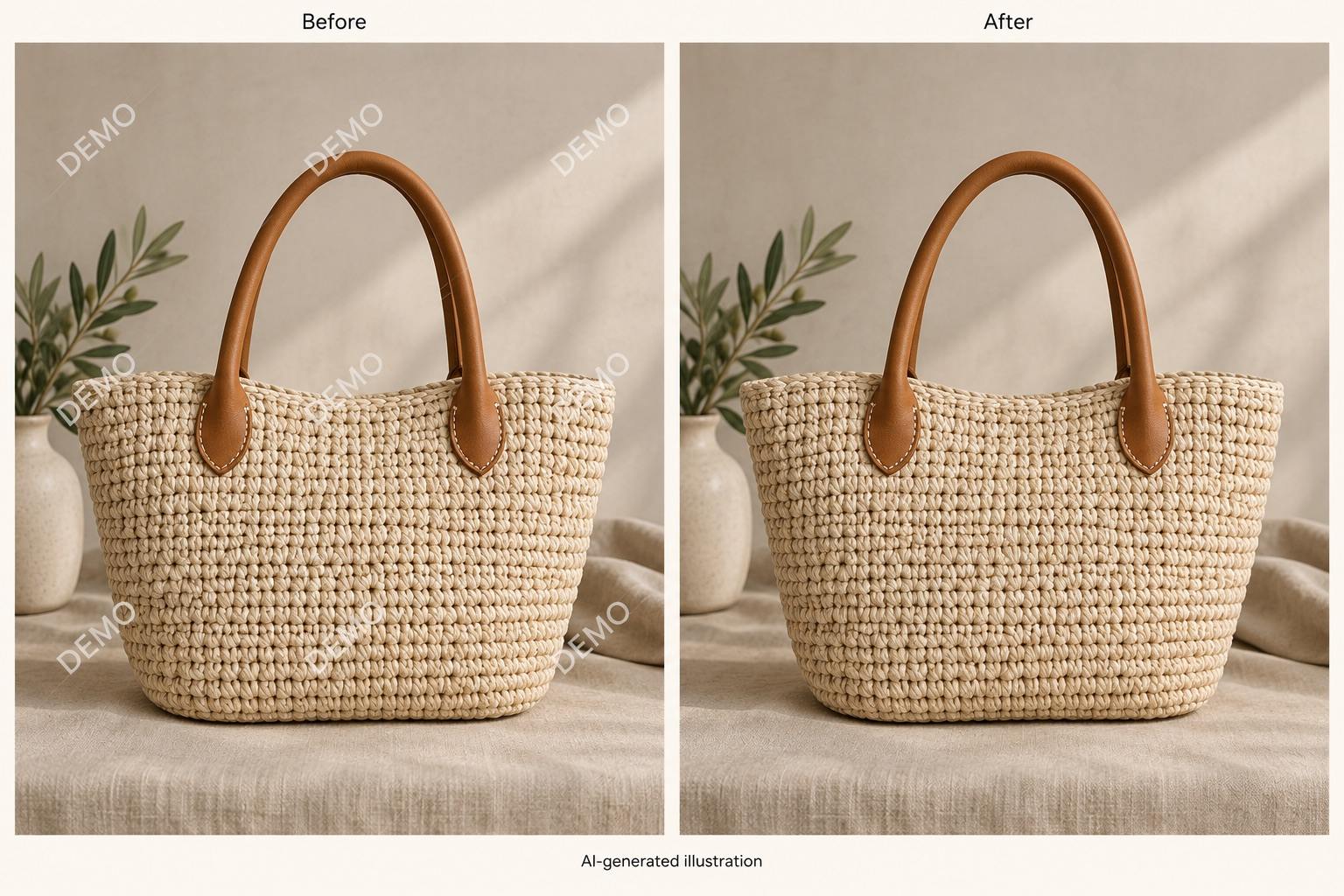
Remove the repeated diagonal watermark from my uploaded image. Preserve the fabric texture and object outlines; do not smooth the whole image.
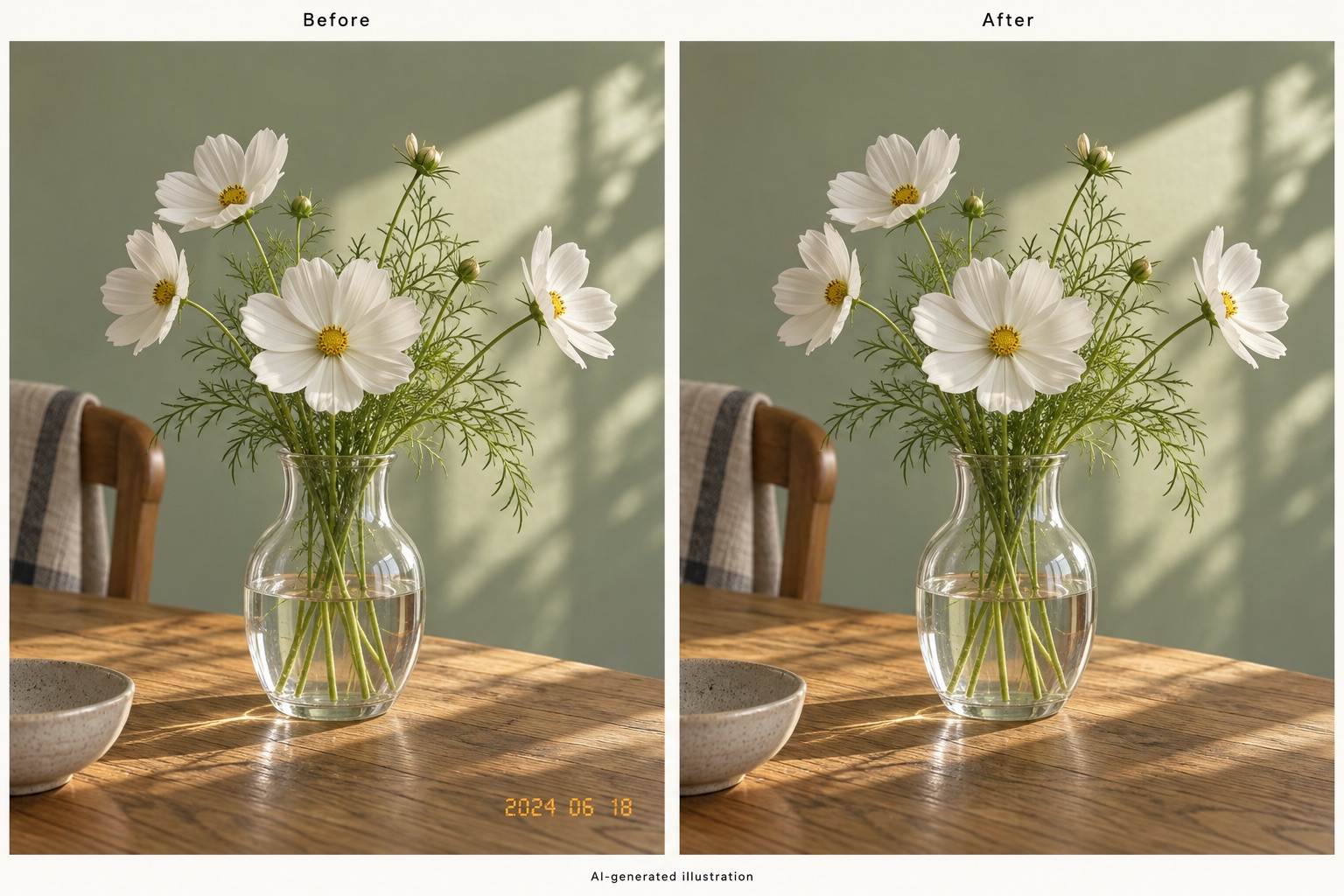
Remove the date stamp from my uploaded photo. Rebuild the small background area while keeping nearby leaves and stems intact.
Remove only the overlaid watermark from my uploaded product photo. Keep all text printed on the packaging, the product shape, and its color.
Refine the repaired area in my edited photo. Remove the remaining text outline and blend the patch with nearby texture. Keep the rest unchanged.





