Free OnlineAI Vision Board Generator
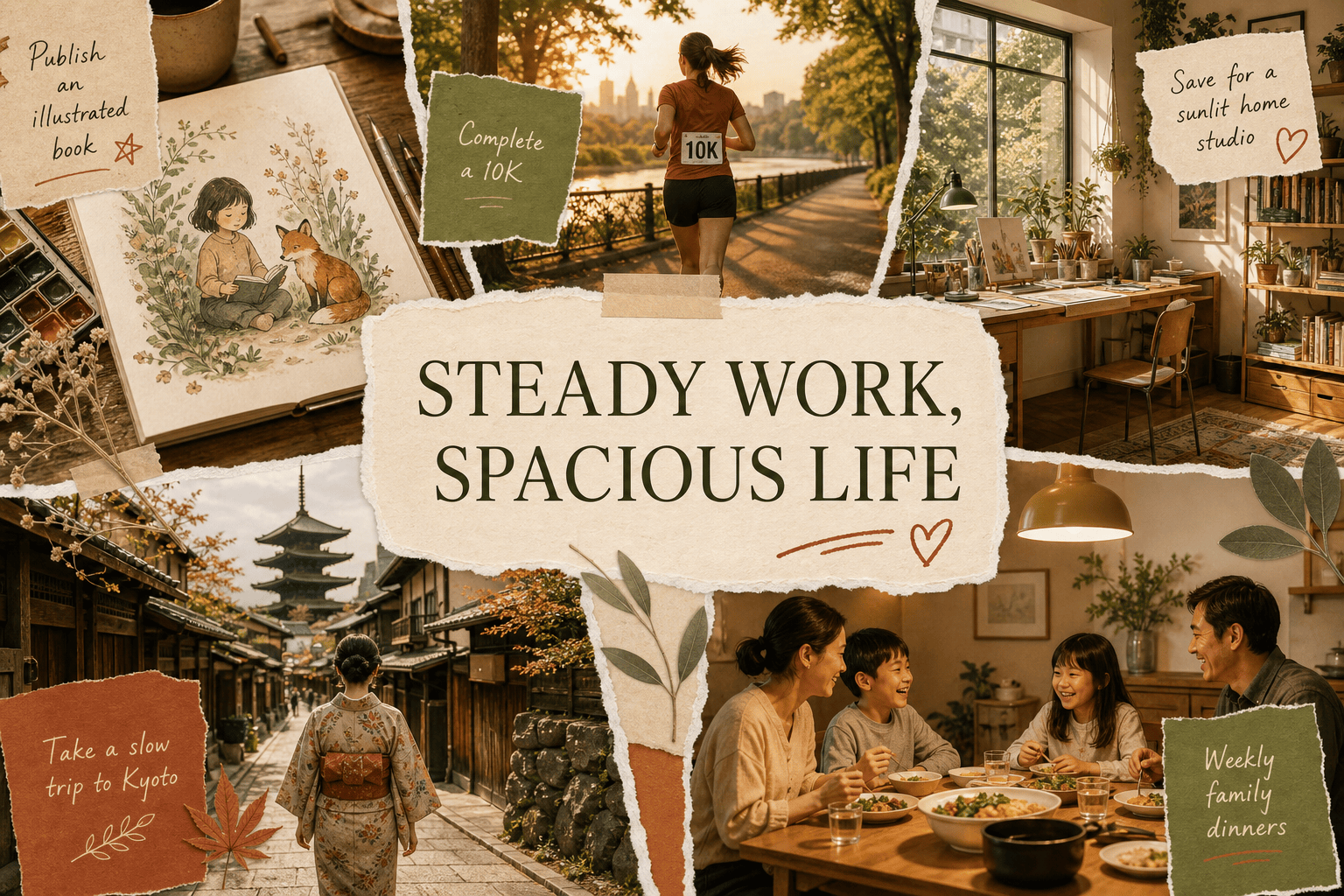
How to Create a Vision Board with AI
Choose a Timeframe and Life Areas
Describe Evidence of the Future
Add Yourself and Refine the Story
Export It Where You Will See It

Why Choose Mew Design as Your AI Vision Board Generator
Goals Become Specific Visual Moments
Mew Design translates an intention into scenes, objects, settings, and milestones. That gives the board concrete anchors instead of a random collection of luxury stock photos.
One Board or a Focused Life Chapter
Use the online AI vision board generator for an annual overview, a career pivot, a wellness reset, a study plan, a creative project, or a shared family goal without forcing every aspiration onto one canvas.
Personal Photos Make the Future Yours
Upload yourself, loved ones, a pet, a room, or a meaningful object. Ask the AI agent to integrate those references so the result feels connected to your identity rather than interchangeable.
Affirmations That Sound Like You
Provide your exact words or ask for concise, believable statements tied to an action or value. Refine any line that feels exaggerated, vague, or unlike your natural voice.
A Cohesive Collage, Not Visual Clutter
The AI design agent can coordinate image crops, spacing, palette, texture, and type hierarchy across multiple goals, while Chat Edit lets you reduce density or give one priority more visual weight.
Formats for Daily Visibility
Create wide desktop boards, tall phone wallpapers, square social graphics, or printable posters. A useful dream board fits the place where you will encounter it regularly.
How to Write an Effective AI Vision Board Prompt
- Be concrete: Replace abstract outcomes with scenes, milestones, habits, places, numbers, or objects that would show the goal is happening.
- Set priorities: Choose three to six themes and say which deserves the most space so the board does not become an evenly weighted wish list.
- Use your own words: Supply exact affirmations, dates, or goal labels, and keep them short enough to read on the final wallpaper or print.
- Define the visual system: Mention collage style, palette, texture, layout, image mood, and output ratio; upload references when a personal photo or aesthetic must guide the result.
Customizable AI Vision Board Prompt Examples
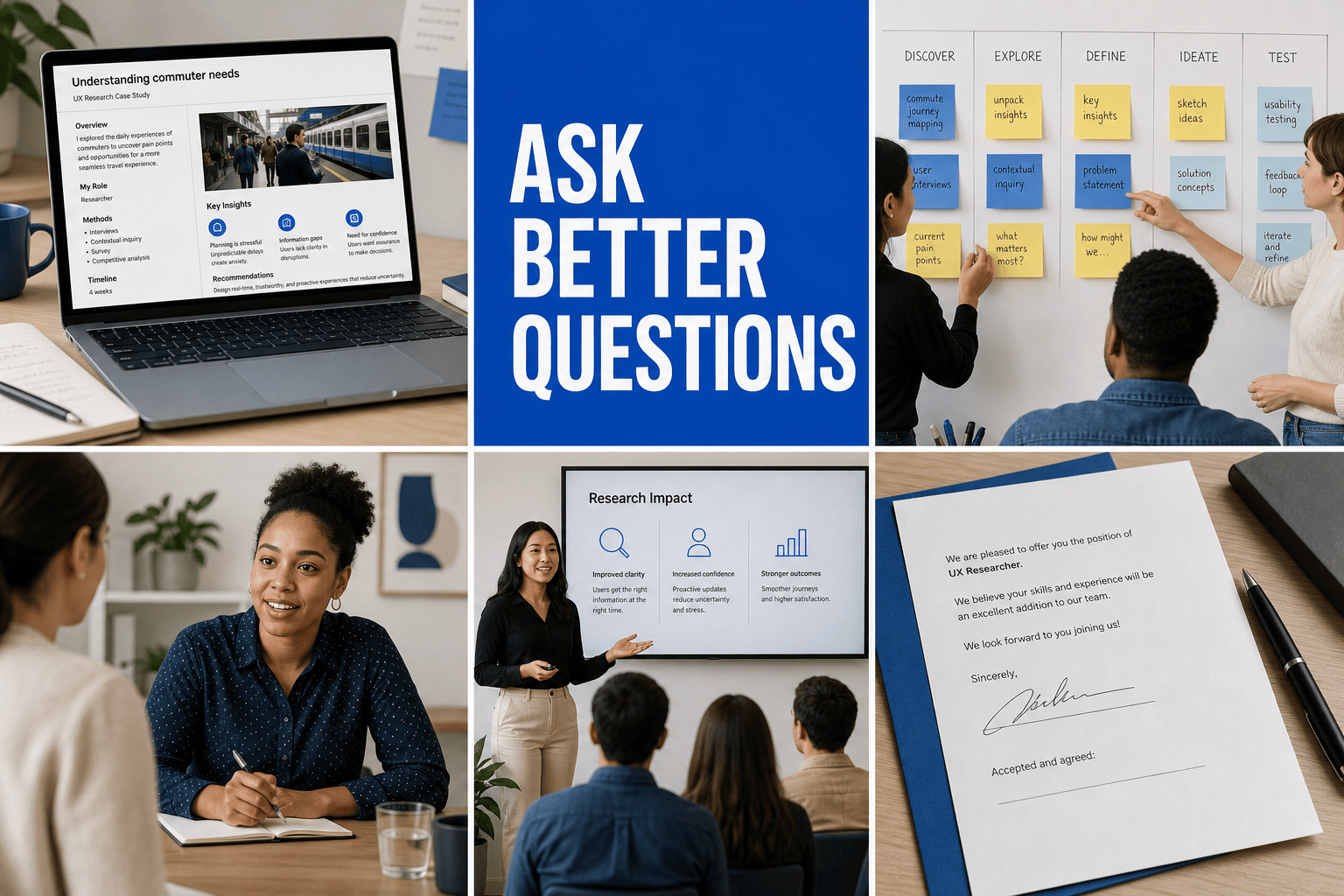
Career Pivot: Create a career vision board for moving from operations into UX research within 12 months. Show interview practice, a portfolio case study, collaborative workshops, confident public speaking, and a signed offer. Clean editorial grid, cobalt and warm gray, 16:9 desktop wallpaper.
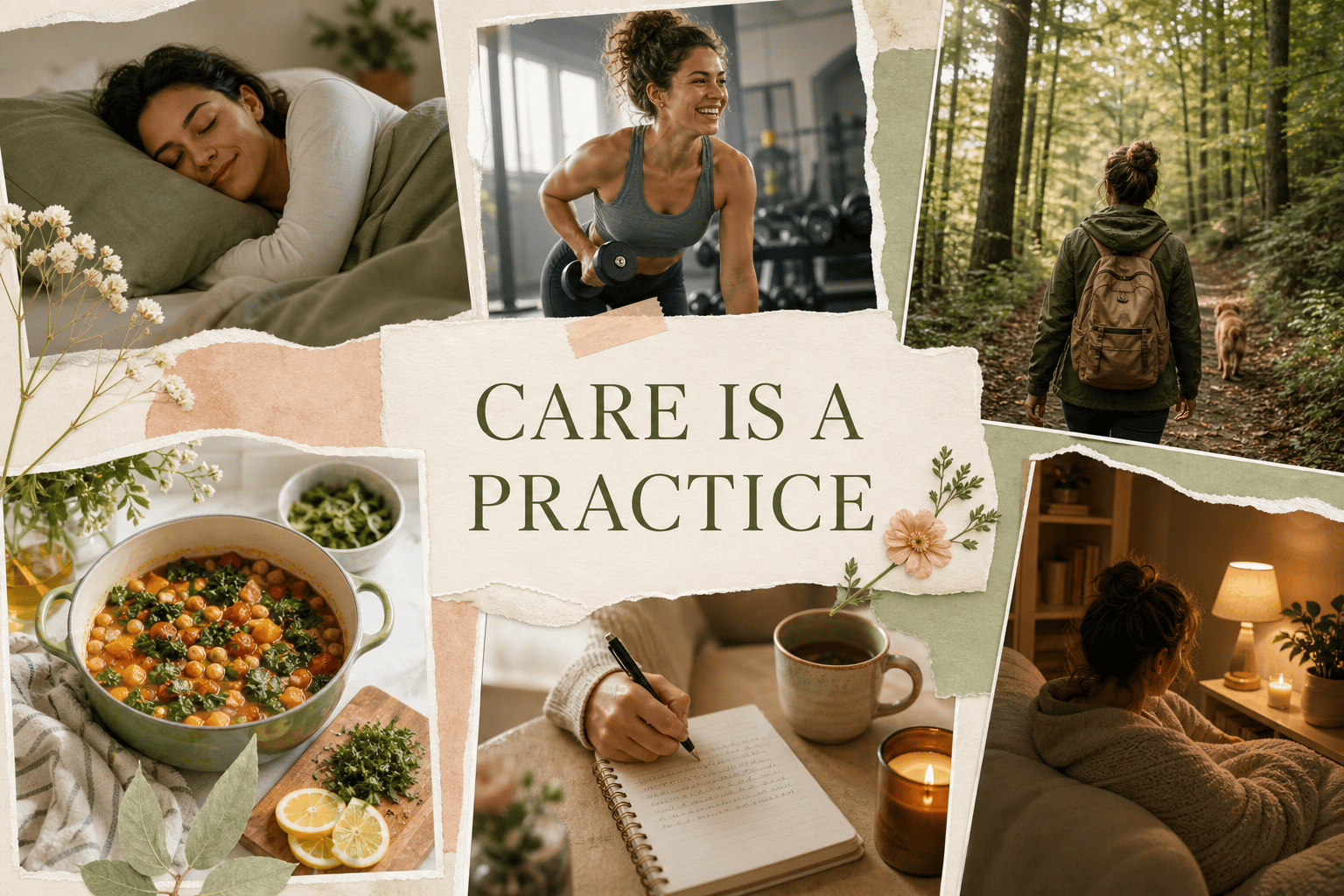
Wellness Without Diet Culture: Make a gentle wellness board centered on consistent sleep, joyful strength training, weekend walks, colorful home cooking, therapy, and phone-free evenings. Natural photography, sage and peach, breathable layout, no scales or before-and-after imagery.
Study Abroad: Design a university vision board for a semester in Kyoto. Include Japanese language study, a scholarship email, cycling by the river, a small dorm desk, new friends, and a travel journal. Layered scrapbook style, indigo, red, and kraft paper.
Couple's Shared Home: Create a shared dream board using our uploaded photo. Goals: build an emergency fund, find a bright two-bedroom apartment, host Sunday dinners, adopt a rescue dog, and take one unplugged trip. Warm documentary photography, terracotta and cream, printable 11x14.
Creative Business Year: Build a quarterly vision board for a ceramic artist: launch an online shop, photograph the first collection, reach 100 orders, teach two workshops, and preserve one studio day each week. Tactile clay textures, minimalist captions, square format.
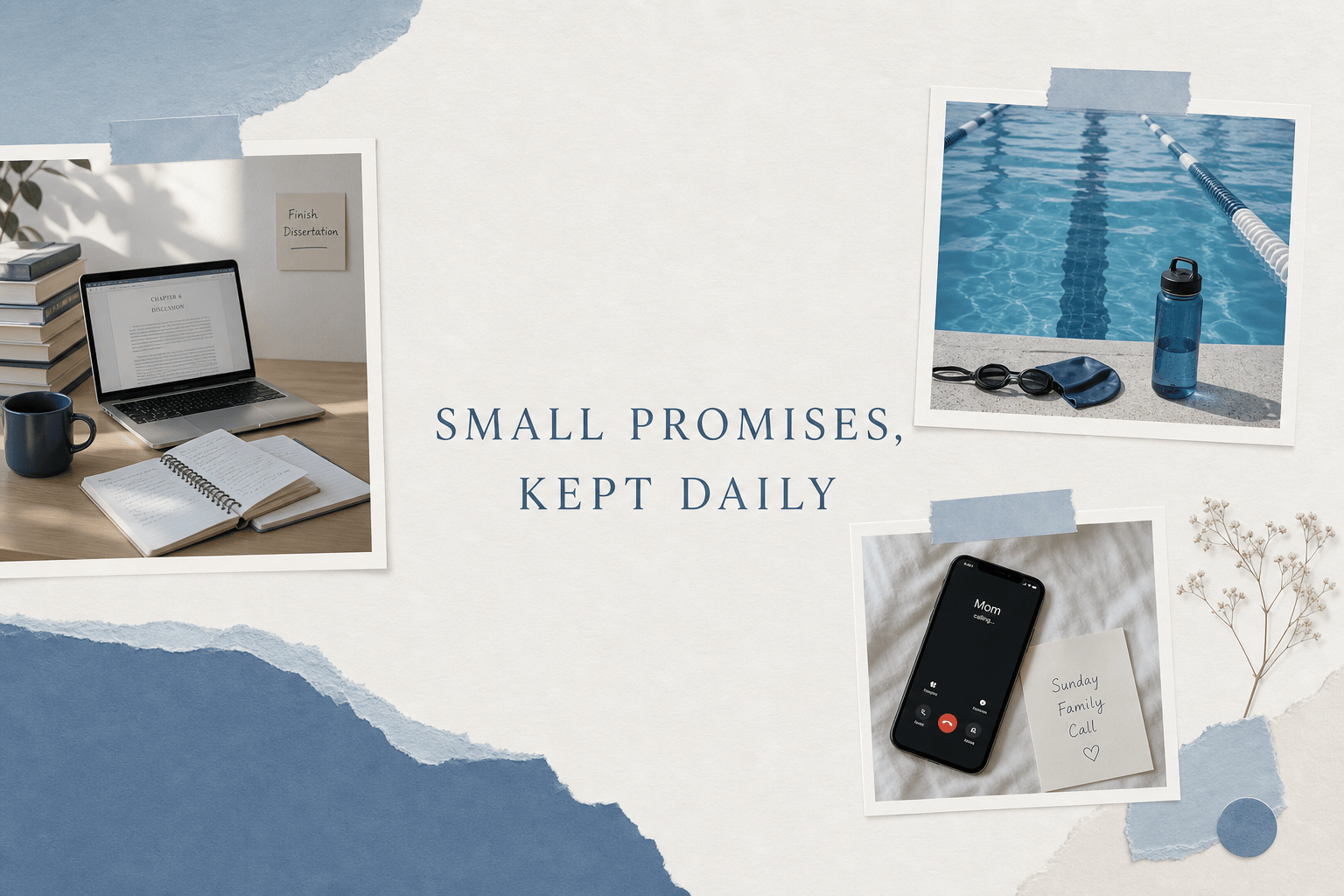
Phone Lock Screen: Create a vertical vision board with three priorities only: finish my thesis, call family every Sunday, and swim twice a week. Use quiet blue photography, compact collage, exact text 'SMALL PROMISES, KEPT DAILY,' with the center left clear for the clock.





