Free OnlineAI Vehicle Wrap Generator
How to Create a Vehicle Wrap with AI
Choose the Vehicle and Coverage
Build a Road-Readable Brief
Generate the Wrap Concept
Refine and Prepare the Installer Brief

Why Use Mew Design for AI Vehicle Wrap Concepts
Preview the Wrap on Your Vehicle
Upload your car, van, truck, trailer, or food truck instead of designing on a generic blank body. This AI car wrap visualizer from photo helps you judge coverage, scale, palette, and overall presence before installation.
Bring Your Real Brand Assets
Upload a transparent logo, approved colors, product photography, mascot, or moodboard. Mew Design can use those references to create a vehicle wrap design that feels connected to your existing identity. Always proof names, phone numbers, URLs, and brand colors before production.
Design for a Moving Audience
A commercial wrap is read from a distance, not studied like a brochure. Ask the AI commercial vehicle wrap generator for one dominant brand cue, a short service description, strong contrast, and a single contact path that survives a quick glance.
Fix Panel Conflicts Through Chat
Use Chat Edit to keep a face off a sliding-door split, move a URL above a wheel arch, protect a logo from a handle, or carry a graphic more cleanly toward the rear. These revisions make the concept more useful for an installer conversation.
Explore Coverage, Finish, and Style
Compare full and partial wraps, lettering-led liveries, matte color changes, bold geometric graphics, illustrated food-truck concepts, restrained fleet branding, or original racing directions without rebuilding every idea from scratch.
Create a Coordinated Concept Set
Generate side, three-quarter, and rear concepts or several vehicles in one fleet direction. If the brand mark needs work first, create a clearer version with the AI logo generator, then bring it into the wrap brief.
What Makes a Strong AI Vehicle Wrap Prompt
- Set the coverage and finish: Say full wrap, partial wrap, decals, lettering, color change, or livery. Add matte, gloss, satin, metallic, chrome-like concept, or printed graphic only when it fits the job.
- Prioritize the message: List brand name, service, and one contact method in reading order. Provide the exact approved text and ask for large, high-contrast type rather than a long service list.
- Protect critical areas: Keep logos, faces, and contact details away from handles, panel gaps, wheel arches, windows, lights, trim, and deep curves. Request side and rear concepts when both views carry information.
- Plan the professional handoff: Treat the result as a visual concept. Ask the installer for the exact make-and-model template, measurements, bleed, panel overlaps, print resolution, color profile, material, and local window-film compliance before production.
Customizable AI Vehicle Wrap Prompt Examples
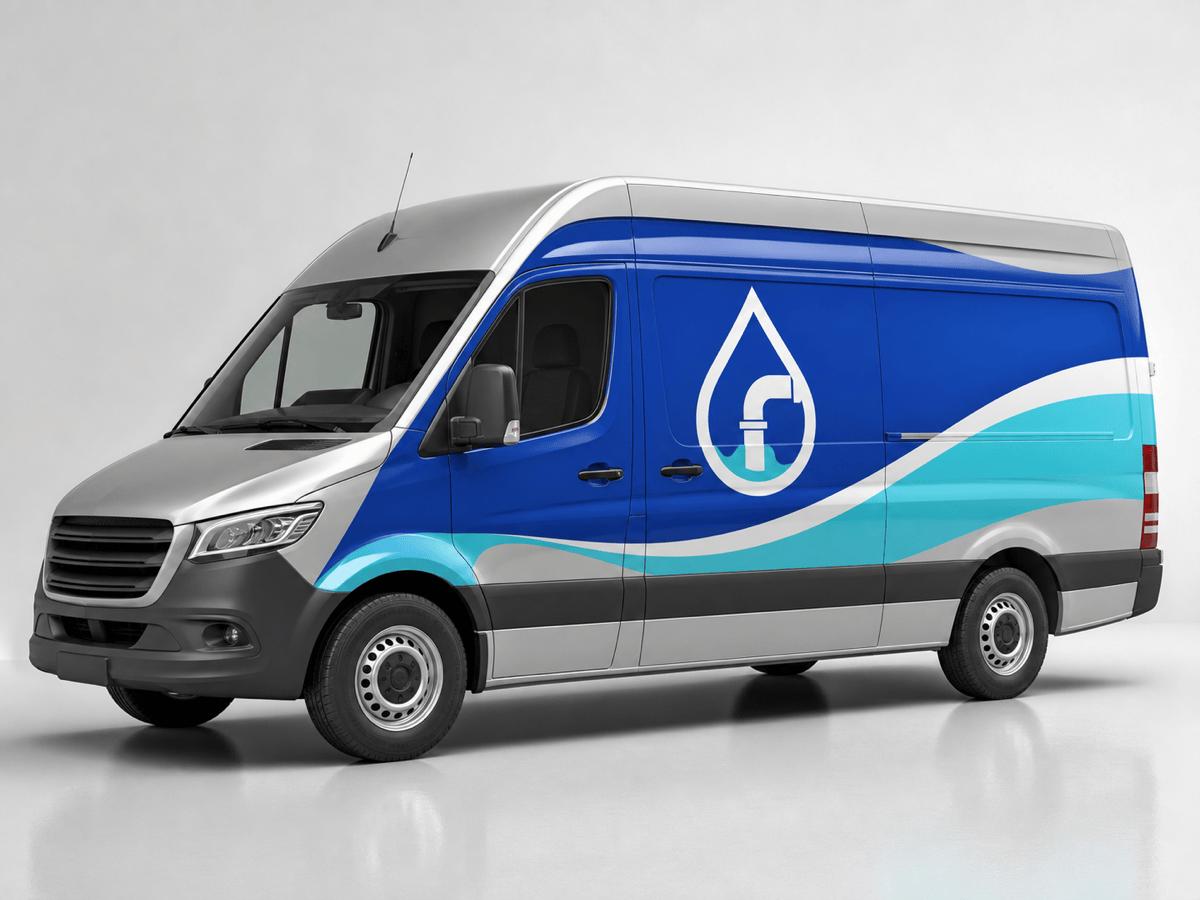
Service van branding: Apply a partial wrap to my uploaded silver cargo van for the fictional brand ClearFlow Plumbing. Use cobalt, white, and aqua wave geometry, large CLEARFLOW PLUMBING lettering, a short 24/7 SERVICE line, and one website. Keep all text off the sliding-door gap, handles, wheel arches, and windows. Clean, trustworthy, readable in traffic, realistic gloss vinyl mockup.
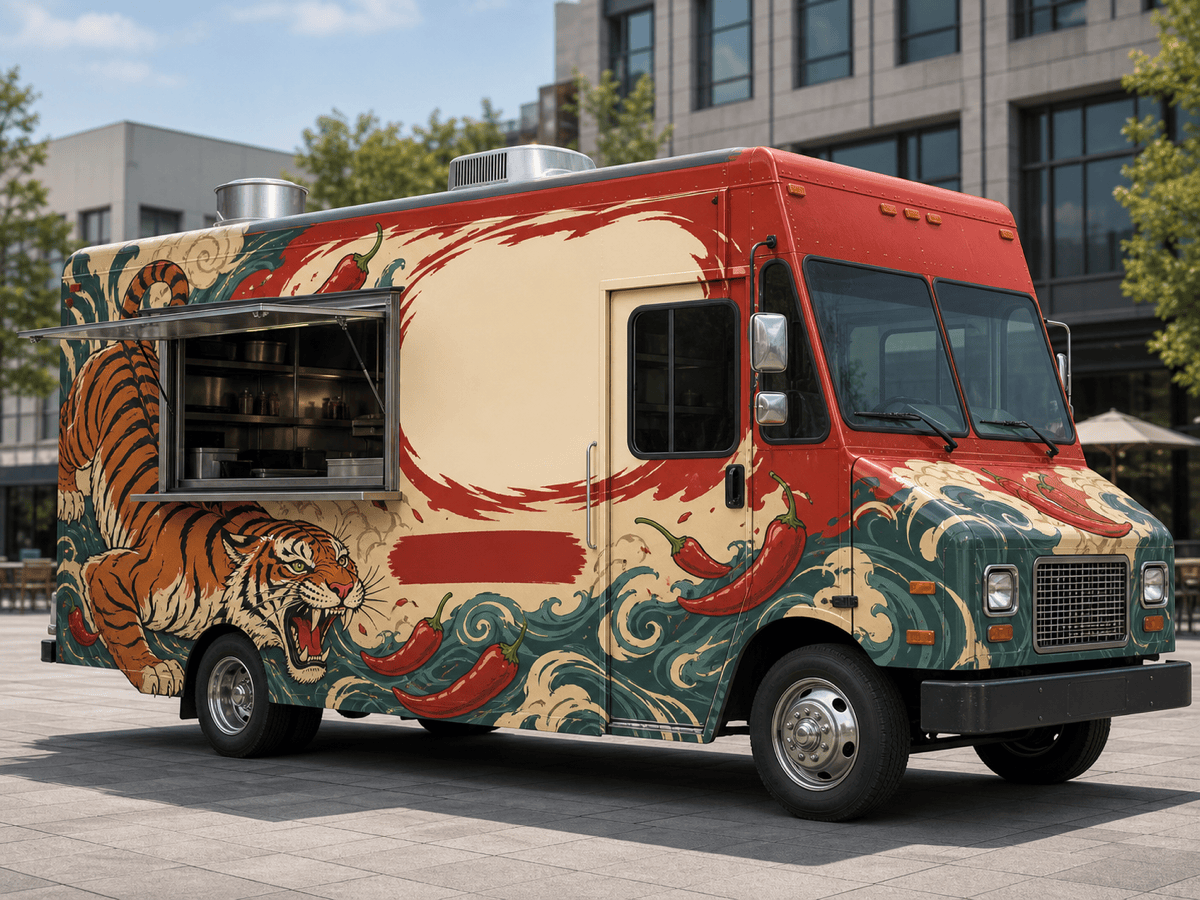
Food truck wrap: Create a full wrap concept for a fictional Korean-Mexican street-food truck named Seoul & Salsa. Use one bold illustrated tiger-and-chili motif, warm red, cream, and teal, with the brand name dominant and FUSION STREET FOOD secondary. Keep the serving window, vents, lights, and door hardware unobstructed. Show the passenger-side service view with a durable satin finish.
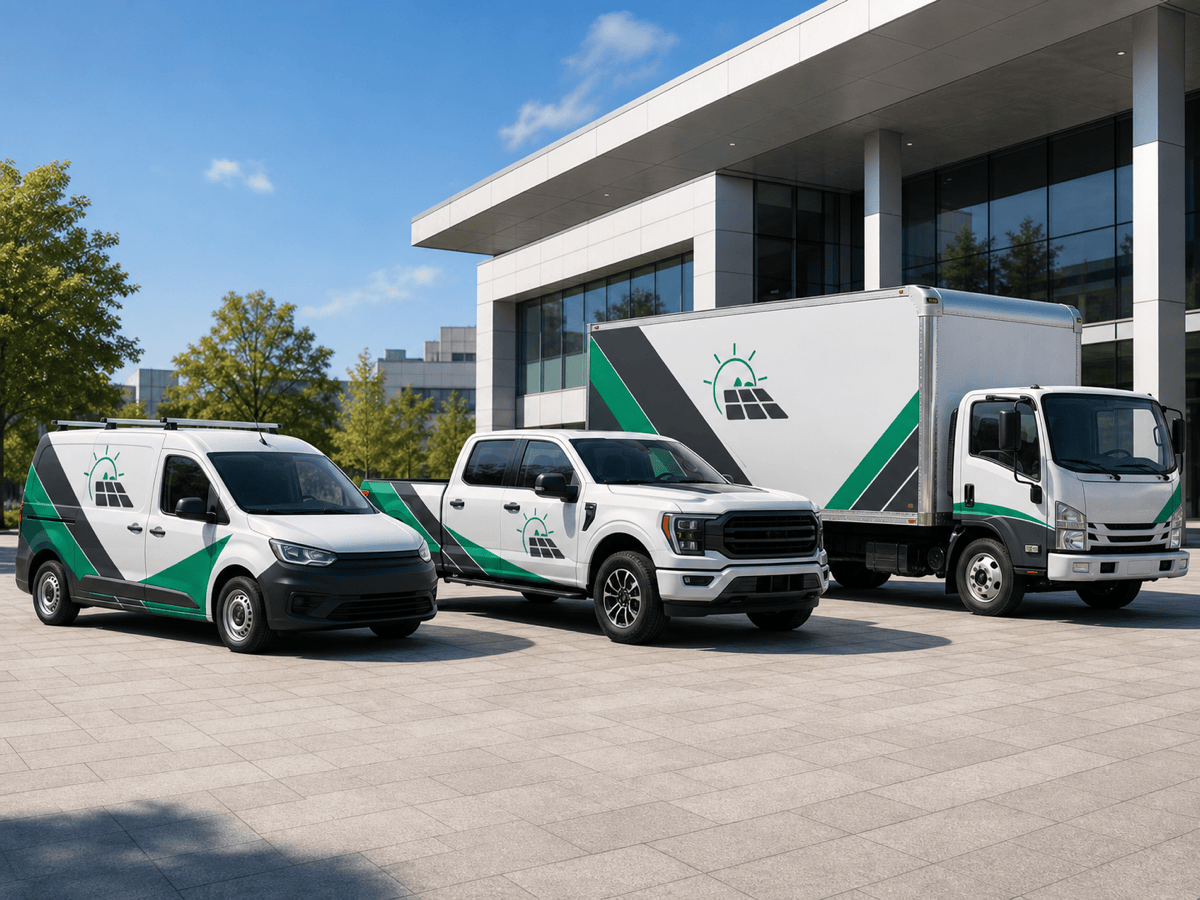
Fleet wrap system: Design a coordinated partial-wrap system for three white electric-service vehicles: compact van, pickup, and box truck. Use the same emerald and charcoal diagonal band, logo scale, ELECTRICAL + SOLAR service line, and short URL across all vehicles. Adapt the layout to each body instead of stretching one graphic. Provide side and rear concepts.
Personal color-change concept: Use my uploaded sports coupe photo to preview a satin deep-bronze color-change wrap with a subtle black roof and no graphics, logos, stripes, or body-kit changes. Preserve the exact car, wheels, panel gaps, reflections, lighting, camera angle, and environment. Show a realistic vinyl surface rather than painted metal.
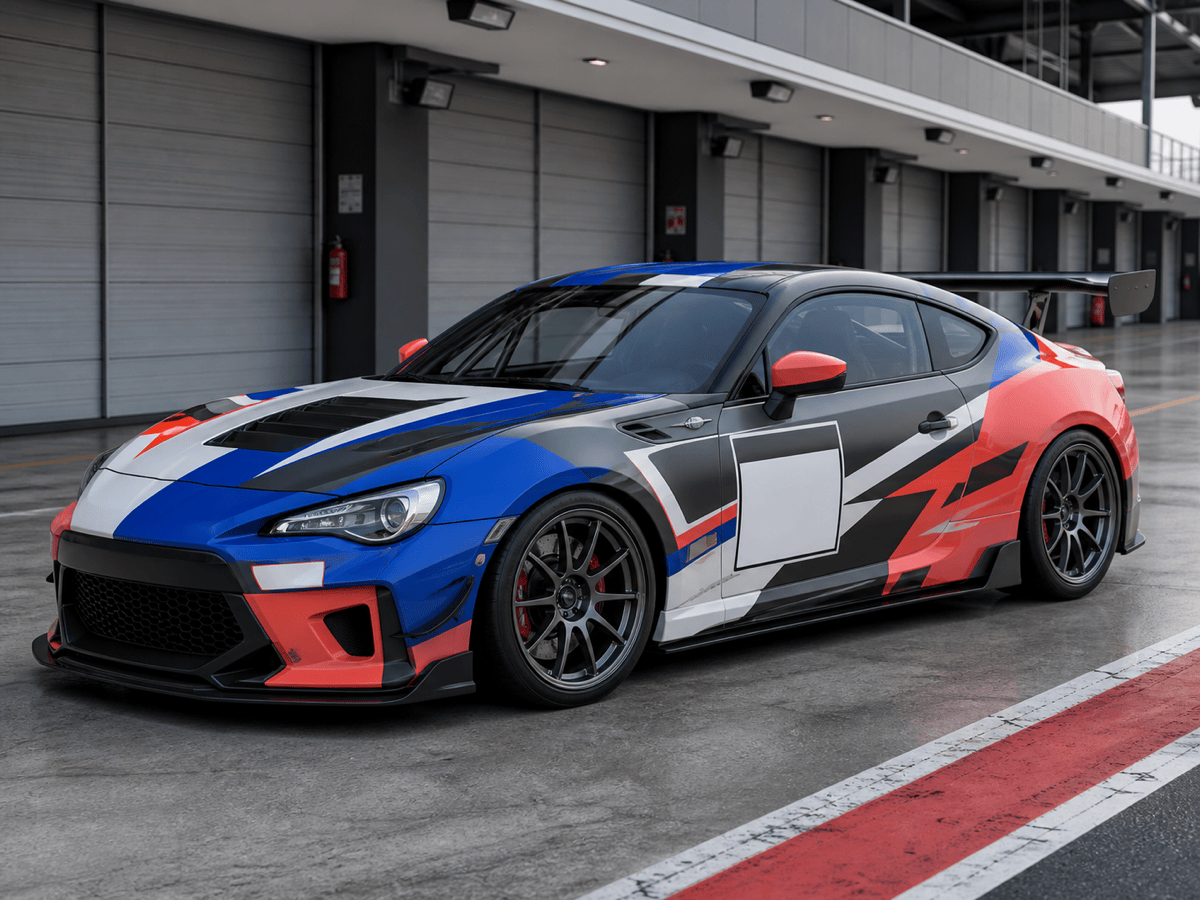
Original track-car livery: Create an original time-attack livery for a fictional team called Apex Meridian. Use asymmetric cobalt, coral, white, and graphite blocks that emphasize motion, with a clear two-digit number area and blank sponsor zones. Avoid real racing teams, manufacturer marks, flags, copyrighted characters, and existing liveries. Keep graphics coherent over the doors and rear quarter.
Box truck mobile billboard: Design a high-impact partial wrap for a fictional home-organizing company called Tidy Atlas. Make HOME ORGANIZING the largest message, add the logo and one short URL, and use one clean before-and-after closet illustration instead of a collage. High contrast, large side-panel composition, simple rear CTA, no important text near hinges, latches, lights, or lower impact rails.





