Free OnlineAI Vaporwave Text Generator
How to Create Vaporwave Text with AI
Start with a short title
Choose the aesthetic lane
Generate the retro type
Tune the nostalgia

Why Mew Design Fits Vaporwave Typography
Aesthetic-aware prompts
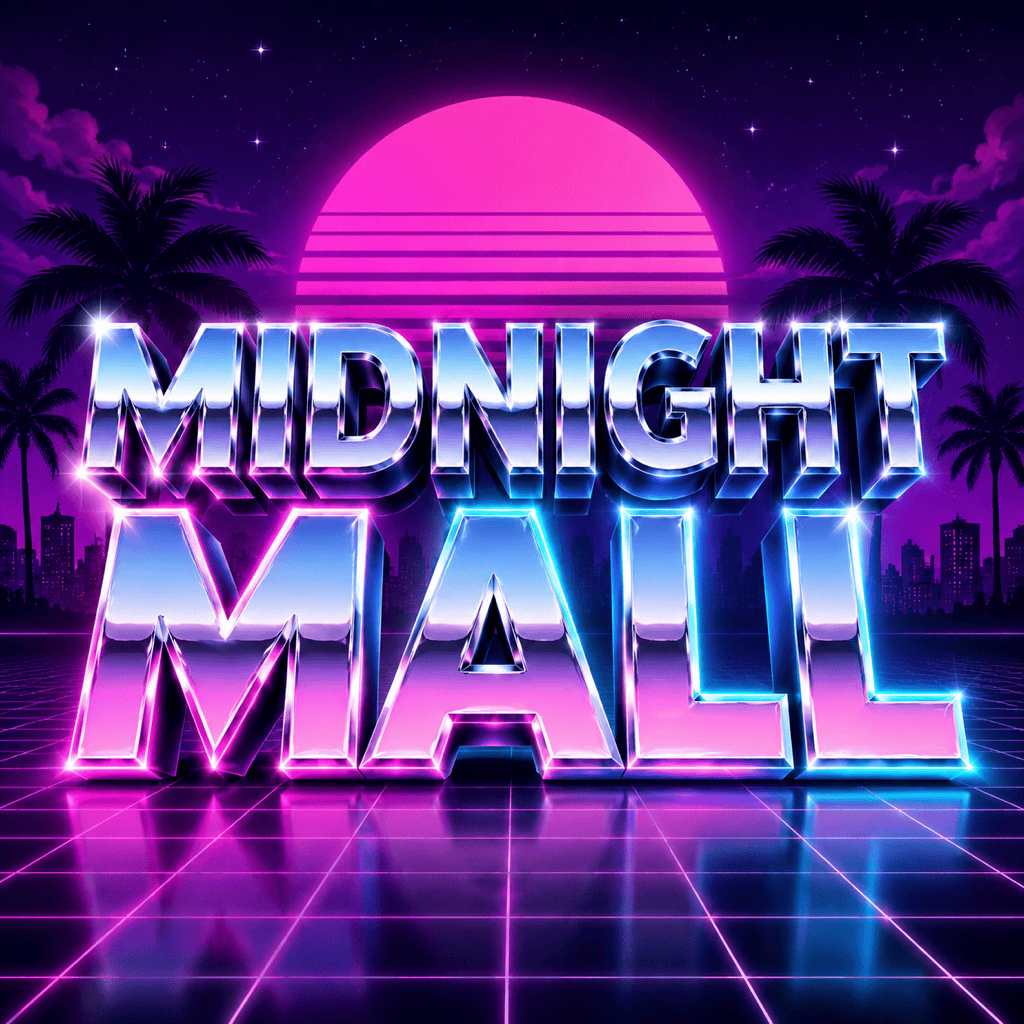
The AI aesthetic text generator understands retro visual cues such as chrome type, pink-blue gradients, grid floors, sun discs, VHS noise, and marble statues.
Readable retro lettering
Create stylized vaporwave text while keeping the main words clearer than many generic image effects.
Format variations
Make square album covers, 16:9 stream banners, profile headers, poster titles, or transparent text overlays from the same concept.
Fast style exploration
Compare mallsoft pastel, dark synthwave, cyber chrome, arcade, glitch, or dreamy nostalgia without manually rebuilding layers.
Reference uploads
Upload a palette, album cover, logo sketch, or old-school graphic reference and ask Mew Design to match its atmosphere.
Chat-based cleanup
Fix misspelled words, simplify busy backgrounds, increase contrast, or remove extra symbols after the first AI vaporwave text result.
How to Prompt AI for Vaporwave Text
- Specify the era cues: Mention 80s chrome, synthwave sunset, mallsoft pastel, VHS glitch, old computer UI, marble statue, or arcade styling.
- Control the background: Say whether you want grid floor, gradient sky, beach, city night, checkerboard, or transparent background.
- Protect readability: Ask for clean spelling, strong contrast, and less distortion if the text needs to work as a logo or banner.
- Choose the crop: Name album cover, profile picture, YouTube banner, poster, or sticker so the composition fits the destination.
Vaporwave Text Prompt Examples
Create vaporwave text reading "Midnight Mall" in chrome 80s letters, pink cyan glow, grid floor, purple sunset, square album cover format.
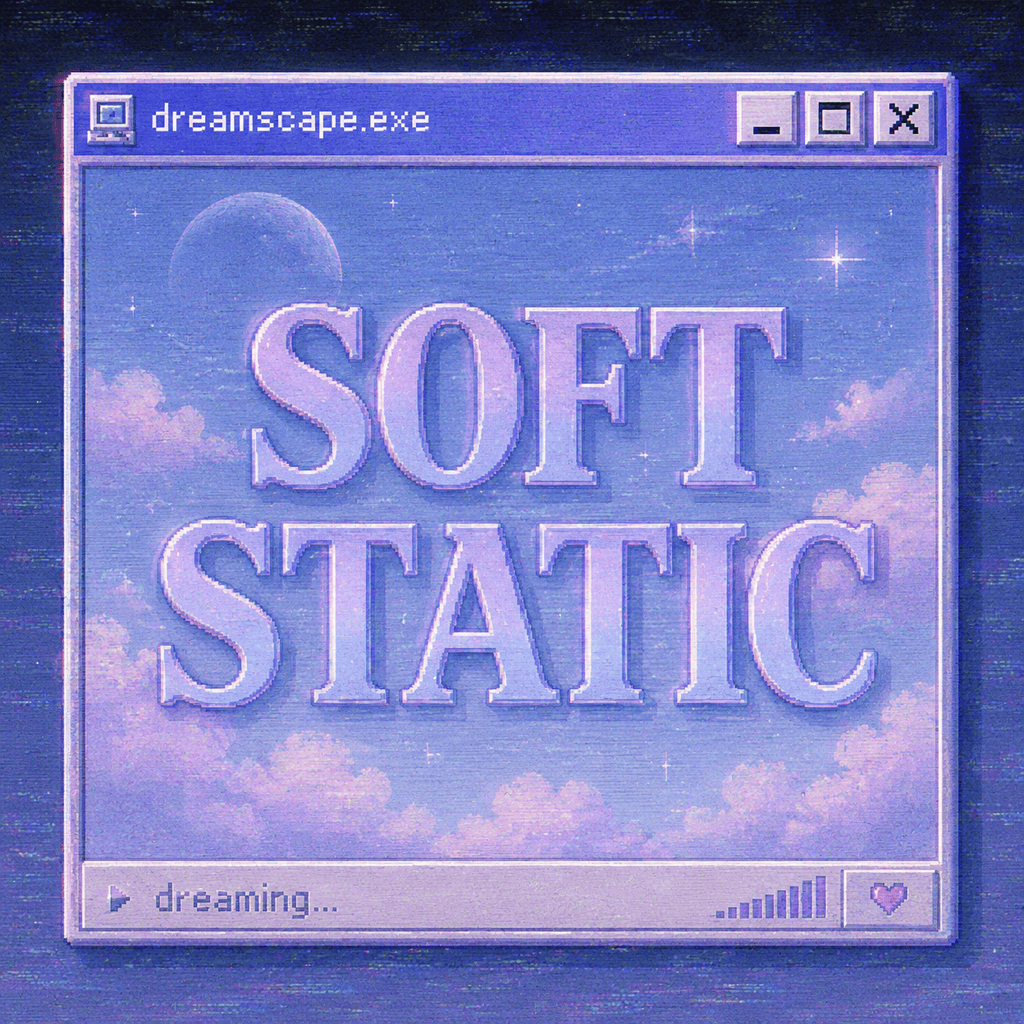
Design an aesthetic text logo for "Soft Static", pastel blue and lavender type, VHS grain, old computer window frame, dreamy mallsoft mood.
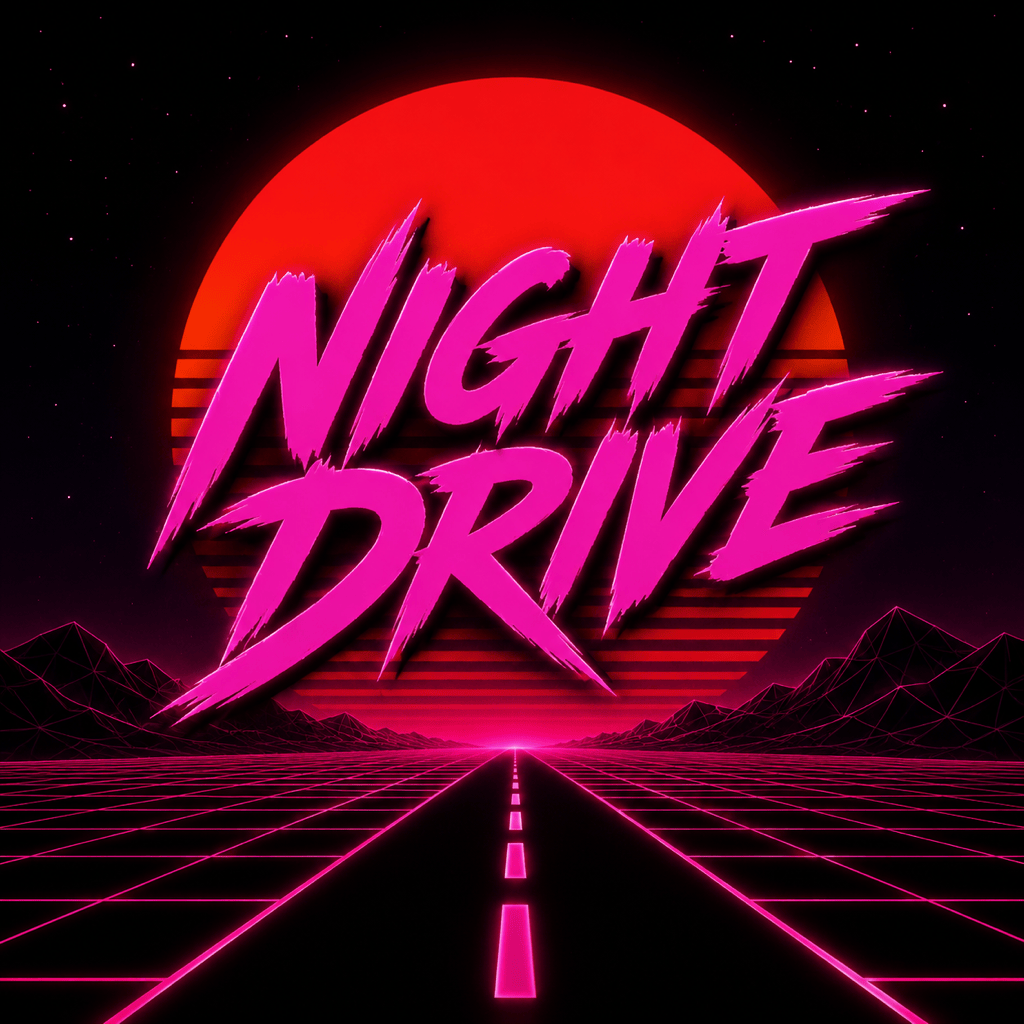
Make synthwave banner text "Night Drive" with red-orange sun disc, black grid road, sharp magenta lettering, 16:9 streamer header.
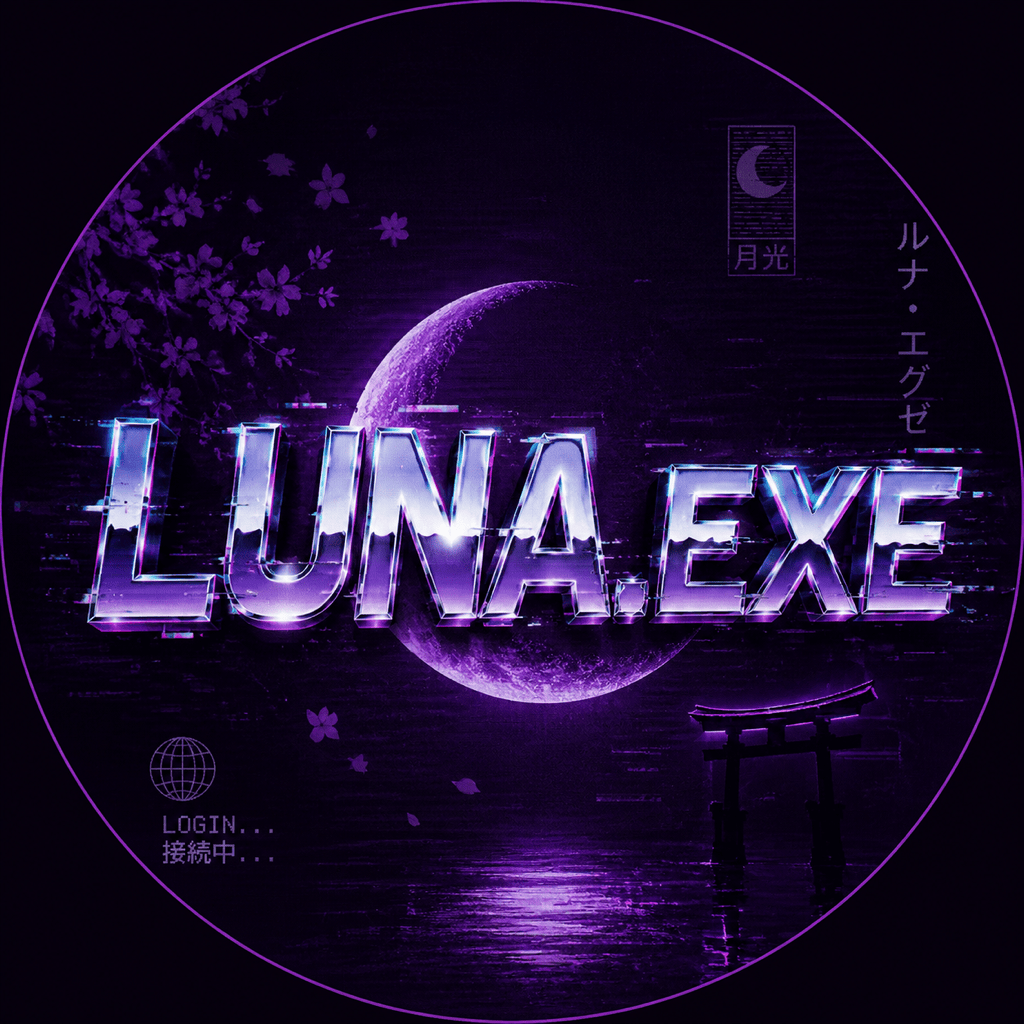
Generate vaporwave username text "Luna.exe", glitchy chrome letters, Japanese-inspired small accents, dark purple background, profile avatar crop.
Create retro 80s text effect for "Arcade Afterhours", bold chrome bevel, neon outline, checkerboard floor, high-contrast poster title.
Make transparent-background vaporwave font art spelling "Digital Dreams", pastel gradient fill, subtle scanlines, clean edges for overlay use.