Free OnlineAI Typography Generator
How to Create Typography Designs with AI
Write the Exact Text
Set Type Personality and Hierarchy
Generate Lettering Variations
Refine Spacing and Export

Why Use Mew Design for AI Typography
Text-Led Layouts, Not Random Letter Art
Start with exact copy and a clear job. Mew Design builds a composition where the words remain the focal point instead of becoming decorative noise.
Hierarchy You Can Explain
Ask for a dominant title, supporting line, and optional detail. The AI typography generator can separate scale, weight, color, and position so viewers know what to read first.
Pairing, Contrast, and Spacing
Explore a serif with a neutral sans, a condensed display face with a quiet caption, or one family with several weights. Request intentional kerning, tracking, and leading.
Effects That Serve the Message
Try chrome, foil, grain, outline, shadow, neon, collage, or dimensional lettering while keeping the text contrast strong enough for posters, thumbnails, and packaging.
Brand and Reference-Aware Type
Upload a logo, existing wordmark, moodboard, or campaign reference. This online AI font generator can explore a related direction without losing your brand's proportions and tone.
Readable Exports for Real Placements
Generate square, vertical, or wide typography studies for a logo concept, quote poster, album cover, T-shirt, social post, or product mockup, then export PNG, JPG, or PDF.
How to Write an Effective AI Typography Prompt
- Lock the copy: Put names, headlines, slogans, or lyrics in quotation marks and say “no extra words.” Keep long body copy out of a decorative text-effect request.
- Describe the system: Mention hierarchy, font contrast, weight, case, alignment, line length, kerning, tracking, leading, and safe margins instead of listing ten unrelated styles.
- Match the placement: Say logo, book cover, album art, event poster, thumbnail, packaging, T-shirt, or UI hero. Add square, vertical, or wide framing when it changes the layout.
- Edit one variable at a time: Ask Chat Edit to tighten tracking, widen a counter, soften a shadow, correct a letter, or increase contrast. Review the text at the final viewing size before export.
AI Typography Prompts for Logos, Posters, and Social Graphics
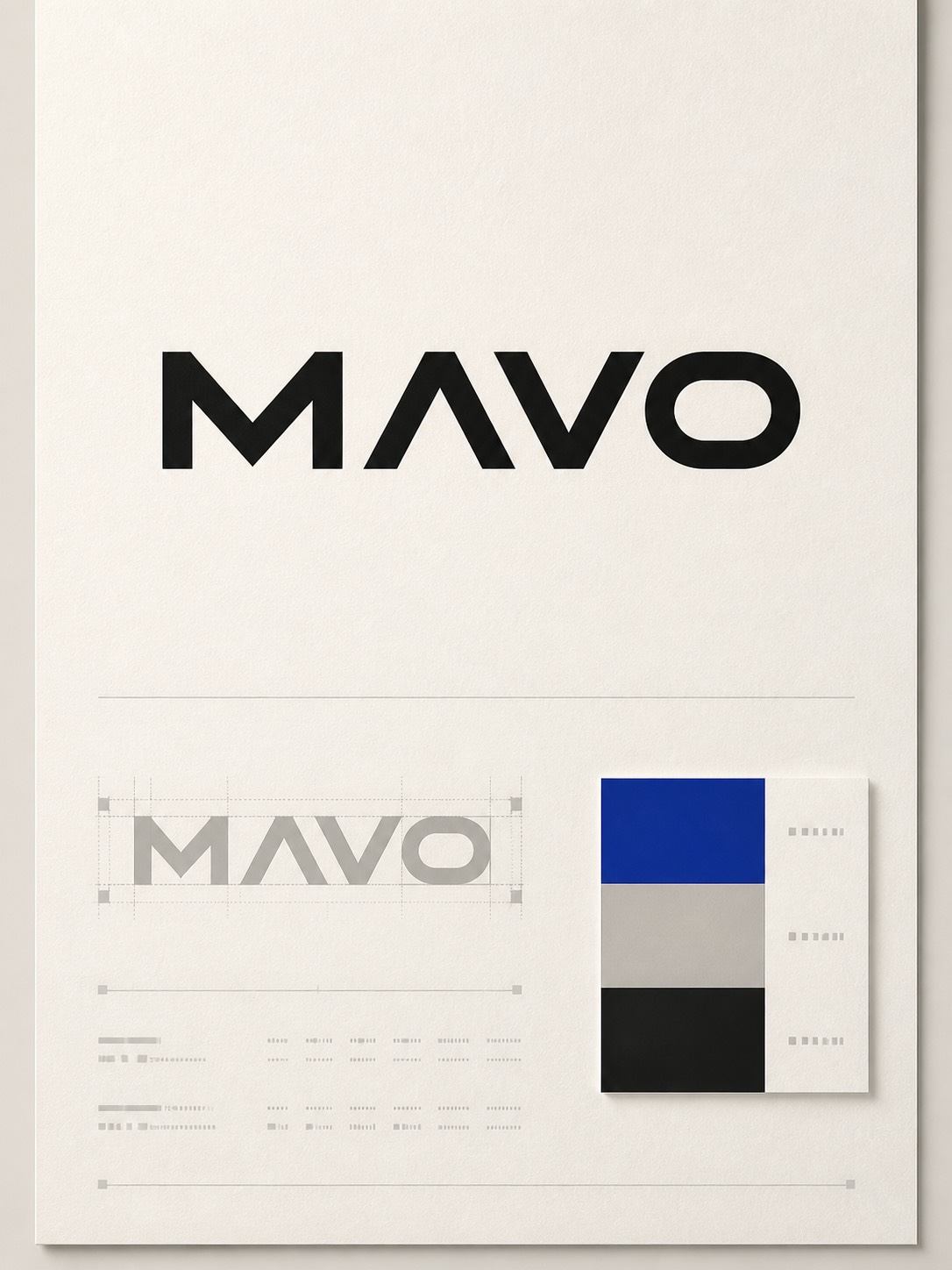
Create a minimalist typography logo for “NORTH & FORM”. Use a geometric sans-serif wordmark, careful optical kerning, black and warm white, a compact horizontal lockup, and no symbol or extra tagline.
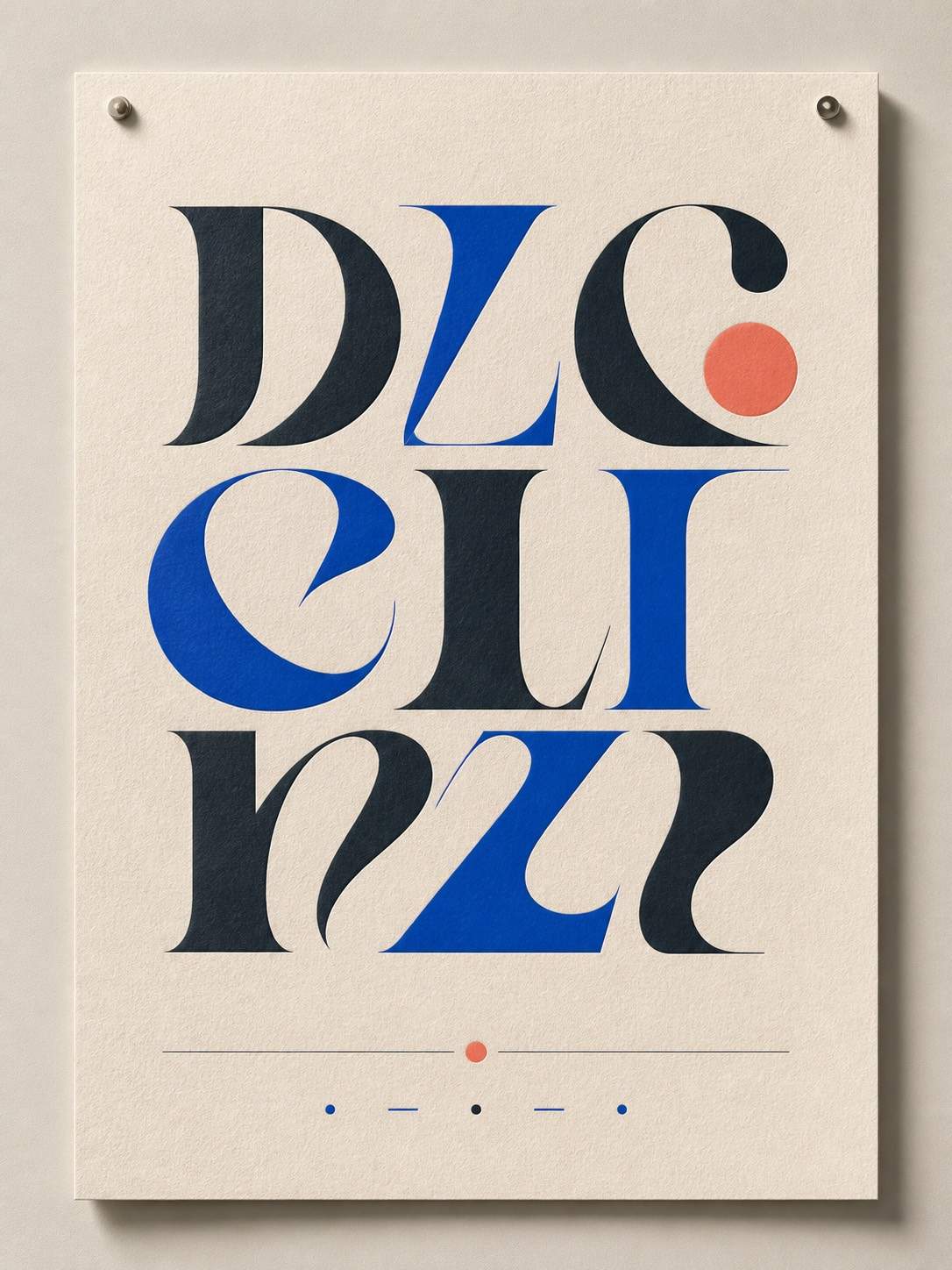
Design a vertical quote poster with the exact words “MAKE ROOM FOR WONDER”. Use a high-contrast editorial serif, oversized first line, small supporting line, generous margins, pale stone paper, cobalt ink, and a clear reading hierarchy.
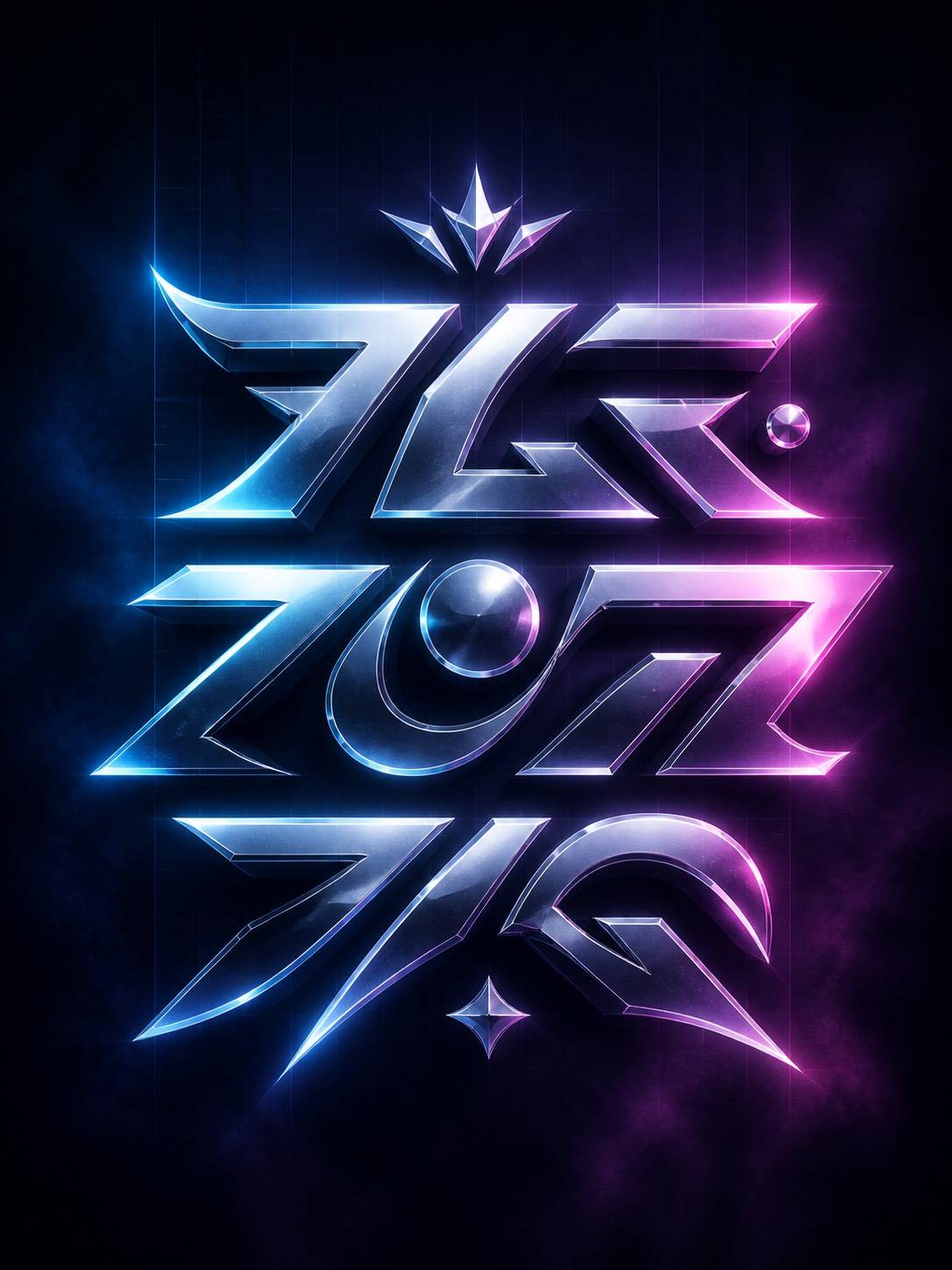
Create a chrome-and-neon title treatment for an original electronic album called “AFTERGLOW”. Use wide uppercase lettering, a dark indigo background, controlled glow, reflective highlights, and no additional artist names or fake credits.
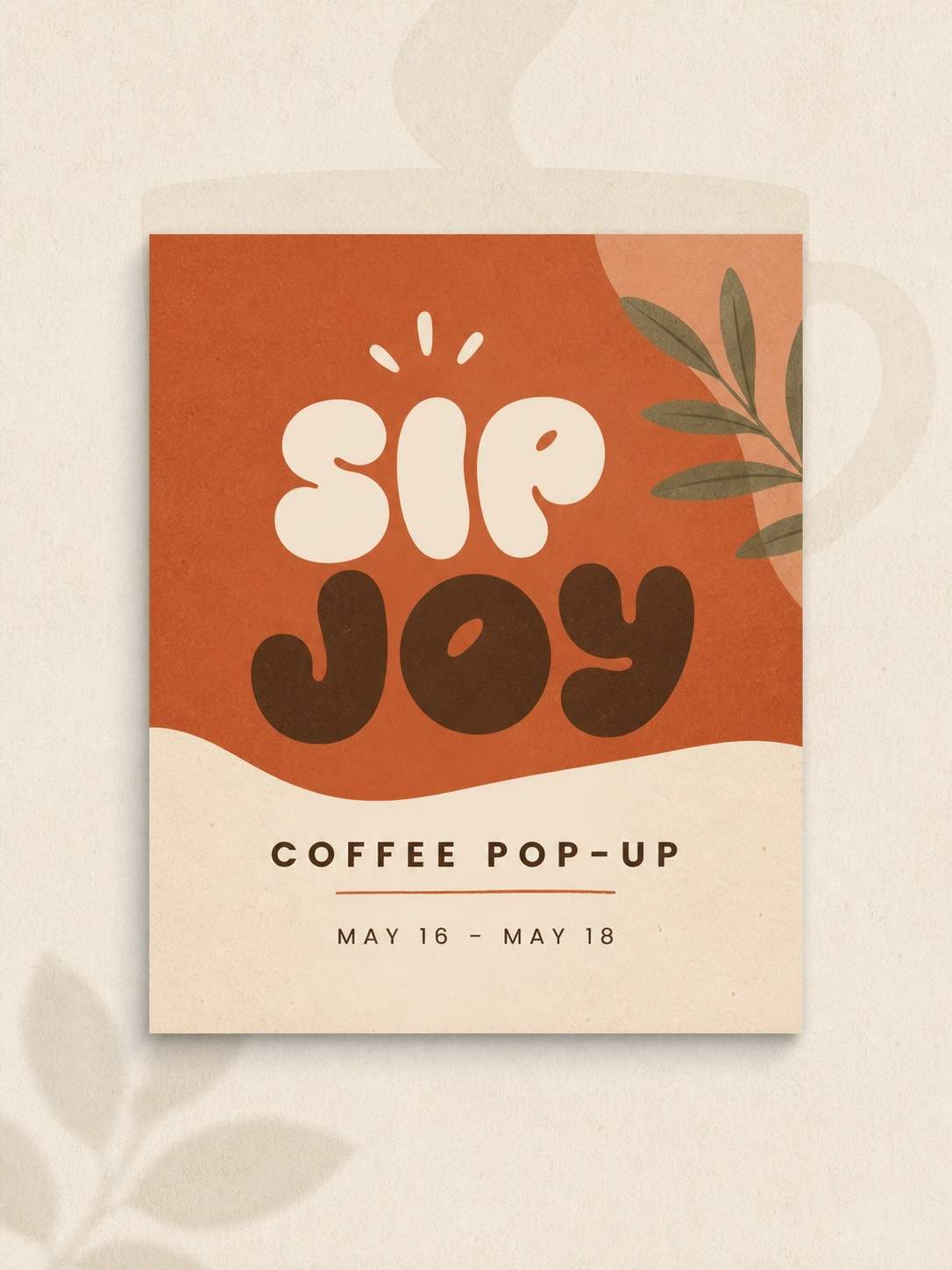
Generate a square social graphic for a coffee pop-up. Put the exact headline “SLOW MORNINGS” in a friendly rounded display type, pair it with a small neutral sans-serif date line, use terracotta and cream, and leave generous breathing room around the text.





