Free OnlineAI Twitter Banner Generator

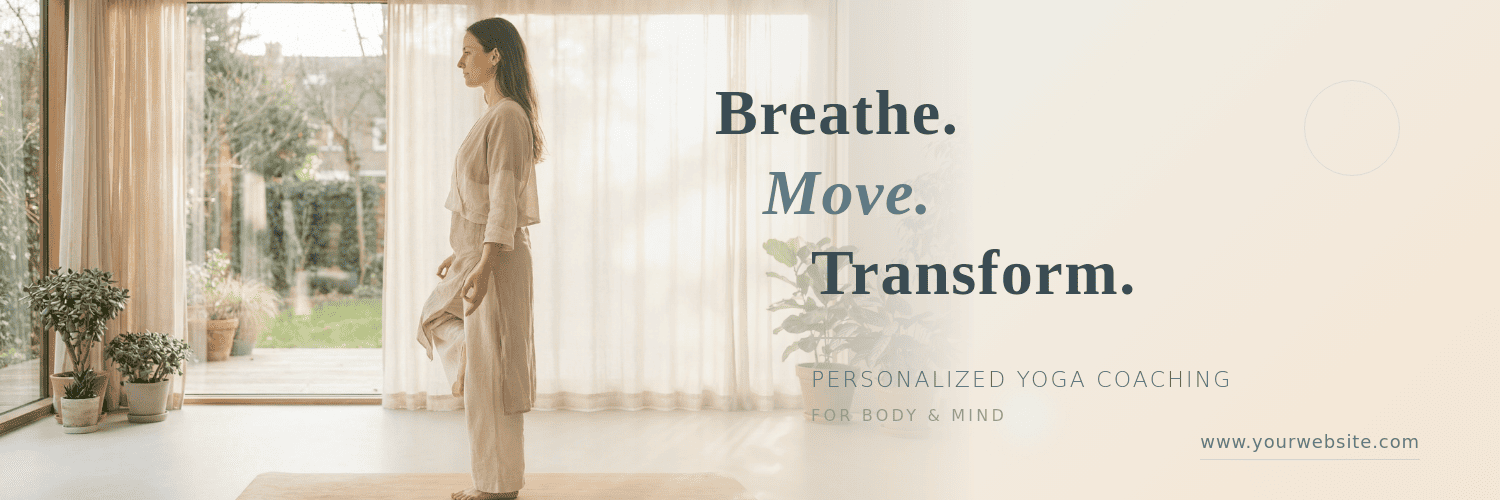
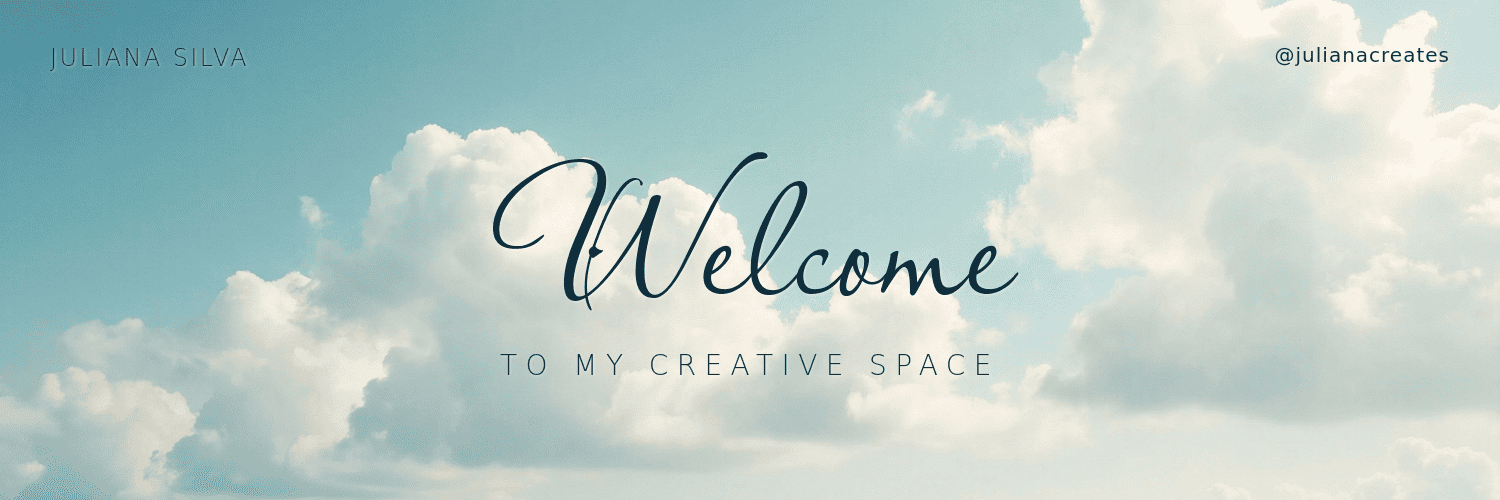
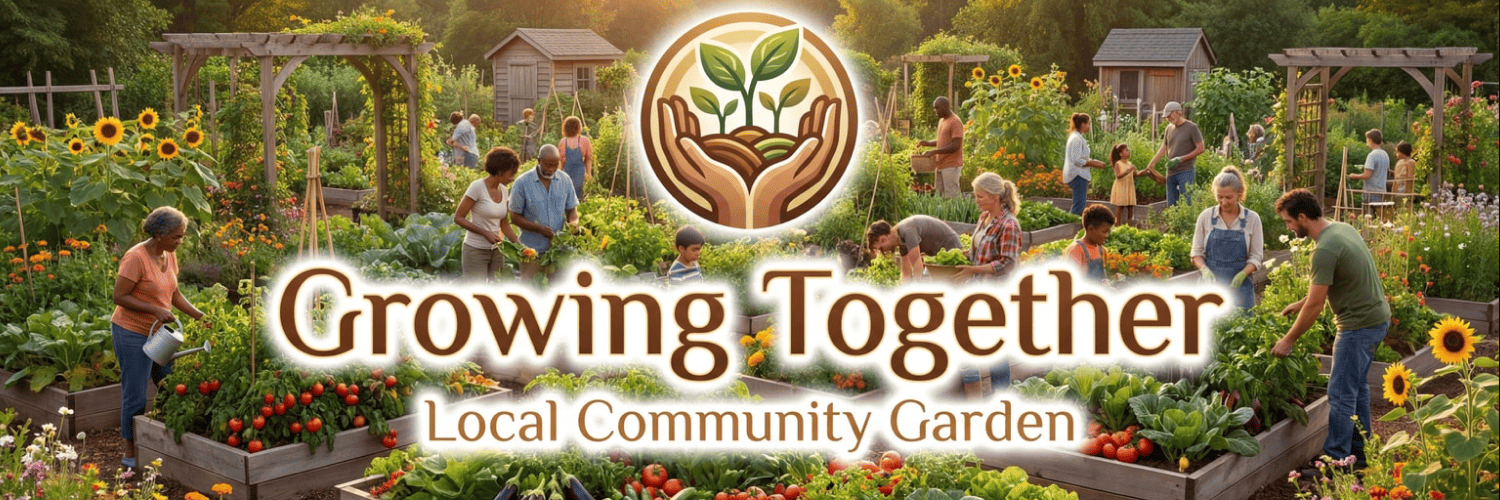
How to Create a Twitter Banner with AI
Input Your Banner Details and Style
AI Generates Your Twitter Banner
Edit and Refine the Design
Download the AI-generated Twitter Banner

Why Choose Mew Design as Your AI Twitter Banner Maker
Profile Picture and UI Awareness
One major challenge in header design is the profile photo covering the bottom-left corner. Our AI Twitter header generator is built with platform-specific safe zones, keeping your text and key visuals visible.
Correct Twitter Banner Size
Mew Design provides Twitter banner preset. Just pick the Twitter Banner in the size setting and the AI agent will automatically generates banners using the correct Twitter banner size (1500 × 500 pixels).
Dual-Mode Editing for Total Control
Experience total creative freedom. You can "Refine" your banner by talking to the AI—asking it to "change the background to a rainy city"—or use the Click Edit to change style, resize, and recolor the text.
Matching Assets for a Unified Profile
Consistency is key to a professional profile. Ask Mew Design to create a matching set of Twitter assets—your header, profile picture, and even post templates—so your feed keeps a unified visual style.
Easy Asset and Headshot Integration
Add portraits, logos, or brand visuals to create a banner that fits your personal brand or company profile. You can also upload a reference image to replicate the style of a masterpiece.
Free to Start
New users can get 50 credits after signup to start using our free AI Twitter banner generator. Upgrade only if you need HD exports or more credits.
How to Write a Good Prompt for AI Twitter Banner Creation
- Define the Niche: Start with terms like Crypto/Web3, Photography, E-commerce, or Personal Blog.
- Specify the Safe Zone: Tell the AI to "keep the left side clear" to accommodate the profile picture.
- Define the Aesthetic: Use descriptive terms like Cinematic, Retro-futuristic, Clean Minimalist, or Matte Professional.
- Mention Your Goal: If you want to drive traffic, ask the AI to "make the website URL a focal point on the right side."
AI Twitter Banner Prompt Examples You Can Modify and Use
For Gaming and Streamers: Design a high-energy twitter banner for a streamer. Visual: A futuristic gaming setup with neon purple lighting. Text: 'Live Every Sunday'. Style: Bold and modern. Ensure the bottom-left is empty for the profile photo.
For Professional Services: Create a clean, authoritative Twitter header for a legal consultant. Style: Traditional with navy blue and cream tones. @[Upload Logo] to be placed in the top right. Typography: Classic serif.
For Travel and Photography: Generate an adventure-themed Twitter header. Visual: A panoramic mountain range at sunrise. Style: Inviting and vast. Center the text '[Your Name] | Travel Photography'.
For Personal Branding: Design a minimalist Twitter banner. Background: Textured white paper. Style: Clean and elegant. Text in the center: '[Your Slogan]'. Use a modern sans-serif font.
For E-commerce/Sales: Create a promotional header for a boutique brand. Style: Aesthetic with soft pink tones. Visual: A flat-lay of lifestyle products. Text: 'Spring Collection Now Live'. Include website URL on the right.
For Community Organizations: Generate a Twitter header for a non-profit. Visual: Abstract silhouettes of people holding hands. Style: Friendly and approachable. [Upload Organization Logo]. Style: Clean and professional.





