Reframe Your Living Room with anAI TV Stand Background Generator
How to Redesign the Wall Behind a TV Stand with AI
Photograph the Whole Media Wall
Separate Fixed Elements from Ideas
Build the Wall Around Real Needs
Stress-Test One Decision at a Time

A Media Wall Concept That Still Belongs to Your Room
Change the Wall, Not the Whole House
Upload a permitted room photo and define a tight edit boundary. The AI can restyle the TV stand background while preserving the sofa, floor, television, windows, camera position, and any furniture you plan to keep.
See Material Relationships Before You Buy
Compare oak slats, fluted panels, microcement, painted arches, stone, acoustic felt, or simple wallpaper against the same floor and console. A consistent view makes warm and cool finishes easier to judge.
Give Every Box and Cable a Place
A believable TV unit design includes more than a decorative panel. Ask for closed media storage, an open soundbar shelf, ventilation gaps, cable routes, outlet access, and clear doors or drawers.
Keep Small Rooms Visually Light
This online AI TV unit design generator can test shallow cabinets, floating profiles, pale finishes, off-center compositions, and reduced shelving without crowding a compact living room.
Bring a Finish Reference, Not a Blueprint
Upload a reference image for joinery rhythm, material character, or palette. Mew Design uses it as visual direction while adapting the concept to your wall instead of copying another room wholesale.
Compare Alternatives from One Viewpoint
Generate related variations for a fair comparison: floating versus freestanding, open versus closed storage, bright versus moody, or wood versus stone. Free signup credits let you test directions, and finished exports are watermark-free.
Prompt the Wall Like a Room, Not a Mood Board
- Lock the room geometry: Name the wall edges, TV size, stand type, window and door positions, floor, camera angle, and every element that must remain unchanged.
- Specify the surface system: Choose paint, timber slats, stone, plaster, wallpaper, acoustic felt, or mixed panels. Add finish, grain direction, joint spacing, and color temperature.
- Account for equipment: List the soundbar, router, receiver, game console, speakers, books, and décor. Ask for cable access, ventilation, and realistic storage rather than empty decorative boxes.
- Ask for a decision view: Choose daylight, evening, or both; request one material change per variation; and keep the same viewpoint so you can compare options fairly.
Six TV Stand Background Ideas for Real Rooms
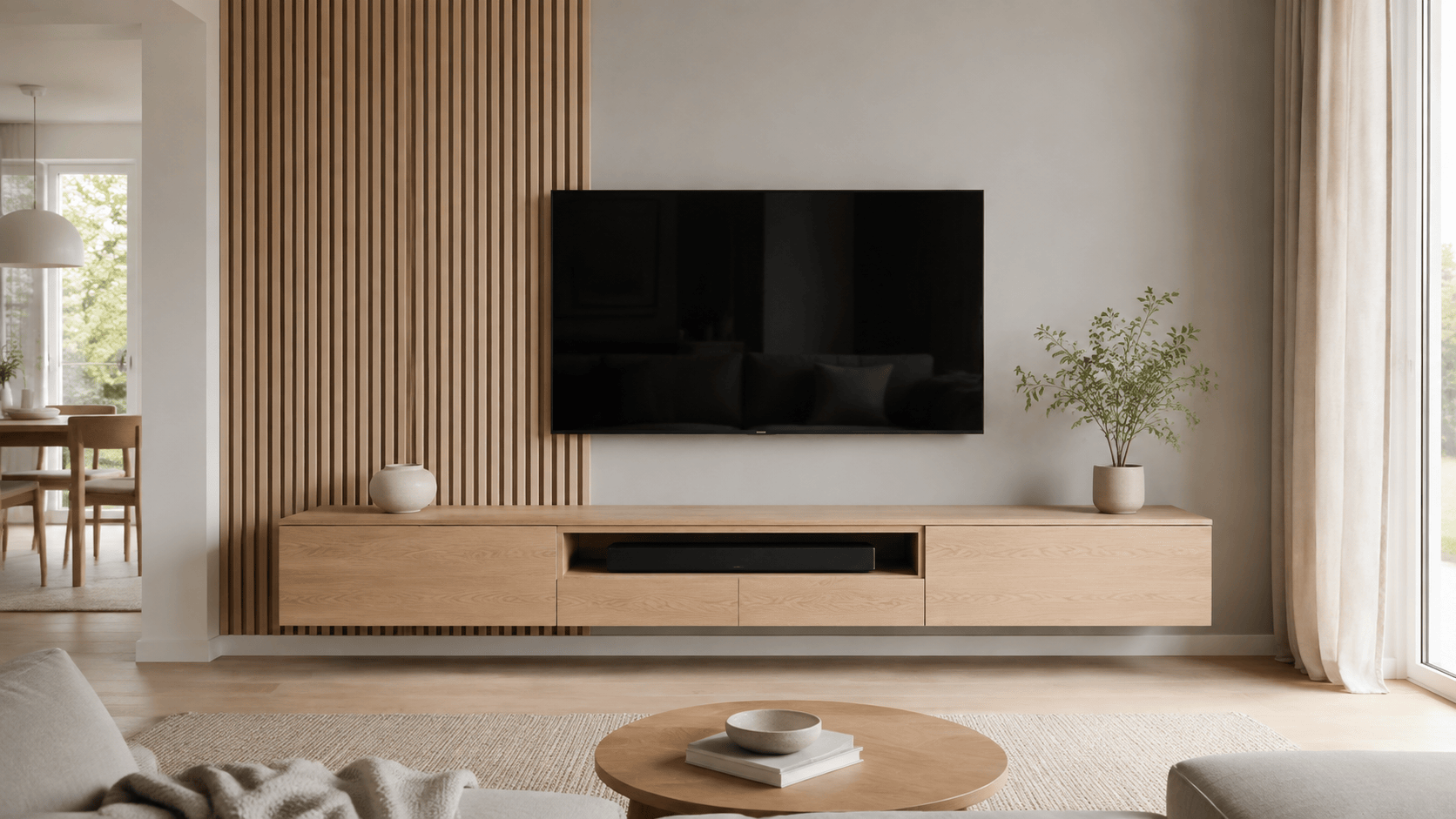
Small apartment — Redesign the wall behind @[living room photo] for a compact 11-foot-wide room. Keep the TV, light-oak floor, sofa, and camera angle unchanged. Add a shallow floating white-oak console, a pale warm-gray wall, one vertical slatted section behind the left half of the screen, concealed cables, and no upper cabinets. Bright daylight, realistic proportions, uncluttered floor, no fireplace or extra furniture.
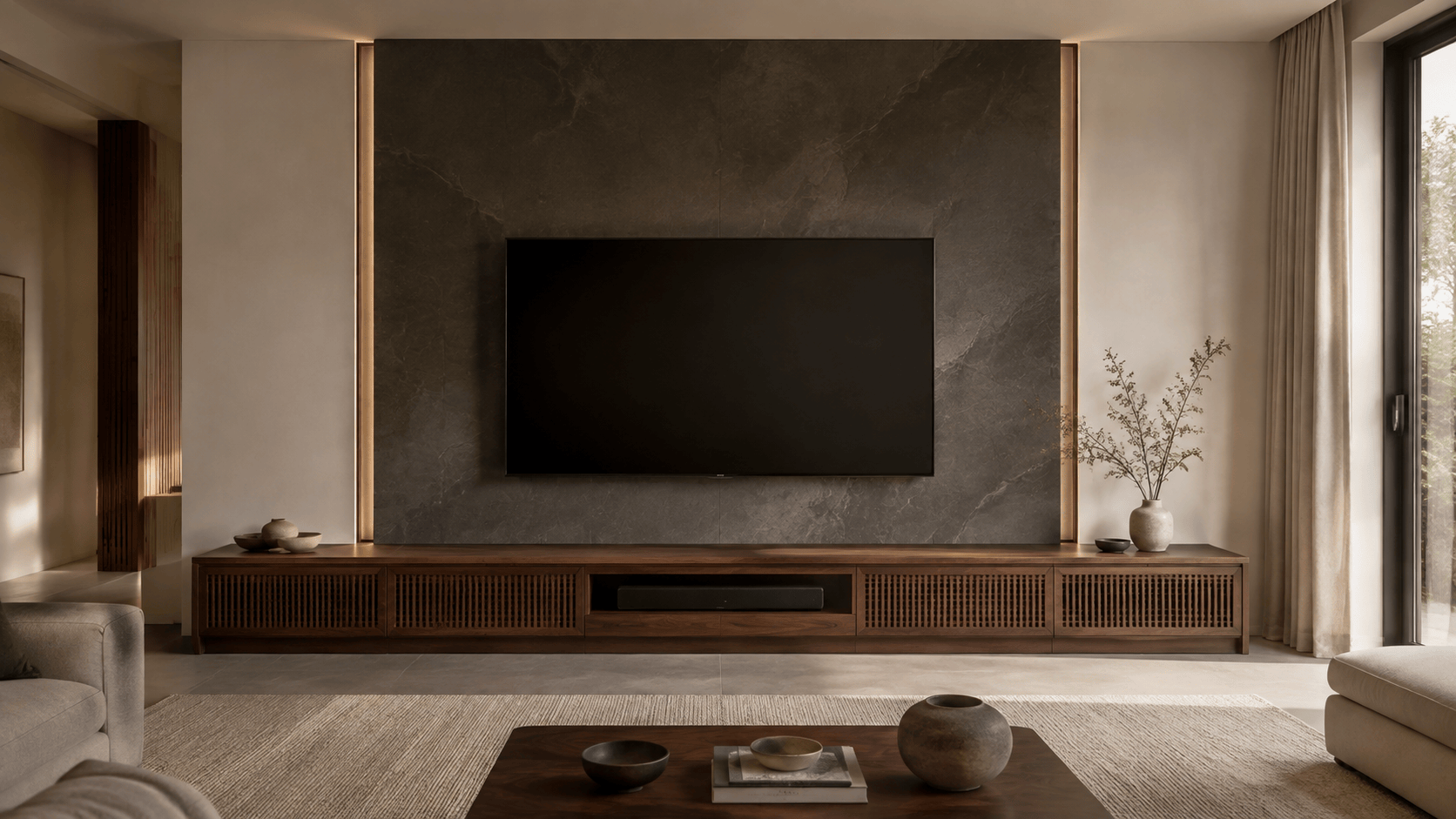
Luxury stone wall — Create a refined 16:9 media wall concept with a wall-mounted 75-inch TV, honed charcoal limestone panel, long low walnut cabinet, narrow bronze shadow gaps, and restrained warm backlighting. Include an open soundbar niche and closed ventilated storage. Keep the rest of the contemporary room neutral; no glossy marble, oversized décor, text, or visible wires.
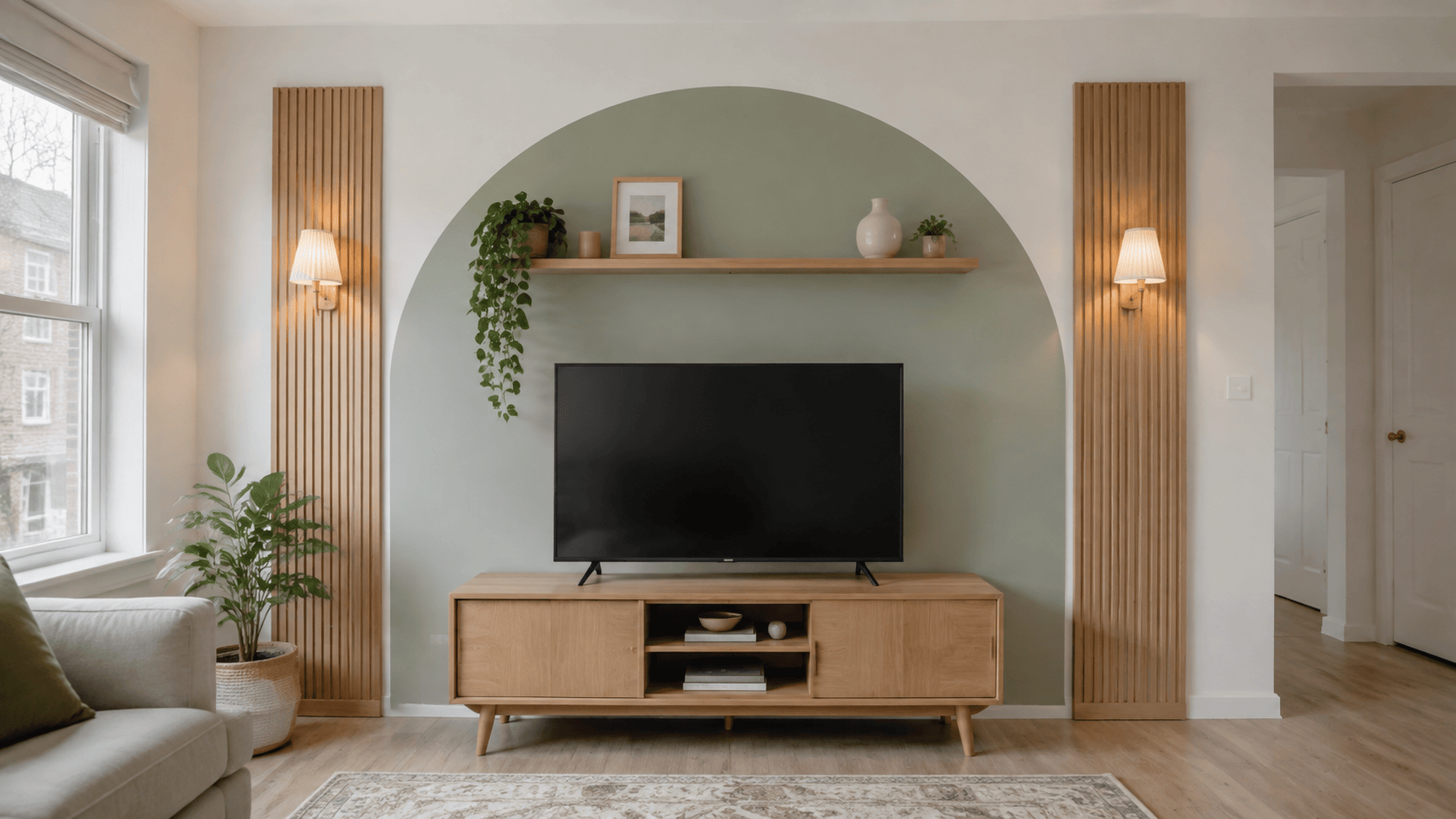
Renter-friendly update — Transform only the background behind @[rental living room photo]. Preserve the freestanding TV stand, television, white wall, flooring, outlets, and all architecture. Add a removable muted-sage painted arch effect, two peel-and-stick oak-look side panels, one lightweight picture ledge, and plug-in warm lamps with visible but tidy surface raceways. No drilling, built-ins, or structural changes.
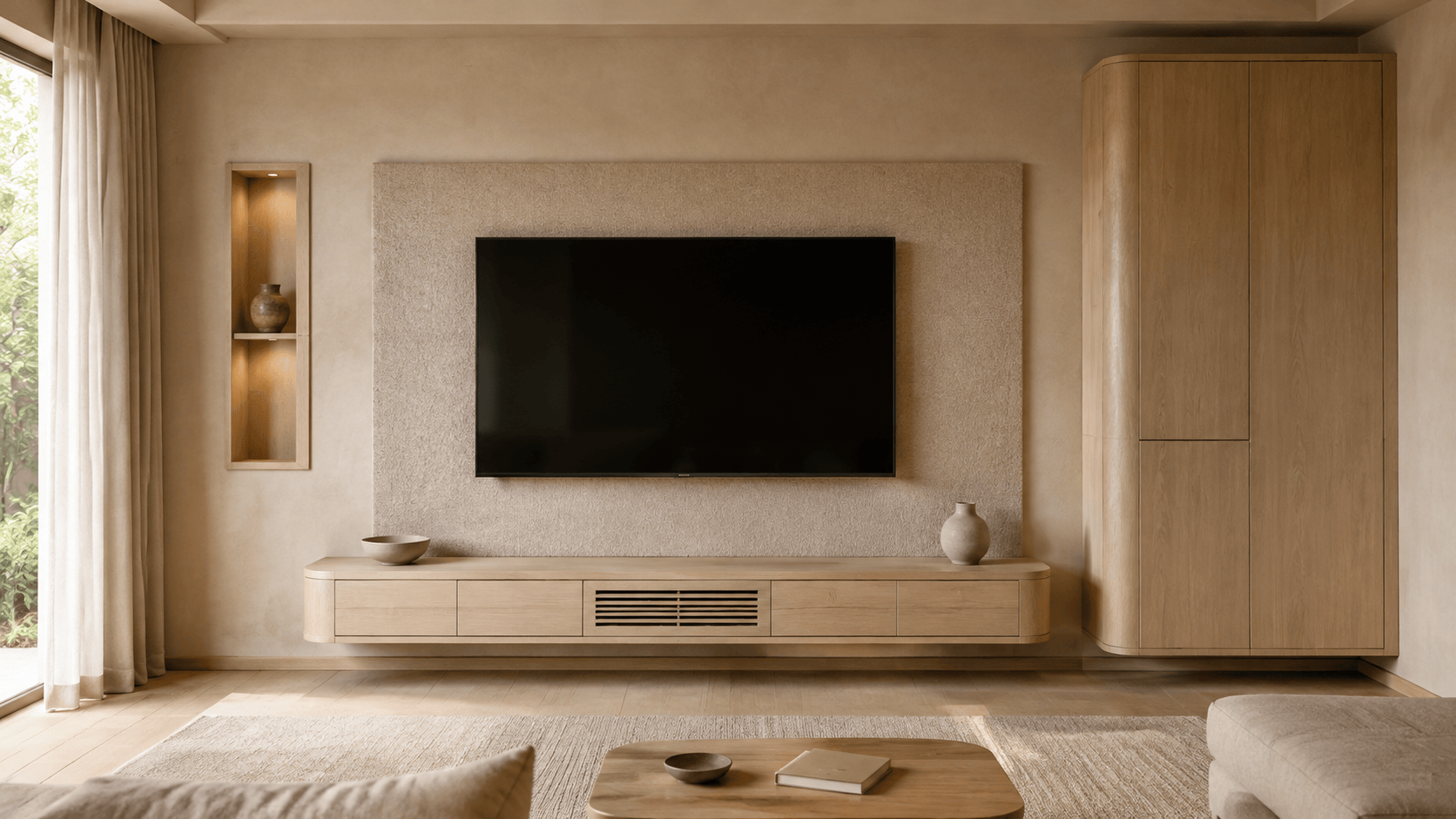
Japandi storage wall — Design a calm Japandi TV unit with a low floating ash cabinet, asymmetrical closed storage on one side, warm-beige acoustic felt behind the screen, one recessed display niche, rounded cabinet corners, and minimal ceramic décor. Soft natural light, balanced negative space, realistic joinery, concealed cables, no fireplace, busy shelving, or dark glossy finishes.
Coastal family room — Restyle the TV stand background in a bright family living room using soft limewash, pale oak, woven cabinet fronts, and two simple side shelves. Keep toy storage closed, leave the soundbar unobstructed, and preserve a clear walkway. Airy coastal palette without nautical signs, shells, words, or excessive blue.
Dark gaming media wall — Create a practical dark media wall for a gaming setup with matte graphite acoustic panels, a black floating console, ventilated compartments for two consoles and a router, subtle indirect amber light, and clean cable access. Keep the TV area calm enough for comfortable viewing; no RGB rainbow glow, logos, text, posters, or exposed wires.





